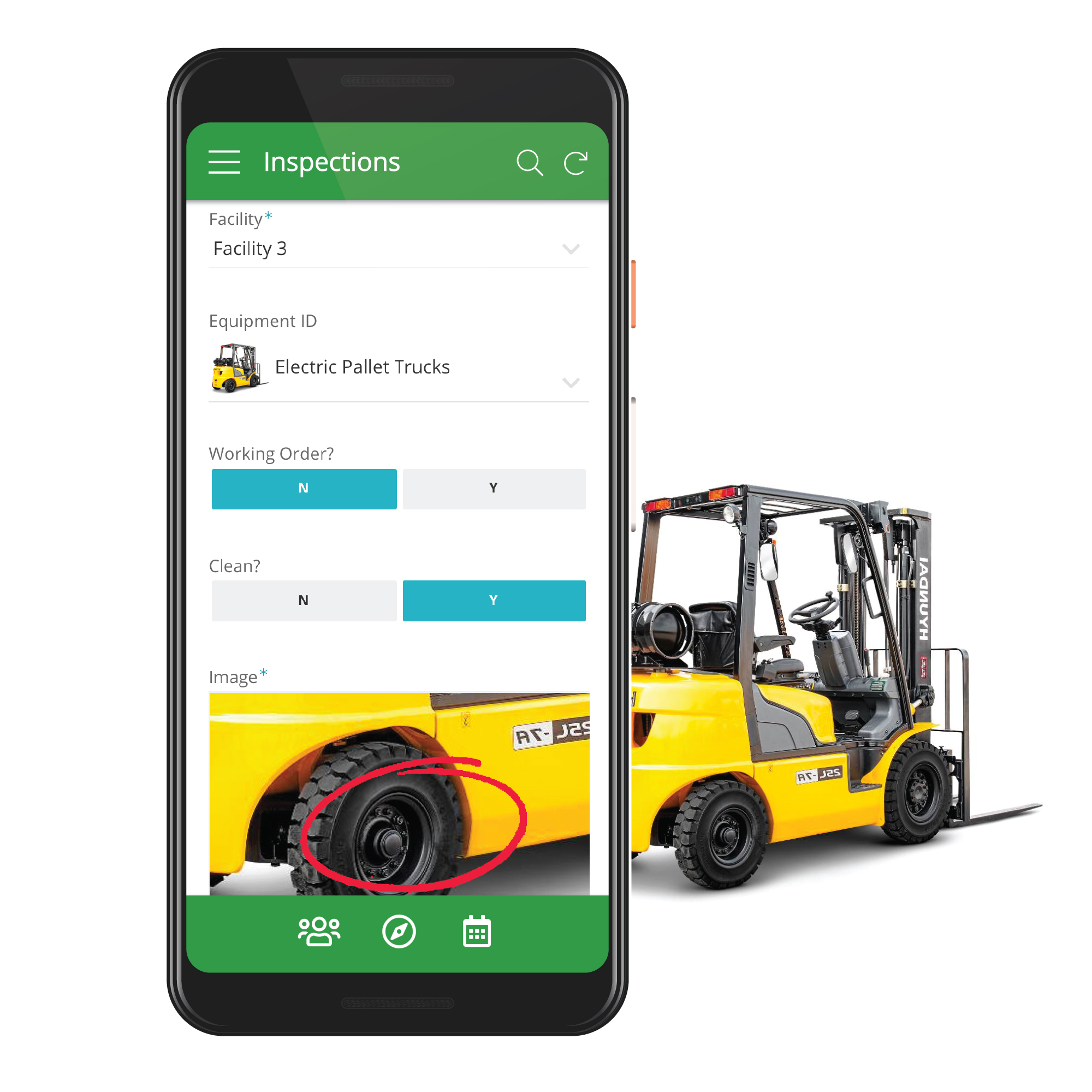
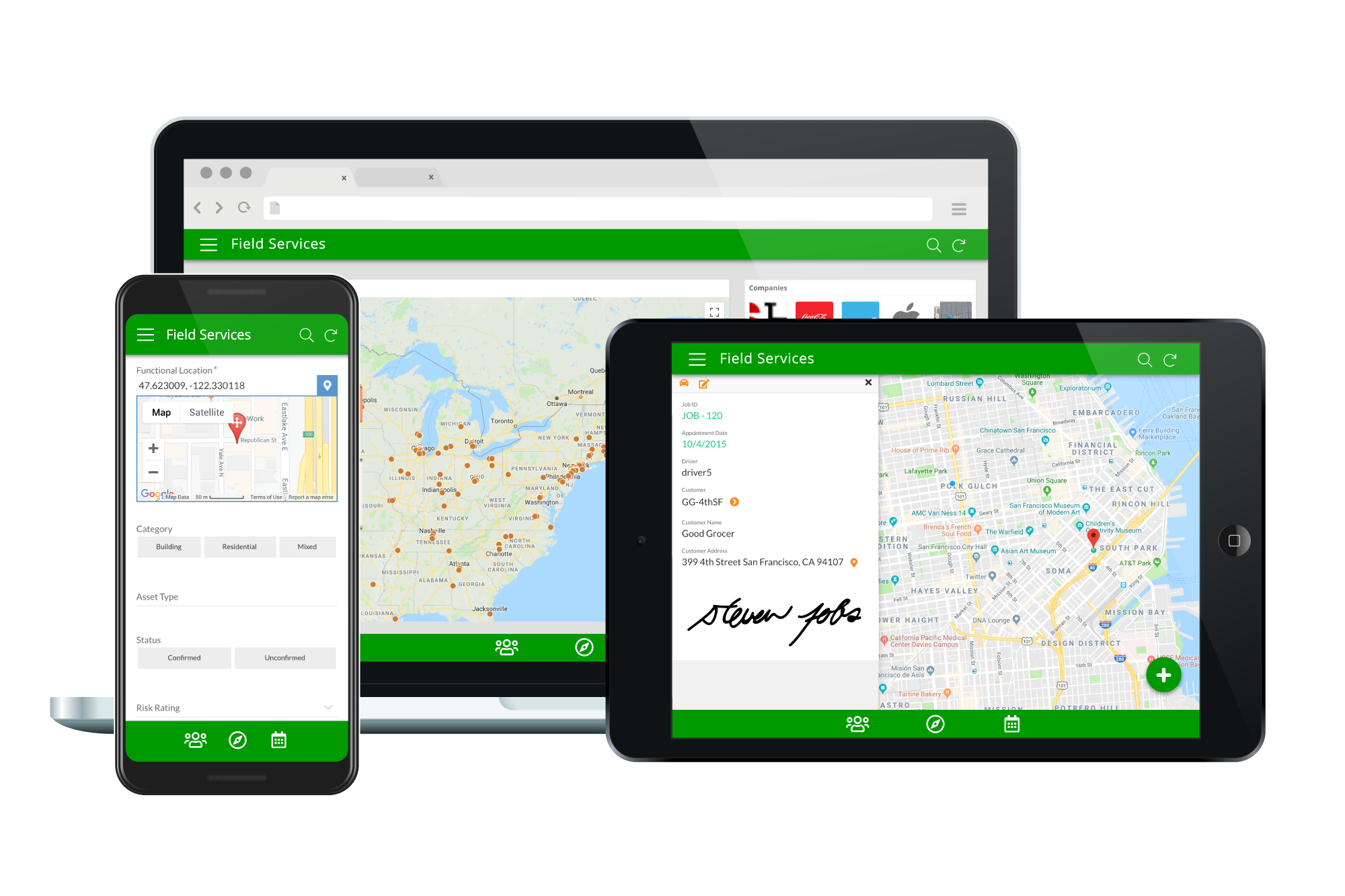
Acquired by Google in Spring 2020, AppSheet is an intelligent, no-code app platform for everyone. Users can create apps to transform the workplace. Common use cases include field service, transportation, customer surveys, incident reports, field data capture, compliance reports, delivery tracking, and property surveys. Used by the Fortune 500 & Industry Leaders Customers include Clearlink, Enterprise Holdings, ESPN, Pepsi, the University of Michigan, and the State of…
$5
per user/per month
Google Compute Engine
Score 8.6 out of 10
N/A
Google Compute Engine is an infrastructure-as-a-service (IaaS) product from Google Cloud. It provides virtual machines with carbon-neutral infrastructure which run on the same data centers that Google itself uses.
$0
per month GB
Pricing
AppSheet
Google Compute Engine
Editions & Modules
Premium
$5.00
per user/per month
Pro
$10.00
per user/per month
Business
Contact sales team
Enterprise
Contact sales team
Preemptible Price - Predefined Memory
0.000892 / GB
Hour
Three-year commitment price - Predefined Memory
$0.001907 / GB
Hour
One-year commitment price - Predefined Memory
$0.002669 / GB
Hour
On-demand price - Predefined Memory
$0.004237 / GB
Hour
Preemptible Price - Predefined vCPUs
0.006655 / vCPU
Hour
Three-year commitment price - Predefined vCPUS
$0.014225 / CPU
Hour
One-year commitment price - Predefined vCPUS
$0.019915 / vCPU
Hour
On-demand price - Predefined vCPUS
$0.031611 / vCPU
Hour
Offerings
Pricing Offerings
AppSheet
Google Compute Engine
Free Trial
Yes
Yes
Free/Freemium Version
Yes
Yes
Premium Consulting/Integration Services
Yes
No
Entry-level Setup Fee
No setup fee
No setup fee
Additional Details
Personal apps and prototype are always free to build. Don't pay until you're ready to deploy.
What can I do for free?
Use the complete set of AppSheet features for free while building one or many app prototypes (for as long as you like). Invite up to 10 users for free to use your apps & share feedback.
How do Business Subscription pricing work?
Business Subscriptions enable a suite of performance & management features for organizations with cross-departmental app creators, and pricing is based on each unique requirements. Connect with the AppSheet team at solutions.appsheet.com/contact to learn more.
Prices vary according to region (i.e US central, east, & west time zones). Google Compute Engine also offers a discounted rate for a 1 & 3 year commitment.
More Pricing Information
Community Pulse
AppSheet
Google Compute Engine
Features
AppSheet
Google Compute Engine
Low-Code Development
Comparison of Low-Code Development features of Product A and Product B
AppSheet
8.5
65 Ratings
1% above category average
Google Compute Engine
-
Ratings
Visual Modeling
7.559 Ratings
00 Ratings
Drag-and-drop Interfaces
9.11 Ratings
00 Ratings
Platform Security
10.061 Ratings
00 Ratings
Platform User Management
8.560 Ratings
00 Ratings
Reusability
8.062 Ratings
00 Ratings
Platform Scalability
8.057 Ratings
00 Ratings
Infrastructure-as-a-Service (IaaS)
Comparison of Infrastructure-as-a-Service (IaaS) features of Product A and Product B
If you need to manage special assets with unique characteristics and keep data in spreadsheets, Appsheet is ideal for replacing these sheets with a system. Once you start using it, you find yourself trying to move everything into Appsheet. It is perfect for generating internal software that would otherwise never be developed due to programming costs.
You can use Google Cloud Compute Engine as an option to configure your Gitlab, GitHub, and Azure DevOps self-hosted runners. This allows full control and management of your runners rather than using the default runners, which you cannot manage. Additionally, they can be used as a workspace, which you can provide to the employees, where they can test their workloads or use them as a local host and then deploy to the actual production-grade instance.
Calculations - I have several apps that do some pretty complicated calculations, and decision making to build things like Shopping Lists for a Kanban assembly team, where the app will help a stocker determine whats low in a kanban assembly line stock box.
Document generation and record keeping - I have an app that users digitally sign and receive PDF contracts, and the system automatically records all records from the transaction. Everything is held in files on YOUR OWN DRIVE (Google Drive) so when you're done with the project or AppSheet you DONT loose your data.
Client/Customer Management - I follow the old school "Swimming with Sharks" model for client retention and customer engagement, and have built several small customer tracking tools for local businesses. This tool is limited ONLY by your imagine and desire to learn.
Scaling - whether it's traffic spikes or just steady growth, Google Compute Engine's auto-scaling makes sure we've got the compute power we need without any manual juggling acts
Load balancing - Keeping things smooth with that load balancing across multiple VMs, so our users don't have to deal with slow load times or downtime even when things get crazy busy
Customizability - Mix and match configs for CPU, RAM, storage and whatnot to suit our specific app needs
Once the tables / UX Views get way too many in number, it can become a little daunting to manage. This part of the UX may need something really smarter.
Ability to Undo.
Could provide more UI Look and Feel options. BTW, the new Graphs look great, but have some bugs, while the new INPUT() feature is a great addition too.
Its pretty good, easy and good performance. Also, interface is very good for starters compared to competitors. Infra as Code (IaC) using Terraform even added easiness for creation, management and deletion of compute Virtual Machines (VM). Overall, very good and very easy cloud based compute platform which simplified infrastructure, very much recommend.
It's just great. The usability is the best thing about Appsheet. You must choose which things will really be used later. You have to be careful of not generating something too big and then it feels like something that need to be learned. This is something that resolve problems, but you had to be able to think before doing. It will not solve problems itself. You need to find the problem, think a solution, and then use appsheet to make this solution a reality
Having interacted with several cloud services, GCE stands out to me as more usable than most. The naming and locating of features is a little more intuitive than most I've interacted with, and hinting is also quite helpful. Getting staff up to speed has proven to be overall less painful than others.
Google Compute Engine works well for cloud project with lesser geographical audience. It sometimes gives error while everything is set up perfectly. We also keep on check any updates available because that's one reason of site getting down. Google Compute Engine is ultimately a top solution to build an app and publish it online within a few minutes
It works great all the time except for occasional issues, but overall, I am very happy with the performance. It delivers on the promise it makes and as per the SLAs provided. Networking is great with a premium network, and AZs are also widespread across geographies. Overall, it is a great infra item to have, which you can scale as you want.
AppSsheet has a support group and they show videos to help app builders. Though I have truck drivers' hours and can't join the webinars. Support groups with better assists me on a Saturday evening or a Sunday that I have time off. It's hard to watch videos driving down the highway.
The documentation needs to be better for intermediate users - There are first steps that one can easily follow, but after that, the documentation is often spotty or not in a form where one can follow the steps and accomplish the task. Also, the documentation and the product often go out of sync, where the commands from the documentation do not work with the current version of the product.
Google support was great and their presence on site was very helpful in dealing with various issues.
The ease that AppSheet provides to the developer is limitless. Before starting with AppSheet I used other software, but they didn't give me the tools at my fingertips. When I learned about AppSheet and everything it could do, I understood that it was what I was looking for, the ease with which everything is related within the app with a few clicks is impressive.
Google Compute Engine provides a one stop solution for all the complex features and the UI is better than Amazon's EC2 and Azure Machine Learning for ease of usability. It's always good to have an eco-system of products from Google as it's one of the most used search engine and IoT services provider, which helps with ease of integration and updates in the future.
A good impact in general at the beginning since the free version allows great development so the investment in the implementation is of knowledge and time.
As a consultant I have expanded my services through this platform including new low code application building services.