The Apryse PDF SDK (formerly PDFTron) enhances software applications with dynamic document viewing, annotation, processing, and conversion capabilities, as well as features such as document understanding, data extraction, and redaction. The SDK supports PDF, Word documents, CAD drawings, and also includes a video SDK.
N/A
PDF Studio
Score 9.1 out of 10
N/A
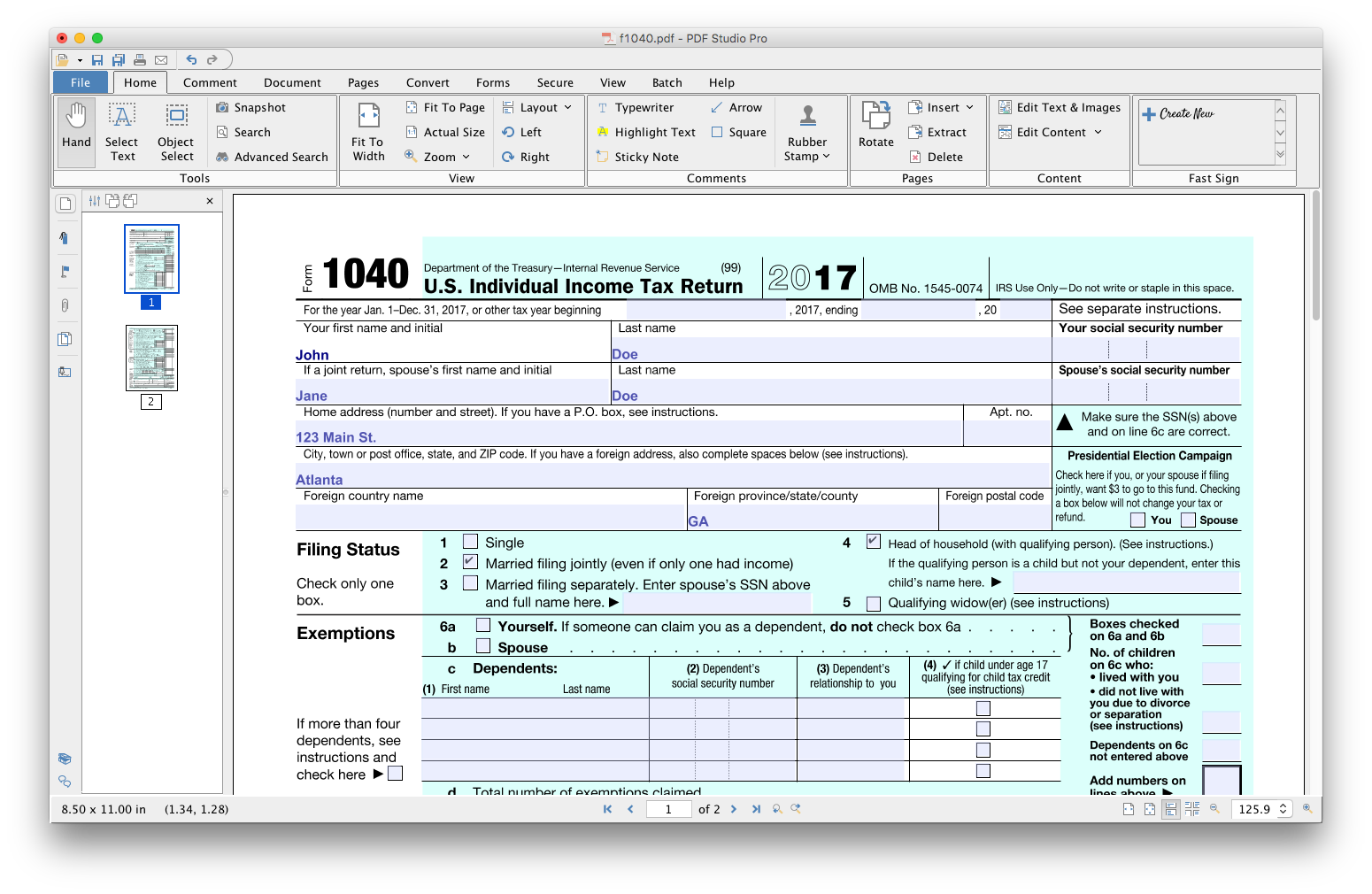
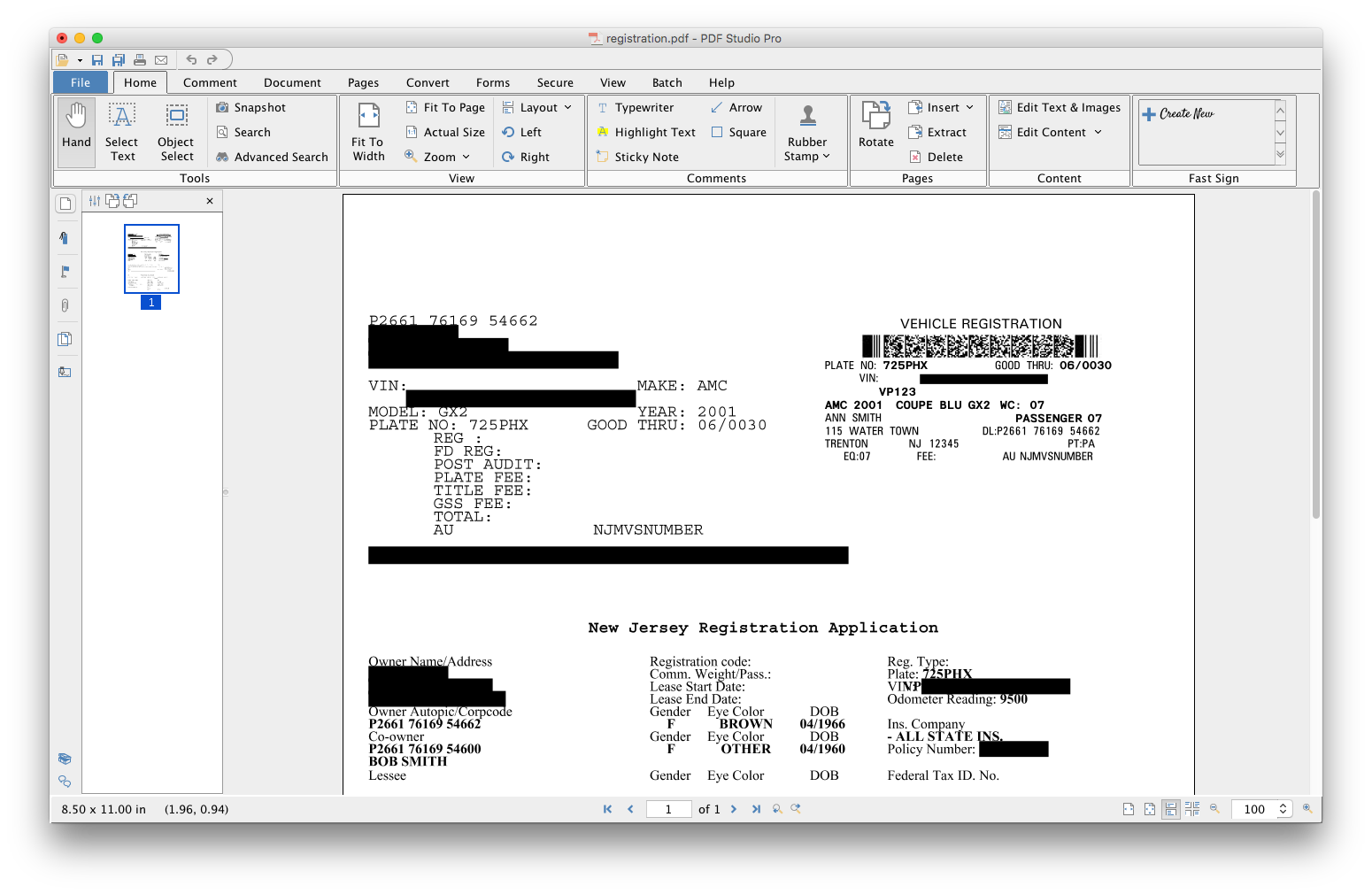
PDF Studio is a PDF editor that aims to provides all PDF features needed at a low cost. PDF Studio maintains full compatibility with the PDF Standard. Users can: Create PDFs from Scan, MS Word, Text and Images Annotate PDFs with Comments & Text Markups Create, Fill In & Save PDF Forms Secure Documents with Passwords and Permissions Merge, Split & Assemble Documents Apply Watermarks, Headers and Footers Create Bookmarks / Table…
N/A
Pricing
Apryse PDF SDK
PDF Studio
Editions & Modules
No answers on this topic
No answers on this topic
Offerings
Pricing Offerings
Apryse
PDF Studio
Free Trial
No
Yes
Free/Freemium Version
No
No
Premium Consulting/Integration Services
No
No
Entry-level Setup Fee
No setup fee
No setup fee
Additional Details
—
Each user license key can be used on 2 computers (for the same user) on any of the supported operating system (Windows, Mac, Linux).
Each user license is perpetual and allows to continue using this major version of our software (version 2018) as long as it works on your operating system. Payment is a one-time fee, with no monthly or yearly subscription or commitment. Any upgrade to future major versions is optional.
PDFTron was our first choice because it was the best solution we could find at the time. it was the most versatile and easiest for us to deploy mostly because of the great support they provided. I had the opportunity to meet with them prior to purchasing and they seemed like a …
PDF Studio doesn't involve an expensive subscription, plus has all the features without the cluttered UI. It is intuitive to use and I prefer it to Adobe Acrobat, Foxit, PDF XChange, AcePDF, and others. Minimal design with refined tools. Frankly, I am just relieved to have a …
The user interface is much easier to work with inside of PDF Studio as compared to Adobe Acrobat. Load time and ease of use is what made me select the product over Foxit Phantom PDF. The price for PDF Studio is extremely competitive and makes it the best alternative towards …
PDFTon is best suited for larger organizations in order to maximize the multiple features and functionality and to justify the cost. The users will need a programmer that can develop solutions to deploy using multiple programming languages. They need to be able to understand how the different types of code can interact. Small organizations would have a hard time justifying the cost and may not have the skill sets to deploy it easily.
PDF Studio is great for slimming down documents when a customer sends a large PDF (RFQ). Often time when performing a task at my job customers will send a request for quotes and the document sent will not be sorted and will just have all of the information they have been given by their customer with no particular order. Being able to easily search PDFs for certain words helps in speeding up my response time to the customer.
PDFTron was our first choice because it was the best solution we could find at the time. it was the most versatile and easiest for us to deploy mostly because of the great support they provided. I had the opportunity to meet with them prior to purchasing and they seemed like a company that would continue growth of the product and listen to their customers for improvements.