ARCHICAD is a 3D architectural design application and BIM from Graphisoft, a Nemetschek Group company headquartered in Budapest.
$240
per month
On-Screen Takeoff®
Score7.3 out of 10
N/A
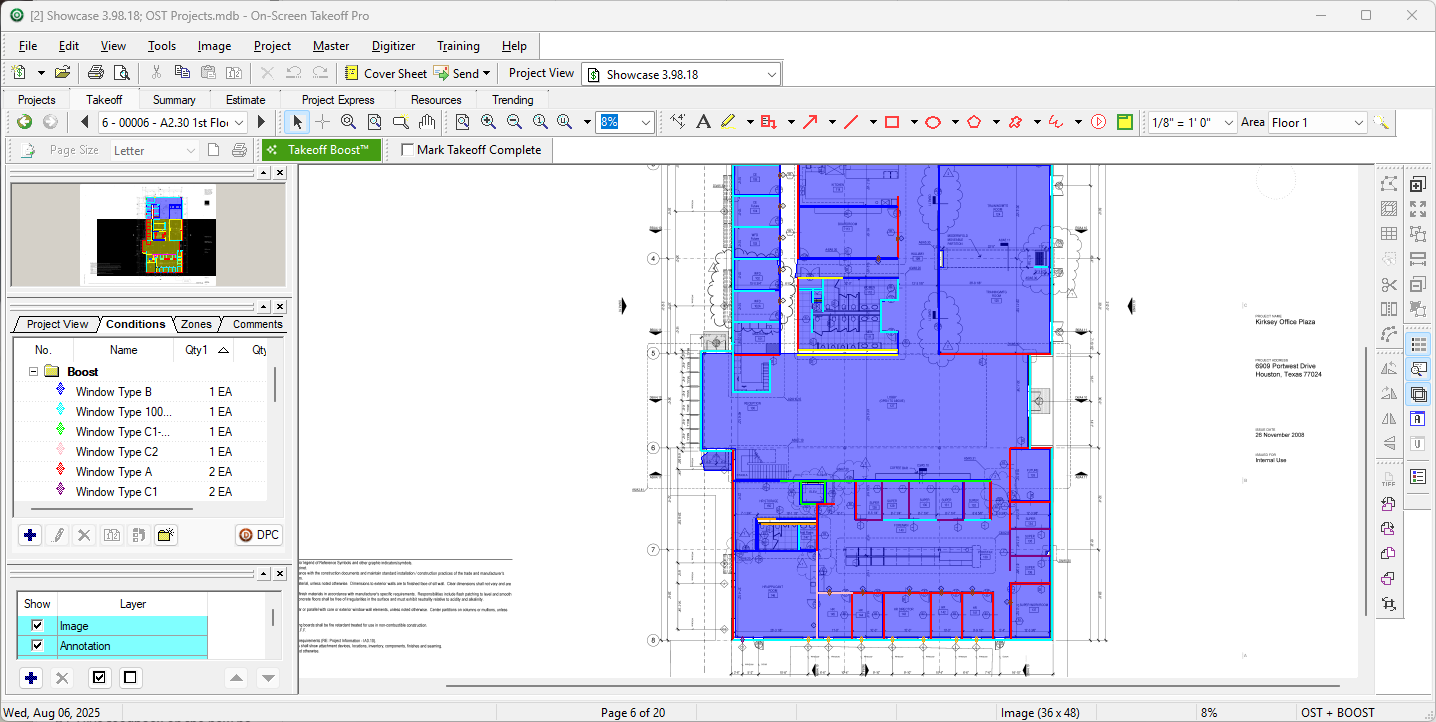
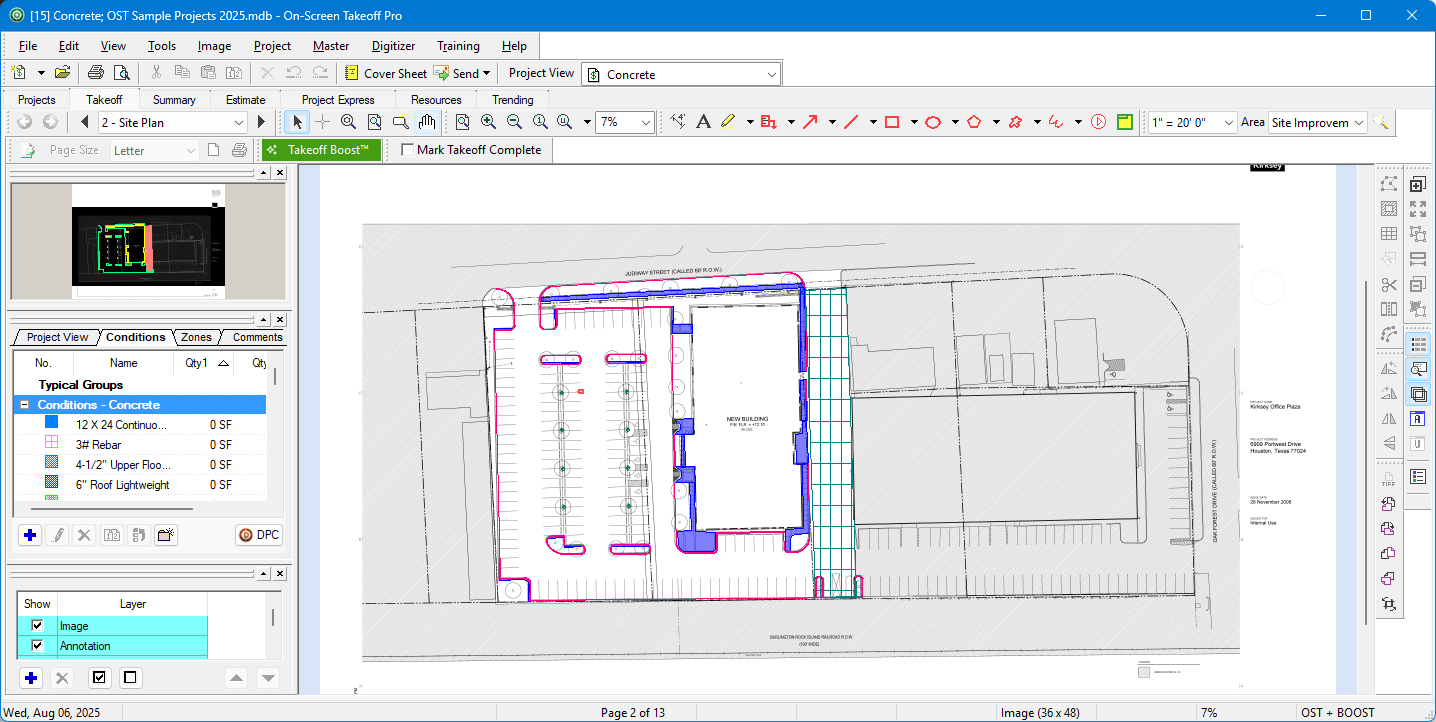
On-Screen Takeoff is a construction takeoff and estimating solution. It is intended to streamline takeoff, RFI, and bidding processes.
N/A
Pricing
ARCHICAD
On-Screen Takeoff®
Editions & Modules
Archicad Solo Version
$240
per month
Archicad Full Version
$280
per month
No answers on this topic
Offerings
Pricing Offerings
ARCHICAD
On-Screen Takeoff®
Free Trial
Yes
Yes
Free/Freemium Version
No
No
Premium Consulting/Integration Services
No
No
Entry-level Setup Fee
No setup fee
No setup fee
Additional Details
—
On-Screen Takeoff® pricing varies based on licensing options and specific business needs. The annual subscription plans are designed to scale with project and team size.
Available Subscription Options:
•On-Screen Takeoff
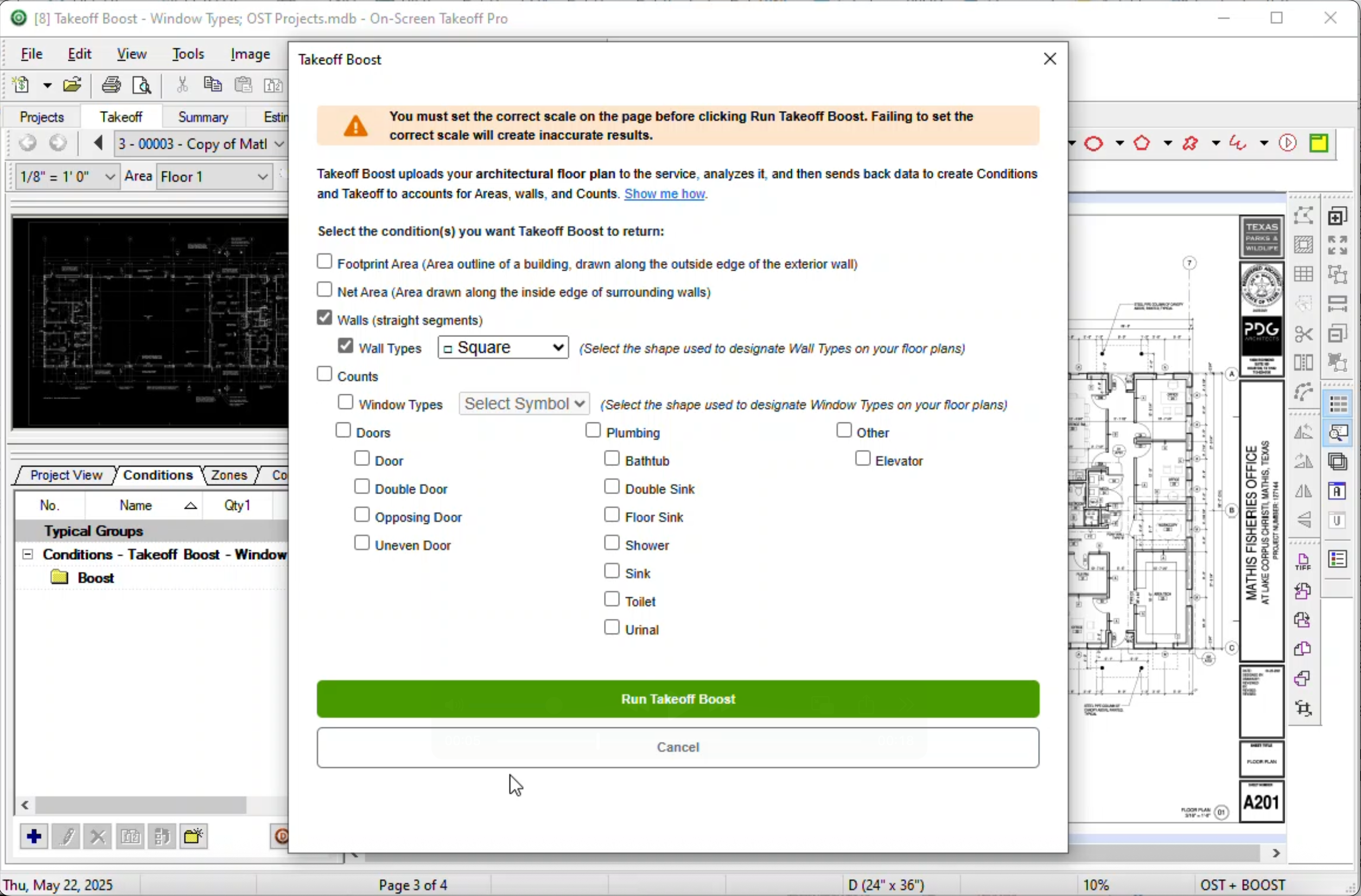
•On-Screen Takeoff with Takeoff Boost™
•On-Screen Takeoff and Quick Bid®
•On-Screen Takeoff with Takeoff Boost and Quick Bid
Each subscription is customized to match the subscriber's workflow requirements. A 14-day free trial is available.
ARCHICAD, is well suited in presenting all desired projects in building and construction works more so where the client has just an idea but lacks the actual picture in mind. When doing all commercial buildings where proper records and evidence is record is needed, ARCHICAD should be considered. Projects which involve complex and large volumes of labor require well-presented drawings or representation done with ARCHICAD for proper and easy execution. ARCHICAD is less appropriate for small jobs like shades which are not complex and need less attention.
I think most of the reasoning was just provided on the previous pros and cons questions. On-Screen Takeoff (OST) is well suited for doing either quick takeoffs or getting into an elaborate, detailed takeoff. All though the viewing tools are quick and easy, I would still very much prefer using BlueBeam for looking through an overall set of drawings. With all of the hyperlink and bookmark functions of BlueBeam, OST doesn't compare and I rarely use OST unless I'm actually doing a takeoff.
A de minimis incentive was given to thank the reviewer for their time. The incentive was not used to bias or drive a particular response, nor was the incentive contingent on a positive endorsement. More Info
A de minimis incentive was given to thank the reviewer for their time. The incentive was not used to bias or drive a particular response, nor was the incentive contingent on a positive endorsement. More Info
The biggest thing for me is that it is so easy to use, which allows it to be used widely throughout our organization without a lot of intense training.
Another great thing is that it does not matter how big or little the scope of the take off may be, it works just as well for a whole 12 story building take off as it does for a stretch of sidewalk.
A de minimis incentive was given to thank the reviewer for their time. The incentive was not used to bias or drive a particular response, nor was the incentive contingent on a positive endorsement. More Info
ArchiCAD lacks a few feature sets, including an automatic Keynote database extraction system, an expandable Phasing/Options manager, and an easy way to transfer standard details into a project.
The Revision/Change Manager, as well as the new Stair and Railing tools, while impressively flexible, are too complex to set up and customize.
It is an underdog product. Revit has a market share because it spends more money on marketing, and less on product development.
A de minimis incentive was given to thank the reviewer for their time. The incentive was not used to bias or drive a particular response, nor was the incentive contingent on a positive endorsement. More Info
A de minimis incentive was given to thank the reviewer for their time. The incentive was not used to bias or drive a particular response, nor was the incentive contingent on a positive endorsement. More Info
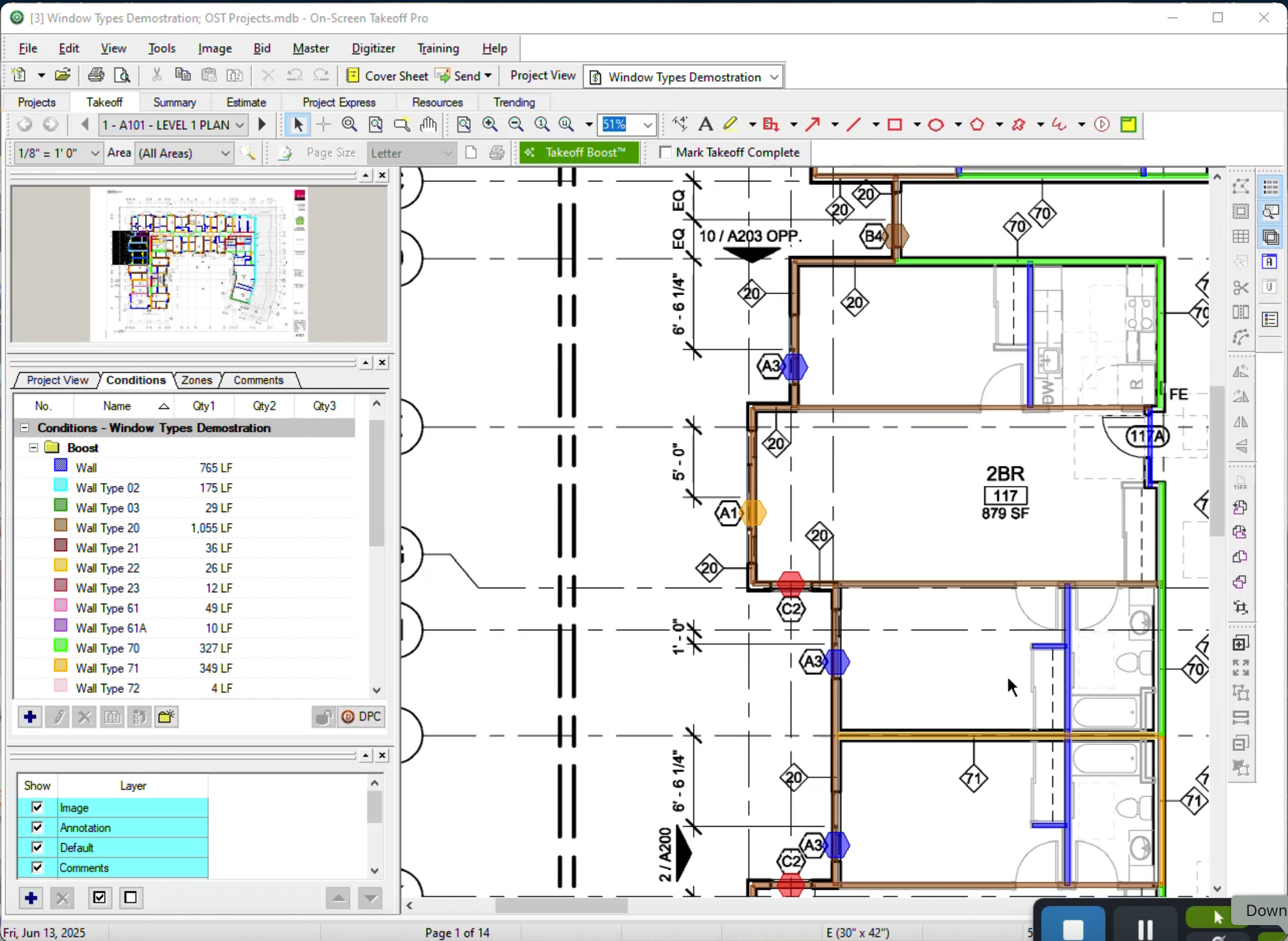
It provides invaluable communication, organization, and flexibility to generate a project overview both visually and by the numbers. In addition to the overview it makes getting into the project details easy and quick, so our takeoff is accurate and correct every time
A de minimis incentive was given to thank the reviewer for their time. The incentive was not used to bias or drive a particular response, nor was the incentive contingent on a positive endorsement. More Info
On Screen Takeoff is a valuable tool for what it does. Across the board it can keep track of the critical data and corresponding values without extra legwork. While powerful, it is prone to user error, and the problem can compound quickly if not realized up front. Overall a great project tool, but not without limitations
A de minimis incentive was given to thank the reviewer for their time. The incentive was not used to bias or drive a particular response, nor was the incentive contingent on a positive endorsement. More Info
We have rapid responses from their support team, and they often go the extra mile to pinpoint the root cause of an issue and assist the team in resolving it. They are honest when a problem is down to user error, or a glitch on the version we are on.
A de minimis incentive was given to thank the reviewer for their time. The incentive was not used to bias or drive a particular response, nor was the incentive contingent on a positive endorsement. More Info
I have had very few issues with the software which is probably the first sign that there is a good customer support team, since I am sure they are working and fixing problems for everyone when they get a report from somewhere. The few times I have had to reach out to support they have been knowledgeable and on top of helping me quickly get my issues resolved.
A de minimis incentive was given to thank the reviewer for their time. The incentive was not used to bias or drive a particular response, nor was the incentive contingent on a positive endorsement. More Info
Implementation was as simple as setting up the program and creating databases. Everything else was already in use and this was a supplement to the final organization of the system
A de minimis incentive was given to thank the reviewer for their time. The incentive was not used to bias or drive a particular response, nor was the incentive contingent on a positive endorsement. More Info
On the first hand, ARCHICHAD offers more versatility in modeling complex geometric shapes and forms. ARCHICHAD also offers greater flexibility for customization and the development of add-ons and extensions. This allows users to tailor the software to their specific needs and workflows, enhancing productivity and efficiency. While both ARCHICHAD and Revit offer rendering capabilities, ARCHICHAD's built-in rendering engine, CineRender, is better for its ease of use and high-quality output.
A de minimis incentive was given to thank the reviewer for their time. The incentive was not used to bias or drive a particular response, nor was the incentive contingent on a positive endorsement. More Info
Being able to train individuals in a single afternoon on the program and trusting them to get you something usable as soon as possible is quite invaluable. It is also something that I feel is unique to this program. It is just easier.
A de minimis incentive was given to thank the reviewer for their time. The incentive was not used to bias or drive a particular response, nor was the incentive contingent on a positive endorsement. More Info
The software has more than paid for itself because the company has been able to save lots of money when awarding to subs since it is easy to verify quantities to qualify their bids.
Less of a chance of under-ordering products since the visible audit trail improves accuracy. Also you spend less since you aren't ordering more than you should be.
A de minimis incentive was given to thank the reviewer for their time. The incentive was not used to bias or drive a particular response, nor was the incentive contingent on a positive endorsement. More Info