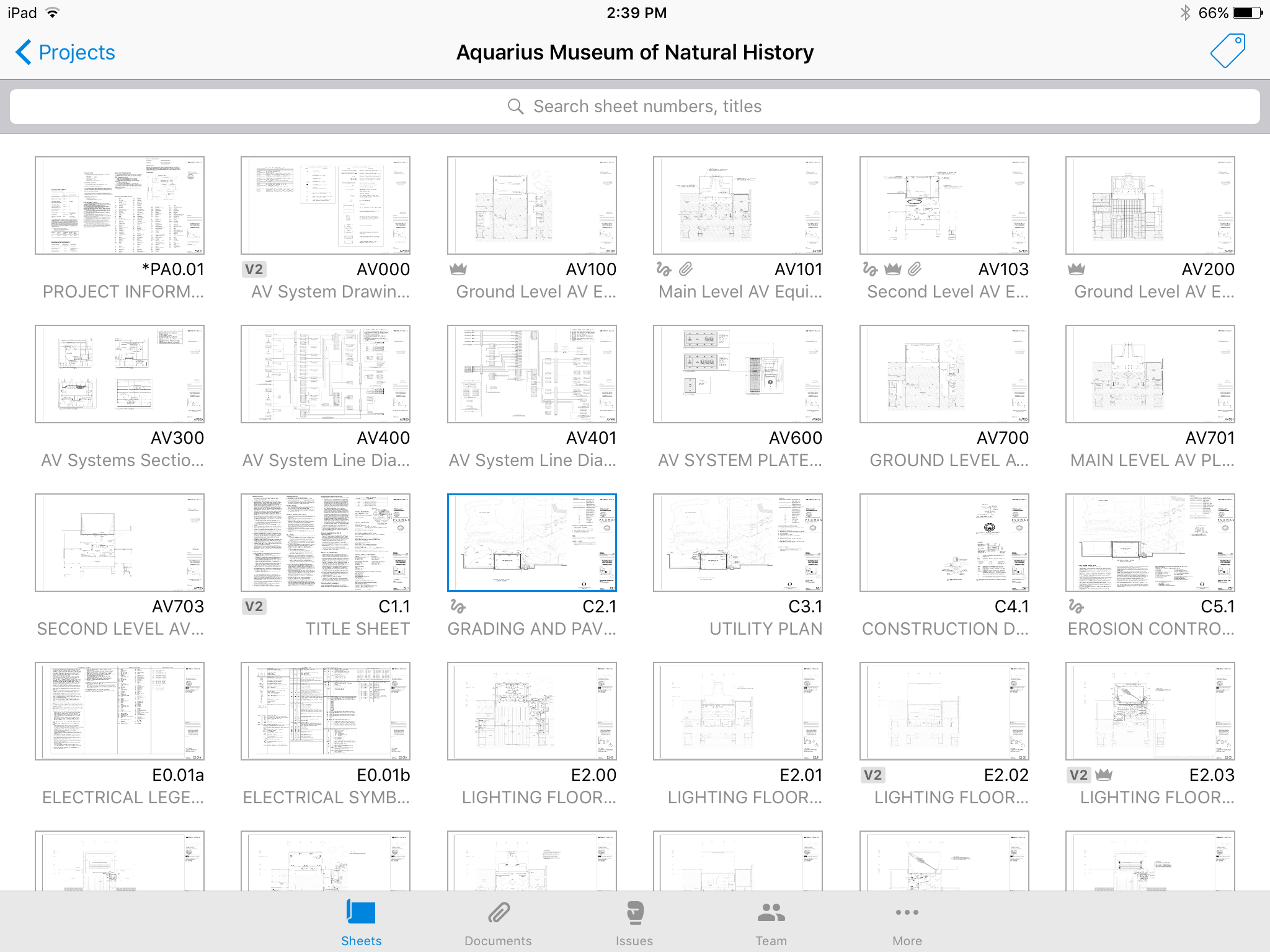
Autodesk Forma Build, previously known as Autodesk Build and originally based on PlanGrid, is a Construction Management and Job Site Management application within the Autodesk Forma suite. It provides contractors, owners, and subcontractors with a unified platform for project collaboration and information management across the construction and operations lifecycle.
$100
per month
iTWO costX
Score8 out of 10
N/A
CostX is a construction and estimation software offering from Exactal Technologies Pty Ltd.
N/A
Pricing
Autodesk Forma Build
iTWO costX
Editions & Modules
Forma Build Essentials
$100
per month for a single user
Forma Build
$175
per month per user
No answers on this topic
Offerings
Pricing Offerings
Autodesk Forma Build
iTWO costX
Free Trial
Yes
No
Free/Freemium Version
No
No
Premium Consulting/Integration Services
Yes
Yes
Entry-level Setup Fee
No setup fee
No setup fee
Additional Details
$800 / year for 1 user when billed annually.
Pricing is determined by a number of factors. For example, would you want to use BIM or just 2D? Do you need estimating spreadsheets and report generation? Would you want to buy 100 copies or just one? If you send in a sales enquiry to sales.int@rib-software.com, we’ll be able to send you through a quote that will meet your requirements.
Well Suited: Autodesk Construction Cloud is cost effective, user friendly, and robust. They aren't nickel and diming you for use of each module. Once users are on-board with the system it creates an ecosystem that all users "go to first" for an answer. Less Appropriate: As a Developer, there are some hiccups as it is designed more for the GC (general contractor). A template option that is Developer forward would an improvement.
A de minimis incentive was given to thank the reviewer for their time. The incentive was not used to bias or drive a particular response, nor was the incentive contingent on a positive endorsement. More Info
Easy to use, one-stop for all construction-related tasks. The best thing is the split-screen, during the Bill of Quantity verification users can see for what part of the design Bill of Quantity is generated. Auto-updating of Design is another good feature.
A de minimis incentive was given to thank the reviewer for their time. The incentive was not used to bias or drive a particular response, nor was the incentive contingent on a positive endorsement. More Info
The user interface is extremely easy to use for both the advanced and not-so-advanced computer users. This is huge in an industry that has a high diversity of computer skills among end-users of technology.
Rendering speed of documents is extremely quick on every device/platform.
The application can be used on every platform from Windows/iOS/Andriod (mobile or desktop) as well as the web, without diluting platform features.
The ability to import 3D models and maintain accompanying metadata is extremely beneficial.
A de minimis incentive was given to thank the reviewer for their time. The incentive was not used to bias or drive a particular response, nor was the incentive contingent on a positive endorsement. More Info
Allows multiple users to work on the same estimate at once. This is huge!! Not only can we team up on a project that has a quick deadline but we can also simultaneously collaborate on database updates.
Performs your takeoff on CAD drawings or vector PDFs. Your typical takeoff software does takeoff on an unintelligent PDF. I say unintelligent because the process you go through is simply to trace the boundaries of your shape. This is time-consuming and can lead to mistakes. With CostX your cursor will stick to the line lines and takeoff the exact measurement. This has cut our takeoff time by 75%. The best part is that this is done in the same software as your estimating software. There are a few software's that have takeoff and estimating in one but CostX is the only one the provides CAD smart takeoff.
CostX is a lot like Excel. You have the flexibility to set up your workbooks the way your project team thinks. For example, ours is set up to evaluate labor in two ways; productivity (man-hours per widget) or crew hours (3 guys for two days for a given activity).
Reports are very flexible and the report writers is much easier than Crystal reports.
If you subscribe to the full version of CostX this provides the most powerful feature of them all......Auto-Revisioning. This function will compare two sets of drawings, identify the changes on a color coded drawing, ask for you to approve the changes and then update your estimate and takeoff. You can even use this to produce custom print outs for RFI's show your design team what changed.
Your estimating workbooks are live-linked to your takeoff. As you make adjustments to your takeoff your estimate updates accordingly. The workbook has color coded text to hep your team understand whats behind your estimate; Black = manually input, Blue = rates linked to database, and Green = quantity linked to take-off.
Full integrated subcontractor comparison. We use to do this in excel to compare multiple bidders across every division.
This is also color coded for a streamlined review process; green = quote, blue = estimate, purple = plug, and orange = other.
Built in error checking notifies you if you forgot to normalize an item on your subcontractor comparison.
In the near future the software will be available online allowing you to use remotely.
A de minimis incentive was given to thank the reviewer for their time. The incentive was not used to bias or drive a particular response, nor was the incentive contingent on a positive endorsement. More Info
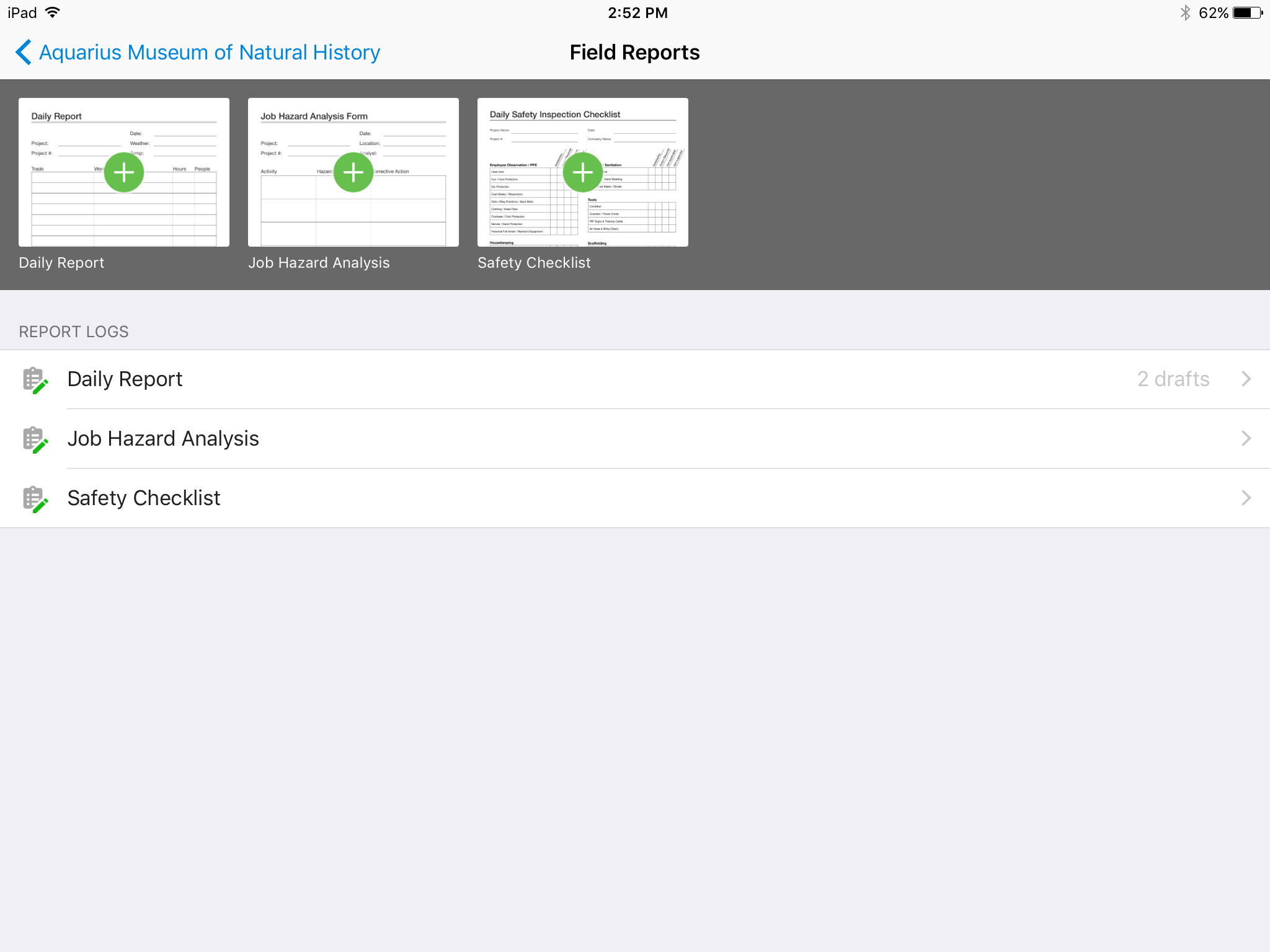
Plangrid is in the process of adding enhanced construction documentation such as better Submittal, RFI, and Field Reporting modules, but the ones in place right now will not be up to par for some people used to more full-featured applications such as Sage or Procore.
Like other SaaS Construction applications, Plangrid is very expensive. Too expensive in my opinion. They should find ways to offer more tiers of cost so smaller companies can use the application is a limited manner and not have to pay the same cost as the larger companies which may get more use out of advanced features.
On the same theme of cost, many of Plangrids collaboration features require all collaborators to have a license. Try telling all 30 subs on your project that they have to run out and pay an extra $50-$100/MO per employee to collaborate with you. Does not always go over well.
Plangrids Field Report, Submittal and RFI modules are still a bit of a work in progress.
A de minimis incentive was given to thank the reviewer for their time. The incentive was not used to bias or drive a particular response, nor was the incentive contingent on a positive endorsement. More Info
A de minimis incentive was given to thank the reviewer for their time. The incentive was not used to bias or drive a particular response, nor was the incentive contingent on a positive endorsement. More Info
We are at the point where we have shown our teams what is possible with this software. We cannot take it away and go back to the way we used to do things. I think that they would push back on us to give them access to something electronic. It is a good program that we will continue to use
A de minimis incentive was given to thank the reviewer for their time. The incentive was not used to bias or drive a particular response, nor was the incentive contingent on a positive endorsement. More Info
Because it is very user friendly and it also adapts the software to the device... For example , iPads are more Superintendent friendly and the desktop version is more useful for PM and Project Engineers. I also like that theres versions of the software that are on our desktop or ipad, so when we have a network failure we are still able to do the majority of our work
A de minimis incentive was given to thank the reviewer for their time. The incentive was not used to bias or drive a particular response, nor was the incentive contingent on a positive endorsement. More Info
I haven't used PlanGrid support much, because I'm getting used to it. But the few times I have, they seem very good. A rep has reached out to me for help, scheduling a demo, etc. Once I get my team on board to buy the software we will use the video and web demos more often and I'd imagine they could be quite useful.
A de minimis incentive was given to thank the reviewer for their time. The incentive was not used to bias or drive a particular response, nor was the incentive contingent on a positive endorsement. More Info
Plangrid, while not serving the external document distribution function, is unrivaled for internal document distribution and sharing in the construction industry. The speed at which documents are navigatable, the ability to download your projects for viewing without an internet connection, and the document mark-up and photo tools place it head and shoulders above the competition.
A de minimis incentive was given to thank the reviewer for their time. The incentive was not used to bias or drive a particular response, nor was the incentive contingent on a positive endorsement. More Info
A de minimis incentive was given to thank the reviewer for their time. The incentive was not used to bias or drive a particular response, nor was the incentive contingent on a positive endorsement. More Info
It helped us "wow" a joint commission survey in 2016 and have a successful survey because he loved how we could access plans on an iPad, check suite sizes, and didn't have to carry around huge, heavy sets of life safety plans.
A de minimis incentive was given to thank the reviewer for their time. The incentive was not used to bias or drive a particular response, nor was the incentive contingent on a positive endorsement. More Info
Easy to Collaborate Between the Team members. Saves a lot of work
Integrate with multiple types of data drawing which saves efforts in converting the design.
Bill of Quantity export can be done based on the Design section and can share with contractors for Quotes. Instead of just downloading the whole report and then editing for the required pack.
A de minimis incentive was given to thank the reviewer for their time. The incentive was not used to bias or drive a particular response, nor was the incentive contingent on a positive endorsement. More Info