
Autodesk Inventor vs. Dock Designer
| Product | Rating | Most Used By | Product Summary | Starting Price |
|---|---|---|---|---|
 Autodesk Inventor | Score8.2 out of 10 | N/A | Autodesk Inventor 3D CAD software offers professional-grade 3D mechanical design, documentation, and product simulation tools. These blend parametric, direct, freeform, and rules-based design capabilities. Inventor includes integrated tools for sheet metal, frame design, tube and pipe, cable & harness, presentations, rendering, simulation, and machine design. It also features TrustedDWG® compatibility and Model-Based Definition capabilities for embedding manufacturing information directly in… | $300 12 days over 1 year via Flex pricing 100 tokens |
 Dock Designer | Score8 out of 10 | N/A | Dock Designer integrates product data, engineering rules, and pricing into a Browser-Based Interface accessible to internal teams, dealers, and customers: the solution enables 2D Design, 3D Visualization, and the generation of an accurate Bill of Materials (BOM), Quote, and Installation Guide. The vendor states that users have reduced Quoting Latency through automated Configuration Constraints that identify invalid configurations prior to production. | N/A |
| Autodesk Inventor | Dock Designer | |||||||||||||||
|---|---|---|---|---|---|---|---|---|---|---|---|---|---|---|---|---|
| Editions & Modules |
| No answers on this topic | ||||||||||||||
| Offerings |
| |||||||||||||||
| Entry-level Setup Fee | No setup fee | Required | ||||||||||||||
| Additional Details | Also available for limited use through tokens on a Flex plan. | Implementation cost depends on customer needs and varies. | ||||||||||||||
| More Pricing Information | ||||||||||||||||
| Autodesk Inventor | Dock Designer | |
|---|---|---|
| Considered Both Products | No answer on this topic | No answer on this topic |
| Key User Insights | ||
| Would buy again | ||
88% Would buy again 15 Answers | No answers on this topic | |
| Delivers good value for the price | ||
100% Delivers good value for the price 15 Answers | No answers on this topic | |
| Happy with the feature set | ||
100% Happy with the feature set 17 Answers | No answers on this topic | |
| Lived up to sales and marketing promises | ||
100% Lived up to sales and marketing promises 10 Answers | No answers on this topic | |
| Implementation went as expected | ||
94% Implementation went as expected 15 Answers | No answers on this topic | |
| Autodesk Inventor | Dock Designer | ||||||||||||||||||||||||||||||||||
|---|---|---|---|---|---|---|---|---|---|---|---|---|---|---|---|---|---|---|---|---|---|---|---|---|---|---|---|---|---|---|---|---|---|---|---|
| Computer-Aided Design Software |
| ||||||||||||||||||||||||||||||||||
| Autodesk Inventor | Dock Designer | |
|---|---|---|
| Small Businesses |  Onshape Score6.4 out of 10 | Onshape Score6.4 out of 10 |
| Medium-sized Companies | Onshape Score6.4 out of 10 | Onshape Score6.4 out of 10 |
| Enterprises |  PTC Creo Score7.6 out of 10 | PTC Creo Score7.6 out of 10 |
| All Alternatives | View all alternatives | View all alternatives |
| Autodesk Inventor | Dock Designer | |
|---|---|---|
| Likelihood to Recommend | 8.0 | - |
| Likelihood to Renew | 9.2 | - |
| Usability | 8.0 | - |
| Support Rating | 8.1 | - |
| In-Person Training | 6.0 | - |
| Implementation Rating | 10.0 | - |
| Configurability | 10.0 | - |
| Autodesk Inventor | Dock Designer | |
|---|---|---|
| Likelihood to Recommend |
| No answers on this topic |
| Pros |
| No answers on this topic |
| Cons |
| No answers on this topic |
| Likelihood to Renew |
| No answers on this topic |
| Usability |
| No answers on this topic |
| Support Rating |
| No answers on this topic |
| In-Person Training |
| No answers on this topic |
| Alternatives Considered |
| No answers on this topic |
| Return on Investment |
| No answers on this topic |
| ScreenShots | Dock Designer Screenshots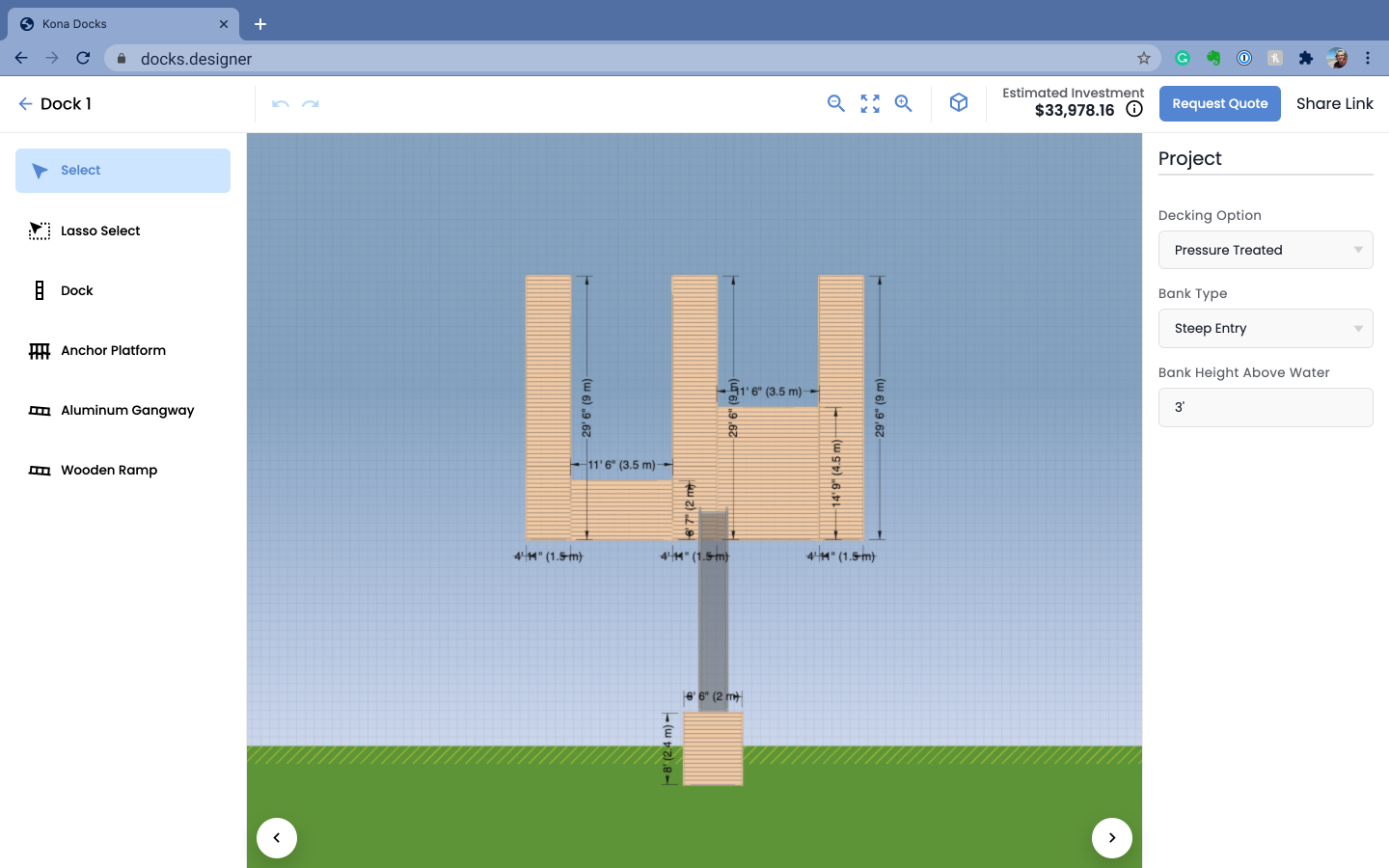  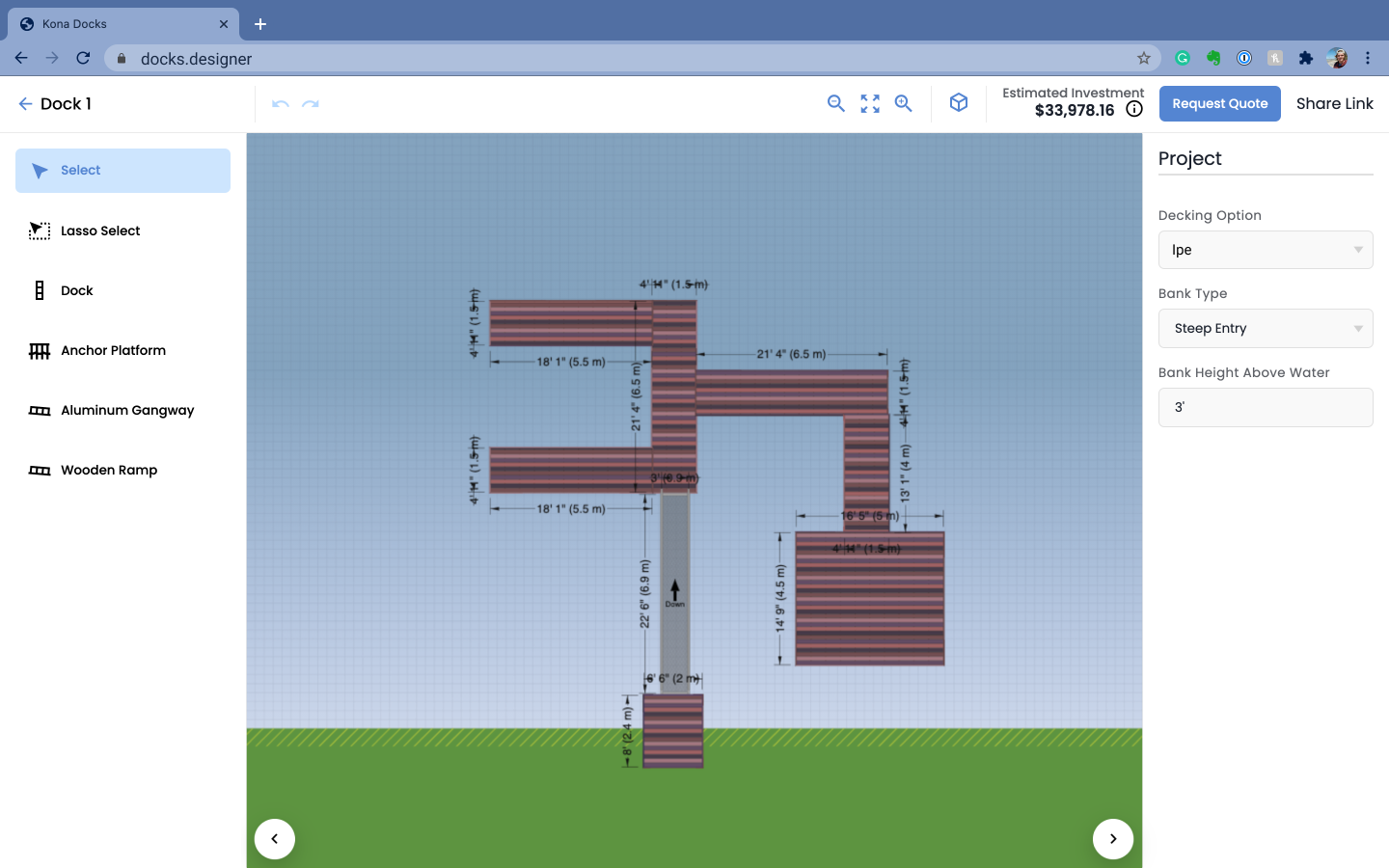 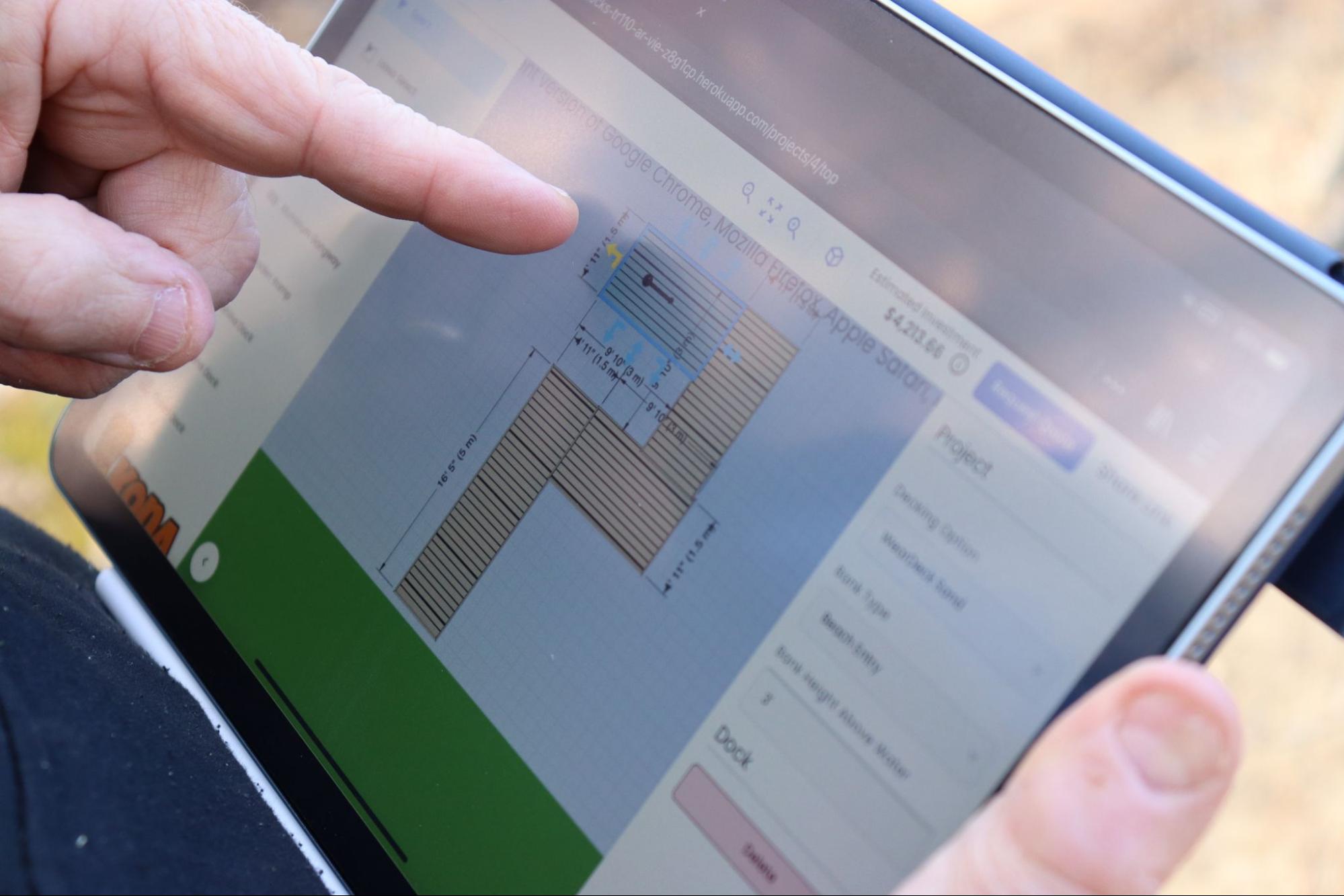 |


