Azure Analysis Services vs. ClicData

Overview
ProductRatingMost Used ByProduct SummaryStarting Price
Azure Analysis Services
Score 8.6 out of 10
N/A
Azure Analysis Services delivers enterprise-grade BI semantic modeling capabilities with the scale, flexibility, and management benefits of the cloud. Azure Analysis Services helps transform complex data into actionable insights. Azure Analysis Services is built on the analytics engine in Microsoft SQL Server Analysis Services.N/A
ClicData
Score 8.5 out of 10
N/A
ClicData is a cloud-based data management and business intelligence platform for connecting, preparing, storing, visualizing, and distributing organizational data. The platform combines data integration, extract, transform, and load (ETL) processes, data warehousing, dashboard creation, automation, and artificial intelligence features. Key Capabilities Data connectivity: ClicData connects to business applications and databases to support automated data…
$290
per month
Pricing
Azure Analysis ServicesClicData
Editions & Modules
No answers on this topic
Basic
$290
per month
Team
$520
per month
Enterprise
$835
per month
Dedicated
Custom Quote
Offerings
Pricing Offerings
Azure Analysis ServicesClicData
Free Trial
NoYes
Free/Freemium Version
NoNo
Premium Consulting/Integration Services
NoNo
Entry-level Setup FeeNo setup feeNo setup fee
Additional DetailsPlans start at $290/month and include unlimited dashboards, reports, and data flows, as well as a built-in data warehouse and data lake. User licenses are included in all plans (up to 25, 50, or 200 users depending on the plan), and dashboards can be shared with external users via live links at no extra cost. Plans and pricing vary based on the data connectors needed (Files & Storage, Web Services & Apps, or Databases), the number of table updates per month, and the level of automation required. SSO and White Label options are available on the Enterprise plan. AI-powered features are included in the Team and Enterprise plans. Dedicated Plans are also available for organizations requiring stable and predictable performance, higher data volumes, and faster processing times (Standard, Performance, and Self-Hosted options). Professional Services are available as paid add-ons: Onboarding (one-time fee for personalized training and shadowing sessions), Project (fixed cost with clearly defined deliverables), and Packages (ad-hoc hours of Data Analysts' time). A discount is available for annual billing.
More Pricing Information
Community Pulse
Azure Analysis ServicesClicData
Considered Both Products
Azure Analysis Services
Chose Azure Analysis Services
Microsoft Azure Analysis Services is the best tool available in market in present scenario and it justifies it's role. The solution is packed with lot of functionalities which helps in taking useful decision. The integration and deployment part is easy and need less time and …
Chose Azure Analysis Services
Azure Data Factory
Chose Azure Analysis Services
The best thing about it is the ability to create a query and drill down the data to a more granular level when needed. The best thing about Azure Analysis Services is. It provides secured access anytime from anywhere, it also provides REST API for this, which is very easy to …
Chose Azure Analysis Services
The platform has vast number of features and modules. The UI is sleek and once you get to use to it, you will be able to do a lot of stuff. Also support for data sources is more in Azure Analysis Services.
Chose Azure Analysis Services
We have used the IBM cloud which was truly a specific nightmare for our team. User experience, layout, and design is big for us as it understandably is with many people. Even if any type of program can technically do all that we need it to, we still found our team will not be …
Chose Azure Analysis Services
I had used SAP at a different Organization and the organization where I used Azure Analysis Services was already having it and hence I had to use it. Both have their own sets of pros and cons to look into. To be honest I liked SAP more than Azure Analysis Services
Chose Azure Analysis Services
A different UIUX between both products, but some would say Cloud Platform is easier to be used. Performance-wise both functions to their fullest ability so it boils down to the company's decision to select which products to be implemented. Would definitely not go wrong choosing …
ClicData
Chose ClicData
We tried and trialed everything we could before choosing ClicData and there's two main points that ClicData is just absolutely head and shoulders above the rest. Most importantly it's by far the easiest to use. We had working dashboard giving us meaningful data and insight in …
Chose ClicData
We chose ClicData over some other options because it was cost-effective and relatively easy to implement. It didn't require a server to set-up or manage which was nice.
Chose ClicData
ClicData was the most flexible. It is cloud-based and even has WebService access. You can publish your data for access from other applications. The sheer number of data connectors is amazing. The ability to not only create dashboards, but you can schedule them to be delivered …
Features
Azure Analysis ServicesClicData
BI Standard Reporting
Comparison of BI Standard Reporting features of Product A and Product B
Azure Analysis Services
8.6
Ratings
5% above category average
ClicData
10.0
Ratings
20% above category average
Pixel Perfect reports8.80 Ratings10.00 Ratings
Customizable dashboards8.70 Ratings10.00 Ratings
Report Formatting Templates8.50 Ratings00 Ratings
Ad-hoc Reporting
Comparison of Ad-hoc Reporting features of Product A and Product B
Azure Analysis Services
8.8
Ratings
9% above category average
ClicData
9.0
Ratings
12% above category average
Drill-down analysis8.90 Ratings8.00 Ratings
Formatting capabilities8.70 Ratings9.00 Ratings
Integration with R or other statistical packages8.70 Ratings00 Ratings
Report sharing and collaboration9.00 Ratings10.00 Ratings
Report Output and Scheduling
Comparison of Report Output and Scheduling features of Product A and Product B
Azure Analysis Services
9.0
Ratings
10% above category average
ClicData
8.5
Ratings
4% above category average
Publish to Web9.00 Ratings10.00 Ratings
Publish to PDF8.90 Ratings9.00 Ratings
Report Versioning9.30 Ratings7.00 Ratings
Report Delivery Scheduling9.00 Ratings8.00 Ratings
Delivery to Remote Servers8.50 Ratings00 Ratings
Data Discovery and Visualization
Comparison of Data Discovery and Visualization features of Product A and Product B
Azure Analysis Services
9.0
Ratings
12% above category average
ClicData
8.5
Ratings
6% above category average
Pre-built visualization formats (heatmaps, scatter plots etc.)9.40 Ratings10.00 Ratings
Location Analytics / Geographic Visualization9.00 Ratings7.00 Ratings
Predictive Analytics8.60 Ratings00 Ratings
Access Control and Security
Comparison of Access Control and Security features of Product A and Product B
Azure Analysis Services
9.3
Ratings
9% above category average
ClicData
10.0
Ratings
16% above category average
Multi-User Support (named login)9.20 Ratings10.00 Ratings
Role-Based Security Model9.30 Ratings00 Ratings
Multiple Access Permission Levels (Create, Read, Delete)9.30 Ratings10.00 Ratings
Single Sign-On (SSO)9.40 Ratings00 Ratings
Mobile Capabilities
Comparison of Mobile Capabilities features of Product A and Product B
Azure Analysis Services
8.6
Ratings
10% above category average
ClicData
6.0
Ratings
26% below category average
Responsive Design for Web Access8.40 Ratings7.00 Ratings
Mobile Application9.30 Ratings1.00 Ratings
Dashboard / Report / Visualization Interactivity on Mobile8.30 Ratings10.00 Ratings
Application Program Interfaces (APIs) / Embedding
Comparison of Application Program Interfaces (APIs) / Embedding features of Product A and Product B
Azure Analysis Services
8.8
Ratings
13% above category average
ClicData
10.0
Ratings
26% above category average
REST API8.90 Ratings00 Ratings
Javascript API8.70 Ratings00 Ratings
iFrames8.80 Ratings10.00 Ratings
Java API8.70 Ratings00 Ratings
Themeable User Interface (UI)8.30 Ratings10.00 Ratings
Customizable Platform (Open Source)9.30 Ratings00 Ratings
Best Alternatives
Azure Analysis ServicesClicData
Small Businesses
Yellowfin
Yellowfin
Score 8.6 out of 10
Yellowfin
Yellowfin
Score 8.6 out of 10
Medium-sized Companies
Reveal
Reveal
Score 10.0 out of 10
Reveal
Reveal
Score 10.0 out of 10
Enterprises
Kyvos Semantic Layer
Score 9.5 out of 10
Kyvos Semantic Layer
Score 9.5 out of 10
All AlternativesView all alternativesView all alternatives
User Ratings
Azure Analysis ServicesClicData
Likelihood to Recommend
9.0
(0 ratings)
10.0
(0 ratings)
Usability
-
(0 ratings)
10.0
(0 ratings)
Support Rating
-
(0 ratings)
10.0
(0 ratings)
User Testimonials
Azure Analysis ServicesClicData
Likelihood to Recommend
Microsoft Azure Analysis Services is best tool which is well suited for many type of scenarios. Like if the organization is dealing with a lot of critical data and need some better analysis and insights for that data then tool serves the best. It helps in depth analysis and getting the desired result which helps in making big decision for any organization. We can create role based access for sensitive data hence it is very helpful for security point of view. Helps in making the business more productive and taking decision based on facts. It is less appropriate for scenarios like where data amount is less and the solution is very costly and someone can get a cheaper solution. Also not suited for environment where user directory do not exist because without the help of user directory role could not be created hence proper utilization of this tool will not be possible.
Read full review
If you need to quickly and easily pull data and display it on a dashboard, there's really no better solution out there. We tried the big names like Tableau, Sisense, Microsoft, but they all were really more suited to a dedicated data scientist and had steep learning curves. ClicData allowed just about anyone on my team to start grabbing data and creating dashboards in just minutes, it really is that easy. If you have some very complicated data formulas that you need to use or create it can get a little convoluted...but I'm sure that's similar across the board.
Read full review
Pros
  • You can import data from various sources (i.e. Oracle, Azure SQL...)
  • You can store data models
  • You can elaborate data and create insights
  • Perfect integration with Excel and Power BI
Read full review
  • Ease of use when developing new dashboards.
  • Easy to customize.
Read full review
Cons
  • Microsoft Azure Analysis Services is very costly solution and in that price we can get some better business intelligence tool with lot more of capabilities
  • The dashboard or we can say user interface is complex and need time to understand and gain expertise in order for proper working.
  • It needs continuation monitoring which is sometime a big task.
  • Sometime, the tool shows unusual behavior and become unstable, so we need to clear temp files for proper functioning.
Read full review
  • I wish there were even more widgets for the dashboards such as calendar layouts.
  • It would also be nice to be able to query the back-end data using SQL Studio.
  • It would be nice to change data connections from the dashboard to dashboard even though they have the same fields and schema.
Read full review
Usability
No answers on this topic
Like I mentioned before, the ease of use means we not only get very quick results and beautiful dashboards in minutes, it means my team is actually using it because they aren't frustrated in the learning curve or wasting time trying to accomplish simple tasks.
Read full review
Support Rating
No answers on this topic
We've only needed support a couple times in the beginning as we were learning the system and how to display our data in interesting ways. Every time we reached out we got very detailed responses and were connected to someone that you could tell was very interested in making sure we were happy with how things were going.
Read full review
Alternatives Considered
We have used the IBM cloud which was truly a specific nightmare for our team. User experience, layout, and design is big for us as it understandably is with many people. Even if any type of program can technically do all that we need it to, we still found our team will not be as motivated or satisfied using it compared to something more visually appealing and smooth.
Read full review
ClicData was the most flexible. It is cloud-based and even has WebService access. You can publish your data for access from other applications. The sheer number of data connectors is amazing. The ability to not only create dashboards, but you can schedule them to be delivered to specific recipients on a scheduled basis via PDF or a static HTML page.
Read full review
Return on Investment
  • Website analytics; We have realized so many benefits like traffic analysis, CRM, click-through funnels, and many more.
  • Aas allows us to do complex calculations and aggregations at slight efforts. It accommodates DAX expression, which in return is simple to apply.
Read full review
  • ClicData was by far the most reasonable cost-wise, and we were able to get ROI within just minutes of using it.
Read full review
ScreenShots

ClicData Screenshots

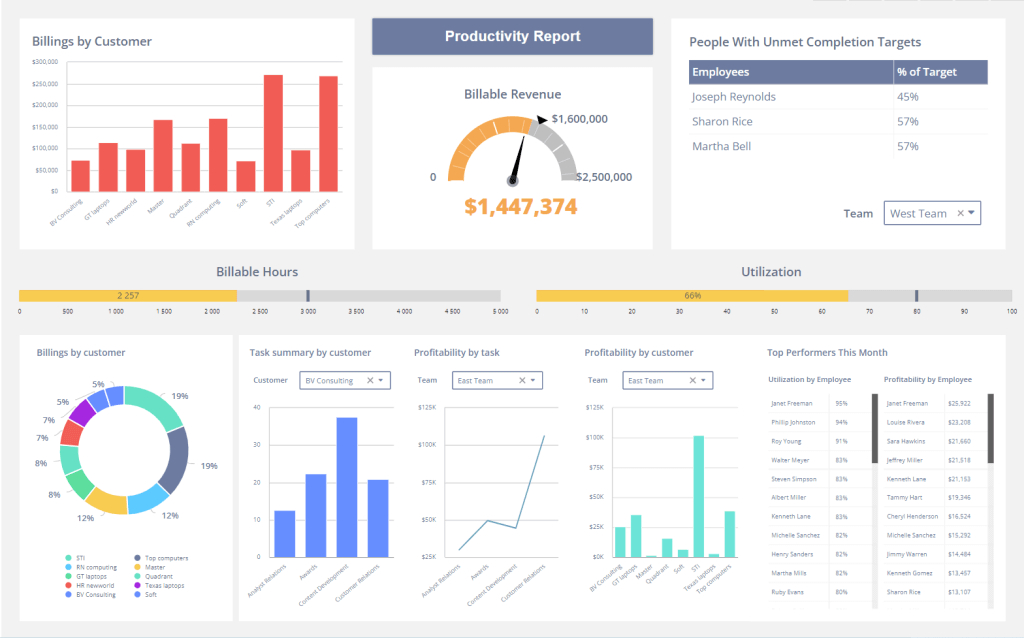
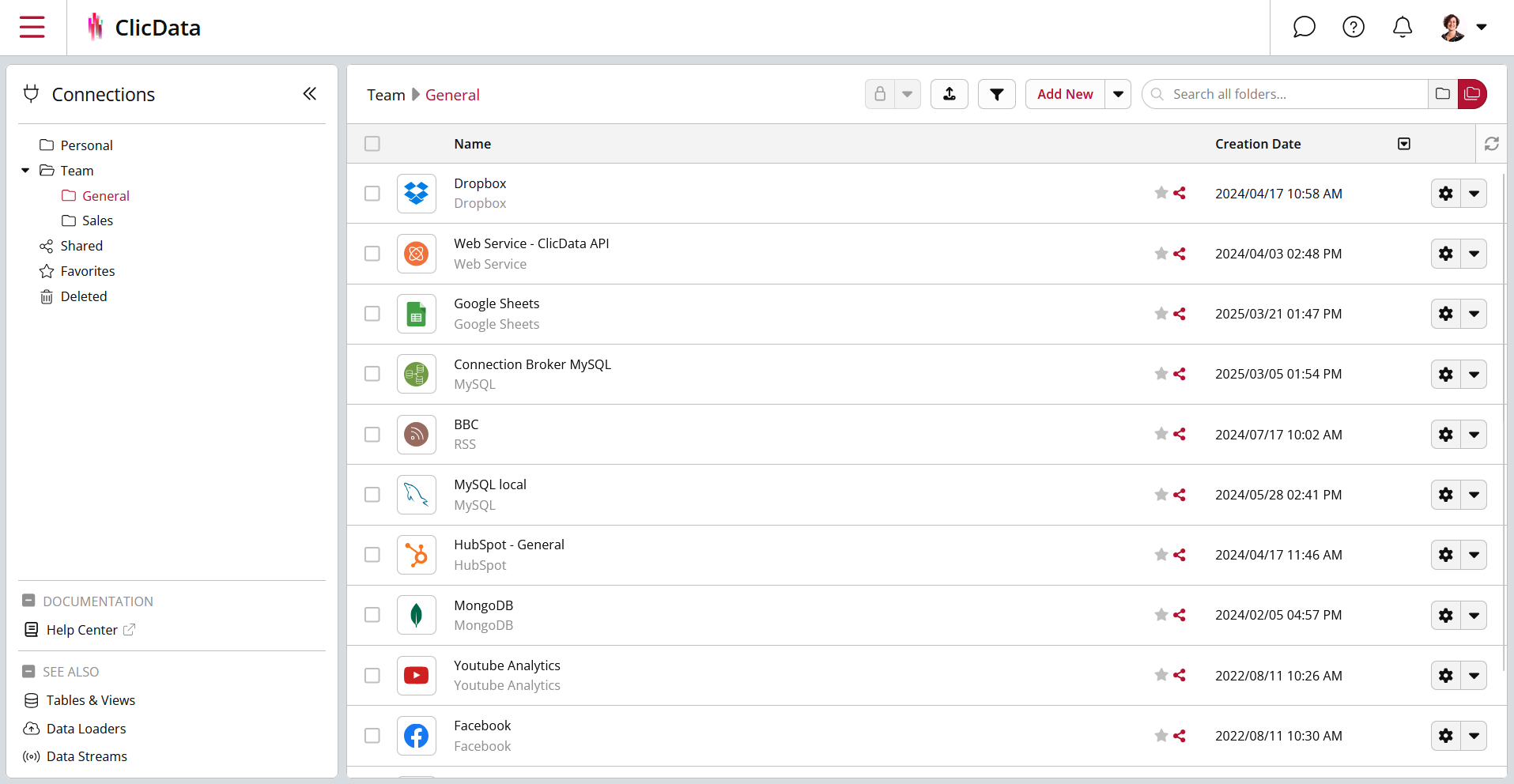
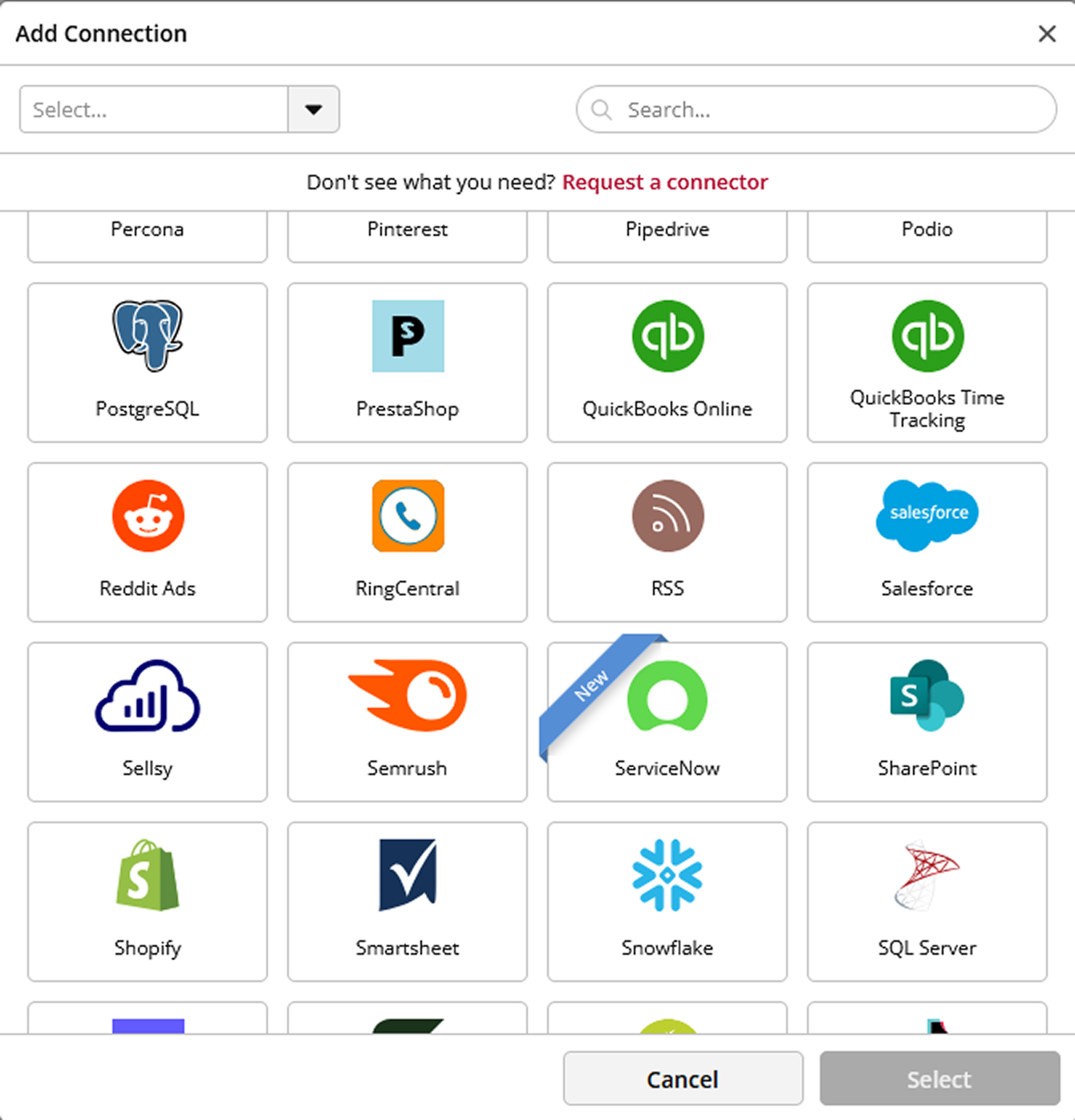
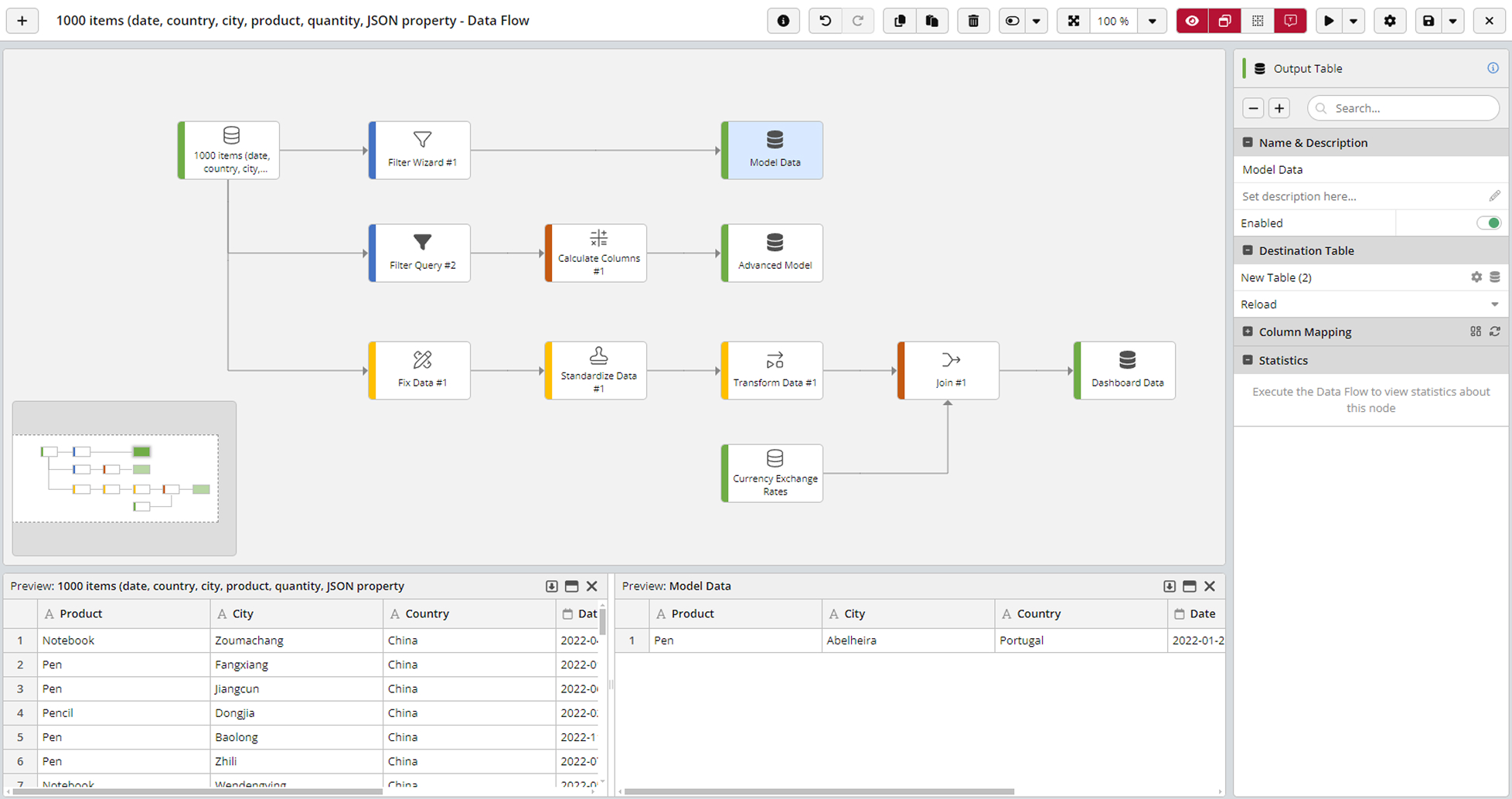
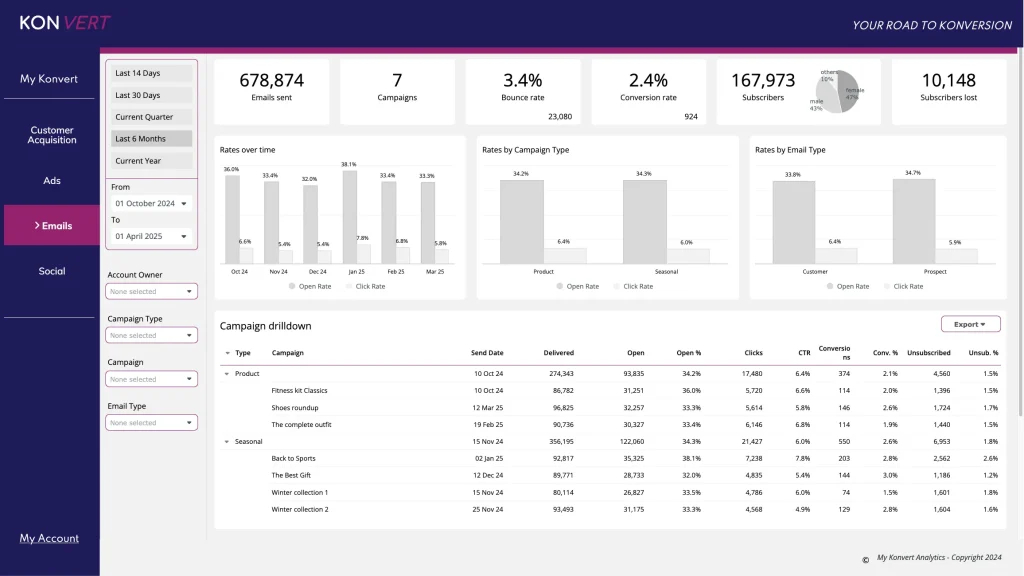
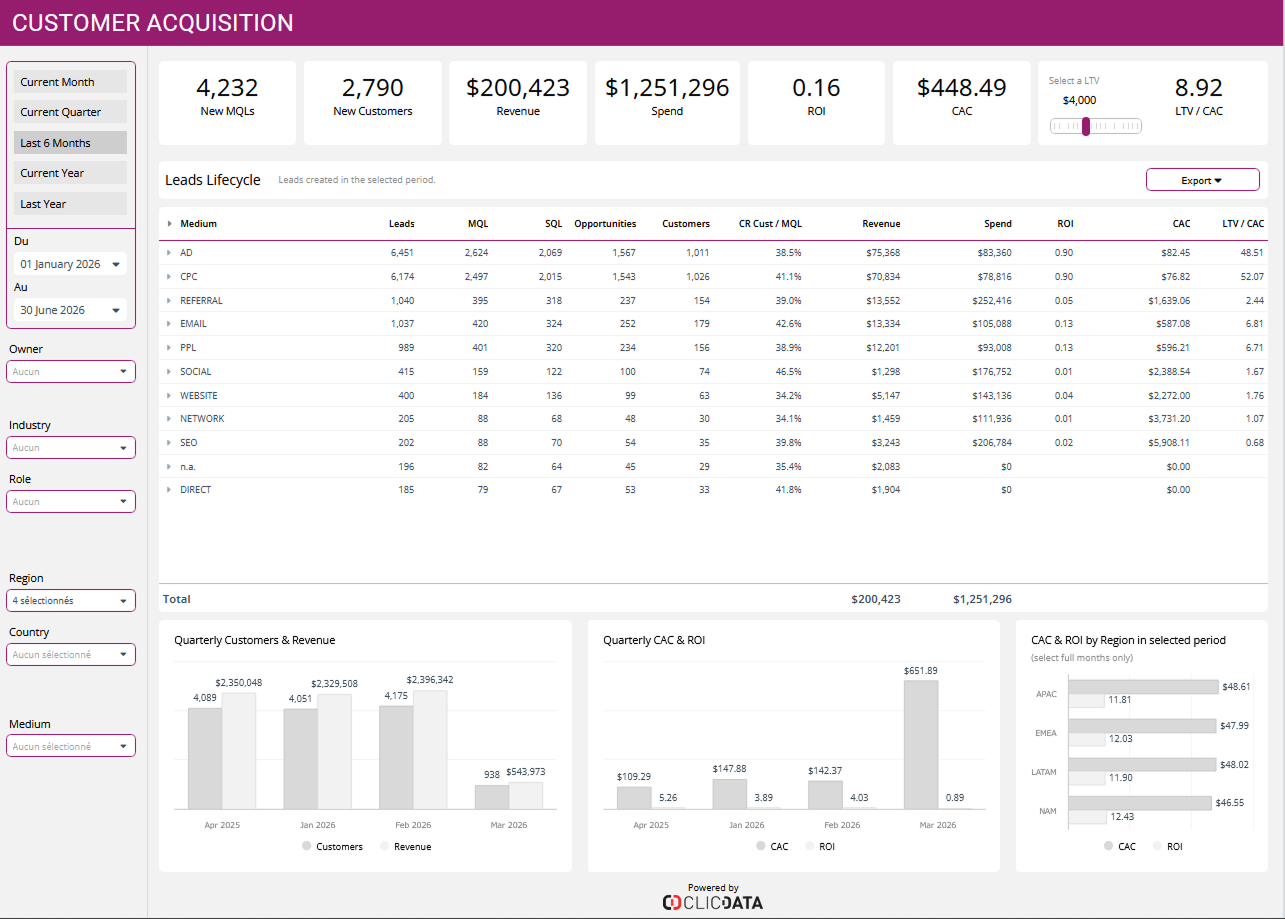
Screenshot of Screenshot of ClicData's data warehouse where company's data is centralized.Screenshot of Some of ClicData's connectors. 300+ data connections are available.Screenshot of Preview of a joint between datasets from two different sources. Basic or advanced data transformations can be performed with ClicData's ETL features.Screenshot of marketing metrics, from open rates to conversions.Screenshot of an Online Customer Acquisition dashboard example