
Azure DevOps Server vs. TestCaseLab
| Product | Rating | Most Used By | Product Summary | Starting Price |
|---|---|---|---|---|
 Azure DevOps Server | Score8.5 out of 10 | N/A | Azure DevOps Server (formerly Team Foundation Server, or TFS) is the on-premise version of Azure DevOps. To license Azure DevOps Server an Azure DevOps license and a Windows operating system license (e.g. Windows Server) for each machine running Azure DevOps Server. | N/A |
 TestCaseLab | N/A | N/A | 💡A test management tool, Test Case Lab is designed to allow teams to manage test cases, manual tests, defects and project tasks. The vendor states that they are constantly getting feedback from users, so TestCase Lab continues to grow with more advanced dashboards and detailed tracking of key metrics, aimed at supporting easy tracking of progress and bug management. Aside from basic testing functionality, TCLab allows users to create test cases, categorize them, gather them into test… | $48 500 test cases / unlimited users |
| Azure DevOps Server | TestCaseLab | |||||||||||||||
|---|---|---|---|---|---|---|---|---|---|---|---|---|---|---|---|---|
| Editions & Modules | No answers on this topic |
| ||||||||||||||
| Offerings |
| |||||||||||||||
| Entry-level Setup Fee | No setup fee | No setup fee | ||||||||||||||
| Additional Details | — | Annual subscription discount - 15% off. | ||||||||||||||
| More Pricing Information | ||||||||||||||||
| Azure DevOps Server | TestCaseLab | |
|---|---|---|
| Considered Both Products | No answer on this topic | No answer on this topic |
| Key User Insights | ||
| Would buy again | ||
91% Would buy again 21 Answers | No answers on this topic | |
| Delivers good value for the price | ||
100% Delivers good value for the price 18 Answers | No answers on this topic | |
| Happy with the feature set | ||
91% Happy with the feature set 21 Answers | No answers on this topic | |
| Lived up to sales and marketing promises | ||
100% Lived up to sales and marketing promises 13 Answers | No answers on this topic | |
| Implementation went as expected | ||
100% Implementation went as expected 15 Answers | No answers on this topic | |
| Azure DevOps Server | TestCaseLab | |
|---|---|---|
| Small Businesses | No answers on this topic | No answers on this topic |
| Medium-sized Companies | Azure DevOps Score8.1 out of 10 | No answers on this topic |
| Enterprises | Azure DevOps Score8.1 out of 10 | No answers on this topic |
| All Alternatives | View all alternatives | View all alternatives |
| Azure DevOps Server | TestCaseLab | |
|---|---|---|
| Likelihood to Recommend | 9.0 | - |
| Likelihood to Renew | 10.0 | - |
| Usability | 6.0 | - |
| Support Rating | 8.4 | - |
| Implementation Rating | 8.0 | - |
| Ease of integration | 9.0 | - |
| Azure DevOps Server | TestCaseLab | |
|---|---|---|
| Likelihood to Recommend |
| No answers on this topic |
| Pros |
| No answers on this topic |
| Cons |
| No answers on this topic |
| Likelihood to Renew |
| No answers on this topic |
| Usability |
| No answers on this topic |
| Support Rating |
| No answers on this topic |
| Implementation Rating |
| No answers on this topic |
| Alternatives Considered |
| No answers on this topic |
| Return on Investment |
| No answers on this topic |
| ScreenShots | TestCaseLab Screenshots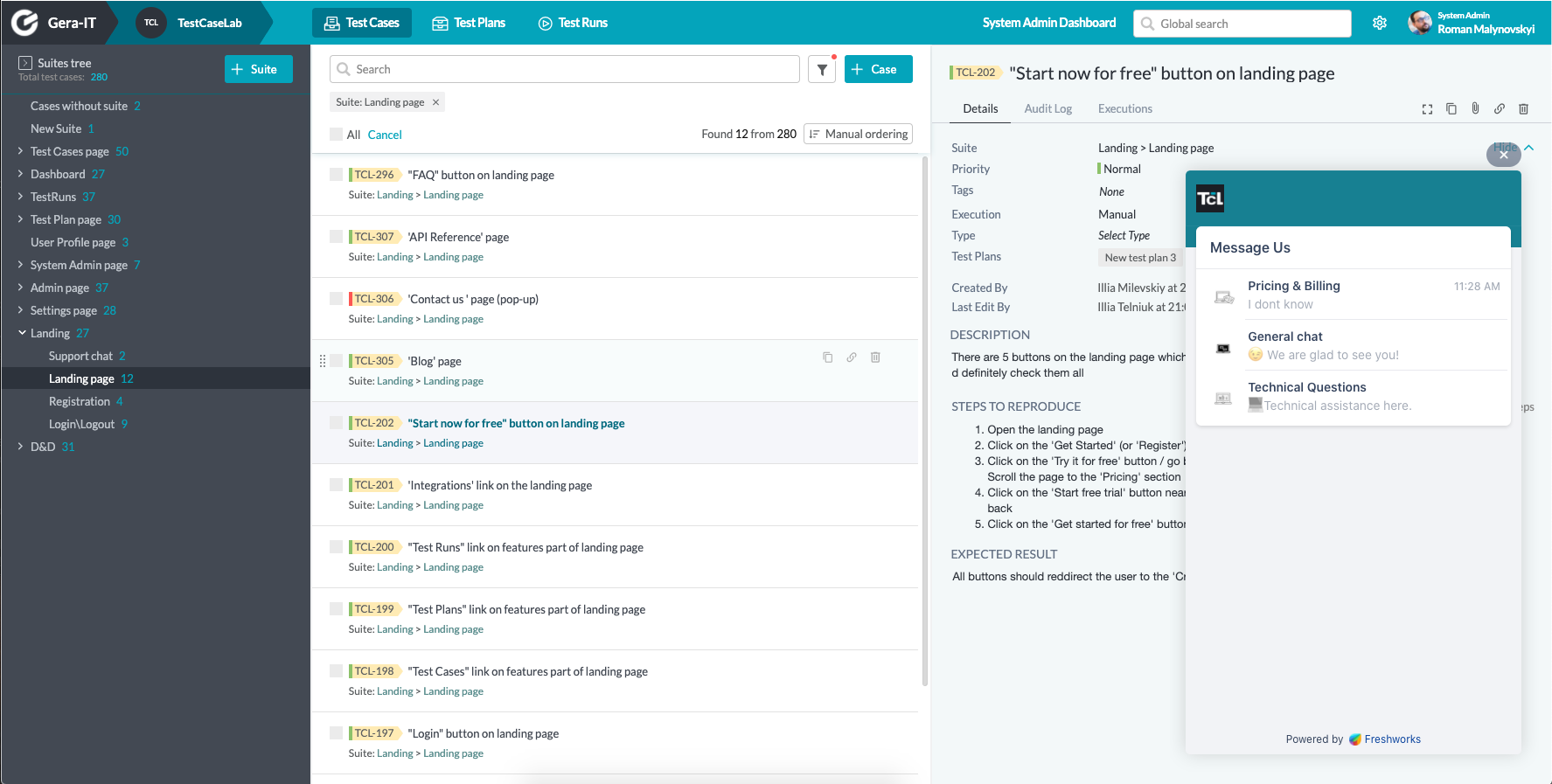 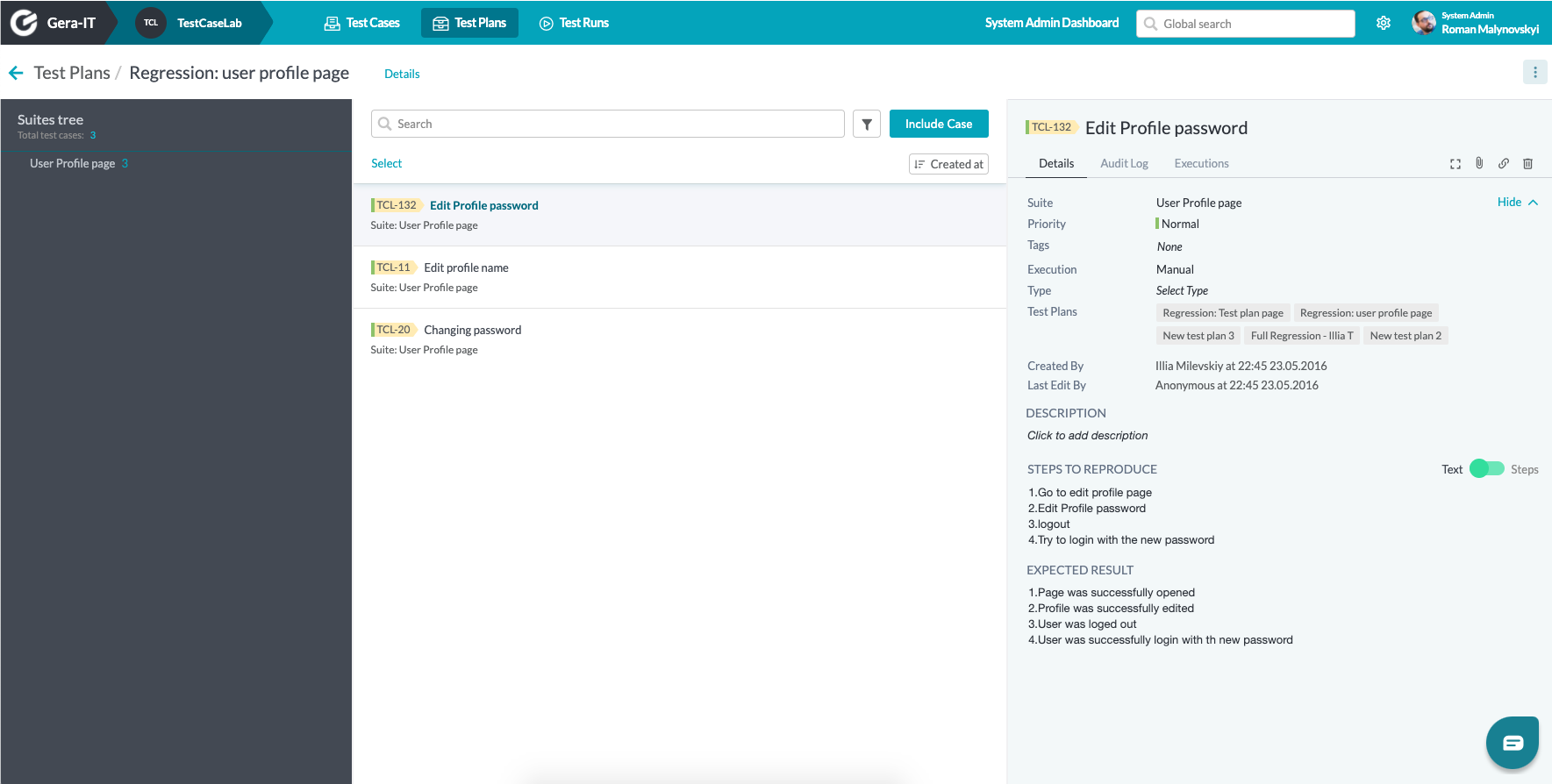  |


