Azure Test Plans is an exploratory test toolkit available from Microsoft's Azure suite of services. It enables manual testing for users, so that they can plan, execute, and track scripted tests with actionable defects and end-to-end traceability. Assess quality throughout the development lifecycle by testing your desktop or web applications. It is available with Azure DevOps Services.
N/A
PractiTest
Score 8.0 out of 10
N/A
PractiTest is presented as a cloud-based test management tool that provides its customers with an end-to-end system to meet testing and QA needs. It is described by the vendor as flexible but methodological, enabling organizations to ensure visibility and communication at all levels. The solution aims to help users and project development teams streamline and manage their testing processes, while providing management with a clear and simple view of their project status at all times.
I have not used any comparable software to Azure in the same setting. This question does not apply to my review of the software. I have also not encountered any bugs or inadequacies that would prompt us to look into replacing Azure Test Plans as our software of choice for …
Since we were using Azure DevOps, Test Plans were built-in on the Azure ecosystem the same that we were using to reduce the adoption time and we don't have to install an external tool for this purpose.
We're doing a full continuous integration (CI), continuous delivery (CD), continuous testing (CT), security, delivery, and monitoring. They have been lately adding features to the services on a regular basis. Every two weeks, they add functionality to Azure DevOps Services to …
I've used many different Test Case Repository tools, and while each of them has its perks, I like the capabilities of PractiTest best. When creating a test in qTest for example, you can only input information into the fields provided, and you have everything set up in a folder …
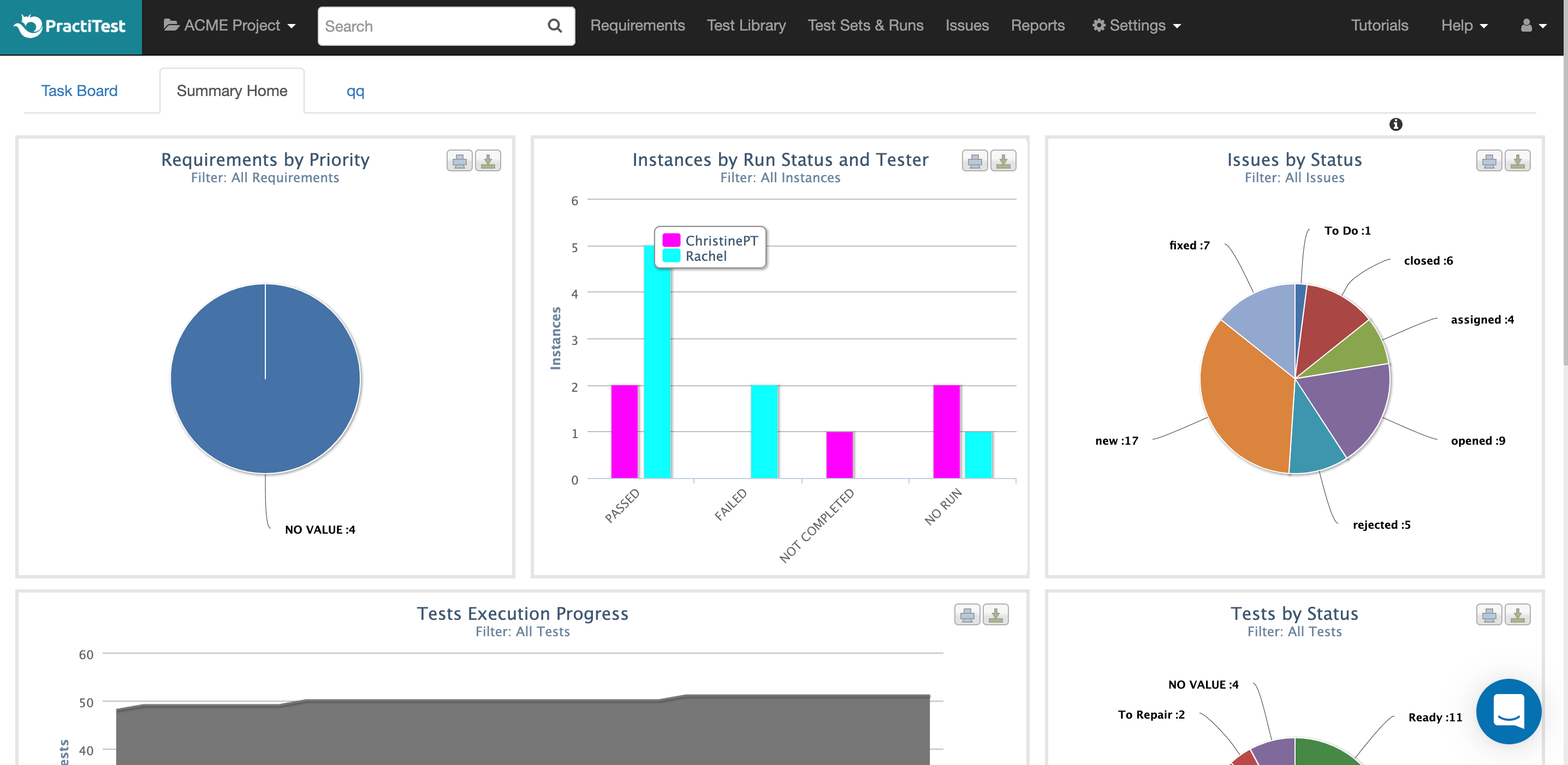
It works well for express test case implementation with a short duration. You can define the tests for two weeks and run the activities documenting the software errors and fixes to control the effectiveness of DevOps. The graphic reports give the idea of the backlog phases advances and errors detected. It needs improvement if you have a large test project and need to design financial budgets and control over costs of the test plan.
For most of the test case scenarios, PractiTest works fine. If we talk about one specific feature then it would be the automation side. I like this feature a lot just because it made all testing so easy and effortless but on the other hand automation in this platform comes with so many limitations and that's where I am not fully satisfied.
The chat button is available to anyone who logs into PractiTest. In my experience, the support has always been very quick, very friendly, and very thorough. They make sure that your question is answered in a way that you understand it. They also provide documentation of best practices so you are never left hanging on what to do next.
Test rail feels quite dated compared to Azure Test plans and Devops as a whole. Functionality and ease of use is actually night and day.
The ability to create structured test plans with ease that can be traced and attached to Epics and stories with relevant tasks allows the system to feel superior in everyway compared to Test rail which had a slow web interface
I've used many different Test Case Repository tools, and while each of them has its perks, I like the capabilities of PractiTest best. When creating a test in qTest for example, you can only input information into the fields provided, and you have everything set up in a folder tree structure. With PractiTest, we are able to create custom fields and filter our tests based on those fields to provide more accurate information in a readily available format while quickly searching for the filter instead of through a folder tree. TestRail did not appear to meet our needs as a company. It just didn't have the potential that we found with PractiTest. Zephyr for example worked seamlessly with Jira, which is really nice since that is what we use for the most part. However since we cater to many different clients, we needed an external Test Case repository so we could use something that wasn't tied to 1 Jira instance.
Typically the sprints themselves and managing the tasks have essentially eliminated our need for reporting.
The most valuable features of Microsoft Azure DevOps are high-level protection. Protection is very important to the customers to prevent eavesdropping.