
BoldSign®, by Syncfusion® vs. Tungsten SignDoc
BoldSign®, by Syncfusion® vs. Tungsten SignDoc
| Product | Rating | Most Used By | Product Summary | Starting Price |
|---|---|---|---|---|
 BoldSign®, by Syncfusion® | N/A | BoldSign is an e-signature platform that enables users to send documents out for legally binding signatures. Boasting users in over 120 countries by more than 50,000 customers, BoldSign offers a solution that works for companies of any size—from startups to global enterprises. The platform offers a range of features, including bulk send options, localization settings for time zones and automatic translation, and an API to integrate BoldSign e-signature functionality into an organization's… | $0 per month per user | |
 Tungsten SignDoc | N/A | Tungsten SignDoc is an enterprise-level electronic signature solution for the cloud that has functionality for complete signing scenarios. It helps organizations remove the need for capturing wet ink signatures on paper documents. | $2,500 per year Includes 1000 Signing Packages, Unlimited users |
| BoldSign®, by Syncfusion® | Tungsten SignDoc | |||||||||||||||
|---|---|---|---|---|---|---|---|---|---|---|---|---|---|---|---|---|
| Editions & Modules |
| No answers on this topic | ||||||||||||||
| Offerings |
| |||||||||||||||
| Entry-level Setup Fee | No setup fee | No setup fee | ||||||||||||||
| Additional Details | Monthly and annual options available. In addition to BoldSign's web app options, API plans are also offered. A free sandbox is available that allows you to integrate BoldSign into an application in a testing environment. A discount is available for annual billing. | Pricing is per signing package that decreases with volume purchases. There is no limit on the number of users with SignDoc! Price does not include the cost of 3rd party certification. | ||||||||||||||
| More Pricing Information | ||||||||||||||||
| BoldSign®, by Syncfusion® | Tungsten SignDoc | |
|---|---|---|
| Small Businesses |  Foxit eSign Score 9.1 out of 10 | BoldSign®, by Syncfusion® Score 10.0 out of 10 |
| Medium-sized Companies |  MSB Docs Score 9.4 out of 10 | MSB Docs Score 9.4 out of 10 |
| Enterprises |  DocuSign Score 8.7 out of 10 | DocuSign Score 8.7 out of 10 |
| All Alternatives | View all alternatives | View all alternatives |
| BoldSign®, by Syncfusion® | Tungsten SignDoc | |
|---|---|---|
| Likelihood to Recommend | 10.0 (22 ratings) | 9.5 (2 ratings) |
| Likelihood to Renew | 7.3 (1 ratings) | - (0 ratings) |
| Usability | 10.0 (16 ratings) | - (0 ratings) |
| Availability | 7.3 (1 ratings) | - (0 ratings) |
| Performance | 7.3 (1 ratings) | - (0 ratings) |
| Support Rating | 8.7 (2 ratings) | - (0 ratings) |
| Implementation Rating | 7.3 (1 ratings) | - (0 ratings) |
| Configurability | 7.3 (1 ratings) | - (0 ratings) |
| Contract Terms and Pricing Model | 7.3 (1 ratings) | - (0 ratings) |
| Product Scalability | 7.3 (1 ratings) | - (0 ratings) |
| Vendor post-sale | 7.3 (1 ratings) | - (0 ratings) |
| Vendor pre-sale | 8.2 (1 ratings) | - (0 ratings) |
| BoldSign®, by Syncfusion® | Tungsten SignDoc | |
|---|---|---|
| Likelihood to Recommend | Syncfusion
 Jason Xu Founder |  Tungsten Automation formerly Kofax
|
| Pros | Syncfusion
Jason Xu Founder | Tungsten Automation formerly Kofax
|
| Cons | Syncfusion
| Tungsten Automation formerly Kofax
|
| Likelihood to Renew | Syncfusion
| Tungsten Automation formerly Kofax No answers on this topic |
| Usability | Syncfusion
| Tungsten Automation formerly Kofax No answers on this topic |
| Reliability and Availability | Syncfusion
| Tungsten Automation formerly Kofax No answers on this topic |
| Performance | Syncfusion
| Tungsten Automation formerly Kofax No answers on this topic |
| Support Rating | Syncfusion
| Tungsten Automation formerly Kofax No answers on this topic |
| Implementation Rating | Syncfusion
| Tungsten Automation formerly Kofax No answers on this topic |
| Alternatives Considered | Syncfusion
| Tungsten Automation formerly Kofax
|
| Contract Terms and Pricing Model | Syncfusion
| Tungsten Automation formerly Kofax No answers on this topic |
| Scalability | Syncfusion
| Tungsten Automation formerly Kofax No answers on this topic |
| Return on Investment | Syncfusion
| Tungsten Automation formerly Kofax
|
| ScreenShots | BoldSign®, by Syncfusion® Screenshots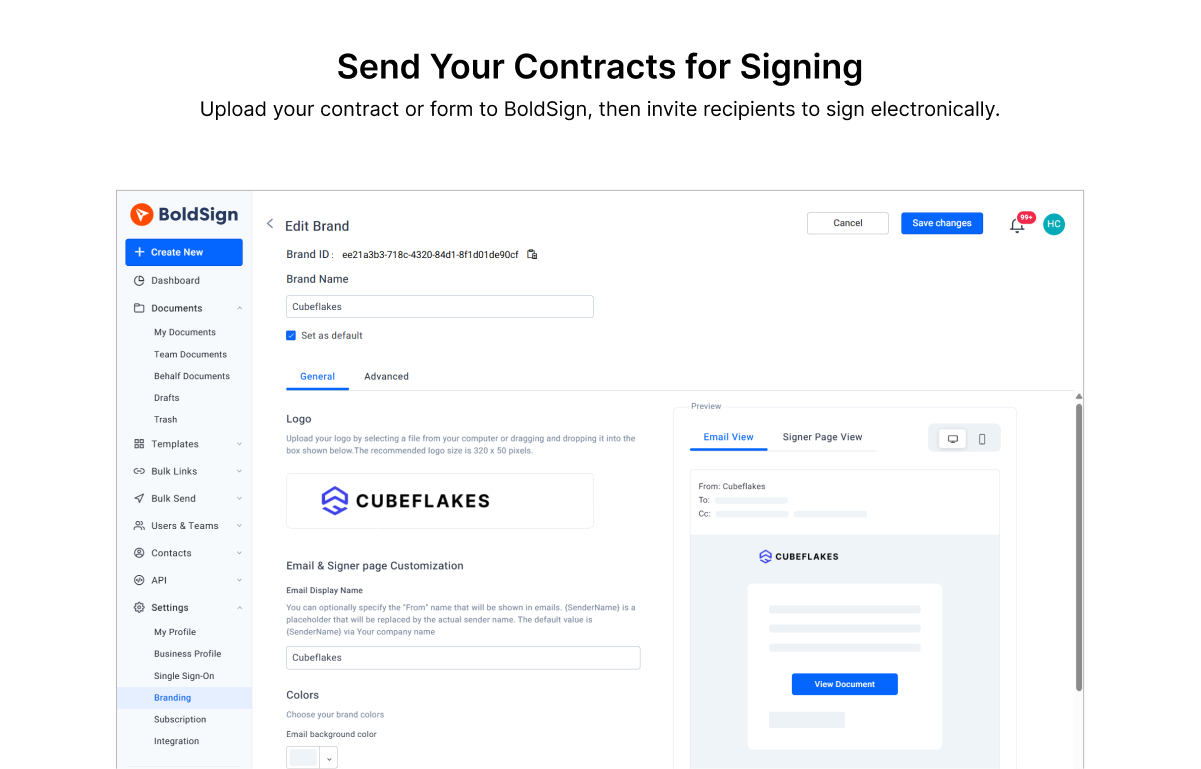 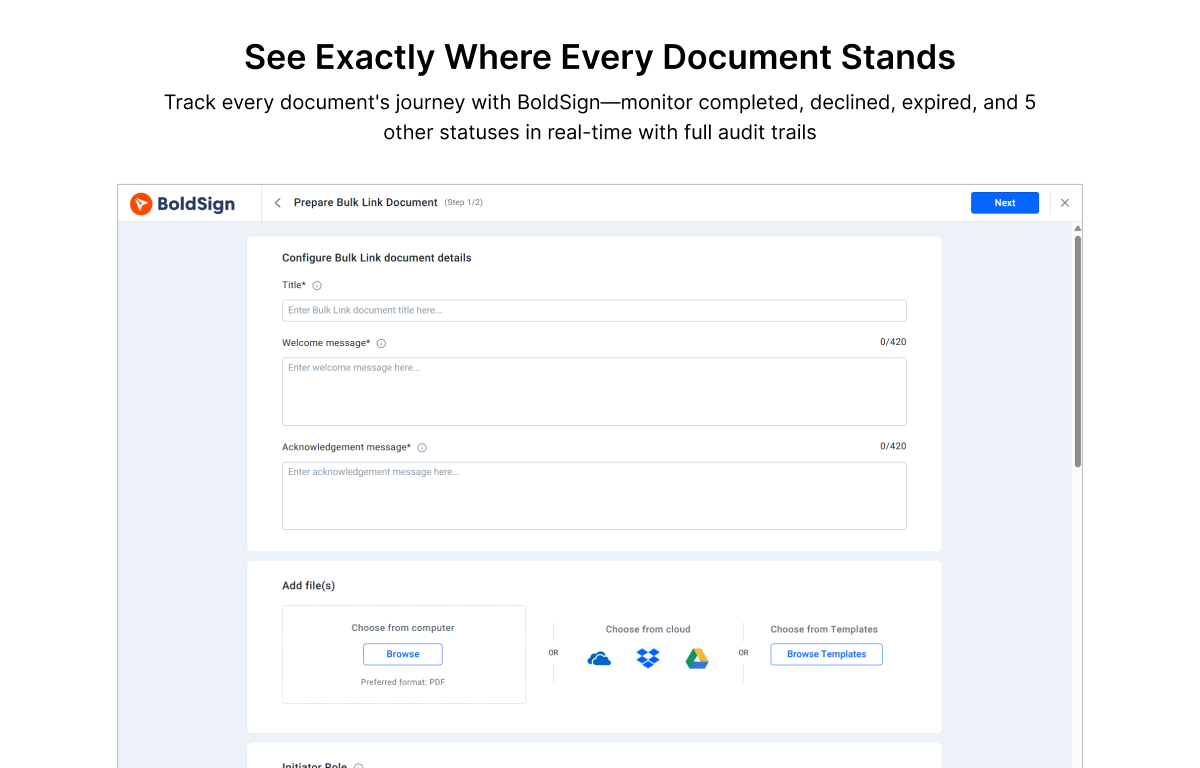 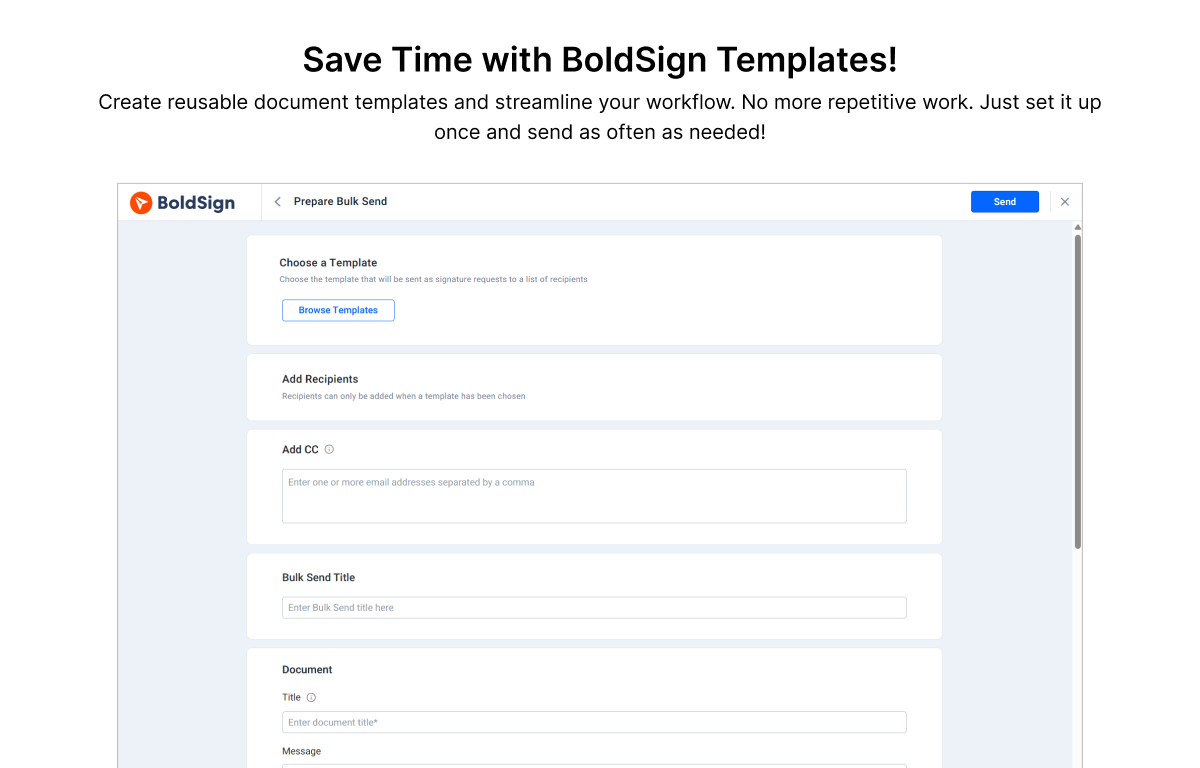 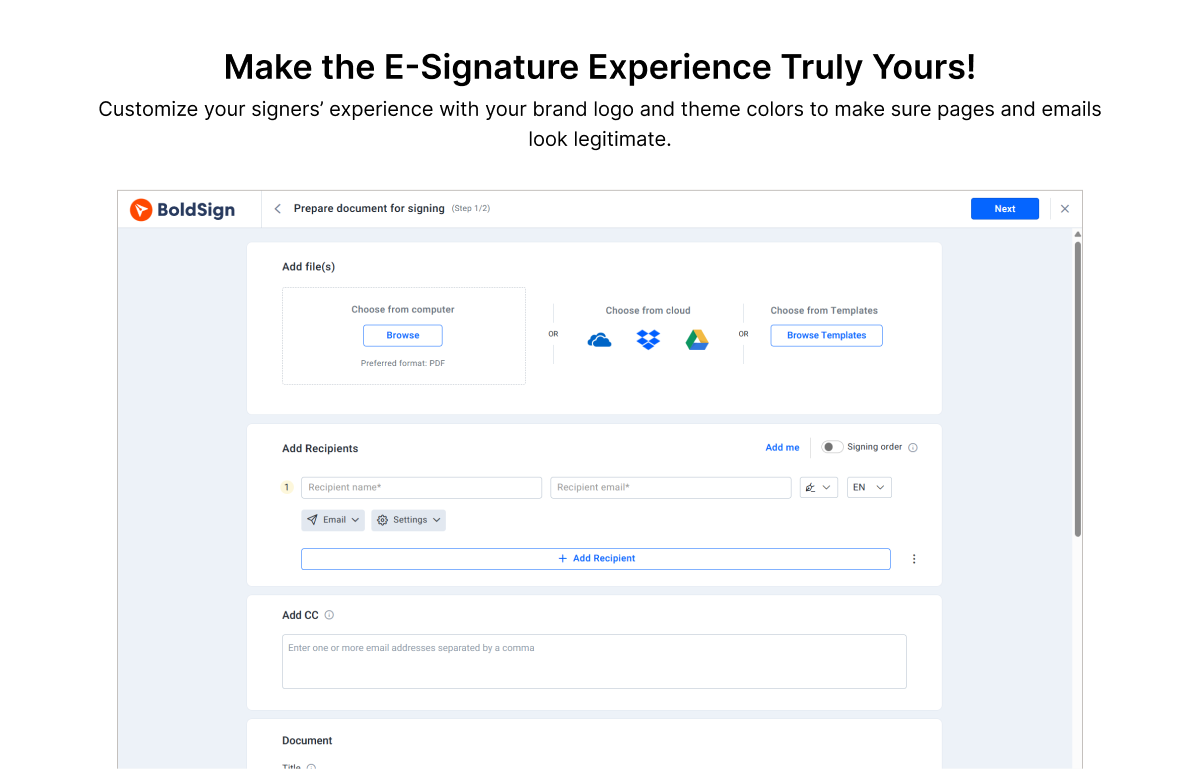 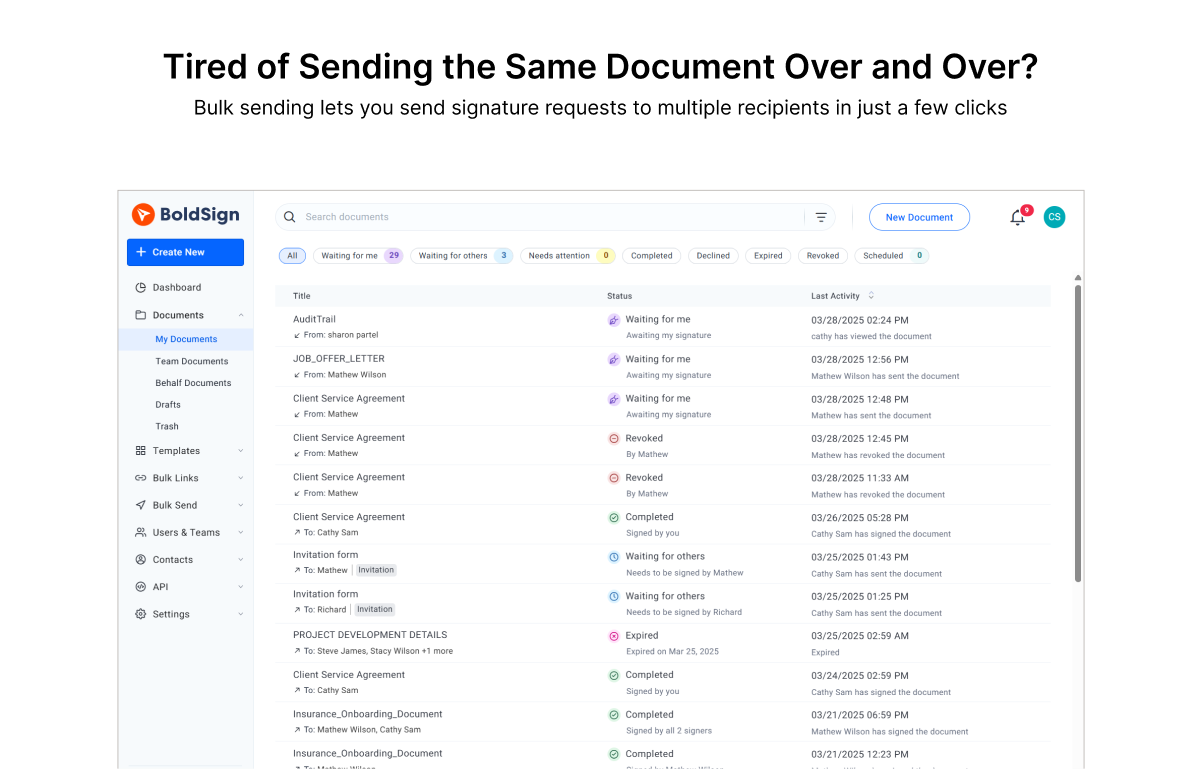 | Tungsten SignDoc Screenshots     |