
BrainStorm vs. Gyde
BrainStorm vs. Gyde
| Product | Rating | Most Used By | Product Summary | Starting Price |
|---|---|---|---|---|
 BrainStorm | N/A | BrainStorm's on-demand platform QuickHelp is adapted to each company and individual user and is engineered to turn education into learning experiences. | N/A | |
 Gyde | Enterprise companies (1,001+ employees) | Gyde is a Digital Adoption Platform (DAP) designed to help organizations maximize software ROI by enabling employees and customers to learn, adopt, and excel at digital tools while shortening the learning curve of any software application. Some of the key benefits organizations like Bajaj Finance, Fidelity, UpsideLMS, and Verizon have experienced with Gyde include faster onboarding, reduced support tickets, improved data accuracy, higher employee productivity, and accelerated software… | $200 per month per user |
| BrainStorm | Gyde | |||||||||||||||
|---|---|---|---|---|---|---|---|---|---|---|---|---|---|---|---|---|
| Editions & Modules | No answers on this topic | No answers on this topic | ||||||||||||||
| Offerings |
| |||||||||||||||
| Entry-level Setup Fee | No setup fee | Optional | ||||||||||||||
| Additional Details | Contact vendor for pricing information. | — | ||||||||||||||
| More Pricing Information | ||||||||||||||||
| BrainStorm | Gyde |
|---|
| BrainStorm | Gyde | |
|---|---|---|
| Small Businesses |  ChurnZero Score 8.5 out of 10 | ChurnZero Score 8.5 out of 10 |
| Medium-sized Companies | ChurnZero Score 8.5 out of 10 | ChurnZero Score 8.5 out of 10 |
| Enterprises |  Nexthink Score 7.3 out of 10 | Nexthink Score 7.3 out of 10 |
| All Alternatives | View all alternatives | View all alternatives |
| BrainStorm | Gyde | |
|---|---|---|
| Likelihood to Recommend | 10.0 (1 ratings) | - (0 ratings) |
| BrainStorm | Gyde | |
|---|---|---|
| Likelihood to Recommend |  BrainStorm
 Scott Sendelweck Director Employment Brand | Gyde No answers on this topic |
| Pros | BrainStorm
Scott Sendelweck Director Employment Brand | Gyde No answers on this topic |
| Cons | BrainStorm
Scott Sendelweck Director Employment Brand | Gyde No answers on this topic |
| Alternatives Considered | BrainStorm
Scott Sendelweck Director Employment Brand | Gyde No answers on this topic |
| Return on Investment | BrainStorm
Scott Sendelweck Director Employment Brand | Gyde No answers on this topic |
| ScreenShots | Gyde Screenshots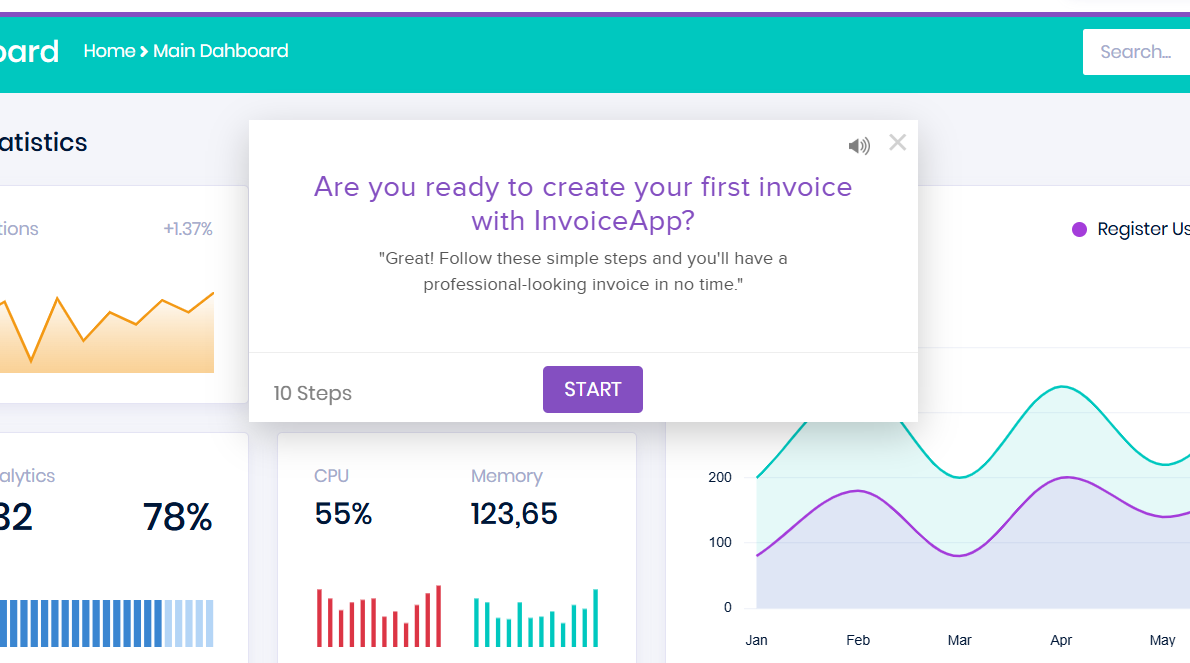 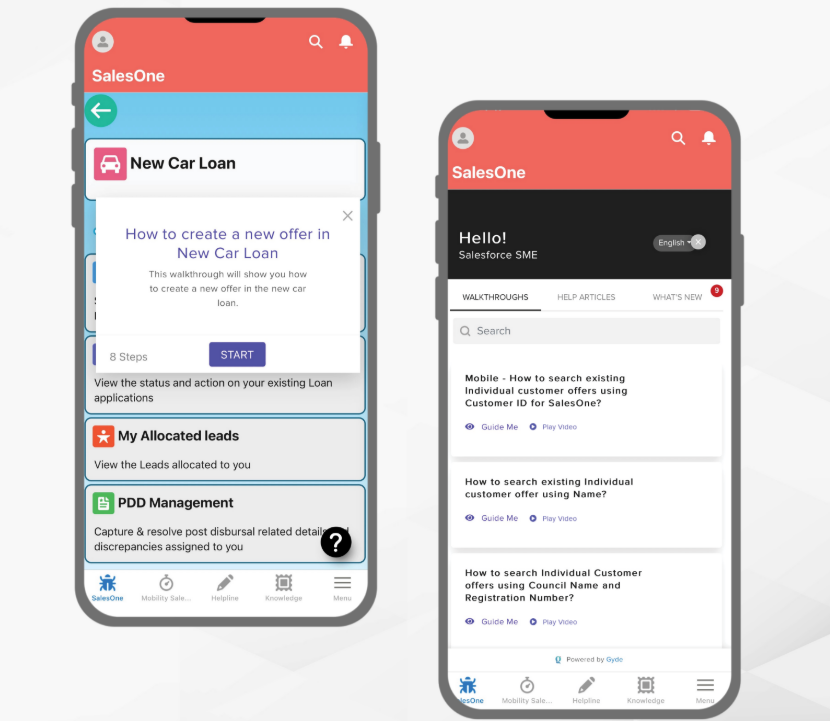 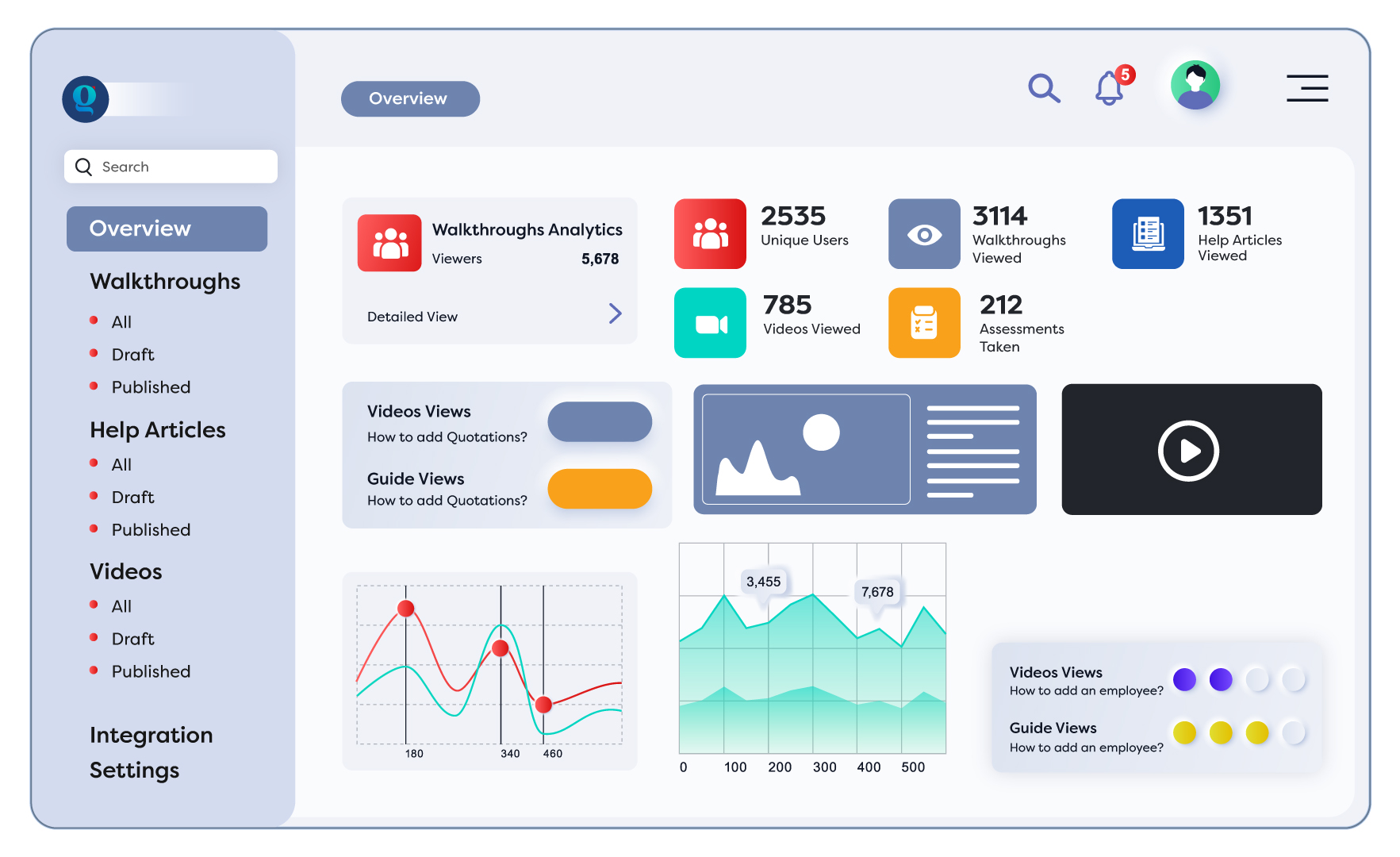 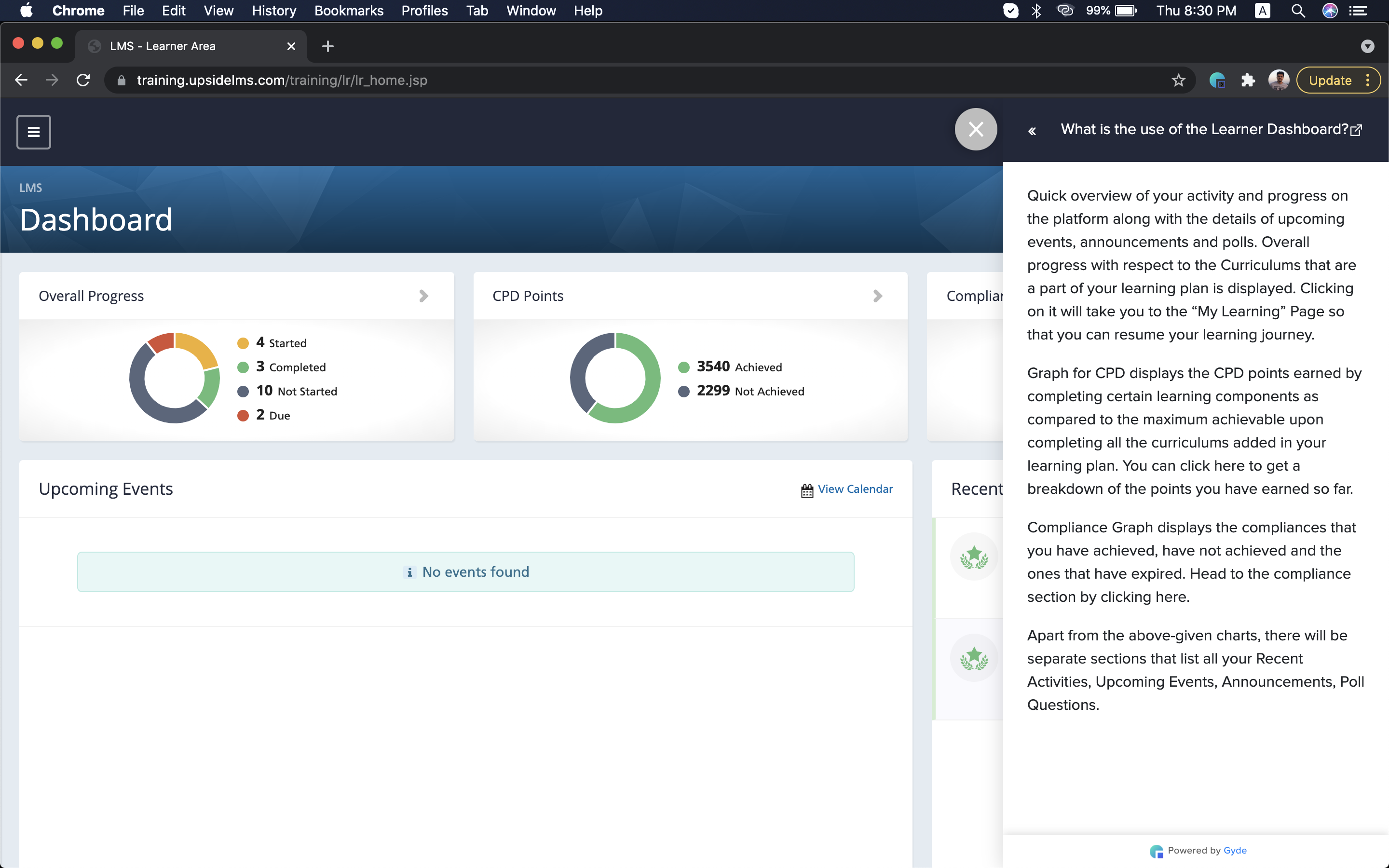 |