
Brault vs. Filecamp
| Product | Rating | Most Used By | Product Summary | Starting Price |
|---|---|---|---|---|
 Brault | Score9 out of 10 | Small Businesses (1-50 employees) | Brault is a creative asset management (DAM) platform built for teams that need more than generic cloud storage. It combines file storage, AI-powered search, project tracking, feedback, file transfer, and brand management in a single workspace, reducing the need for multiple tools across the creative stack. The platform analyzes the content of images, videos, audio files, and documents across 50+ formats, enabling natural language search. Workspaces organize assets by… | $5 per month per user |
 Filecamp | Score8.2 out of 10 | Mid-Size Companies (51-1,000 employees) | Filecamp is a cloud-based Digital Asset Management (DAM) solution with unlimited users. According to the vendor, with Filecamp users can showcase and share files with clients or with other parts of the organization. Customers can have their own custom branding and password protection if required. Using different download presets, anyone can be allowed to quickly download the right resolution of images. Filecamp is designed to make it easy to organize and search thousands of rich media… | $29 per month |
| Brault | Filecamp | |||||||||||||||
|---|---|---|---|---|---|---|---|---|---|---|---|---|---|---|---|---|
| Editions & Modules |
|
| ||||||||||||||
| Offerings |
| |||||||||||||||
| Entry-level Setup Fee | $1,500 one-time fee per installation (Enterprise tier only) | No setup fee | ||||||||||||||
| Additional Details | Month to month: Lite $5, Pro $15, Growth $85. Lite is a single-user plan; Pro includes 1 user and takes up to 3 ($8 per extra user/month); Growth includes 4 users ($4 per extra user/month). Extra storage $9 per TB/month. A discount is available for annual billing. | There are 3 plans to available to meet various needs and budget. All plans come with unlimited users and free bandwidth. Plans can be upgraded, downgraded, or storage can be added to an account at any time. There are no startup costs. | ||||||||||||||
| More Pricing Information | ||||||||||||||||
| Brault | Filecamp | ||||||||||||||||||||||||||||||||||||||||||||||
|---|---|---|---|---|---|---|---|---|---|---|---|---|---|---|---|---|---|---|---|---|---|---|---|---|---|---|---|---|---|---|---|---|---|---|---|---|---|---|---|---|---|---|---|---|---|---|---|
| DAM Features |
| ||||||||||||||||||||||||||||||||||||||||||||||
| Brault | Filecamp | |
|---|---|---|
| Small Businesses |  Adobe Bridge Score8.7 out of 10 | Adobe Bridge Score8.7 out of 10 |
| Medium-sized Companies |  Cloudinary Score9 out of 10 | Cloudinary Score9 out of 10 |
| Enterprises |  Acquia DAM (Widen) Score8.1 out of 10 | Acquia DAM (Widen) Score8.1 out of 10 |
| All Alternatives | View all alternatives | View all alternatives |
| Brault | Filecamp | |
|---|---|---|
| Likelihood to Recommend | 9.0 | 8.2 |
| Usability | 10.0 | - |
| Support Rating | - | 9.1 |
| Brault | Filecamp | |
|---|---|---|
| Likelihood to Recommend |
|
|
| Pros | No answers on this topic |
|
| Cons | No answers on this topic |
|
| Usability |
| No answers on this topic |
| Support Rating | No answers on this topic |
|
| Alternatives Considered |
|
|
| Return on Investment | No answers on this topic |
|
| ScreenShots | Brault Screenshots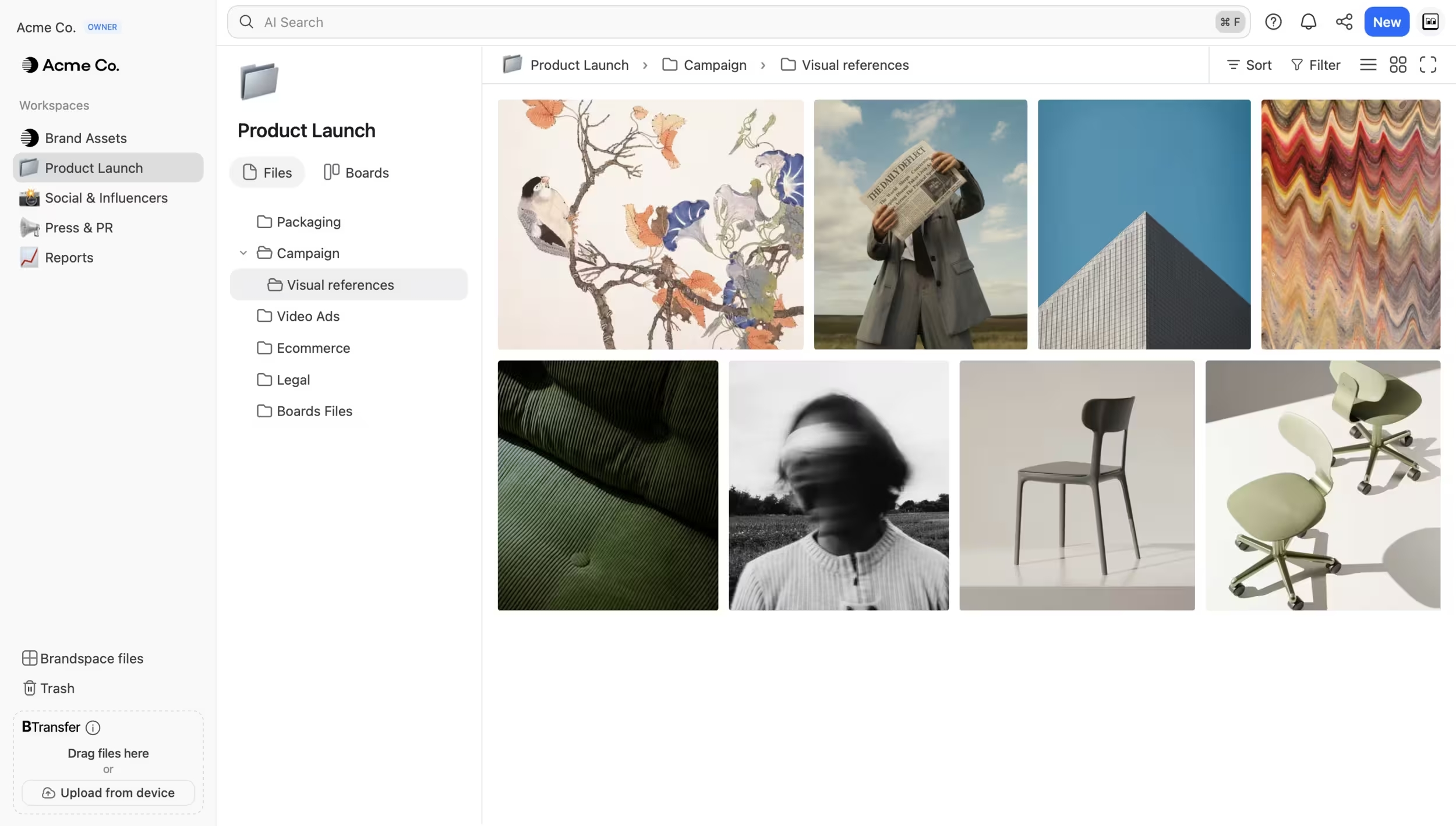 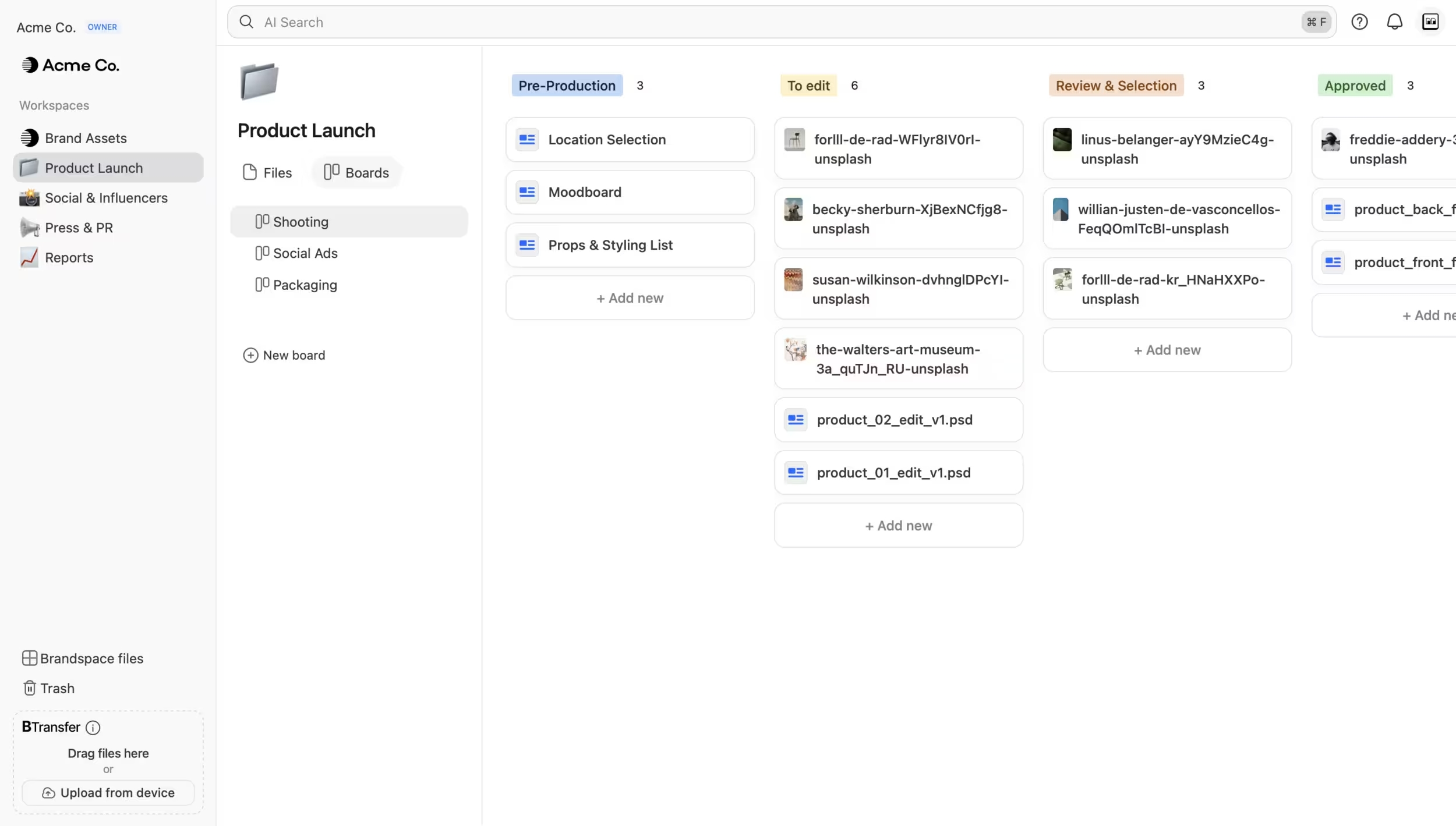 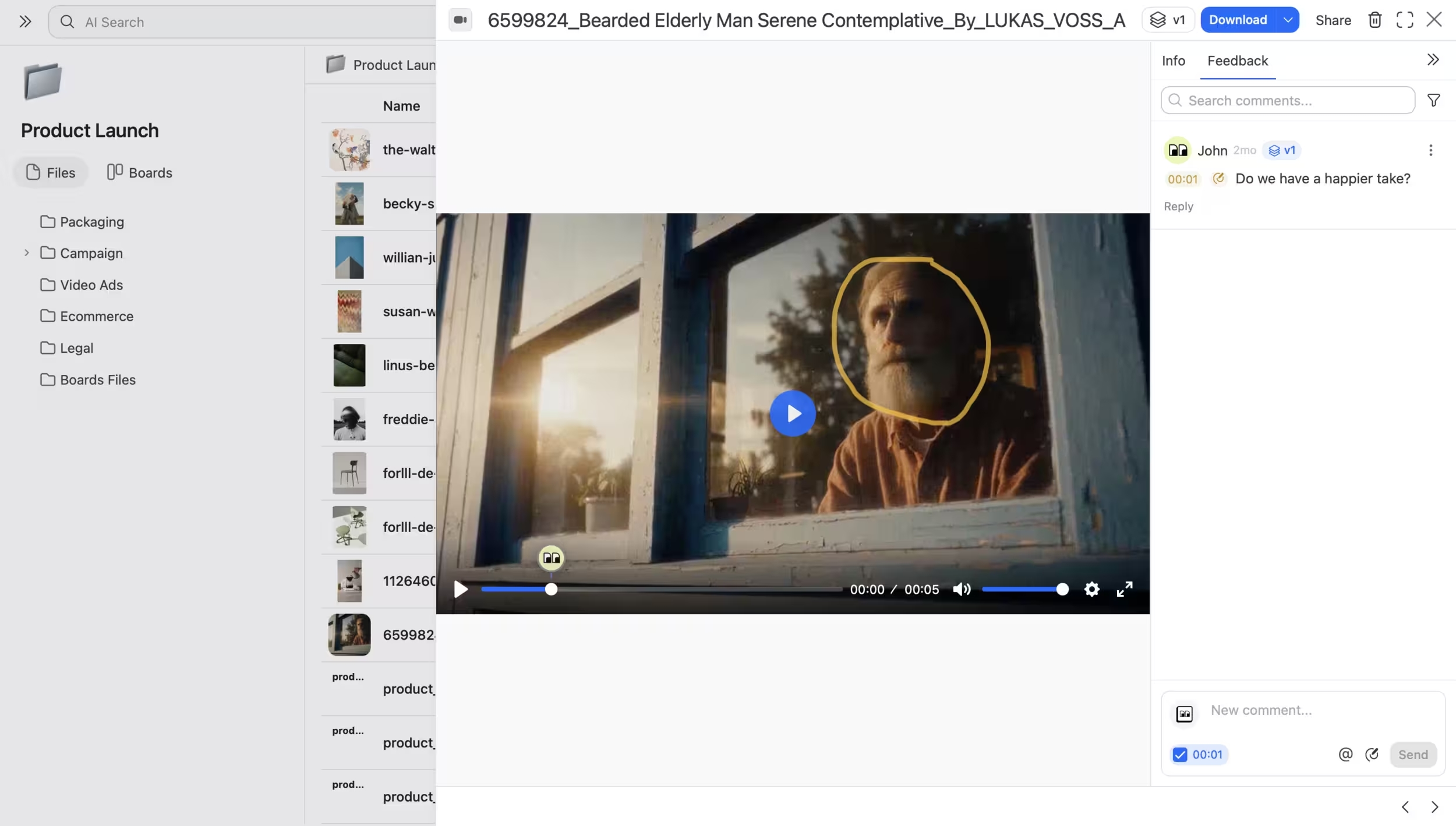 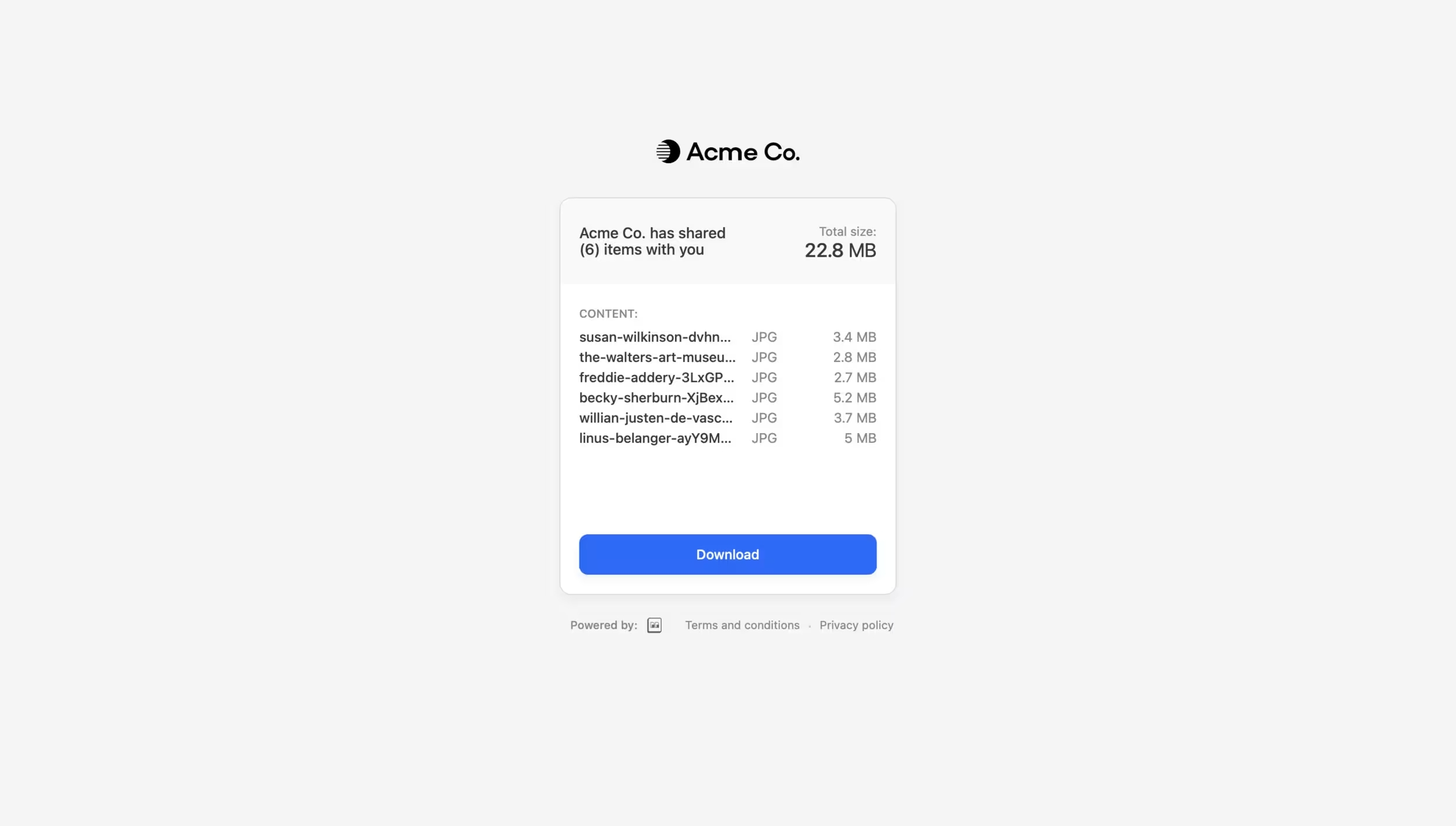 | Filecamp Screenshots 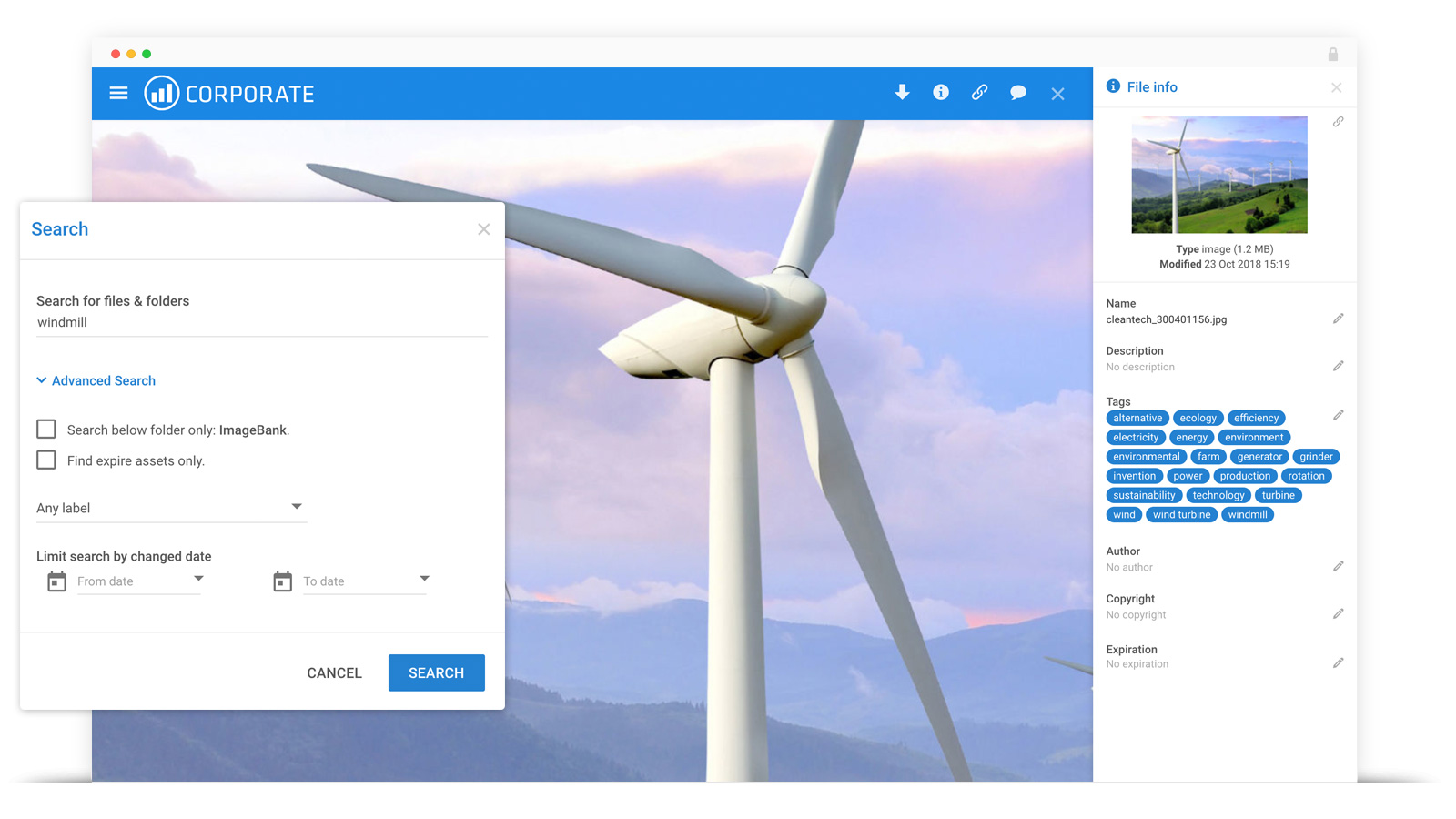   |