Centurion Setup vs. Git

Overview
ProductRatingMost Used ByProduct SummaryStarting Price
Centurion Setup
Score 9.1 out of 10
Small Businesses (1-50 employees)
Centurion Setup is presented as an easy to use professional installation program installer. The installer is self-contained in a single compressed executable file, and runs on all versions of Windows. The vendor describes Centurion Setup as simple to learn, but also feature rich, with support for uninstallation, multiple languages, interface customization, license agreements, readme files, file associations, DOS batch operations, DLL installation, automated installations, device drivers,…
$149
one-time fee 5 activations
Git
Score 10.0 out of 10
N/A
N/AN/A
Pricing
Centurion SetupGit
Editions & Modules
Standard Edition
$149.00
one-time fee 5 activations
No answers on this topic
Offerings
Pricing Offerings
Centurion SetupGit
Free Trial
YesNo
Free/Freemium Version
NoNo
Premium Consulting/Integration Services
YesNo
Entry-level Setup Fee$149 one-time fee 5 activationsNo setup fee
Additional DetailsA license entitles the user to 5 activations. Once activated, the software will remain activated indefinitely unless it is moved to a different drive, or if a major upgrade (such as 1.0 to 2.0) is installed. Minor upgrades (such as 1.0 to 1.1) are free. The 5 activations are not restricted to one machine or user.
More Pricing Information
Community Pulse
Centurion SetupGit
Best Alternatives
Centurion SetupGit
Small Businesses
Action1
Action1
Score 9.5 out of 10
GitHub
GitHub
Score 9.2 out of 10
Medium-sized Companies
Action1
Action1
Score 9.5 out of 10
GitHub
GitHub
Score 9.2 out of 10
Enterprises
GitLab
GitLab
Score 8.9 out of 10
Perforce P4
Perforce P4
Score 7.5 out of 10
All AlternativesView all alternativesView all alternatives
User Ratings
Centurion SetupGit
Likelihood to Recommend
-
(0 ratings)
10.0
(36 ratings)
Likelihood to Renew
-
(0 ratings)
10.0
(1 ratings)
Usability
-
(0 ratings)
9.0
(1 ratings)
Support Rating
-
(0 ratings)
8.5
(11 ratings)
Implementation Rating
-
(0 ratings)
9.0
(1 ratings)
User Testimonials
Centurion SetupGit
Likelihood to Recommend
Gammadyne Corporation
No answers on this topic
Open Source
GIT is good to be used for faster and high availability operations during code release cycle. Git provides a complete replica of the repository on the developer's local system which is why every developer will have complete repository available for quick access on his system and they can merge the specific branches that they have worked on back to the centralized repository. The limitations with GIT are seen when checking in large files.
Read full review
Pros
Gammadyne Corporation
No answers on this topic
Open Source
  • Ability to create branches off current releases to modify code that can be tested in a separate environment.
  • Each developer had their own local copy of branches so it minimizes mistakes being made.
  • Has a user-friendly UI called Git Gui that users can use if they do not like using the command line.
  • Conflicts are displayed nicely so that developers can resolve with ease.
Read full review
Cons
Gammadyne Corporation
No answers on this topic
Open Source
  • There can be quite a number of commands once you get to the advanced features and functionality of Git. Takes time to master.
  • Doesn't handle static assets (ie: videos, images, etc.) well. Although in the recent years, new functionality has been introduced to address this.
  • Many different GUIs, many people (including myself) opt to just use the command-line.
Read full review
Likelihood to Renew
Gammadyne Corporation
No answers on this topic
Open Source
Git has met all standards for a source control tool and even exceeded those standards. Git is so integrated with our work that I can't imagine a day without it.
Read full review
Usability
Gammadyne Corporation
No answers on this topic
Open Source
Git is easy to use most of the time. You mostly use a few commands like commiting, fetch/pull, and push which will get you by for most of time.
Read full review
Support Rating
Gammadyne Corporation
No answers on this topic
Open Source
I am not sure what the official Git support channels are like as I have never needed to use any official support. Because Git is so popular among all developers now, it is pretty easy to find the answer to almost any Git question with a quick Google search. I've never had trouble finding what I'm looking for.
Read full review
Implementation Rating
Gammadyne Corporation
No answers on this topic
Open Source
It's easy to set up and get going.
Read full review
Alternatives Considered
Gammadyne Corporation
No answers on this topic
Open Source
I've used both Apache Subversion & Git over the years and have maintained my allegiance to Git. Git is not objectively better than Subversion. It's different.
The key difference is that it is decentralized. With Subversion, you have a problem here: The SVN Repository may be in a location you can't reach (behind a VPN, intranet - etc), you cannot commit. If you want to make a copy of your code, you have to literally copy/paste it. With Git, you do not have this problem. Your local copy is a repository, and you can commit to it and get all benefits of source control. When you regain connectivity to the main repository, you can commit against it. Another thing for consideration is that Git tracks content rather than files. Branches are lightweight and merging is easy, and I mean really easy.
It's distributed, basically every repository is a branch. It's much easier to develop concurrently and collaboratively than with Subversion, in my opinion. It also makes offline development possible. It doesn't impose any workflow, as seen on the above linked website, there are many workflows possible with Git. A Subversion-style workflow is easily mimicked.
Read full review
Return on Investment
Gammadyne Corporation
No answers on this topic
Open Source
  • Git has saved our organization countless hours having to manually trace code to a breaking change or manage conflicting changes. It has no equal when it comes to scalability or manageability.
  • Git has allowed our engineering team to build code reviews into its workflow by preventing a developer from approving or merging in their own code; instead, all proposed changes are reviewed by another engineer to assess the impact of the code and whether or not it should be merged in first. This greatly reduces the likelihood of breaking changes getting into production.
  • Git has at times created some confusion among developers about what to do if they accidentally commit a change they decide later they want to roll back. There are multiple ways to address this problem and the best available option may not be obvious in all cases.
Read full review
ScreenShots

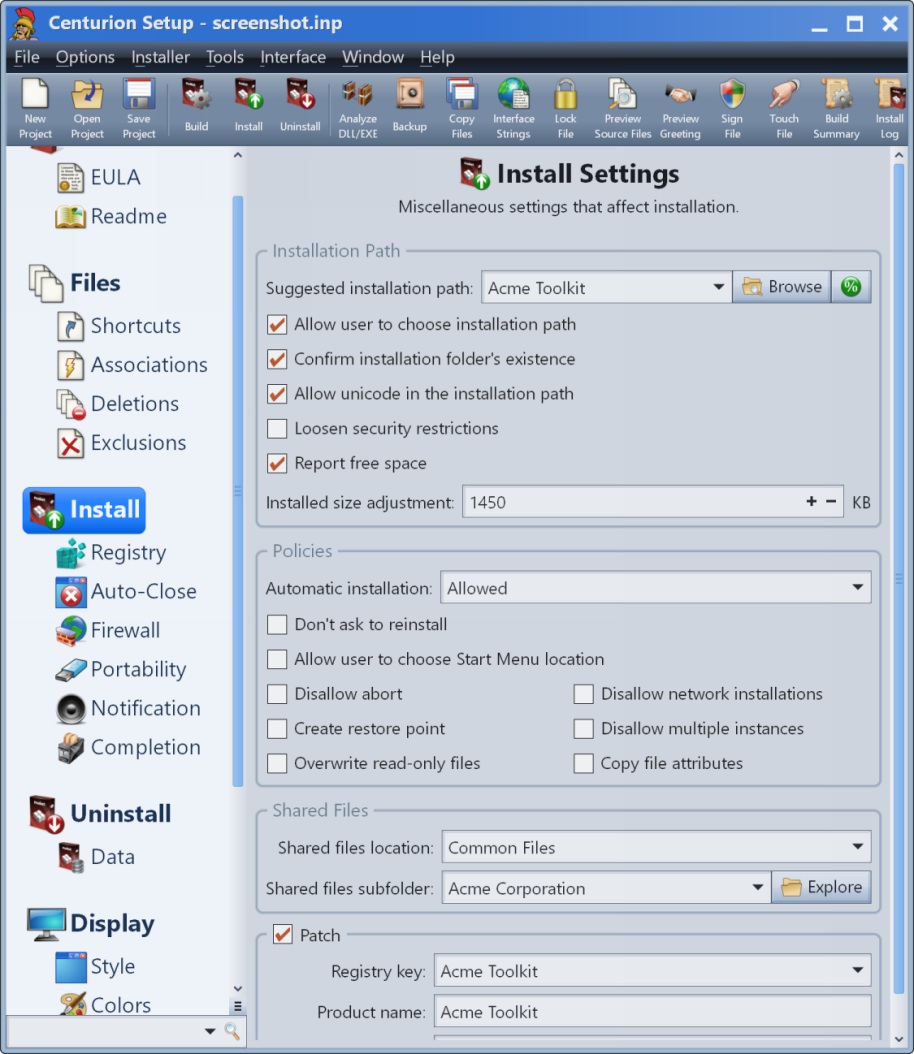
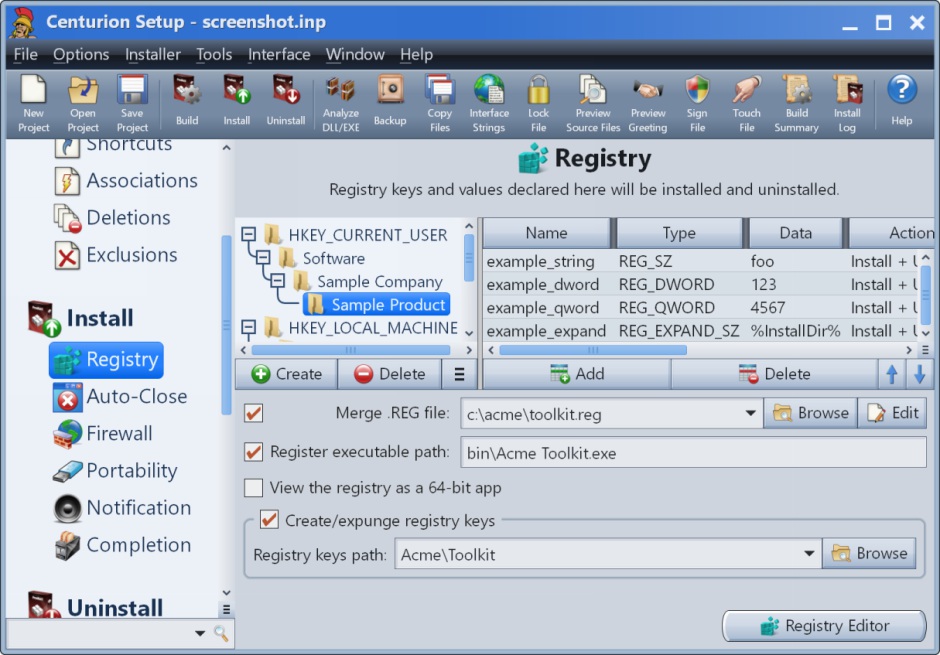
Centurion Setup Screenshots

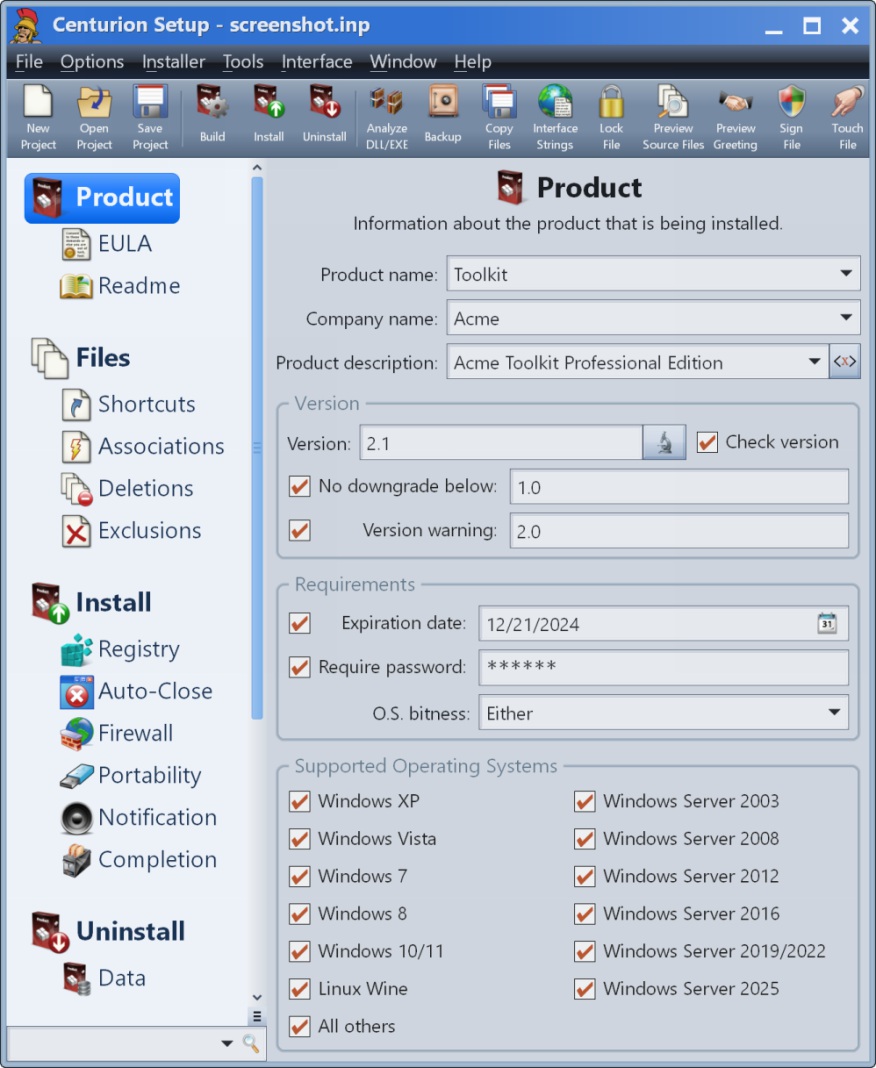
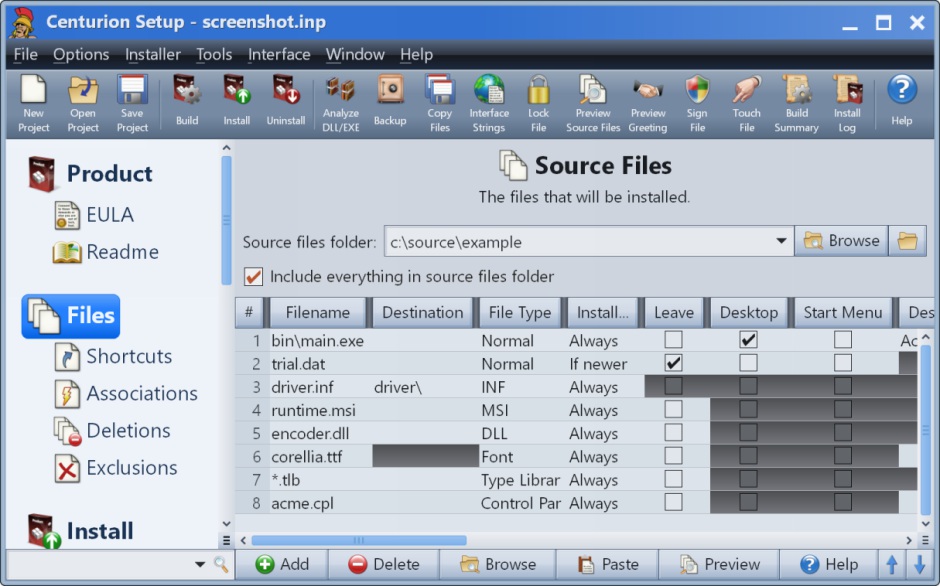
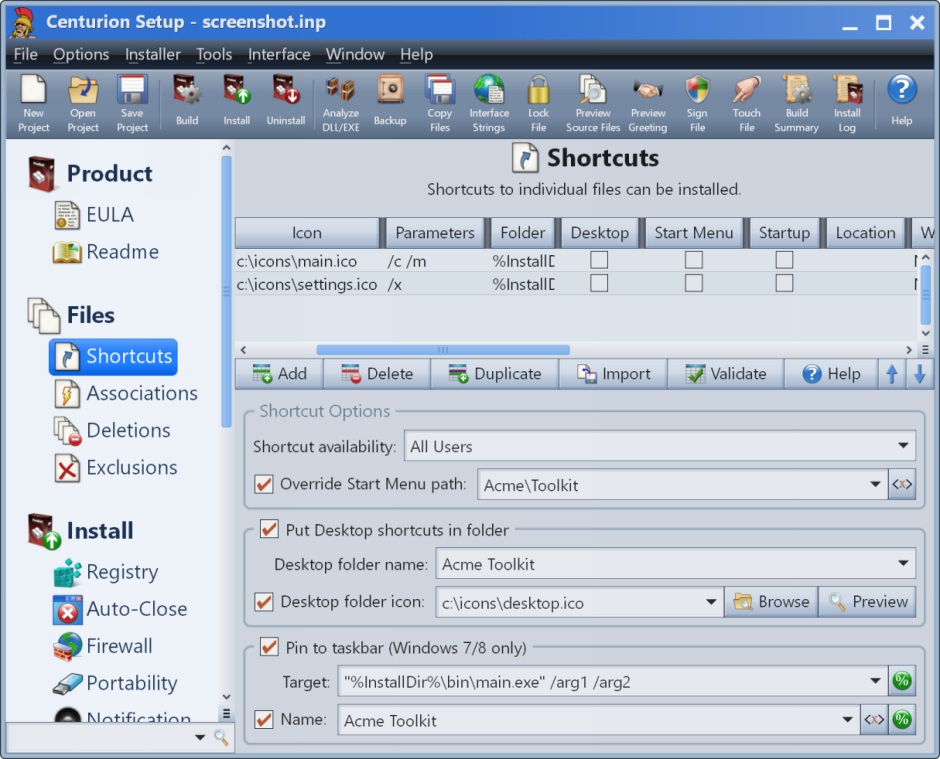
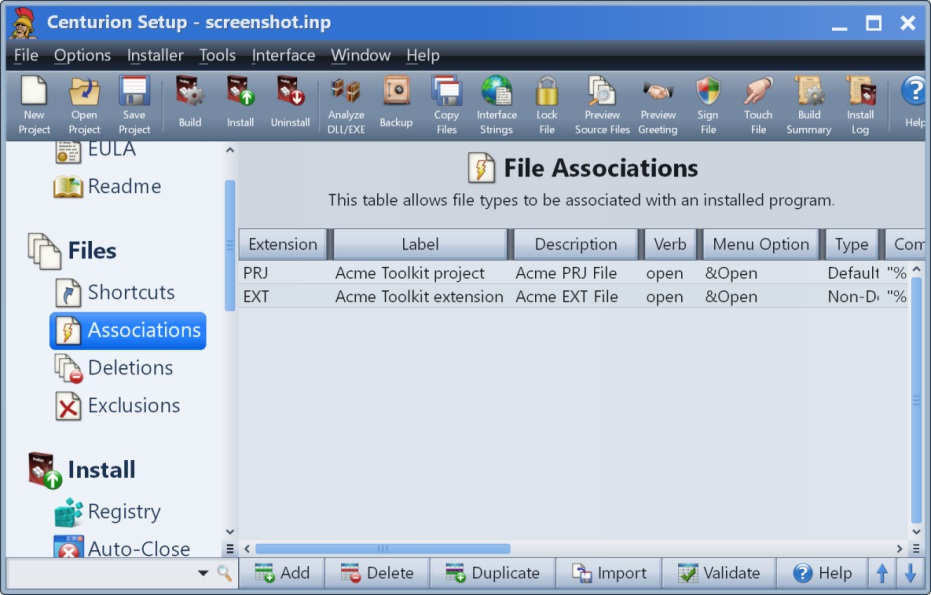
Screenshot of Product InformationScreenshot of Source FilesScreenshot of ShortcutsScreenshot of File AssociationsScreenshot of Install SettingsScreenshot of Registry