
Chrome Sign Builder vs. eTract vs. viewneo
| Product | Rating | Most Used By | Product Summary | Starting Price |
|---|---|---|---|---|
 Chrome Sign Builder | Score7.6 out of 10 | N/A | Chrome Sign Builder, from Google, is a digital signage utility that allows users to schedule and display content across managed Chrome devices and networks, built to make it easy to show web content content such as restaurant menus, images, and YouTube videos and playlists–as well as Google Presentations, which can be edited by anyone who has access to the presentation. | N/A |
 eTract | N/A | N/A | N/A | N/A |
 viewneo | Score10 out of 10 | N/A | German company Adversign Media offers viewneo, a digital signage platform including software with (optionally) hardware as well, which can be deployed on a small scale displaying a single sign and which also can manage an entire network of signage with no server. The company also provides content and content consulting. | $21 per month per installation |
| Chrome Sign Builder | eTract | viewneo | ||||||||||||||||||||||
|---|---|---|---|---|---|---|---|---|---|---|---|---|---|---|---|---|---|---|---|---|---|---|---|---|
| Editions & Modules | No answers on this topic | No answers on this topic | No answers on this topic | |||||||||||||||||||||
| Offerings |
| |||||||||||||||||||||||
| Entry-level Setup Fee | No setup fee | No setup fee | Optional | |||||||||||||||||||||
| Additional Details | — | — | — | |||||||||||||||||||||
| More Pricing Information | ||||||||||||||||||||||||
| Chrome Sign Builder | eTract | viewneo | |
|---|---|---|---|
| Considered Multiple Products | No answer on this topic | No answer on this topic | No answer on this topic |
| Key User Insights | |||
| Would buy again | |||
76% Would buy again 19 Answers | No answers on this topic | No answers on this topic | |
| Delivers good value for the price | |||
96% Delivers good value for the price 23 Answers | No answers on this topic | No answers on this topic | |
| Happy with the feature set | |||
80% Happy with the feature set 20 Answers | No answers on this topic | No answers on this topic | |
| Lived up to sales and marketing promises | |||
86% Lived up to sales and marketing promises 19 Answers | No answers on this topic | No answers on this topic | |
| Implementation went as expected | |||
88% Implementation went as expected 21 Answers | No answers on this topic | No answers on this topic | |
| Chrome Sign Builder | eTract | viewneo | |
|---|---|---|---|
| Likelihood to Recommend | 7.5 | - | - |
| Support Rating | 4.0 | - | - |
| Chrome Sign Builder | eTract | viewneo | |
|---|---|---|---|
| Likelihood to Recommend |
| No answers on this topic | No answers on this topic |
| Pros |
| No answers on this topic | No answers on this topic |
| Cons |
| No answers on this topic | No answers on this topic |
| Support Rating |
| No answers on this topic | No answers on this topic |
| Alternatives Considered |
| No answers on this topic | No answers on this topic |
| Return on Investment |
| No answers on this topic | No answers on this topic |
| ScreenShots | viewneo Screenshots   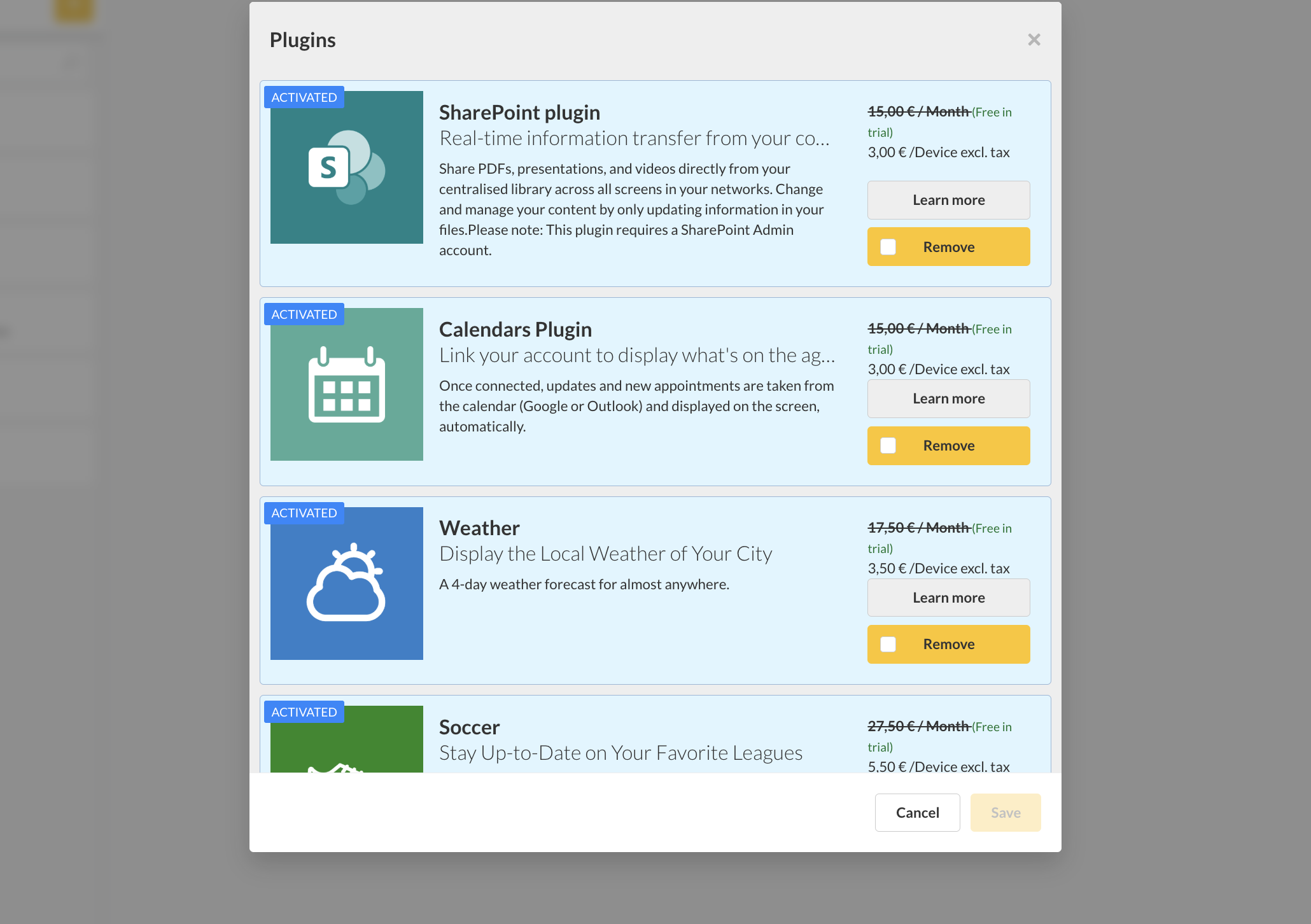 |

