Cisco offers Meraki Systems Manager (SM), an enterprise mobility management platform supporting the monitoring, provisioning and securing of mobile devices across an enterprise network.
N/A
Kandji
Score 8.1 out of 10
Mid-Size Companies (51-1,000 employees)
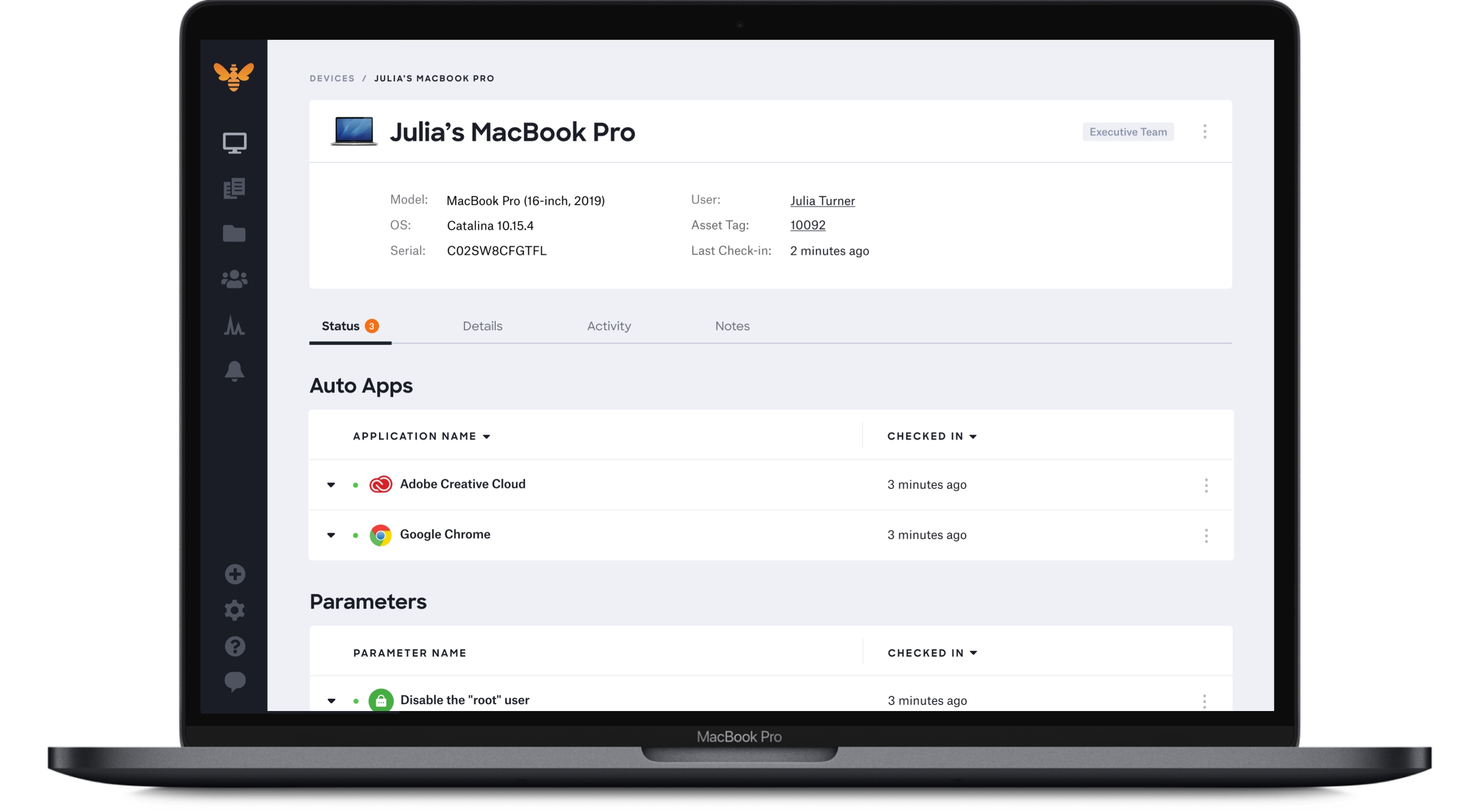
Kandji is an Apple device management software solution for macOS, iOS, iPadOS, and tvOS, from the company of the same name in San Diego.
It is very helpful if you need to restrict the apps a student or employee can have on their device. I had teachers using Netflix on the iPads before I brought them under management. Restricting them will make you unpopular with some of your employees, however, I advise them the device is being provided for business use and, therefore we have the right and responsibility to manage it.
Kandji is well-suited for the following: - Onboarding remote employees (we are a remote company). Kandji offers zero-touch deployment via Apple Business Manager, making it incredibly easy to configure our Macs. -Maintaining security and compliance for Apple devices -Managing a fleet of iOS devices in the field. Where it's less appropriate: -When there is a mixed OS environment -If you have a highly custom or script-heavy environment.
Limited ability for "command line" functions. For example, we had a laptop that was stolen and showed to be online, but we could not wipe it. We were able to access a command prompt, but it would not accept DISKPART or FORMAT commands to try and make the PC unusable.
The GPS location is not terribly accurate and frequently it "guesses" location based off of an IP address rather than actually activating the GPS on the device. This makes tracking lost/stolen devices very difficult.
Difficulty getting devices to correctly show their status in the dashboard. For example, I can have a PC that is online and connected to the Internet, but shows to be offline in the dashboard. Only after refreshing many times would it indicate that the PC was actually online, thus allowing me to administer it.
Problem after problem after problem with employees getting locked out of their laptops, (which was the whole reason we switched to Kandji - to prevent that from happening), employees ultimately having to factory reset their laptops to get back in, pop-ups that never go away, and continuous password sync issues.
It has is easy to use overall and is very powerful. The learning curve for the system is very small and I have found it easy to train members of our team to use it. It can fit any size organization and the support is excellent. The ROI is well worth it. If you have a multiplatform ecosystem, this tool is near perfect.
I gave it an 8/10 because overall, it offers a spotless and intuitive interface that makes routine device management easy. Features such as onboarding, app deployment, and compliance enforcement are handy, thanks to the various blueprints we can set up. The only reason I didn't give it a 10 is that it lacks some advanced configurations, and the reporting aspect is not as customizable.
We have found that Cisco Meraki has always had very good customer support. In the rare case, when we have needed assistance they have always been quick to respond and solve the issue.
The only product I have used that is similar is Apple Configurator. While a powerful solution, it requires physical access to the devices which is not always possible, especially on a large site. Meraki is able to achieve many of the same functions as the Apple configurator but without ever needing to physically access the device, other than initial setup and registration.
With Intune, they aren’t friendly with Macs. We had to add each app individually and constantly update the packages for updates. Even when we do everything right, it still doesn’t work all the time
It’s scalable up to a point and will scale well from small to a medium business, however, as a business grows and policies get more mature or detailed, you might have to later upgrade to a more appropriate enterprise solution such as MaaS360 or AirWatch. This solution however, will last quite a long tome for a growing business.
Our immediate take away has been a savings of thousands a year in MDM fees. We were paying around $3.00 a device with our previous MDM and our average with Meraki is about $1.88 per device. That while providing far more functionality than our previous provider.
They promised us we could add devices as needed. I even had that written in an email. However, they rescinded that promise and required us to add devices in buckets of 50. That means, since we had 55 users, we had to pay for 100 licenses.
Password issues were made much worse by using Kandji instead of our old MDM (Hexnode).
Overall, Kandji created major headaches with laptop instead of improving.