TrustRadius: an HG Insights company

Save this comparison

Save this comparison

Add Product

Recommended Comparisons

    Overview
    ProductRatingMost Used ByProduct SummaryStarting Price

    Claromentis

    Score7.1 out of 10
    N/AClaromentis provides organisations with a digital workplace to share information, boost productivity, connect staff, and collaborate. Starting life in the same year that Google.com was registered as a domain, Claromentis has evolved over the past 20 years to design and deliver intranets all over the world for organisations both large and small. They support all industries and sectors, from charities and non-profits such as SeriousFun Children's Network and Guggenheim Museum, to global…

    $1.50

    Jetbrains Space

    Score8.9 out of 10
    N/AJetBrains Space is a unified platform for the entire software development pipeline and team collaboration. A solution to host git repositories, review code, automate CI/CD, store and publish packages, manage issues and documents, and communicate in chats. Space removes the silos that are often inherent to organizations, helps individuals and teams be more productive, and makes software development and collaboration more enjoyable. Space integrates the complete toolchain for the…

    $0

    per active user/month

    Pricing
    ClaromentisJetbrains Space
    Editions & Modules
    Enterprise
    $1.50
    Large
    $4
    Medium
    $8
    Small companies or startups
    Fixed price
    On-premise
    Get a custom quote
    Free
    $0
    per active user/month
    Organization EAP PLAN
    $0
    per active user/month
    Team
    $8
    per active user/month
    Enterprise
    $99
    per active user/month
    Offerings
    Pricing Offerings
    ClaromentisJetbrains Space
    Free Trial
    YesYes
    Free/Freemium Version
    NoYes
    Premium Consulting/Integration Services
    YesNo
    Entry-level Setup FeeNo setup feeNo setup fee
    Additional Details—JetBrains Space is available in four subscription plans, ranging from Free to Enterprise. The Free plan supports an unlimited number of users. Each plan is distinguished by its pricing, plan-based resources, product features, and support options. More information is available on the product pricing page.
    More Pricing Information
    Features
    ClaromentisJetbrains Space
    Project Management
    Comparison of Project Management features of Claromentis and Jetbrains Space
    Feature
    Claromentis
    -
    Ratings
    Jetbrains Space
    7.5
    2 Ratings
    3% below category average
    Task Management00 Ratings9.82 Ratings
    Scheduling00 Ratings8.01 Ratings
    Workflow Automation00 Ratings9.01 Ratings
    Mobile Access00 Ratings5.01 Ratings
    Search00 Ratings7.12 Ratings
    Visual planning tools00 Ratings6.01 Ratings
    Communication
    Comparison of Communication features of Claromentis and Jetbrains Space
    Feature
    Claromentis
    -
    Ratings
    Jetbrains Space
    6.0
    2 Ratings
    28% below category average
    Chat00 Ratings4.01 Ratings
    Notifications00 Ratings8.02 Ratings
    Discussions00 Ratings8.01 Ratings
    Surveys00 Ratings5.01 Ratings
    Internal knowledgebase00 Ratings5.01 Ratings
    File Sharing & Management
    Comparison of File Sharing & Management features of Claromentis and Jetbrains Space
    Feature
    Claromentis
    -
    Ratings
    Jetbrains Space
    8.0
    2 Ratings
    0% below category average
    Document collaboration00 Ratings8.01 Ratings
    Access control00 Ratings8.02 Ratings
    Advanced security features00 Ratings8.02 Ratings
    Best Alternatives
    ClaromentisJetbrains Space
    Small Businesses
    No answers on this topic
    Flock
    Score9.5 out of 10
    Medium-sized Companies
    No answers on this topic
    Troop Messenger
    Score9.8 out of 10
    Enterprises
    No answers on this topic
    Cisco Business Edition 7000 (discontinued)
    Score9 out of 10
    All AlternativesView all alternativesView all alternatives
    User Ratings
    ClaromentisJetbrains Space
    Likelihood to Recommend
    8.3
    (3 ratings)
    8.1
    (2 ratings)
    Usability
    -
    (0 ratings)
    8.1
    (2 ratings)
    User Testimonials
    ClaromentisJetbrains Space
    Likelihood to Recommend
    Claromentis
    Claromentis is well suited for personalized onboarding. I really enjoy the way how the platform shows how to work with it. Also, it's easy to navigate, good user interface and user experience, although there is space for improvement. I think it's easy and logical to use, which is good even for non-tech people to use it.
    Incentivized
    Read full review
    JetBrains
    Jetbrains Space is great for teams. Managers can set up projects, assign team members and permissions, kick off a ticketing board for user requests. Then team leads can set up the repos within the project. As a team tool Jetbrains Space has everything a team needs to manage a project, and a separate of concerns with the users and permissions. Jetbrains Space is not so great for individuals. As an individual I've found it difficult to get to grips with some areas of Jetbrains Space and burned far too much time getting things set up. While this is not strictly on JetBrains, it would be nice if they could consider this and build out some blueprints for using the system.
    Read full review
    Pros
    Claromentis
    • Collaboration
    • Communication
    • Task Management
    • Sharepoint Alternative
    Incentivized
    Read full review
    JetBrains
    • Integration with other JetBrains tools
    • Managing codebases and repositories, as well as projects
    • Issue tracking
    Incentivized
    Read full review
    Cons
    Claromentis
    • Better UI
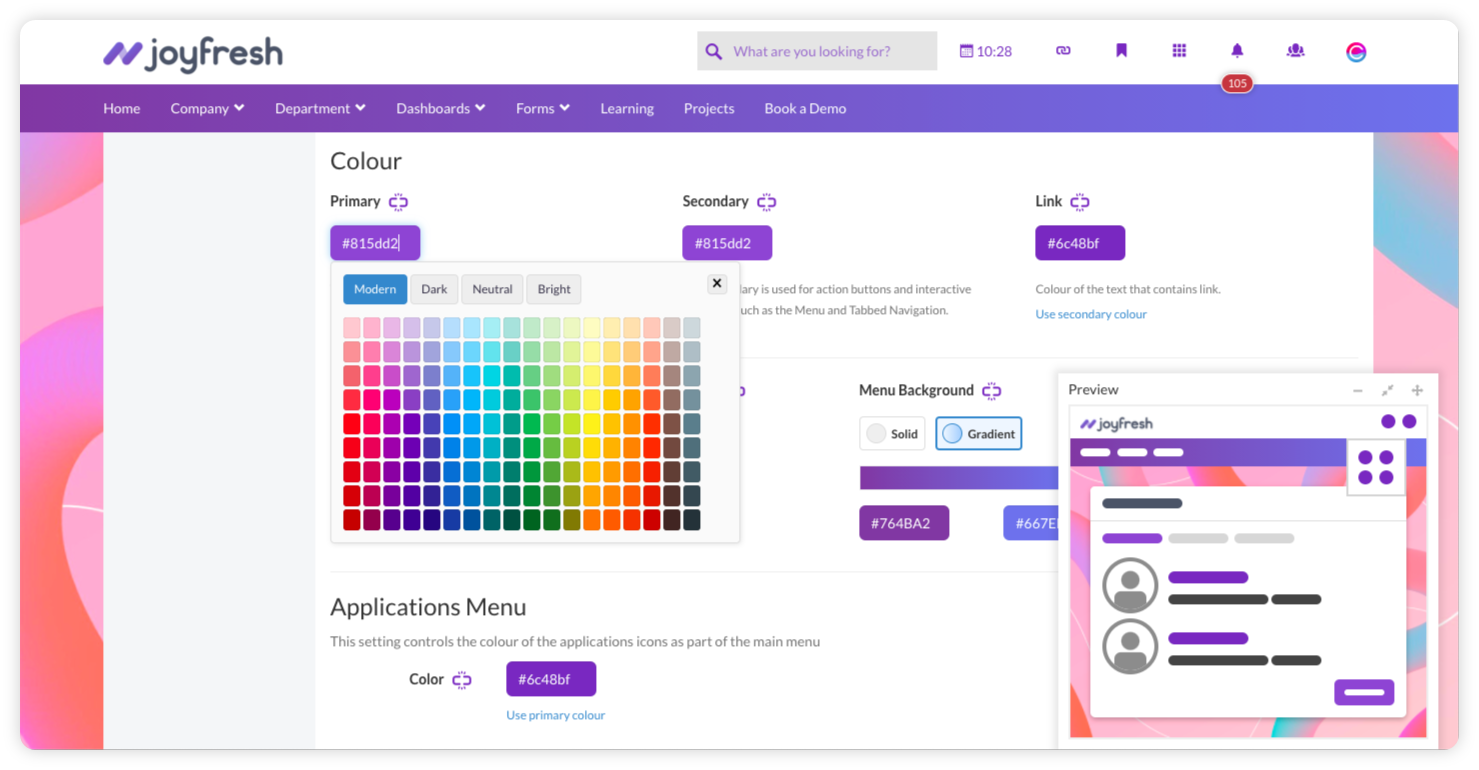
    • Improved color picker
    • Better arrangement if icons
    Incentivized
    Read full review
    JetBrains
    • The move to Jetbrains SpaceCode could have been smoother
    • There are missing API endpoints in Jetbrains SpaceCode
    • The Jetbrains SpaceCode API documentation is not working as expected
    Read full review
    Usability
    Claromentis
    No answers on this topic
    JetBrains
    It has some rough edges, but overall the UI is extremely good.
    Incentivized
    Read full review
    Alternatives Considered
    Claromentis
    Another tool I used is Microsoft Teams. I find the layout of Claromentis to be better and file sharing is easier. Both platforms are easy-to-use and serve a similar purpose. There are slightly more features on Claromentis.
    Incentivized
    Read full review
    JetBrains
    With the other software I've tried, they solve many issues, Jetbrains Space solves them all by being a complete all-round solution for every level, from management, to support, to the developers. The other tools have some of these things, but I never felt comfortable using the whole system as a complete source of project tools, often ending up using tools from multiple vendors.
    Read full review
    Return on Investment
    Claromentis
    • Working on Clarometis helped my team complete and manage slightly more tasks in the month after than we had in the prior two month.
    • It improved intra team communication for collaborative purposes
    Incentivized
    Read full review
    JetBrains
    • major improvements in workflow
    • improved team dynamics and interaction
    • quicker time-to-production for web projects
    Incentivized
    Read full review
    ScreenShots

    Claromentis Screenshots

    Screenshot of Claromentis homepageScreenshot of Staff profileScreenshot of Design your own intranetScreenshot of Capture data with e-forms and workflowsScreenshot of Claromentis intranet news dashboard

    Jetbrains Space Screenshots

    Screenshot of Home for Teams: Centralized information about teams across the entire organization.Screenshot of Inside Channels: Channels can be public or private.Screenshot of Member Profile: Displays information for each colleague, including contact details, vacations, availability, and schedule.Screenshot of Issue Tracking: Includes a built-in workflow inside projects.Screenshot of Online Code Browsing: Commits and files can be browsed by change author, branch, or filename, with change history and annotations.Screenshot of Review Code in Chats: A new channel is created when code reviews are created and assigned.