
ClickHelp vs. HelpNDoc
| Product | Rating | Most Used By | Product Summary | Starting Price |
|---|---|---|---|---|
 ClickHelp | Score9 out of 10 | N/A | ClickHelp is an online documentation tool from the company of the same name headquartered in Yerevan, Armenia, used by software companies to create user manuals, knowledge bases, FAQs, tutorials, etc., and publish them instantly in their portal. | $194 per month |
 HelpNDoc | N/A | N/A | HelpNDoc is a single-source multi-channel help authoring tool which can generate multiple documentation formats including fully responsive HTML web-sites, Word and PDF documents, CHM and | $99 per user |
| ClickHelp | HelpNDoc | |||||||||||||||
|---|---|---|---|---|---|---|---|---|---|---|---|---|---|---|---|---|
| Editions & Modules |
|
| ||||||||||||||
| Offerings |
| |||||||||||||||
| Entry-level Setup Fee | No setup fee | No setup fee | ||||||||||||||
| Additional Details | Discount available for annual billing. | HelpNDoc is priced in Euros. Final US Dollar pricing might be different based on the purchase day's exchange rate. | ||||||||||||||
| More Pricing Information | ||||||||||||||||
| ClickHelp | HelpNDoc | |
|---|---|---|
| Likelihood to Recommend | 9.0 | - |
| ClickHelp | HelpNDoc | |
|---|---|---|
| Likelihood to Recommend |
| No answers on this topic |
| Pros |
| No answers on this topic |
| Cons |
| No answers on this topic |
| Alternatives Considered |
| No answers on this topic |
| Return on Investment |
| No answers on this topic |
| ScreenShots | ClickHelp Screenshots      | HelpNDoc Screenshots 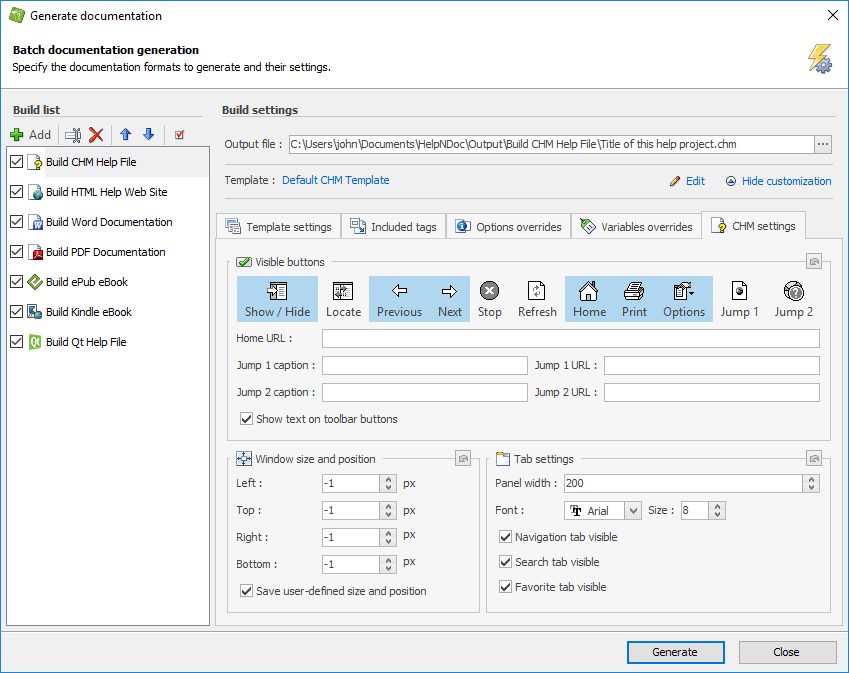 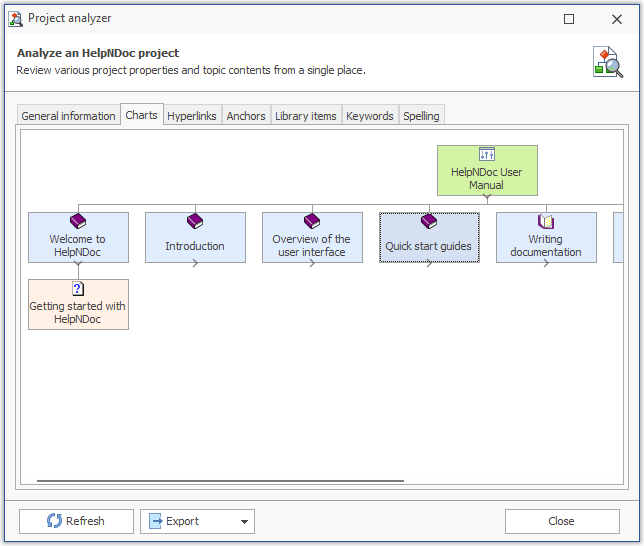 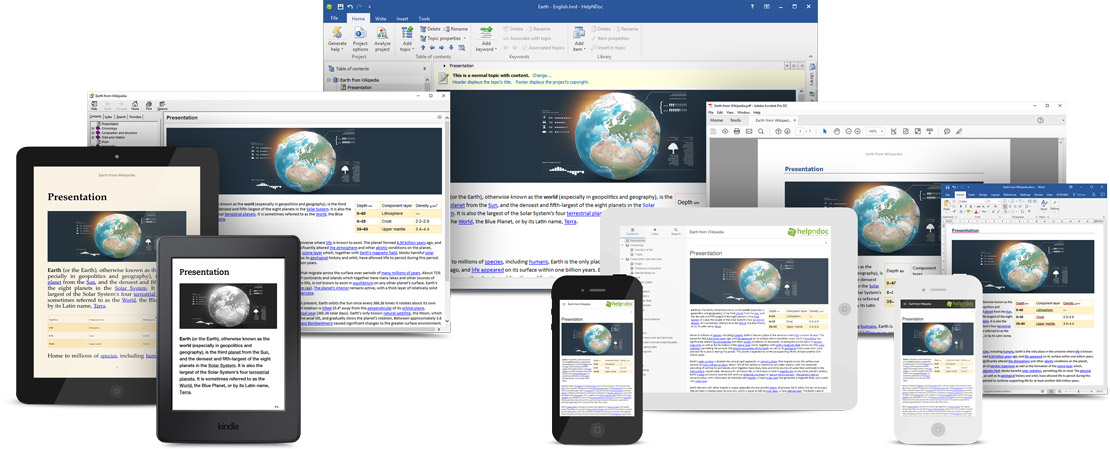 |
