
ClickLearn vs. Flows.sh
ClickLearn vs. Flows.sh
| Product | Rating | Most Used By | Product Summary | Starting Price |
|---|---|---|---|---|
 ClickLearn | Mid-Size Companies (51-1,000 employees) | ClickLearn automates the process of creating training material and documentation of popular business systems such as Microsoft D365, SAP, and Oracle. With ClickLearn, users click through processes and ClickLearn records actions. When these are recorded, ClickLearn automatically delivers the resulting content in these 7 different formats to be used in training situation: Step-by-step instructions in HTML for posting online Step-by-step instructions in Word and… | $208 per installation | |
 Flows.sh | N/A | Flows is a customizable product adoption platform designed to help software teams drive user engagement and growth. Flows can be used to create onboarding journeys, product tours, checklists, announcements, and upsells, tailored to any product. Unlike tools that layer content awkwardly on top of an app, Flows takes a "headless" approach, allowing the user to embed onboarding and engagement experiences directly into the app's UI. Engineering teams can use their own UI… | $0.10 per month active user |
| ClickLearn | Flows.sh | |||||||||||||||
|---|---|---|---|---|---|---|---|---|---|---|---|---|---|---|---|---|
| Editions & Modules |
|
| ||||||||||||||
| Offerings |
| |||||||||||||||
| Entry-level Setup Fee | No setup fee | No setup fee | ||||||||||||||
| Additional Details | — | Flows offer a pay-as-you-go pricing that starts at $0/month with a free forever tier. | ||||||||||||||
| More Pricing Information | ||||||||||||||||
| ClickLearn | Flows.sh |
|---|
| ClickLearn | Flows.sh | |
|---|---|---|
| Small Businesses |  ChurnZero Score 8.5 out of 10 | ChurnZero Score 8.5 out of 10 |
| Medium-sized Companies | ChurnZero Score 8.5 out of 10 | ChurnZero Score 8.5 out of 10 |
| Enterprises |  Nexthink Score 7.3 out of 10 | Nexthink Score 7.3 out of 10 |
| All Alternatives | View all alternatives | View all alternatives |
| ClickLearn | Flows.sh | |
|---|---|---|
| Likelihood to Recommend | 9.0 (4 ratings) | - (0 ratings) |
| ClickLearn | Flows.sh | |
|---|---|---|
| Likelihood to Recommend | ClickLearn
| RBND studio No answers on this topic |
| Pros | ClickLearn
 Nicholas Duff Business Systems Analyst | RBND studio No answers on this topic |
| Cons | ClickLearn
 Terry Gardener Project Manager | RBND studio No answers on this topic |
| Return on Investment | ClickLearn
| RBND studio No answers on this topic |
| ScreenShots | ClickLearn Screenshots 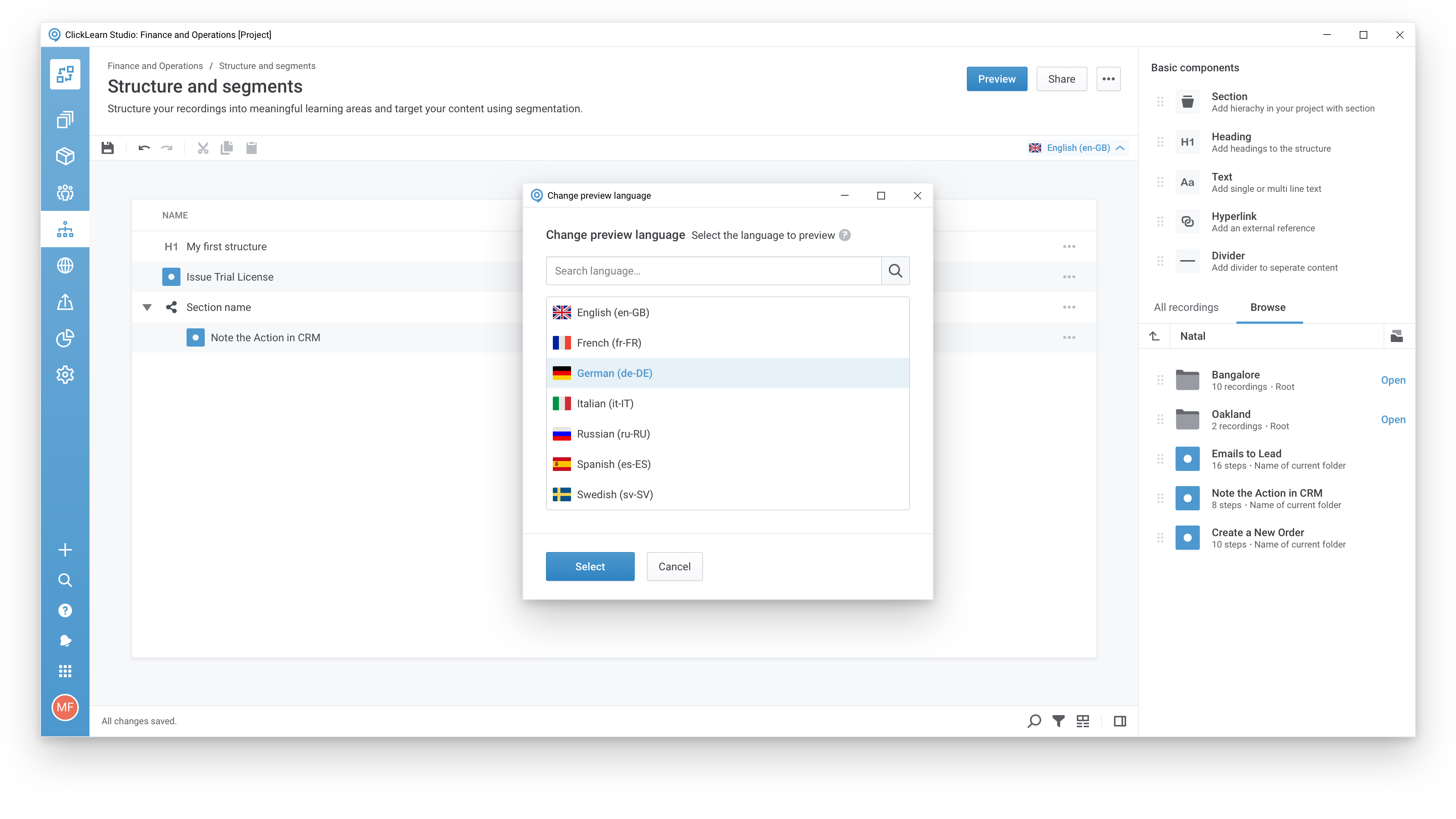  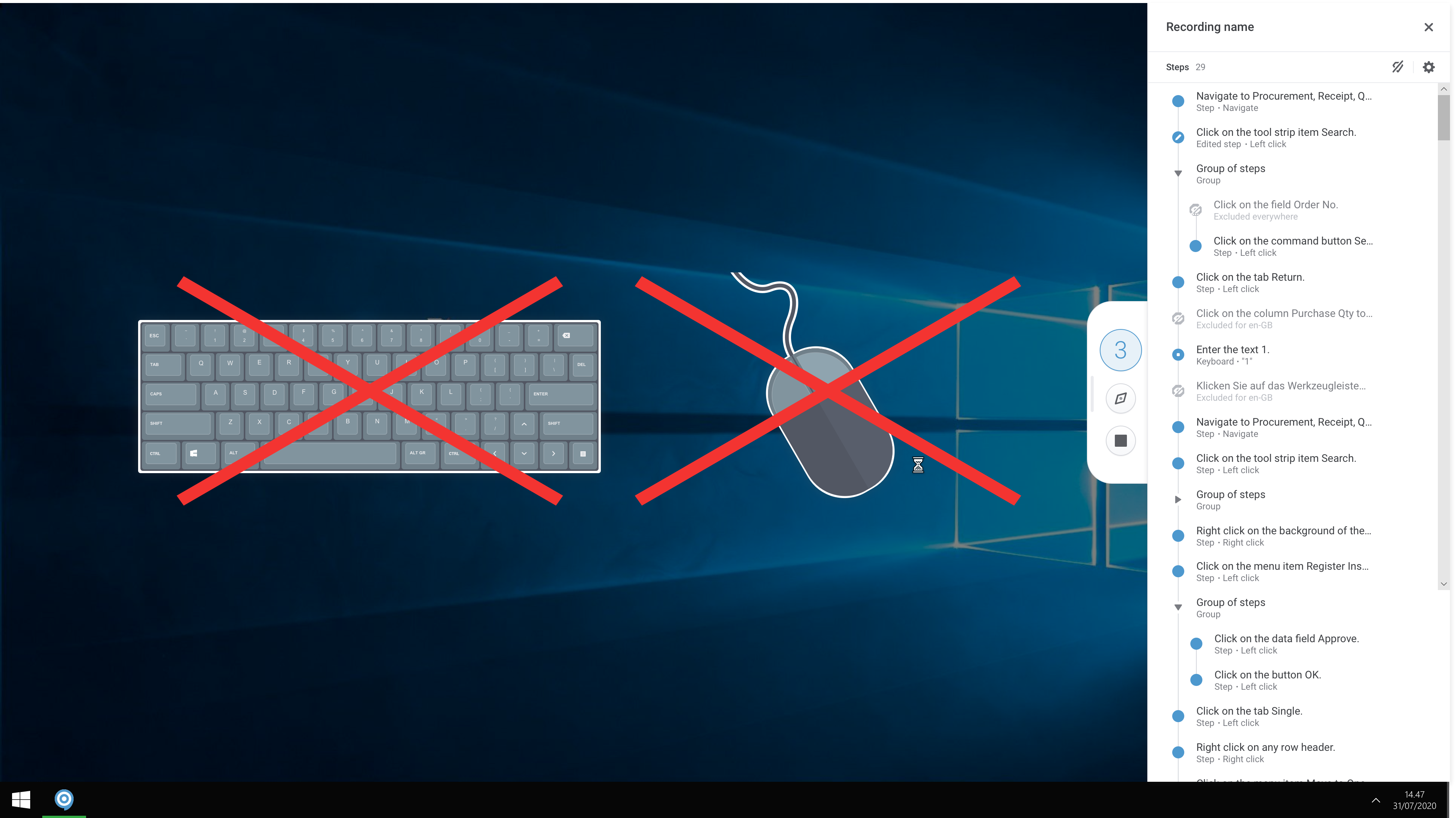 | Flows.sh Screenshots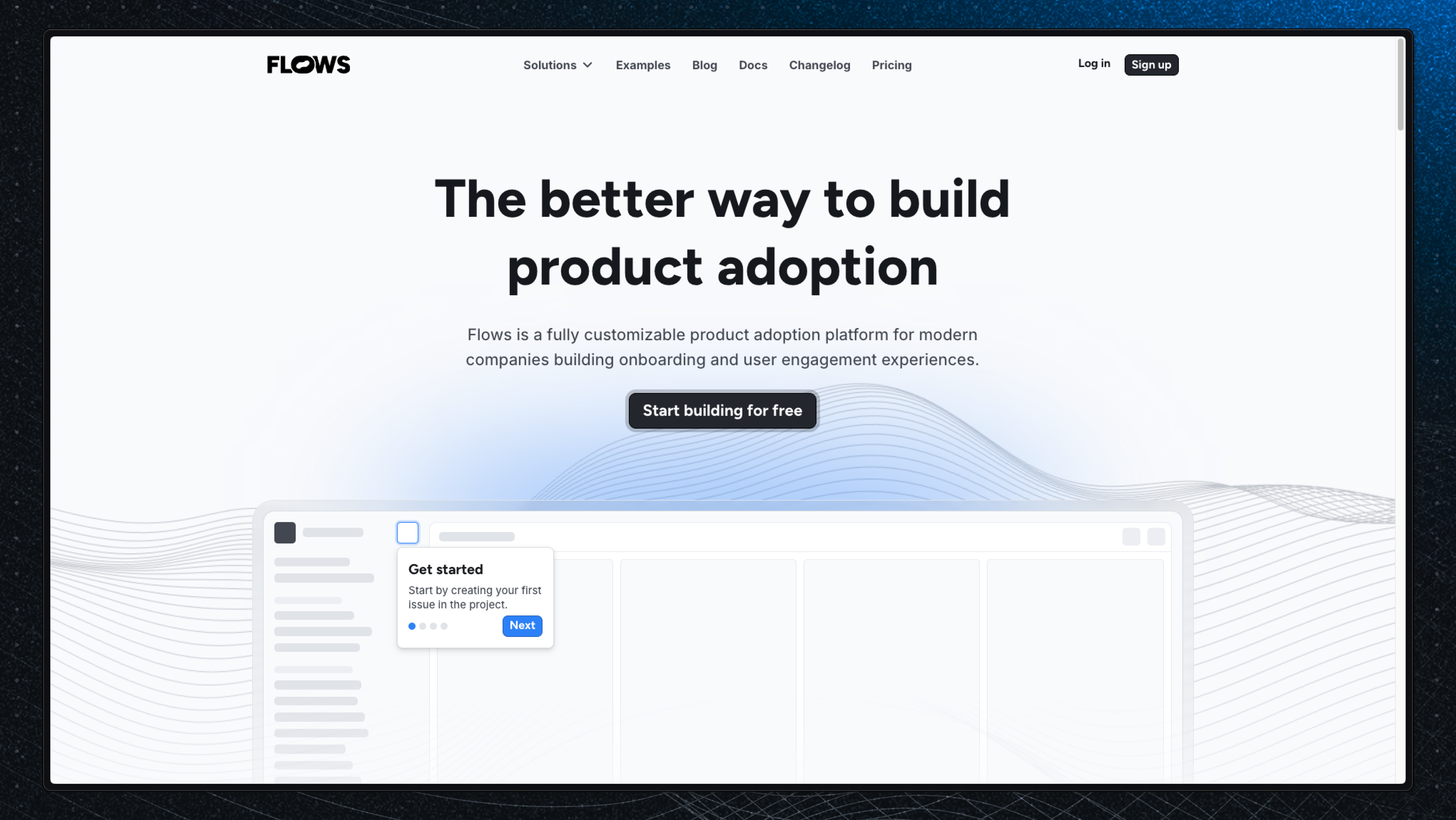 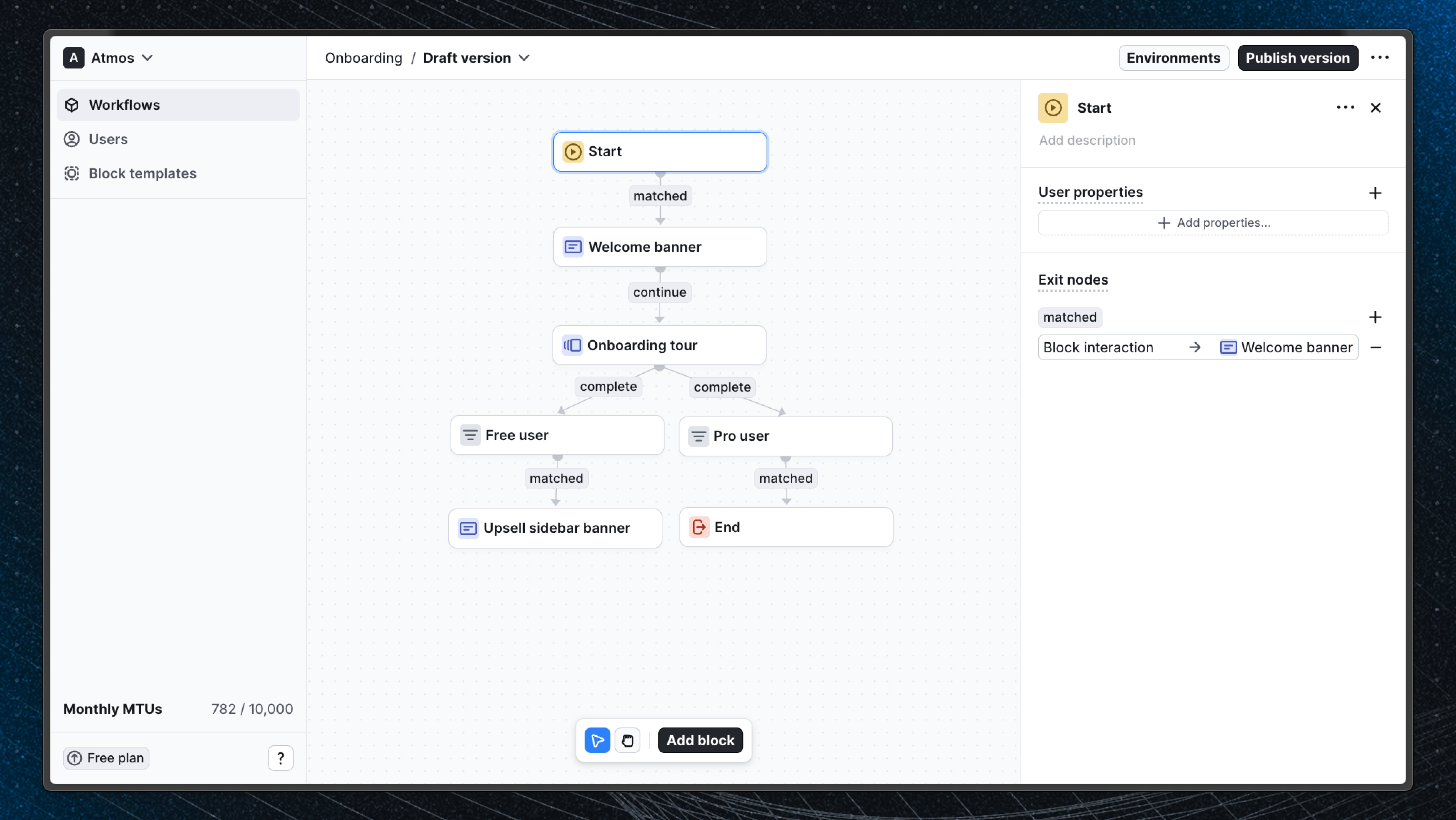 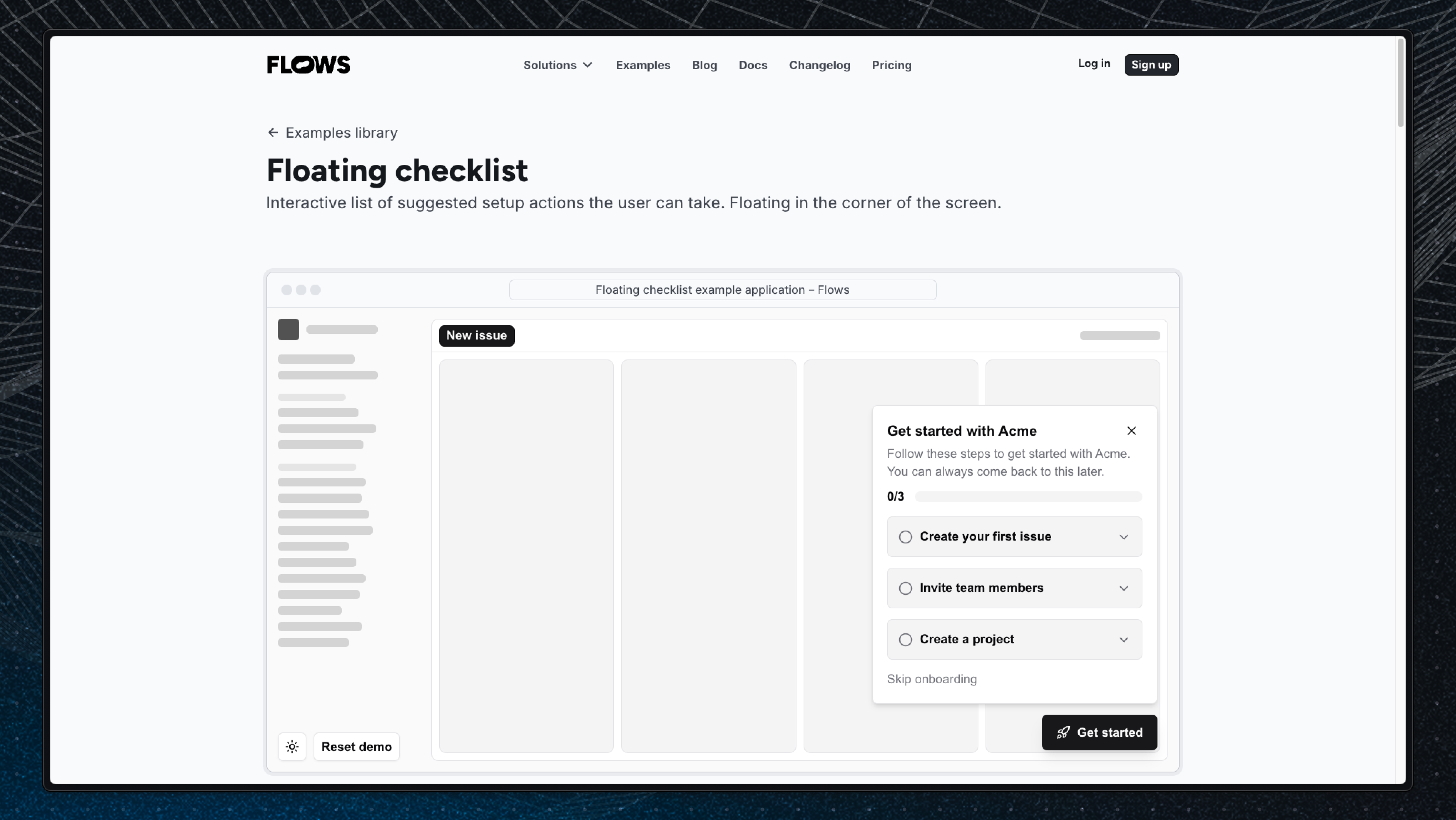 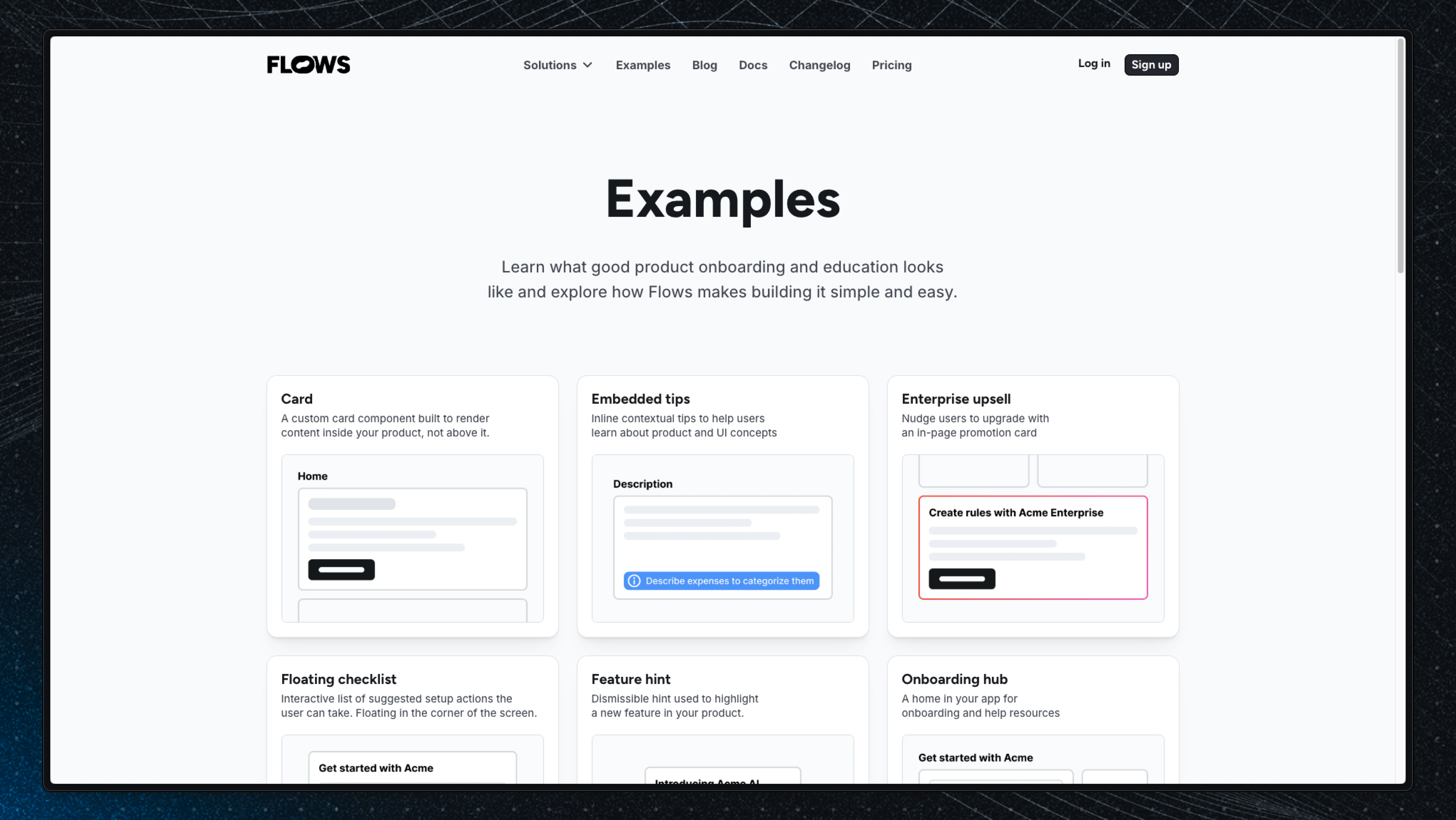 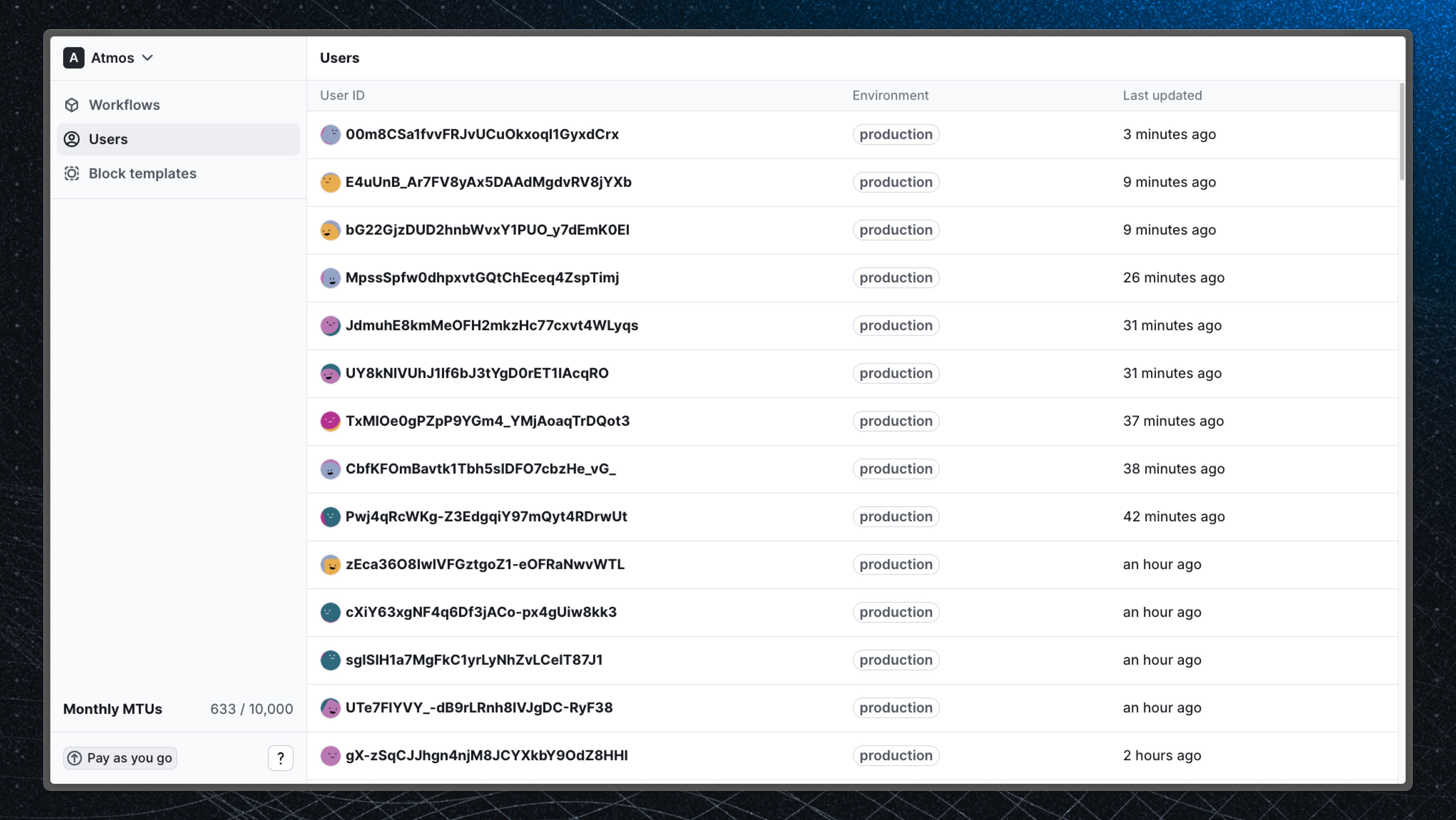 |