TrustRadius: an HG Insights company

Save this comparison

Save this comparison

Add Product

Recommended Comparisons

    Overview
    ProductRatingMost Used ByProduct SummaryStarting Price

    CoConstruct

    Score7.2 out of 10
    N/ACoConstruct, from Buildertrend since the November 2021 acquisition, is a custom builder & remodeler software. It allows users to enter data once and have that information flow through the estimate, specs, selections, bids, proposals, change orders, and budgets, including to and from QuickBooks. In addition, CoConstruct includes scheduling and 3-way communication between builder, client, and trade partners. Everything is captured via email and texting. Login isn't required for…

    $49

    per month

    WEX Field Service Management

    N/AN/AWex Field Service Management (formerly Payzerware) is a software solution designed to simplify operations, boost sales, and enhance collections for contractors in the HVAC and plumbing industries.

    $499

    per month

    Pricing
    CoConstructWEX Field Service Management
    Editions & Modules
    Ramp
    $49
    per month
    Plus 5
    $299
    per month
    Plus 10
    $399
    per month
    Plus 15
    $499
    per month
    WEX FSM
    $499
    per month
    Offerings
    Pricing Offerings
    CoConstructWEX Field Service Management
    Free Trial
    NoNo
    Free/Freemium Version
    NoNo
    Premium Consulting/Integration Services
    NoNo
    Entry-level Setup FeeNo setup feeNo setup fee
    Additional DetailsCoConstruct pricing is based on active job sites that have client access online, which means it is adaptable to builders & remodelers businesses. This means that there are an unlimited amount of projects available for estimates and proposals, so that customers only pay when they win a contract. Also built into the pricing are a myriad of services: a dedicated implementation coach, free estimate & scheduling templates based on industry best practices from successful builders and the NAHB, unlimited storage and users, software branded with the customer's logo, unlimited amount of warranty projects, and unlimited phone & email support. The vendor offers a money-back guarantee that is good for the first 90 days of service.
    More Pricing Information
    Community Pulse
    CoConstructWEX Field Service Management
    Considered Both Products
    Buildertrend
    No answer on this topic
    Wex
    No answer on this topic
    Key User Insights
    Would buy again
    92%
    Would buy again
    12 Answers
    No answers on this topic
    Delivers good value for the price
    92%
    Delivers good value for the price
    12 Answers
    No answers on this topic
    Happy with the feature set
    77%
    Happy with the feature set
    10 Answers
    No answers on this topic
    Lived up to sales and marketing promises
    91%
    Lived up to sales and marketing promises
    10 Answers
    No answers on this topic
    Implementation went as expected
    67%
    Implementation went as expected
    8 Answers
    No answers on this topic
    Best Alternatives
    CoConstructWEX Field Service Management
    Small Businesses
    No answers on this topic
    Kickserv
    Score9.3 out of 10
    Medium-sized Companies
    No answers on this topic
    No answers on this topic
    Enterprises
    No answers on this topic
    No answers on this topic
    All AlternativesView all alternativesView all alternatives
    User Ratings
    CoConstructWEX Field Service Management
    Likelihood to Recommend
    8.0
    (14 ratings)
    -
    (0 ratings)
    Support Rating
    9.8
    (10 ratings)
    -
    (0 ratings)
    User Testimonials
    CoConstructWEX Field Service Management
    Likelihood to Recommend
    Buildertrend
    Having the ability to completely manage a project from start to finish with one app is super helpful. The time reporting feature (when it works correctly) is a nice added bonus as it allows employees to switch from one task to another on the same project or to another project and task with ease, aiding in the accounting process of the total project. This was helpful for running analytics to see where we were spending too much time on certain tasks, thus allowing us to assess any training needs.
    Incentivized
    Read full review
    Wex
    No answers on this topic
    Pros
    Buildertrend
    • The integration of all aspects needed to run a remodeling company efficiently: project scheduling and management, financial planning and customer service. Since it’s an all-in-one suite and cloud-based, it enables our team to keep track of all our projects in real-time. Communication breakdown is the last thing we want, so being on the same page is not only desirable but makes for the best possible relationship with our clients.
    • Product education - We like how CoConstruct helps new users and get them to start using the tool right away. The dashboard resource materials are incredibly useful. We don’t have to spend a lot of time training new hires on the system and onboarding new clients.
    Incentivized
    Read full review
    Wex
    No answers on this topic
    Cons
    Buildertrend
    • Internal Communication - CoConstruct lacks the ability to tag-team members for internal communication using @mentions or any other means. This has been crippling for us and forced us to use alternative software for communicating among our team members.
    • Pipeline Management - CoConstruct's lead-tracking system feels clunky and hard to navigate and doesn't provide a pipeline view that's easy to navigate. We have moved our Pipeline Management outside of CoConstruct to make it easier for our sales team to track leads.
    • CRM - CoConstruct doesn't offer anything for customer follow-up after projects are completed. This, in addition to the lack of an effective pipeline system, has led to our decision to use Hubspot as our CRM. Moving projects into CoConstruct for Design and back our after Production.
    Incentivized
    Read full review
    Wex
    No answers on this topic
    Support Rating
    Buildertrend
    The support staff is brilliant; they don't operate on Australian time, so you can't just dial up support when you need it. The response times are quick, and the staff is knowledgeable. They are also well versed in most of the differences between buildings in the US and the building in Australasia. Despite their funny accents and strange use of the English language, we get by just fine!
    Incentivized
    Read full review
    Wex
    No answers on this topic
    Alternatives Considered
    Buildertrend
    Products like Procore and PlanGrid are geared towards projects with huge projects teams, multiple stakeholders and dozens of subcontractors. CoConstruct can be used for projects big and small (value) and also with small project teams or large projects teams. For small partial renovation or addition projects CoConstruct is a good more cost effective option.
    Incentivized
    Read full review
    Wex
    No answers on this topic
    Return on Investment
    Buildertrend
    • It made time recording much easier and much more reliable
    • With its GPS feature, we would be able to track when an employee left a job to help ensure accurate time recording
    • Having the ability to give the homeowners their own custom home building app to watch the progress helped to put us ahead of the game in the industry
    • Running job cost reports as easily as CoConstruct allows helped to curb some of our administrative fees
    Incentivized
    Read full review
    Wex
    No answers on this topic
    ScreenShots

    CoConstruct Screenshots

    Product screenshotProduct screenshotProduct screenshotProduct screenshotProduct screenshotProduct screenshot

    WEX Field Service Management Screenshots
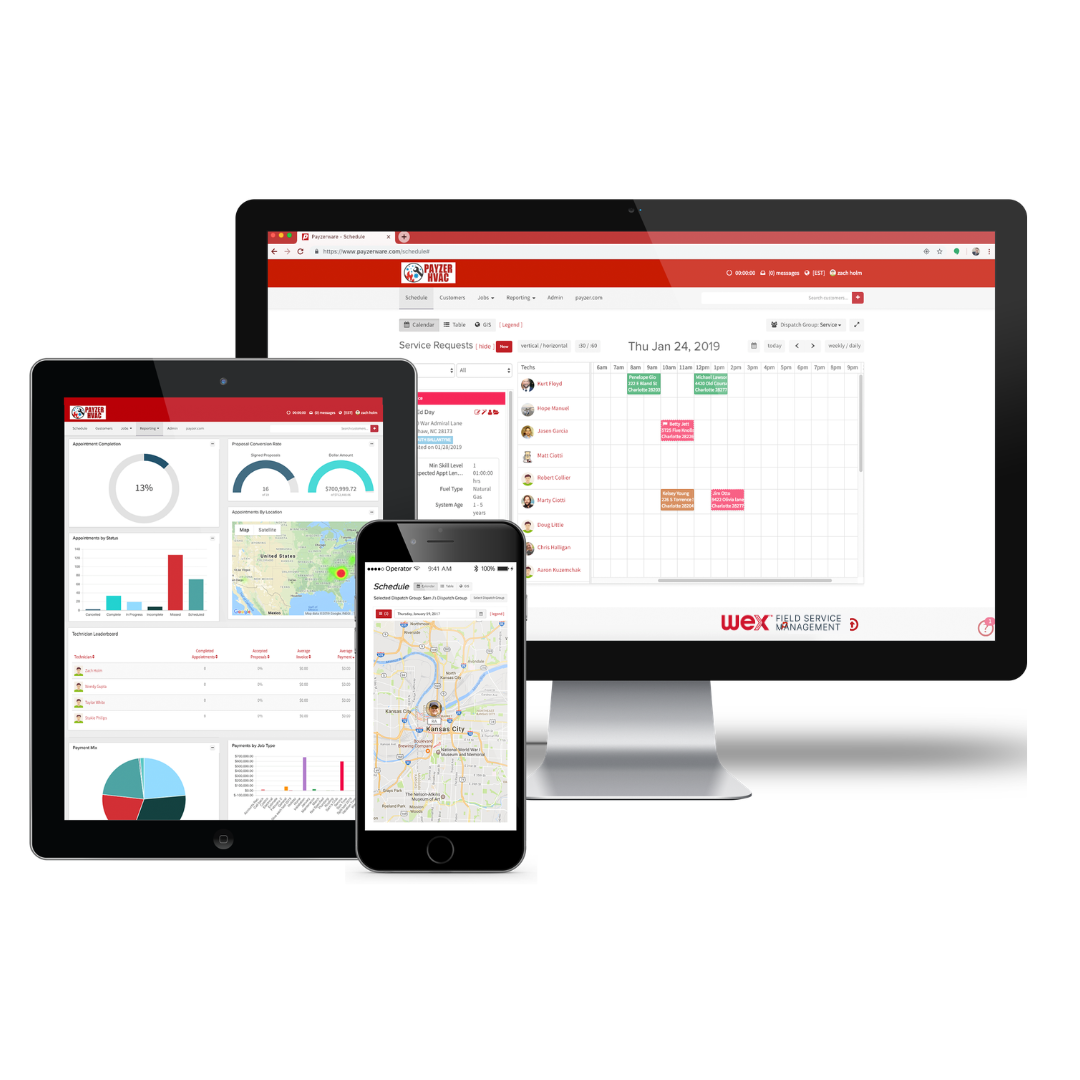
    Screenshot of One System for Office, Field, and Management
This shows how the software links every device in your company together in real time. It displays the office dispatch board, the manager's performance metrics, and the tech's mobile GPS map all on one page. Whether you are sitting at a desktop, holding a tablet, or checking a smartphone, everyone sees the exact same schedule and customer info without anyone having to manually copy or sync data.Screenshot of The Boss’s Overview and Smart Reports
This gives the boss a quick look at the company’s bottom line without making them dig through paperwork. It combines a natural language search tool called Assist IQ, where you just type a normal question to get an instant bar chart, with easy-to-read boxes showing total revenue, active customers, and invoices. It lays out all your sales, maps, and numbers on one screen so you can easily see if you're making a profit.Screenshot of The Tech’s All-in-One Service Call Screen
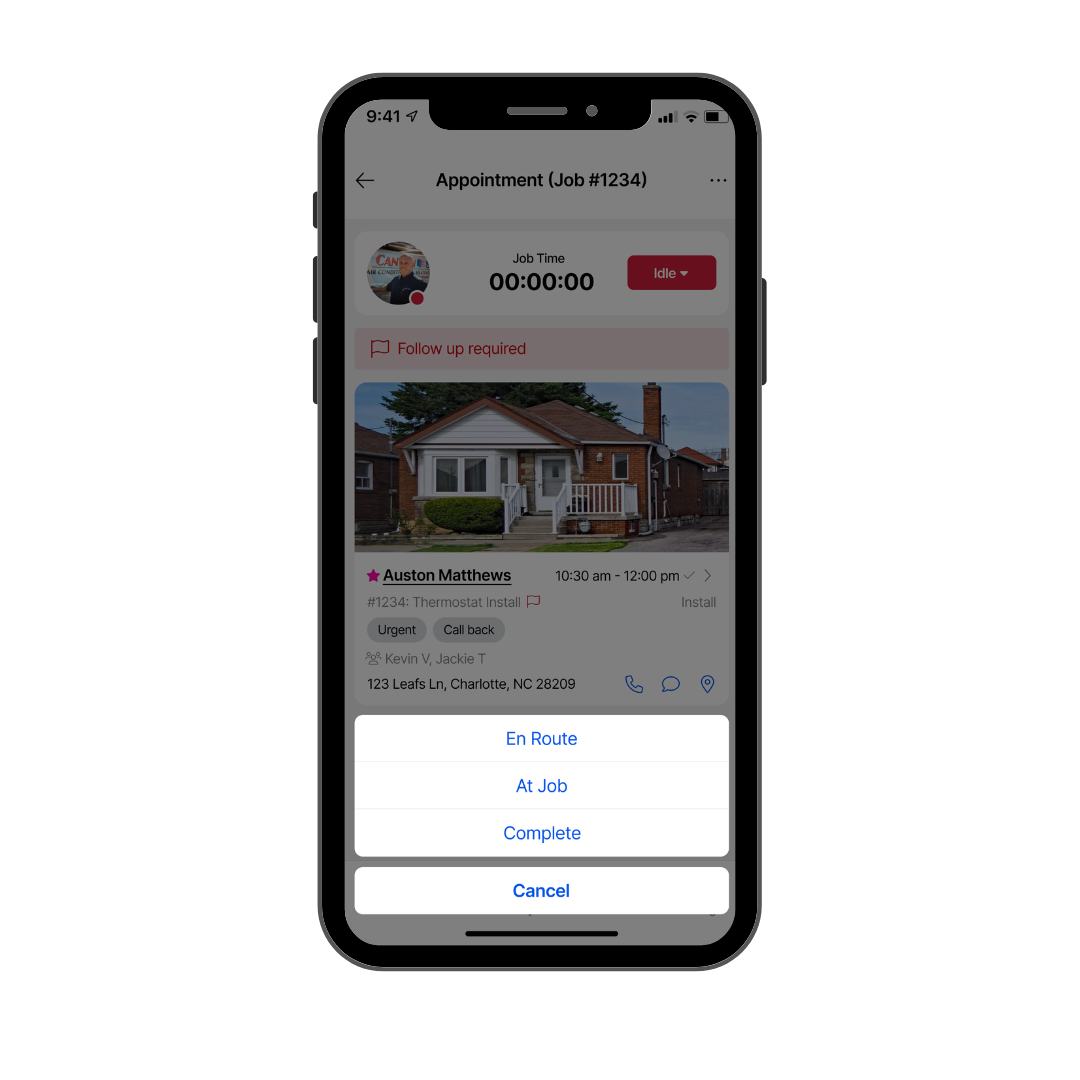
This puts everything a tech needs for an active job order right on a single smartphone screen. It is built simple so guys out in the elements don't have to keep scrolling or tapping through menus. It keeps the job clock, the customer's address, specific equipment info, a photo of the house, and big, easy buttons to update job status all in one clean view so the tech can focus on the actual work.Screenshot of The "Good, Better, Best" Kitchen Table Estimate
This shows the full digital bidding screen you use when standing right in front of the customer. It copies a professional, multi-option paper estimate but does the math for you. The entire view is set up to lay out three different equipment options side-by-side with clear pricing, warranties, and system specs so the homeowner can look at their choices and sign off on the job right on the spot.Screenshot of The Link Between Field Timecards and Office Records
This view shows how field work instantly updates the office database with zero paperwork. The whole layout connects what the tech is doing on their phone, like clocking in, viewing their schedule, and driving to jobs, directly into the main office computer. It connects daily timecards, job histories, notes, and maintenance plans on a single screen so the office and the field are always on the same page.