Contentful vs. Movable Type

Overview
ProductRatingMost Used ByProduct SummaryStarting Price
Contentful
Score 7.6 out of 10
N/A
Contentful is a cloud based CMS solution that provides the ability to manage content across multiple platforms.The editing interface allows for managing content interactively and provides developers the ability to deliver the content with the programming language and template framework of their choice.
$300
per month
Movable Type
Score 8.0 out of 10
N/A
Movable Type is a Perl-based content management system from Six Apart, featuring the capability to host multiple weblogs and standalone content pages, manage files and user roles, templates, tags, categories, and trackback links.N/A
Pricing
ContentfulMovable Type
Editions & Modules
Lite
$300
per month
Community
Free
Enterprise
Custom
No answers on this topic
Offerings
Pricing Offerings
ContentfulMovable Type
Free Trial
YesNo
Free/Freemium Version
YesNo
Premium Consulting/Integration Services
NoNo
Entry-level Setup FeeOptionalNo setup fee
Additional Details
More Pricing Information
Community Pulse
ContentfulMovable Type
Considered Both Products
Contentful
Chose Contentful
I used DatoCMS and in a nutshell, Contentful is more mature in terms of tooling and documentation.
Chose Contentful
Better, easier, mostly cheaper.
Chose Contentful
Webflow is stronger in terms of being a WYSIWYG platform. Contentful however is easier for us to integrate with our many other services that need to be orchestrated by a single application, which we accomplish by creating and referencing Contentful components and entries. …
Chose Contentful
Easy to use and much more organized as a single platform versus multi. The layout is clean and easy to read and we don’t have to worry about certain users safe guarding data or content then losing it when they leave the company. It’s a one stop shop for imagery.
Chose Contentful
Contentful was affordable and much simpler than the Java based systems and preferred over a PHP solution
Chose Contentful
In the past we've used WordPress to manage documentation content. Wordpress was more flexible than Contentful but also prone to inconsistencies and we ended having a lot of hacks to accomplish various Wordpress tricks. With Contentful there's less ambiguity so content producers …
Chose Contentful
Contentful offers a great deal of features for a relatively low price. This is what ended up persuading us to purchase it. We also gathered that this was one of the more well-rated products out there, which was encouraging. It definitely stacks up well against its competitors.
Chose Contentful
Very similar to WordPress, but has more organizational properties than square space.
Chose Contentful
For custom solutions, Contentful blows every other CMS I've used out of the water. Unlike WordPress, there's no clutter to wade through, and you can simply build the infrastructure you need. It's more secure by far, and works seamlessly with modern frontend technologies, like …
Chose Contentful
Contentful was the most user-friendly platform that everyone in our company could understand. It doesn't have the integrations that Wordpress does, but it was easier for everyone in our organization to use. We've also seen good ranking and traffic from the pages created in …
Chose Contentful
Contentful is easy and fast and cheap. I went from zero experience to loading data out of my contentful space in about an hour or more. The cost is very reasonable and compared to options like CloudCMS are a fraction of the cost. The benefit is that with a lower cost entry …
Movable Type
Chose Movable Type
WordPress and Movable Type are the go to CMS for a reason - they are by far the easiest to navigate, learn, and use for daily blogging/content management. And now with more plug-ins available, these CMS products are getting more responsive and are offering capabilities (even …
Chose Movable Type
I've used Joomla! and Drupal. Both are power CMSs but I found it easier to work with Movable Type. Every CMS has its positive and negative points, but I found more benefits to using Movable Type compared to Joomla! and Drupal.
Chose Movable Type
Movable Type is better than Wordpress because it generates static sites that cannot be broken by losing your database connection. The custom fields in MT are superior to Wordpress because of the way the fields are presented in the new content form. You need to get paid plugins …
Chose Movable Type
I believe that these two product are interchangeable for my purposes. I believe WordPress is slightly more complicated and prone to accidents to someone dealing solely with writing like myself; however, this seems to be the hot product right now, and Moveable Type may need to …
Chose Movable Type
I'd say Wordpress is better because it's free, but MT is better than Drupal,Joombla and Concrete5.
Chose Movable Type
Compared to other content management systems that I have used, Movable Type is certainly a top-of-the-line platform. It is my primary choice when building large and intense user-based websites. If I'm building something simple, like a client portfolio website, I may stick with …
Chose Movable Type
Movable Type is outdated and out of style with current blog design trends.
Chose Movable Type
Movable Type can be compared to WordPress. It's easy to use, and I would say Movable Type is actually more user-friendly.
Chose Movable Type
I have not used any other product except Movable Type for my job needs because this is a fairly new position for me. However, with the positive experiences that I have had with Movable Type thus far, I cannot imagine using another product to meet the demands of my job. I am …
Features
ContentfulMovable Type
Security
Comparison of Security features of Product A and Product B
Contentful
8.5
Ratings
3% above category average
Movable Type
5.0
Ratings
49% below category average
Role-based user permissions8.50 Ratings5.00 Ratings
Platform & Infrastructure
Comparison of Platform & Infrastructure features of Product A and Product B
Contentful
9.5
Ratings
20% above category average
Movable Type
6.0
Ratings
26% below category average
API9.30 Ratings6.00 Ratings
Internationalization / multi-language9.70 Ratings00 Ratings
Web Content Creation
Comparison of Web Content Creation features of Product A and Product B
Contentful
7.8
Ratings
0% below category average
Movable Type
6.4
Ratings
20% below category average
WYSIWYG editor7.30 Ratings9.00 Ratings
Code quality / cleanliness9.50 Ratings6.00 Ratings
Admin section9.30 Ratings8.00 Ratings
Page templates7.60 Ratings5.00 Ratings
Library of website themes7.50 Ratings3.00 Ratings
Mobile optimization / responsive design4.50 Ratings8.00 Ratings
Publishing workflow9.30 Ratings9.00 Ratings
Form generator7.00 Ratings3.00 Ratings
Web Content Management
Comparison of Web Content Management features of Product A and Product B
Contentful
9.4
Ratings
23% above category average
Movable Type
5.6
Ratings
29% below category average
Content taxonomy10.00 Ratings9.00 Ratings
SEO support10.00 Ratings6.00 Ratings
Bulk management9.00 Ratings3.00 Ratings
Availability / breadth of extensions9.00 Ratings3.00 Ratings
Community / comment management9.00 Ratings7.00 Ratings
Best Alternatives
ContentfulMovable Type
Small Businesses
ManageWP
ManageWP
Score 10.0 out of 10
ManageWP
ManageWP
Score 10.0 out of 10
Medium-sized Companies
RWS Tridion Sites
RWS Tridion Sites
Score 9.0 out of 10
RWS Tridion Sites
RWS Tridion Sites
Score 9.0 out of 10
Enterprises
RWS Tridion Sites
RWS Tridion Sites
Score 9.0 out of 10
RWS Tridion Sites
RWS Tridion Sites
Score 9.0 out of 10
All AlternativesView all alternativesView all alternatives
User Ratings
ContentfulMovable Type
Likelihood to Recommend
8.3
(0 ratings)
7.0
(0 ratings)
Likelihood to Renew
-
(0 ratings)
5.4
(0 ratings)
Usability
9.0
(0 ratings)
-
(0 ratings)
User Testimonials
ContentfulMovable Type
Likelihood to Recommend
It's a great all rounder for content projects. It's easy in the basics and powerful in the complex, data heavy scenarios. Extending the platform is straightforward and the SDK gives you everything you need. If you have many many varying content types , it gets expensive and perhaps not the best choice .
Read full review
For the purpose of simple, day-to-day blogging, Movable Type will get the job done. As I mentioned before, it has an intuitive UI so that most beginners can pick it up and build a simple blog post. But if you're looking for a CMS that will host multimedia content, interactive content, or any "fancy" production that goes beyond paragraphs and bullet points, then I would recommend something different - maybe even a custom CMS for the maximum control over your website's back-end coding. Keep in mind that the CMS does have some quirks and can be finicky, but the support staff is extremely helpful and available.
Read full review
Pros
  • Flexible. This CMS can be easily extended and provide access to dynamic content
  • Simple. The WYSWG is very easy to work with and identifying pages and content in the system is fairly easy
  • Clean Interface. The interface is clean and uncluttered keeping focus on the content and not other factors.
Read full review
  • Once you understood how the MT language and framework worked, customization wasn't too difficult.
  • Allowed for levels of user access.
  • Ease of creating RSS feeds.
Read full review
Cons
  • Contentful uses "references" to allow you to build very modular content. If I have a "slider" content type, I can create a "slide" content type which references a "button" content type, and so forth. This works well, but I occasionally wish there was a better solution for one-off content, like a settings page. Currently, this is done for creating an entire content type called "settings" with a single entry. Not a big deal, but not ideal, either.
  • There are a few quirks with GatsbyJS integration, etc, but these issues are being fixed and improved upon very quickly.
  • A minor gripe, but Contentful does not have a way to organize fields within an entry. Entries with many fields are somewhat tiresome to scroll through.
Read full review
  • While it's beneficial to be able to assign administrative rights to a user so they can only post to certain places of a website, I can recall that Movable Type did not inform general users of the types of privileges they had. So, for example, when I knew I needed to make a posting to a certain area, and was unable to do so, I was not informed that I did not have access to make that posting. It would have been helpful for Movable Type to post a message on the screen, saying that I needed more permissions. This was very frustrating, especially when I was on deadline for a newspaper story.
  • Unfortunately, (or fortunately), I do not recall other negative experiences. I thought it was a pretty clean, friendly interface.
Read full review
Likelihood to Renew
No answers on this topic
I think there are still improvements to be made. I haven't tapped in to the full functionality of the CMS yet but the rating I give it now is only based on what I've been able to use it for
Read full review
Usability
It is a very easy to use and configure application. I find that it is on the user to manage the content after the models have been created, yet I still do not encounter issues finding or creating new components for our site. It is easy to set up and easy to navigate.
Read full review
No answers on this topic
Alternatives Considered
For custom solutions, Contentful blows every other CMS I've used out of the water. Unlike WordPress, there's no clutter to wade through, and you can simply build the infrastructure you need. It's more secure by far, and works seamlessly with modern frontend technologies, like GatsbyJS. In contrast to website builders like Squarespace and Wix, Contentful gives developers (like myself) free range to create high-quality, unique, scalable frontends that aren't limited by preexisting design and layout structures.
Read full review
Movable Type is better than Wordpress because it generates static sites that cannot be broken by losing your database connection. The custom fields in MT are superior to Wordpress because of the way the fields are presented in the new content form. You need to get paid plugins in order to get that kind of functionality in Wordpress. Most of the templates in MT can be customized with greater control because you're provided with more templates.
Read full review
Return on Investment
  • Contentful has saved us valuable development time that was previously spent doing deploys for minor content updates.
  • Contentful has helped us maintain consistent documentation, reducing time needed to review for consistency.
  • Can't say we've really experienced any negative ROI impacts from using Contentful, but we've run into some limitations in adding too many content models and the next pricing tier is substantially more expensive.
Read full review
  • Movable Type definitely increased employee efficiency. Having everyone on the same platform to edit multiple websites from system is crucial.
  • Expanding our website presence was a super simple process with Movable Type. All we needed to do was add another site, destination folder, and we're ready to go.
  • Having all of our web designers on the same platform helped immensely with communicating information and structuring education for new employees.
Read full review
ScreenShots

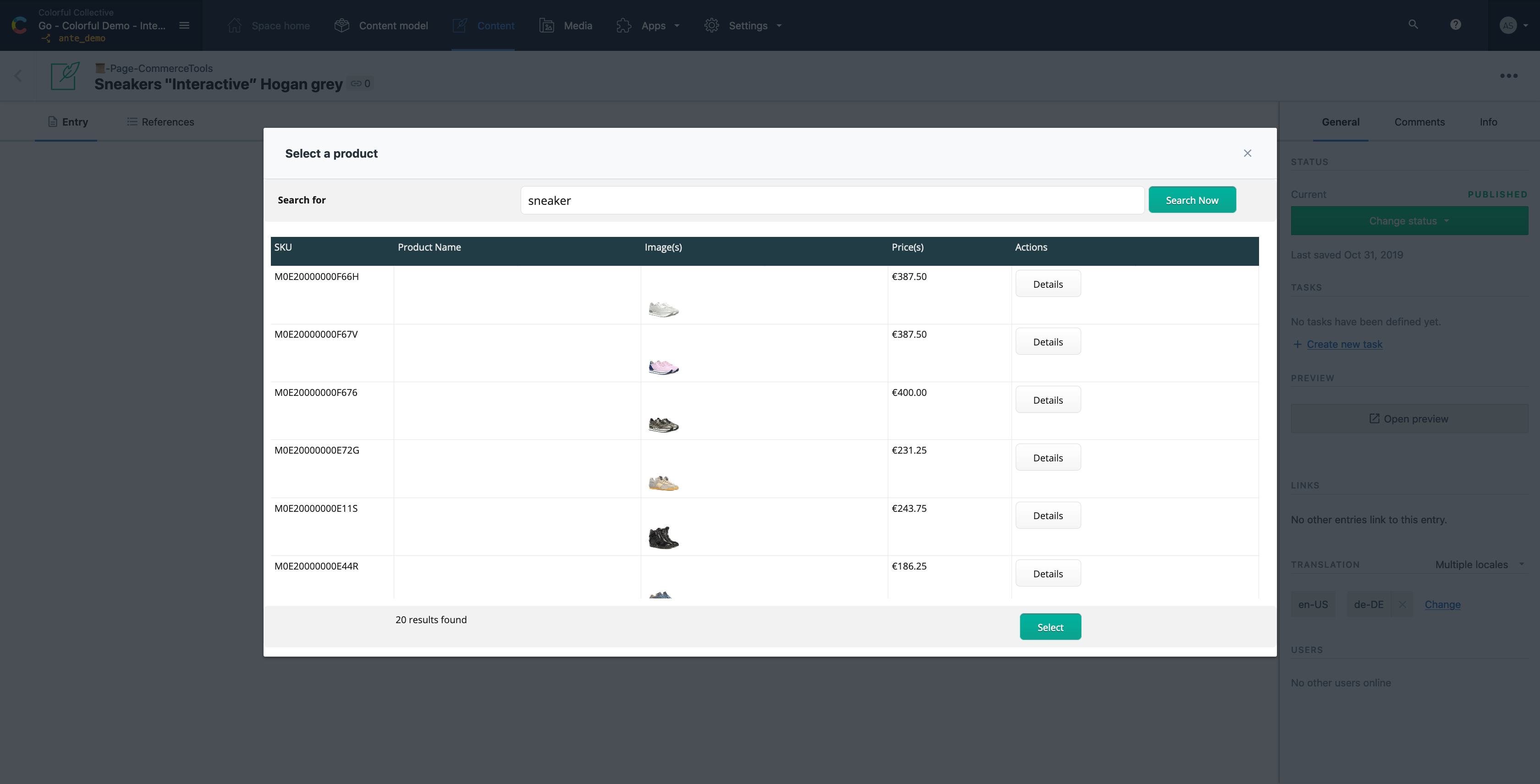
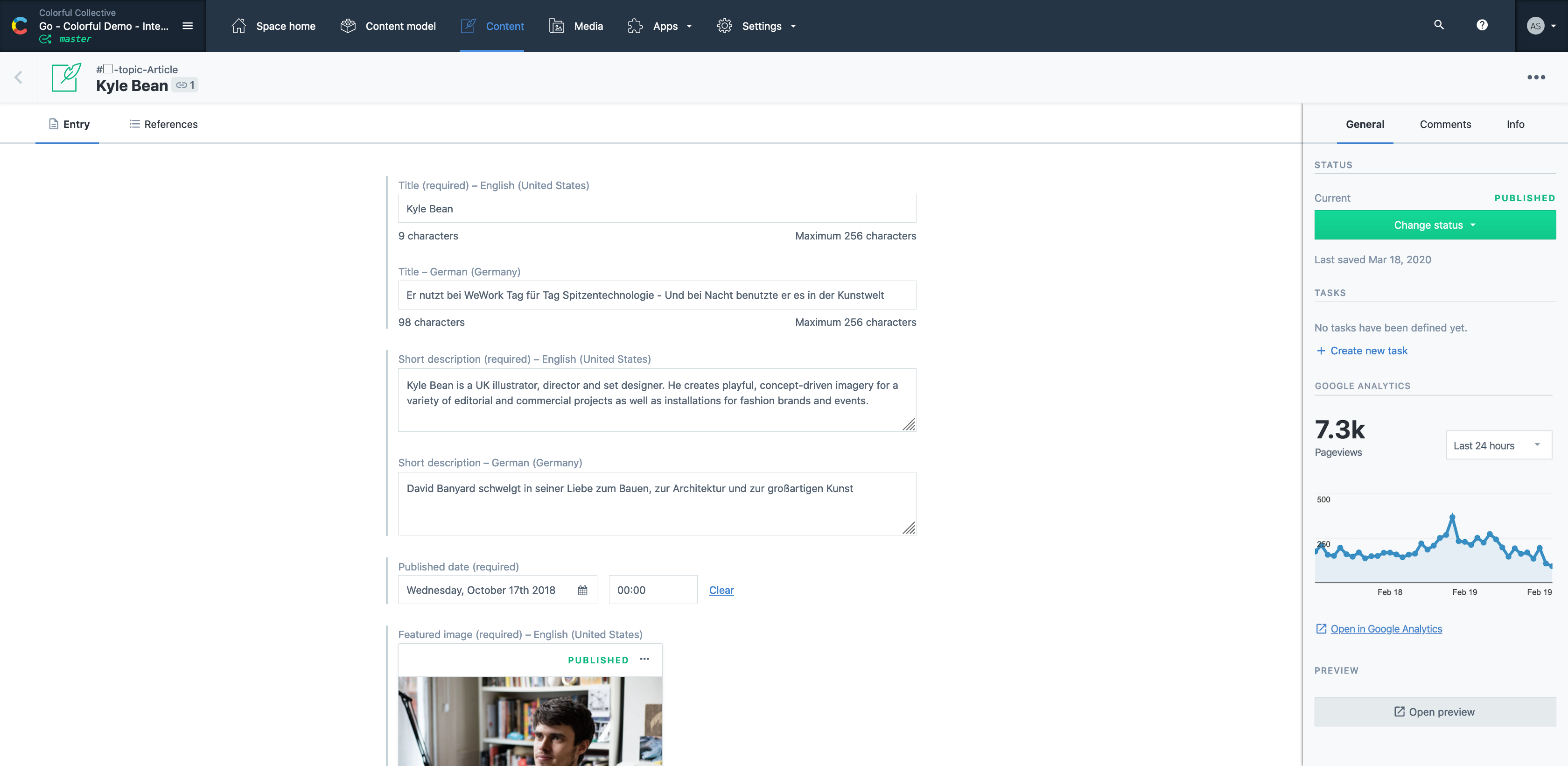
Contentful Screenshots

Screenshot of Screenshot of Screenshot of Screenshot of Screenshot of Screenshot of