
Continia Document Capture vs. Nitro PDF Pro
| Product | Rating | Most Used By | Product Summary | Starting Price |
|---|---|---|---|---|
 Continia Document Capture | N/A | N/A | Continia Document Capture is a solution to import, register, approve and archive complete purchase invoices and credit memos directly into Business Central. Other document types can be handled in a similar manner, and all of this happens with minimal user involvement, to save the time and hassle of having to register incoming documents manually. No typing is required. It is available for Microsoft Dynamics Business Central (or Dynamics NAV ), for both the online and on-premise situation. | N/A |
 Nitro PDF Pro | Score8.2 out of 10 | N/A | Nitro PDF Pro is a document management platform that supports PDF creation, modification, conversion, organization, review, and protection across Windows, Mac, and iOS environments. Key Capabilities Document Authoring & Modification: Native editing capabilities for PDF creation and content updates. Format Conversion: Conversion between PDF and standard office document formats. Document Organization & Management: File organization and management… | $7.50 Billed every 3 years. This is a subscription product with a 3-year fee of $270.00 per license. per seat |
| Continia Document Capture | Nitro PDF Pro | |||||||||||||||
|---|---|---|---|---|---|---|---|---|---|---|---|---|---|---|---|---|
| Editions & Modules | No answers on this topic |
| ||||||||||||||
| Offerings |
| |||||||||||||||
| Entry-level Setup Fee | No setup fee | No setup fee | ||||||||||||||
| Additional Details | — | — | ||||||||||||||
| More Pricing Information | ||||||||||||||||
| Continia Document Capture | Nitro PDF Pro | |
|---|---|---|
| Considered Both Products | No answer on this topic | No answer on this topic |
| Key User Insights | ||
| Would buy again | ||
No answers on this topic | 89% Would buy again 8 Answers | |
| Delivers good value for the price | ||
No answers on this topic | 100% Delivers good value for the price 9 Answers | |
| Happy with the feature set | ||
No answers on this topic | 89% Happy with the feature set 8 Answers | |
| Lived up to sales and marketing promises | ||
No answers on this topic | 100% Lived up to sales and marketing promises 8 Answers | |
| Implementation went as expected | ||
No answers on this topic | 100% Implementation went as expected 9 Answers | |
| Continia Document Capture | Nitro PDF Pro | |
|---|---|---|
| Small Businesses | No answers on this topic |  Tungsten Power PDF Score9.7 out of 10 |
| Medium-sized Companies | No answers on this topic |  PDF Xchange Viewer and Editor Score9.3 out of 10 |
| Enterprises | No answers on this topic |  Adobe Acrobat Reader Score8.6 out of 10 |
| All Alternatives | View all alternatives | View all alternatives |
| Continia Document Capture | Nitro PDF Pro | |
|---|---|---|
| Likelihood to Recommend | - | 9.3 |
| Likelihood to Renew | - | 10.0 |
| Usability | - | 9.0 |
| Performance | - | 8.0 |
| Support Rating | - | 9.2 |
| Ease of integration | - | 5.0 |
| Continia Document Capture | Nitro PDF Pro | |
|---|---|---|
| Likelihood to Recommend | No answers on this topic |
|
| Pros | No answers on this topic |
|
| Cons | No answers on this topic |
|
| Likelihood to Renew | No answers on this topic |
|
| Usability | No answers on this topic |
|
| Performance | No answers on this topic |
|
| Support Rating | No answers on this topic |
|
| Alternatives Considered | No answers on this topic |
|
| Return on Investment | No answers on this topic |
|
| ScreenShots | Nitro PDF Pro Screenshots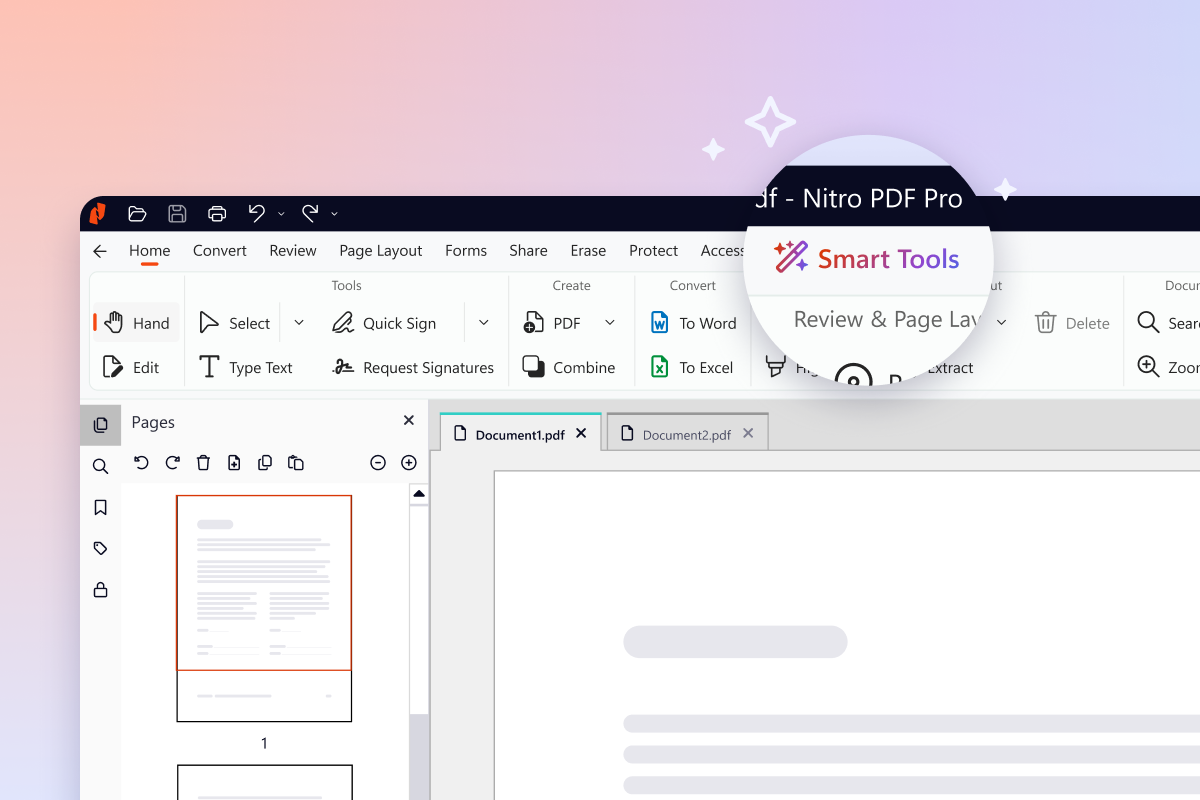  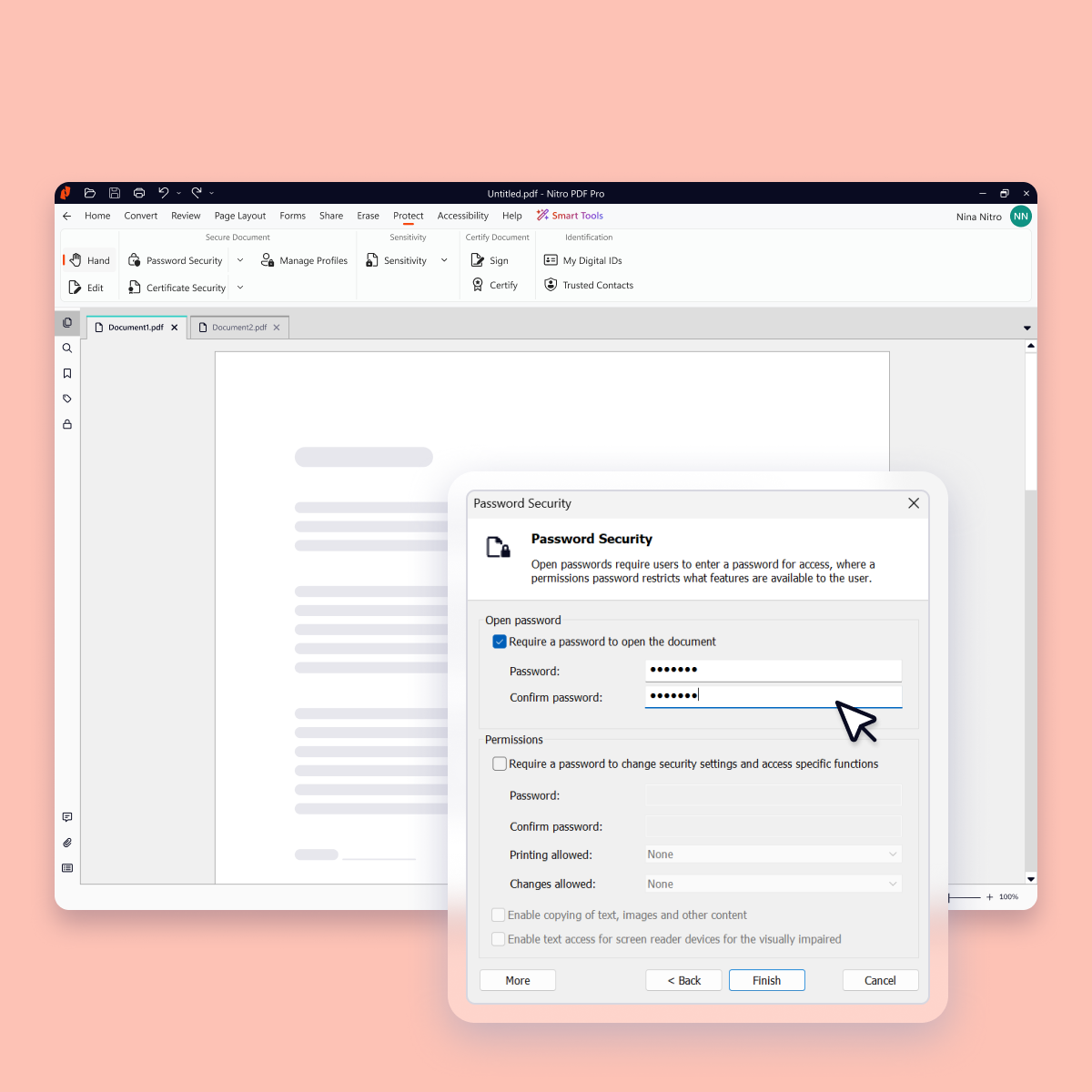    |


