Continu vs. Google Classroom

Overview
ProductRatingMost Used ByProduct SummaryStarting Price
Continu
Score 0.0 out of 10
Enterprise companies (1,001+ employees)
Continu is a Learning Software for business teams. Companies use Continu to centralize company training, employee learning, on-boarding, sales enablement, customer training or product training.
$1,000
Contractually per installation
Google Classroom
Score 8.0 out of 10
N/A
N/A
$0
per month
Pricing
ContinuGoogle Classroom
Editions & Modules
Growth 500 - 1,000 User Seats
Custom Quote
per seat
Professional 1,001 - 5,000 User Seats
Custom Quote
per seat
Enterprise 5,001+ User Seats
Custom Quote
per seat
Education Fundamentals
$0
per license/per month
Google Workspace for Education Standard
$3
per student/per year
Teaching and Learning Upgrade
$4
per license/per month
Google Workspace for Education Plus
$5
per student/per year
Offerings
Pricing Offerings
ContinuGoogle Classroom
Free Trial
NoYes
Free/Freemium Version
NoNo
Premium Consulting/Integration Services
NoNo
Entry-level Setup Fee$0.10 one-time fee per installationNo setup fee
Additional DetailsPricing is based on user seat amounts through a custom quote.Education Fundamentals Version - 30-day free trial for qualifying institutions.
More Pricing Information
Community Pulse
ContinuGoogle Classroom
Features
ContinuGoogle Classroom
Learning Management
Comparison of Learning Management features of Product A and Product B
Continu
-
Ratings
Google Classroom
7.4
60 Ratings
8% below category average
Course authoring00 Ratings8.752 Ratings
Course catalog or library00 Ratings7.739 Ratings
Player/Portal00 Ratings6.738 Ratings
Learning content00 Ratings8.041 Ratings
Mobile friendly00 Ratings7.657 Ratings
Progress tracking & certifications00 Ratings7.244 Ratings
Assignments00 Ratings7.258 Ratings
Compliance management00 Ratings7.034 Ratings
Learning administration00 Ratings7.446 Ratings
Learning reporting & analytics00 Ratings6.942 Ratings
Social learning00 Ratings8.651 Ratings
Gamification00 Ratings4.18 Ratings
Single Sign On (SSO) Enabled Learning00 Ratings9.712 Ratings
Best Alternatives
ContinuGoogle Classroom
Small Businesses
iSpring LMS
iSpring LMS
Score 9.6 out of 10
iSpring LMS
iSpring LMS
Score 9.6 out of 10
Medium-sized Companies
iSpring LMS
iSpring LMS
Score 9.6 out of 10
Schoology Learning
Schoology Learning
Score 8.0 out of 10
Enterprises
Absorb
Absorb
Score 9.2 out of 10
Schoology Learning
Schoology Learning
Score 8.0 out of 10
All AlternativesView all alternativesView all alternatives
User Ratings
ContinuGoogle Classroom
Likelihood to Recommend
-
(0 ratings)
8.2
(80 ratings)
Likelihood to Renew
-
(0 ratings)
10.0
(4 ratings)
Usability
-
(0 ratings)
8.2
(11 ratings)
Availability
-
(0 ratings)
9.0
(1 ratings)
Performance
-
(0 ratings)
9.0
(1 ratings)
Support Rating
-
(0 ratings)
1.9
(14 ratings)
Implementation Rating
-
(0 ratings)
2.0
(2 ratings)
Product Scalability
-
(0 ratings)
10.0
(1 ratings)
User Testimonials
ContinuGoogle Classroom
Likelihood to Recommend
Continu
No answers on this topic
Google
Google Classroom allows teachers to post for daily lessons and assignments. It also allows teachers to be able to communicate with students easily outside of class. Students are able to stay connected and know where to find all information and resources easily in a streamlined manner for all of their classes.
Read full review
Pros
Continu
No answers on this topic
Google
  • Student-teacher communication - I love using Classroom for this because my students can always go back and check what was on Classroom by looking through the stream. This way they don't have to go dig through emails to find what they're looking for.
  • Posting to multiple classes - I can post the same announcement or assignment to multiple classes at once without having to repeat the process or send separate emails.
  • Streamlining grading - when students turn work in on Classroom, it all goes to one place and then when I'm grading I can open their documents directly from Classroom or my Drive folder. This way, I'm not looking through emails and Google Doc shared files for their assignment.
Read full review
Cons
Continu
No answers on this topic
Google
  • The content management of the Classroom is not that good. The sub-section for notes, syllabus, or discussion is missing.
  • It doesn't have parental control feature.
  • It converts the excel output into a normal file. All the formulas and pivots got changed into plain text.
Read full review
Likelihood to Renew
Continu
No answers on this topic
Google
Testing is particularly important in online learning, and Google Classroom falls far short of other learning management systems in this regard. Security is also a concern: while account control is reasonable for the account used with Google Classroom, the person controlling a particular account is often able to, for example, forward or download proprietary materials.
Read full review
Usability
Continu
No answers on this topic
Google
Simple design and seamless integration with Google tools and drive, but missing some key features. However, since it is limited in overall functions and ability to truly personalize / customize, it is quite user friendly and easy to set up and get going, other than sending out the code to your course or dropping students in via their gmail account. Users of Google Forms and sites will find the layout similar in design.
Read full review
Reliability and Availability
Continu
No answers on this topic
Google
We have had very little trouble in accessing Google Classroom. Our issues, if any, have risen from our server and not the Google servers.
Read full review
Support Rating
Continu
No answers on this topic
Google
Since this platform is provided by Google, the technical support is better than any others, and we are not required to bother about the space constraints for adding the contents. If we have a good uninterrupted internet facility we can access Google Classroom without any delay or lag. They have app support in both Android and iPhone.
Read full review
Implementation Rating
Continu
No answers on this topic
Google
It was relatively easy to implement due to the simplicity of the platform. Even our more technology challenged teachers found it easy to get started with Google Classroom.
Read full review
Alternatives Considered
Continu
No answers on this topic
Google
I haven't tested or evaluated another digital classroom website or application. I feel like Google Classroom is convenient for many reasons such as compatibility to Google docs, slides, etc. I also love the ability to link to YouTube and other sites. I don't know if there would be a site that is easier to maneuver.
Read full review
Scalability
Continu
No answers on this topic
Google
It is very easy to push out this program across our buildings. Teachers are able to use it without much trouble.
Read full review
Return on Investment
Continu
No answers on this topic
Google
  • Students are able to continue learning in a remote environment
  • Parents have a single, consistent organization structure to make it easy to track assignments and progress for multiple children
  • Much better solution than the quickly assembled Zoom-and-gloom of the previous spring when school abruptly went remote with no planning
Read full review
ScreenShots

Continu Screenshots

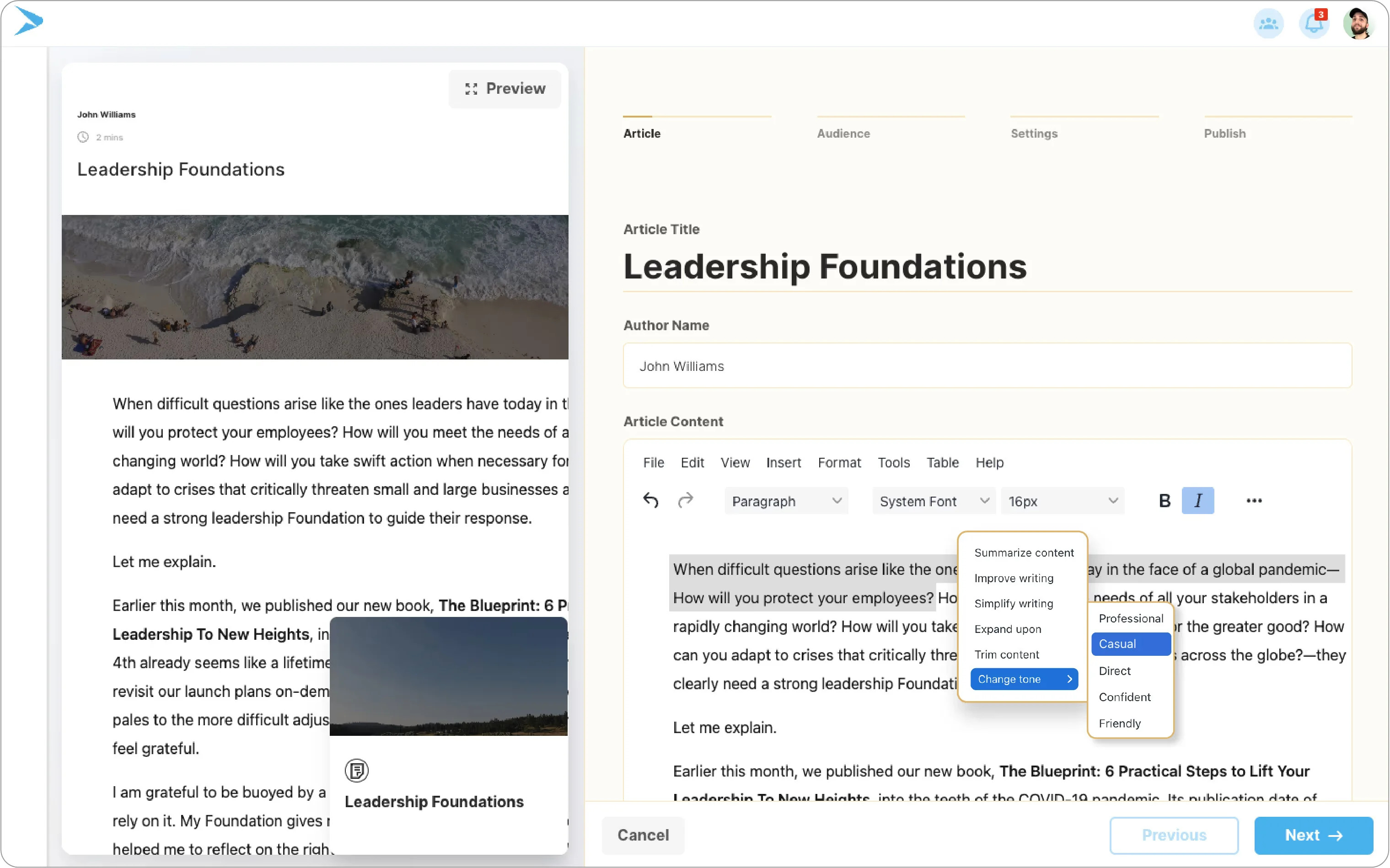
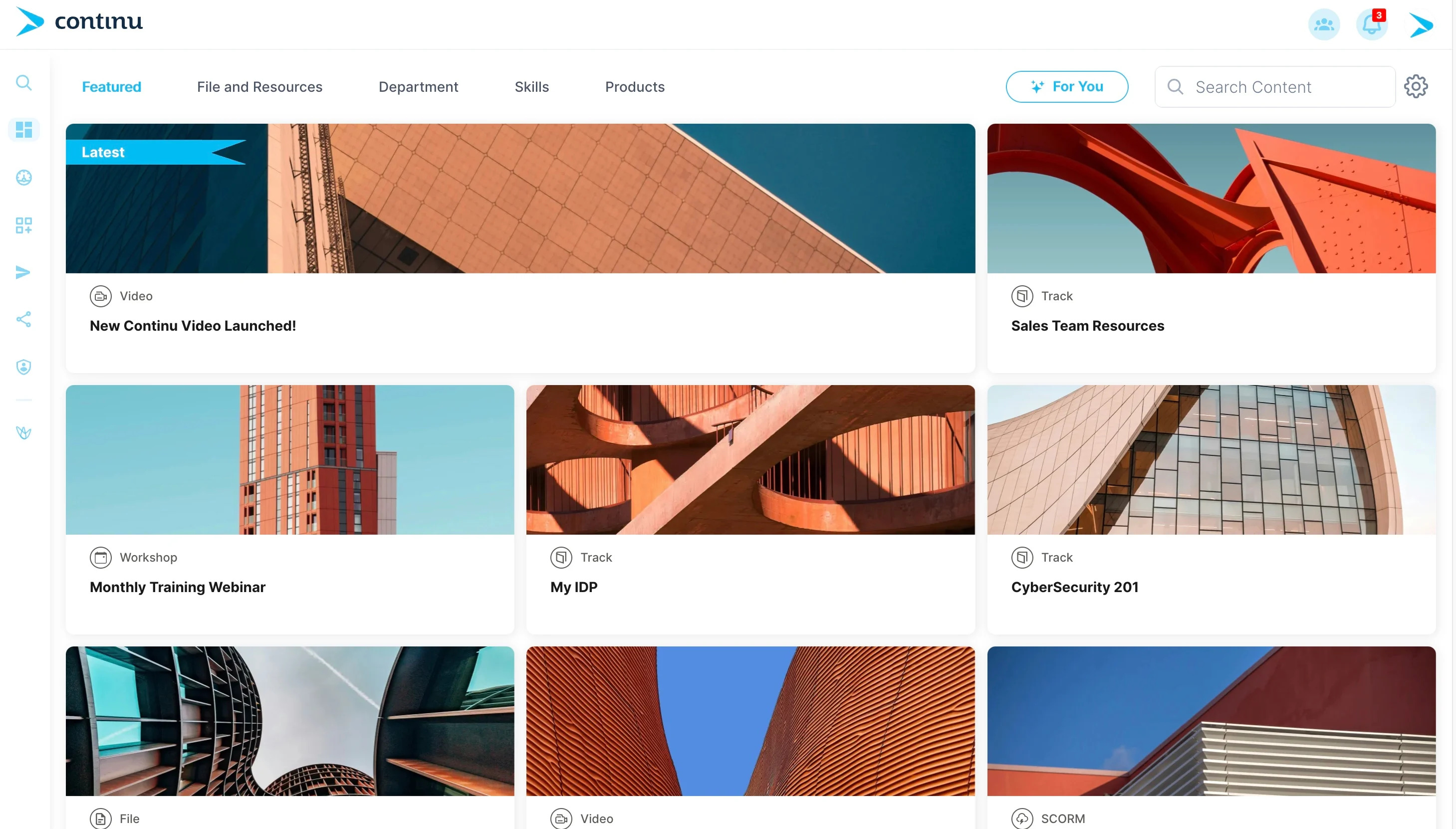
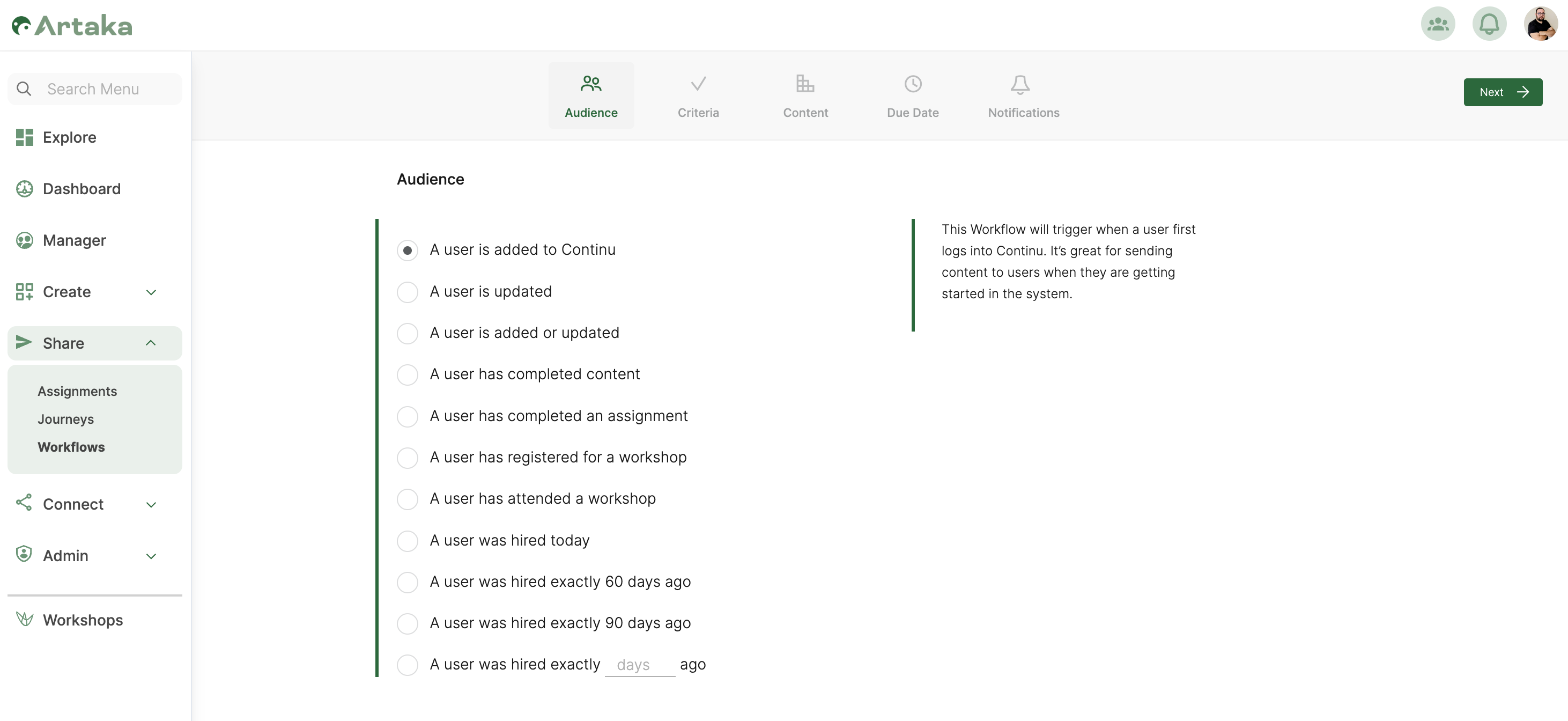
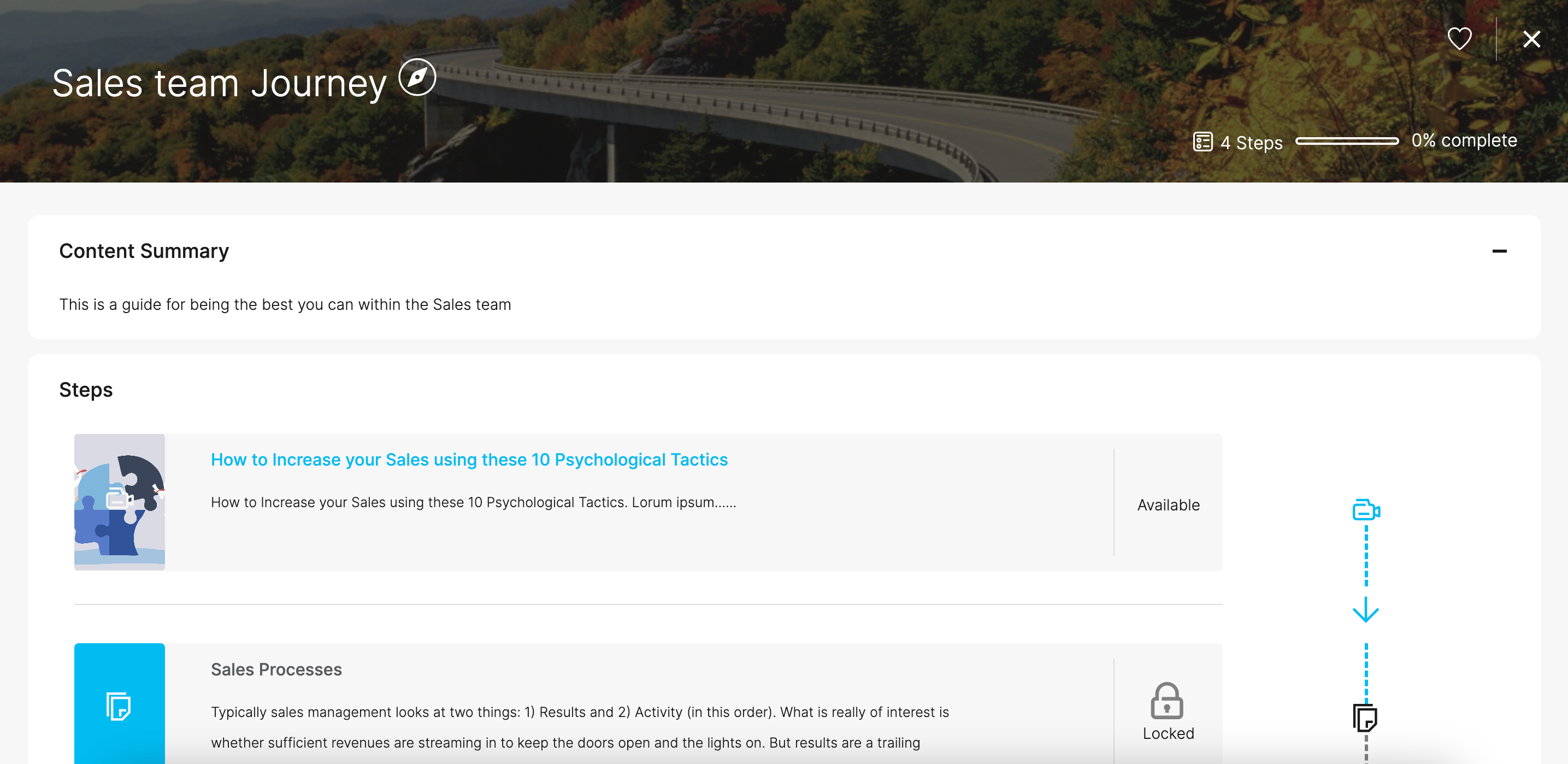
Screenshot of a Continu virtual training workshop breakdownScreenshot of where to create learning content and preview in real-time with Continu's content authoring toolScreenshot of learning content, augmented with AI-powered suggestionsScreenshot of an example of a workflow that automates repetitive tasksScreenshot of how to string together multiple training programs to create entire learning journeys