
CrashSight vs. Firebase Crashlytics
CrashSight vs. Firebase Crashlytics
| Product | Rating | Most Used By | Product Summary | Starting Price |
|---|---|---|---|---|
 CrashSight | N/A | CrashSight is a crash and exception management platform for game developers. It captures and analyzes crashes, ANRs, errors, and OOM issues across mobile, PC, and console platforms, helping studios reduce crash rates and improve player experience. | N/A | |
 Firebase Crashlytics | N/A | Crashlytics is a mobile analytics tool which helps users find the exact line of code that their app crashed on, providing granular insight into mobile app performance and user experience. Crashlytics was acquired by Google in 2017 and is now offered as part of the Firebase product. | N/A |
| CrashSight | Firebase Crashlytics | |||||||||||||||
|---|---|---|---|---|---|---|---|---|---|---|---|---|---|---|---|---|
| Editions & Modules | No answers on this topic | No answers on this topic | ||||||||||||||
| Offerings |
| |||||||||||||||
| Entry-level Setup Fee | No setup fee | No setup fee | ||||||||||||||
| Additional Details | CrashSight is billed by MAU (Monthly Active Users) with a tiered pricing model. | — | ||||||||||||||
| More Pricing Information | ||||||||||||||||
| CrashSight | Firebase Crashlytics |
|---|
| CrashSight | Firebase Crashlytics | |
|---|---|---|
| Likelihood to Recommend | - (0 ratings) | 10.0 (8 ratings) |
| Likelihood to Renew | - (0 ratings) | 10.0 (1 ratings) |
| Usability | - (0 ratings) | 10.0 (1 ratings) |
| CrashSight | Firebase Crashlytics | |
|---|---|---|
| Likelihood to Recommend | WeTest No answers on this topic | Google
|
| Pros | WeTest No answers on this topic | Google
 Ken Yee Android Architect |
| Cons | WeTest No answers on this topic | Google
 Pankaj Choudhary Sr. Android Developer |
| Likelihood to Renew | WeTest No answers on this topic | Google
Pankaj Choudhary Sr. Android Developer |
| Usability | WeTest No answers on this topic | Google
|
| Alternatives Considered | WeTest No answers on this topic | Google |
| Return on Investment | WeTest No answers on this topic | Google
 Ben Gelsey Software Developer |
| ScreenShots | CrashSight Screenshots    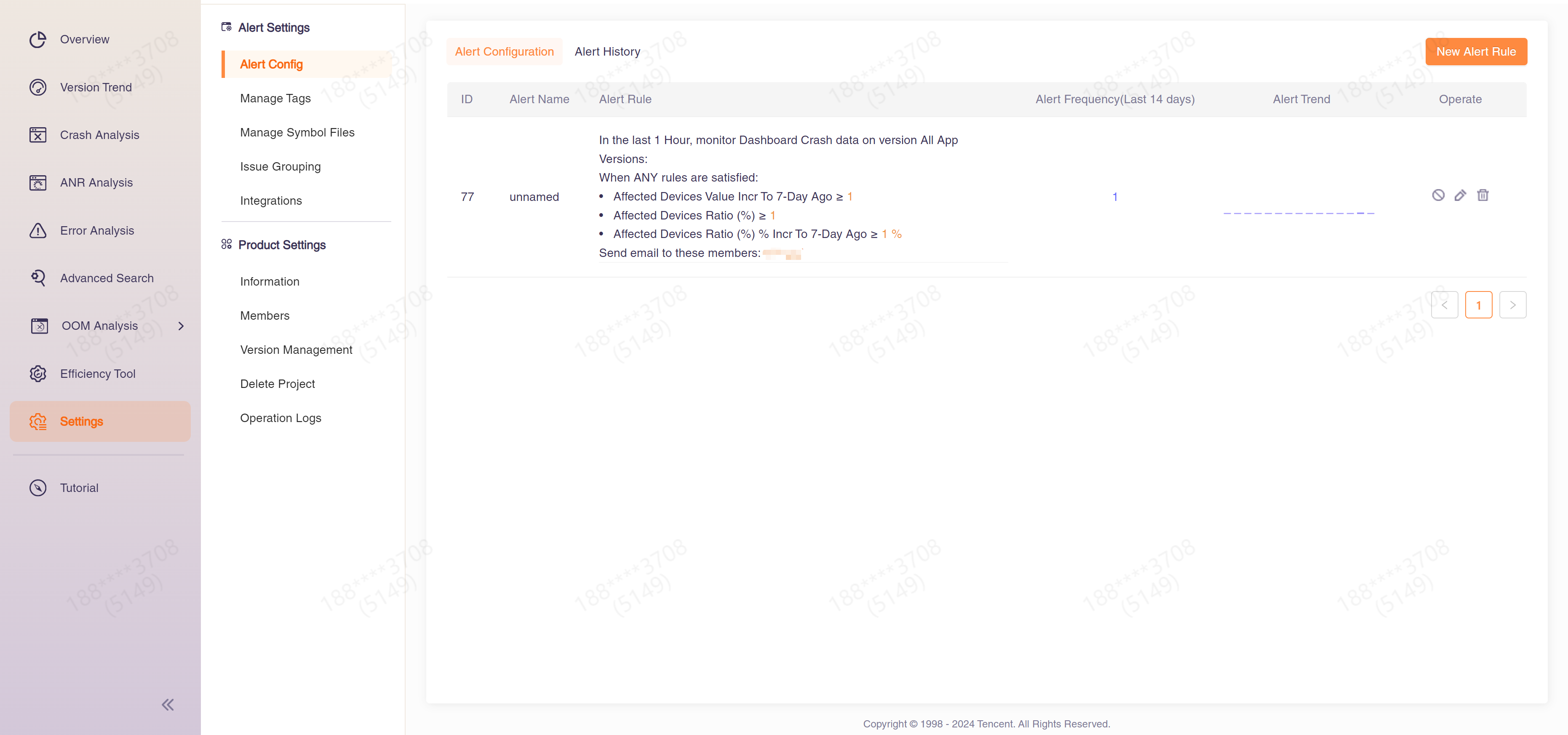 |