
CSV Editor Pro vs. NetBeans
CSV Editor Pro vs. NetBeans
| Product | Rating | Most Used By | Product Summary | Starting Price |
|---|---|---|---|---|
 CSV Editor Pro | Small Businesses (1-50 employees) | CSV Editor Pro is a professional choice for working with CSV files. Its features and tools save users time and effort. Rows and columns can be created, deleted, rearranged, and searched at will. CSV Editor Pro supports sorting, filtering, multiline editing, search and replace, graphing, deduplicate, unicode, undo, and printing. The interface is simplified, and detailed help file is provided. | $29 one-time fee | |
 NetBeans | N/A | NetBeans is a free and open source platform and integrated development environment (IDE). | N/A |
| CSV Editor Pro | NetBeans | |||||||||||||||
|---|---|---|---|---|---|---|---|---|---|---|---|---|---|---|---|---|
| Editions & Modules | No answers on this topic | No answers on this topic | ||||||||||||||
| Offerings |
| |||||||||||||||
| Entry-level Setup Fee | $29 for 5 activations | No setup fee | ||||||||||||||
| Additional Details | A license entitles the user to five activations. Activations are not restricted to one machine or user. Once activated, the software will remain activated indefinitely unless it is moved to a different drive, or if a major upgrade (such as 1.0 to 2.0) is installed. Minor upgrades (such as 1.0 to 1.1) are free. | — | ||||||||||||||
| More Pricing Information | ||||||||||||||||
| CSV Editor Pro | NetBeans |
|---|
| CSV Editor Pro | NetBeans | |
|---|---|---|
| Small Businesses |  BBEdit Score 10.0 out of 10 |  PyCharm Score 9.2 out of 10 |
| Medium-sized Companies |  Vim Score 9.5 out of 10 | PyCharm Score 9.2 out of 10 |
| Enterprises | Vim Score 9.5 out of 10 | PyCharm Score 9.2 out of 10 |
| All Alternatives | View all alternatives | View all alternatives |
| CSV Editor Pro | NetBeans | |
|---|---|---|
| Likelihood to Recommend | - (0 ratings) | 7.8 (22 ratings) |
| Usability | - (0 ratings) | 9.0 (2 ratings) |
| Support Rating | - (0 ratings) | 8.5 (4 ratings) |
| CSV Editor Pro | NetBeans | |
|---|---|---|
| Likelihood to Recommend | Gammadyne Corporation No answers on this topic |  Open Source
 Sirish Vadala Information Technology Specialist III |
| Pros | Gammadyne Corporation No answers on this topic | Open Source
|
| Cons | Gammadyne Corporation No answers on this topic | Open Source
|
| Usability | Gammadyne Corporation No answers on this topic | Open Source
 Andy Erickson Senior Consultant |
| Support Rating | Gammadyne Corporation No answers on this topic | Open Source
 zahit bogus Business Intelligence Consultant |
| Alternatives Considered | Gammadyne Corporation No answers on this topic | Open Source
|
| Return on Investment | Gammadyne Corporation No answers on this topic | Open Source
 Piyush Jain Network Engineer |
| ScreenShots | CSV Editor Pro Screenshots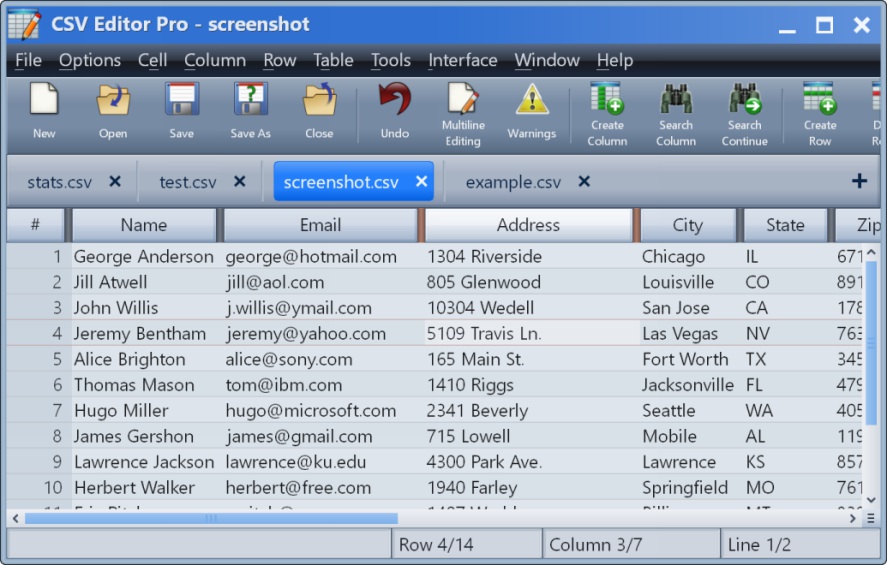 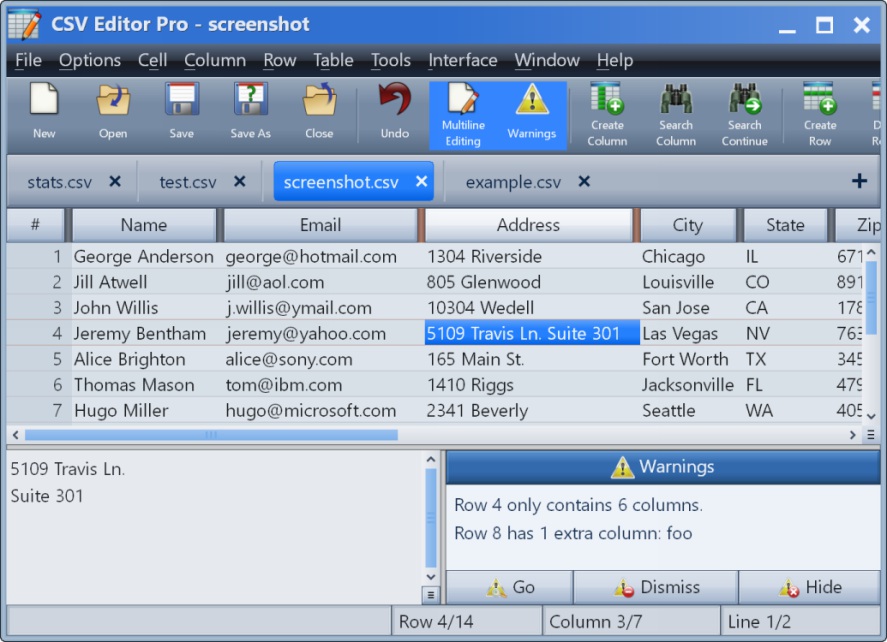 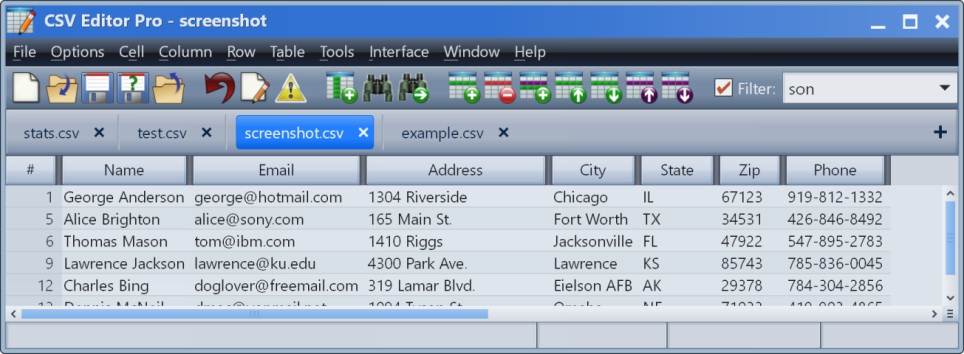 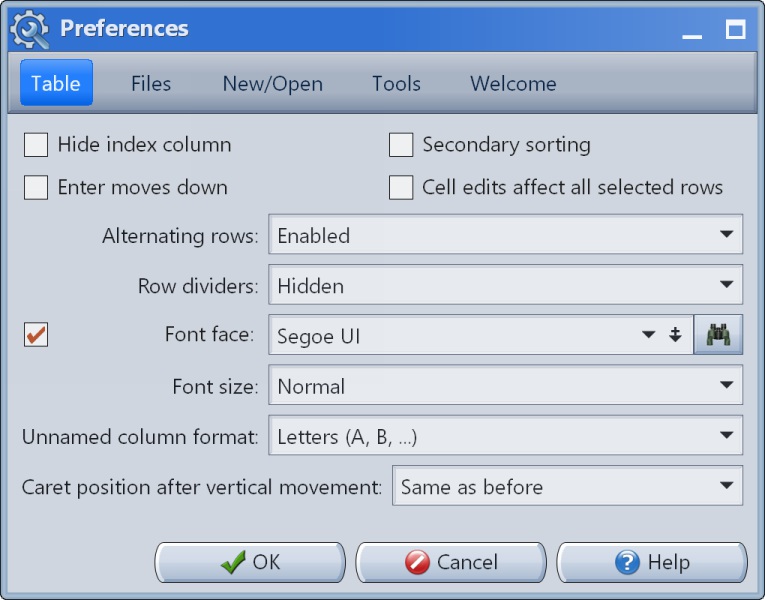 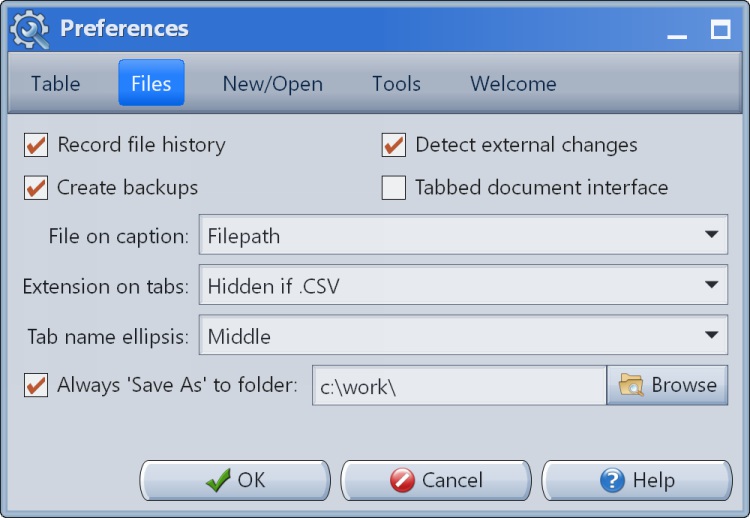 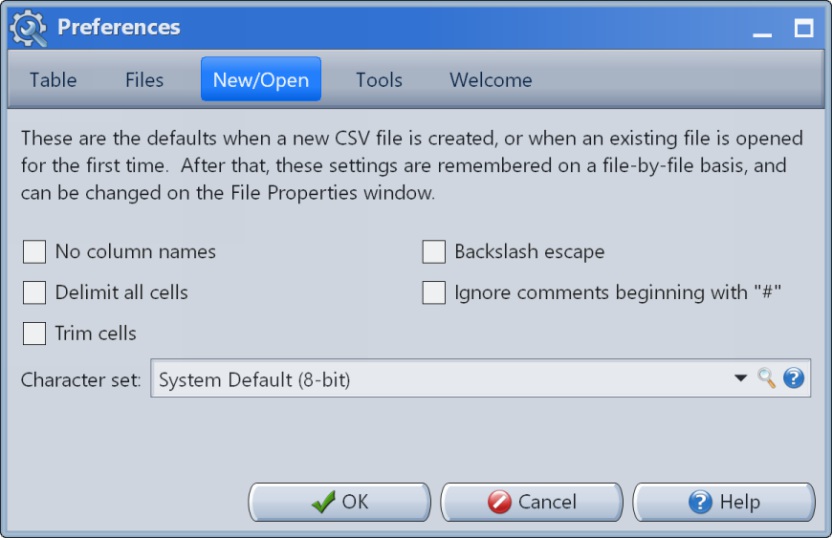 |