CustomShow.com vs. Powtoon

Overview
ProductRatingMost Used ByProduct SummaryStarting Price
CustomShow.com
Score 8.2 out of 10
Enterprise companies (1,001+ employees)
CustomShow is a B2B sales presentation platform that enables marketing teams to manage and control content while letting sales teams customize and present on multiple platforms. Combining a Slide Editor, Presentation Library and Online and Offline presenting options, CustomShow is designed to streamline workflows and gives teams the tools to build and deliver presentations.
$0
Per User per Month
Powtoon
Score 9.5 out of 10
N/A
Powtoon is an online video creation platform used to turn any document or idea into a video. Its AI tools include Doc to Video, an AI scriptwriter, text-to-speech, and text to video.
$49
per month per user
Pricing
CustomShow.comPowtoon
Editions & Modules
CustomShow
Per User per Month
Lite
$49
per month per user
Professional
$99
per month per user
Advanced
$199
per month per user
Offerings
Pricing Offerings
CustomShow.comPowtoon
Free Trial
YesYes
Free/Freemium Version
NoYes
Premium Consulting/Integration Services
YesNo
Entry-level Setup FeeNo setup feeNo setup fee
Additional DetailsDiscounts available for annual billing and educational institutions.
More Pricing Information
Community Pulse
CustomShow.comPowtoon
Best Alternatives
CustomShow.comPowtoon
Small Businesses
Mediafly
Mediafly
Score 7.7 out of 10
iMovie
iMovie
Score 10.0 out of 10
Medium-sized Companies
Paperflite
Paperflite
Score 8.0 out of 10
iMovie
iMovie
Score 10.0 out of 10
Enterprises
Paperflite
Paperflite
Score 8.0 out of 10
Vyond
Vyond
Score 8.6 out of 10
All AlternativesView all alternativesView all alternatives
User Ratings
CustomShow.comPowtoon
Likelihood to Recommend
8.2
(1 ratings)
7.0
(12 ratings)
Likelihood to Renew
8.2
(1 ratings)
-
(0 ratings)
Support Rating
-
(0 ratings)
8.7
(3 ratings)
User Testimonials
CustomShow.comPowtoon
Likelihood to Recommend
CustomShow
It is well suited for larger organizations. It cannot be used by single individuals like people who use Prezi or Powerpoint. If you are a large organization and looking to save on productivity, time, and improve branding across marketing and sales pitches, this software is absolutely amazing. I would highly recommend anyone heading up a company with 25 employees or more consider the software.
Read full review
Powtoon
Powtoon is a very capable suite of tools that help a developer create training videos that look way better than they should. I've used it to create fun, attention-getting commercials for new topics, I've used it to enhance what would otherwise be boring step-by-step tutorials, and I've used it to create all manner of "Explainer videos" for all kinds of topics - this is where it EXCELS! In my opinion, its biggest limitations are limits on imported video (max of 90 seconds), which mean that you have to do a lot of extra work to break up and import anything of substantive length. And because it presents your personal library of imported images and audio ONLY sequentially, it's VERY LIMITED in the re-usability of those assets - it's way faster to just import a new instance of an image and audio than to try to find it in your library.
Read full review
Pros
CustomShow
  • It allows you collaborate and share across your organization.
  • It integrates video seamlessly into any presentation you create.
  • It have an incredible slide library management component that stores everything in the cloud for the users.
  • Used by major fortune 100 companies, it allows for organizations to present their best and look their best.
Read full review
Powtoon
  • Powtoon is very easy to use; no previous experience is needed.
  • It has a lot of features (images, backgrounds, videos, sounds, etc.)
  • It automatically saves your work
  • After you have created your video, you can download it to your computer in different resolutions
Read full review
Cons
CustomShow
  • I think the analytics piece could be improved a little more.
Read full review
Powtoon
  • Comparing it to Vyond, it is more time consuming to make videos. The timeline could be easier to understand.
  • They recently started upcharging to use some scenes. This has made updating some of my videos challenging as the scenes that were included as part of my plan are now an upgrade to use.
  • They don't have a voice over option. I have actually taken some of the videos out of the platform over to Vyond to add voiceover.
  • Some items they have introduced, like turning a powerpoint into a video really don't work.
Read full review
Likelihood to Renew
CustomShow
Because it provides a great user experience, it makes my organization look good in front of pitches, and the software is great from a collaboration perspective. Plus, I like the fact that i can use video incredible well with all of my presentations. It has minor challenges and takes time to figure out, but once you do the sky is the limit.
Read full review
Powtoon
No answers on this topic
Support Rating
CustomShow
No answers on this topic
Powtoon
I have never needed the support feature. As I mentioned, everything was intuitive to me however I have taught myself Adobe, Final Cut and iMovie so most of these programs became intuitive.
Read full review
Alternatives Considered
CustomShow
I think they are all stacking up against each other. Powerpoint is a free alternative. But I think CustomShow doesn't focus on better looking powerpoint slides....it focuses on better looking presentations period. Because of that, CustomShow is really in a different category of business presentation software and up there with Clearslide.
Read full review
Powtoon
Powtoon has the advantage over traditional video editing software in terms of the library of characters and elements that can be easily dragged and dropped onto the canvas. Powtoon is easier to use and has a more intuitive user interface than Vyond.
Read full review
Return on Investment
CustomShow
  • It has had a positive ROI in that the level of productivity in creating presentations has grown.
Read full review
Powtoon
  • We don't have to spend money on traveling to a location to do an actual live shoot.
  • I'm spending less time on hand animating videos.
  • We used these to create teaser videos for our professional development offerings. I believe because of the captivating graphics, we had a lot more people driven to our site.
Read full review
ScreenShots

CustomShow.com Screenshots

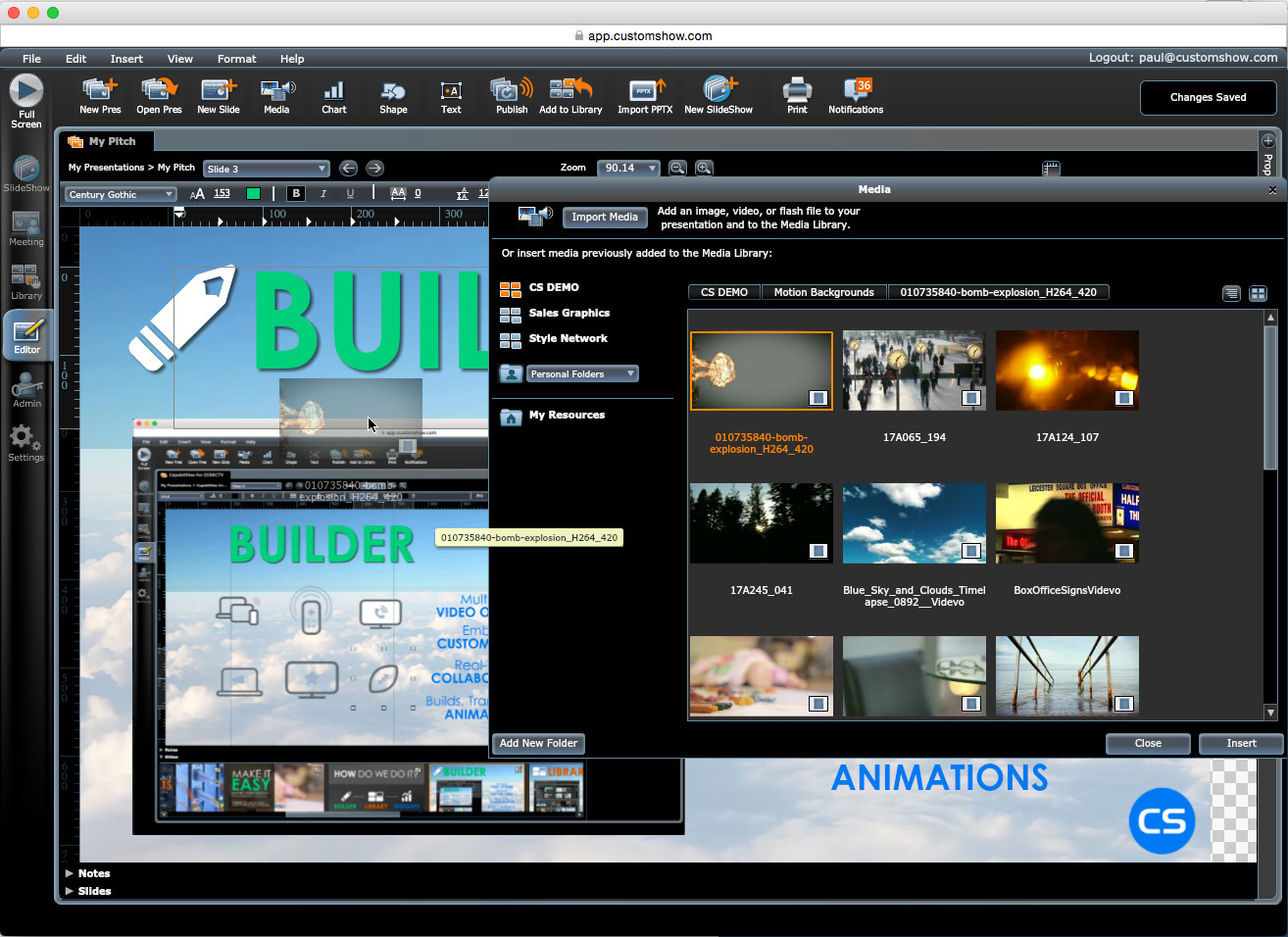
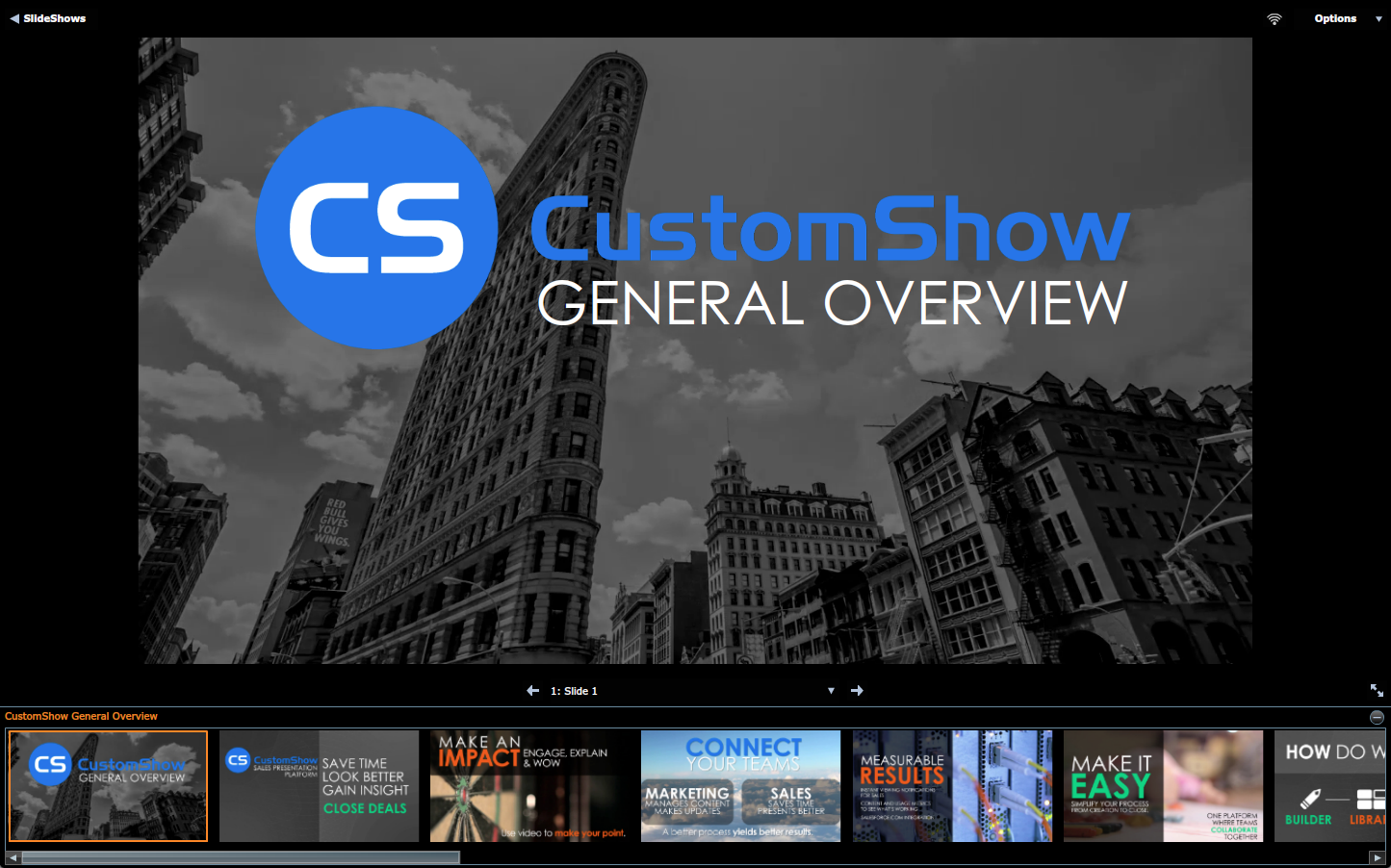
Screenshot of Slide Library - drag-and-drop to build custom presentationsScreenshot of Slide Editor - Build branded slides with seamless video integrationScreenshot of Desktop Viewer - Present seamless online or offlineScreenshot of Viewing Metrics - Get detailed slide-by-slide viewing metrics