
Dataddo vs. Informatica Intelligent Data Management Cloud
Dataddo vs. Informatica Intelligent Data Management Cloud
| Product | Rating | Most Used By | Product Summary | Starting Price |
|---|---|---|---|---|
 Dataddo | Enterprise companies (1,001+ employees) | Dataddo is a control plane for enterprise data movement. It runs and governs data flows across cloud, on-prem, and hybrid environments with the goal of turning fragile pipelines into reliable infrastructure for AI. | $0 | |
 Informatica Intelligent Data Management Cloud | N/A | The Informatica® Intelligent Data Management Cloud™ (IDMC) is designed to help businesses efficiently handle the complex challenges of dispersed and fragmented data to innovate with their data on virtually any platform, any cloud, multi-cloud and multi-hybrid. | N/A |
| Dataddo | Informatica Intelligent Data Management Cloud | |||||||||||||||
|---|---|---|---|---|---|---|---|---|---|---|---|---|---|---|---|---|
| Editions & Modules |
| No answers on this topic | ||||||||||||||
| Offerings |
| |||||||||||||||
| Entry-level Setup Fee | No setup fee | No setup fee | ||||||||||||||
| Additional Details | Data to Dashboards and Data Anywhere are both priced based on bundles of flows that can be billed monthly, or yearly for a discount. Data to Dashboards starts at $129 (billed monthly) for up to 10 data flows from any source to any dashboarding tool or Google Sheets. Data Anywhere starts at $129 (billed monthly) for up to 3 data flows from any A to any B—from apps to warehouses or dashboards (ETL, end to end), between warehouses (ETL), and from warehouses back into apps (reverse ETL). Enterprise Plan allows enterprises to build their own data products on top of the unified Dataddo API and get all integrations in one, with custom pricing. | — | ||||||||||||||
| More Pricing Information | ||||||||||||||||
| Dataddo | Informatica Intelligent Data Management Cloud |
|---|
| Dataddo | Informatica Intelligent Data Management Cloud | |
|---|---|---|
| Small Businesses |  Skyvia Score 10.0 out of 10 | Skyvia Score 10.0 out of 10 |
| Medium-sized Companies |  IBM InfoSphere Information Server Score 10.0 out of 10 | IBM InfoSphere Information Server Score 10.0 out of 10 |
| Enterprises | IBM InfoSphere Information Server Score 10.0 out of 10 | IBM InfoSphere Information Server Score 10.0 out of 10 |
| All Alternatives | View all alternatives | View all alternatives |
| Dataddo | Informatica Intelligent Data Management Cloud | |
|---|---|---|
| Likelihood to Recommend | - (0 ratings) | 8.3 (13 ratings) |
| Likelihood to Renew | - (0 ratings) | 9.0 (1 ratings) |
| Support Rating | - (0 ratings) | 8.0 (3 ratings) |
| Dataddo | Informatica Intelligent Data Management Cloud | |
|---|---|---|
| Likelihood to Recommend | Dataddo No answers on this topic |  Informatica
|
| Pros | Dataddo No answers on this topic | Informatica
|
| Cons | Dataddo No answers on this topic | Informatica
|
| Support Rating | Dataddo No answers on this topic | Informatica
|
| Alternatives Considered | Dataddo No answers on this topic | Informatica
 Vaibhav Khanna ☁⚡ Salesforce Consultant |
| Return on Investment | Dataddo No answers on this topic | Informatica
|
| ScreenShots | Dataddo Screenshots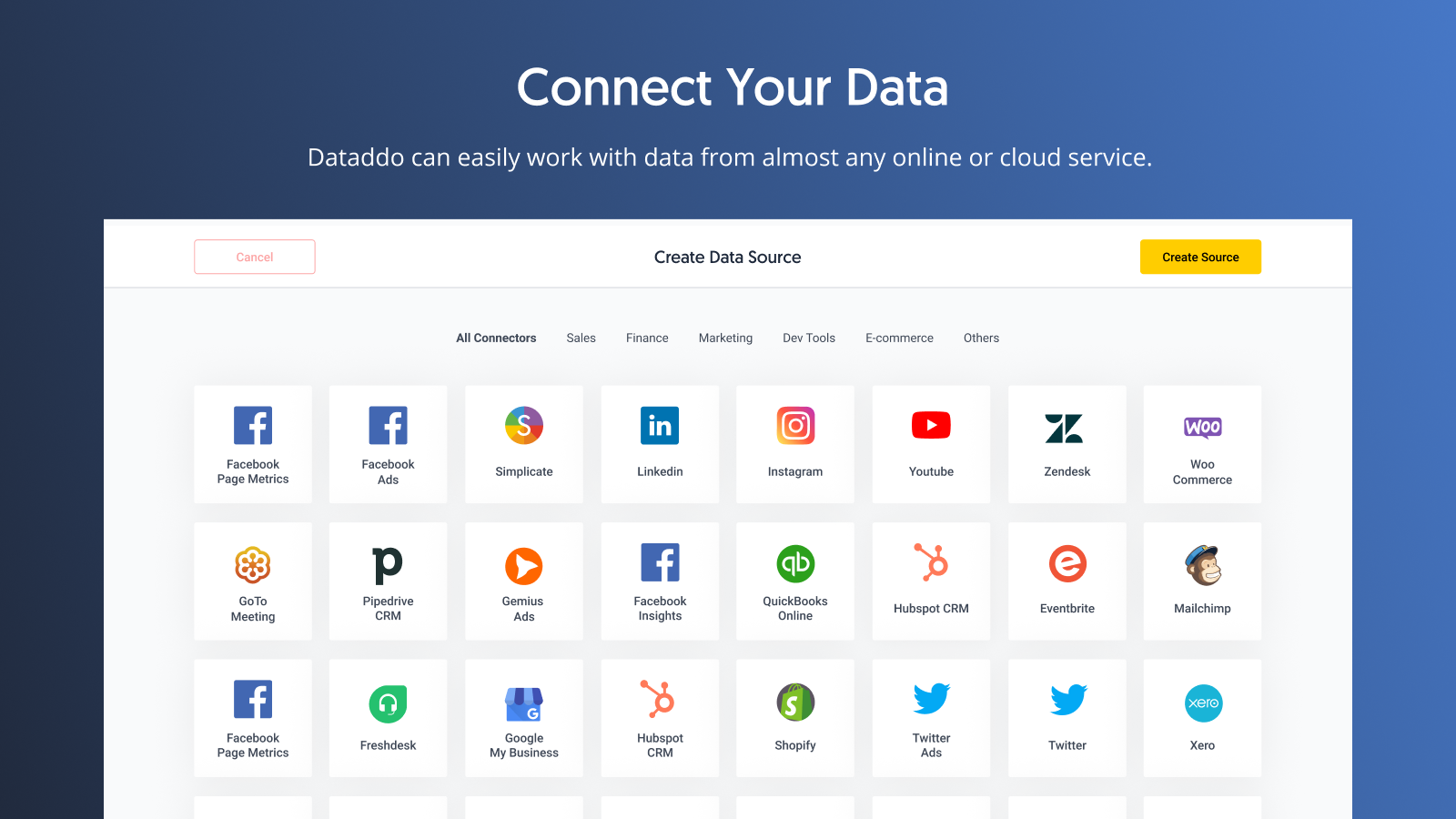  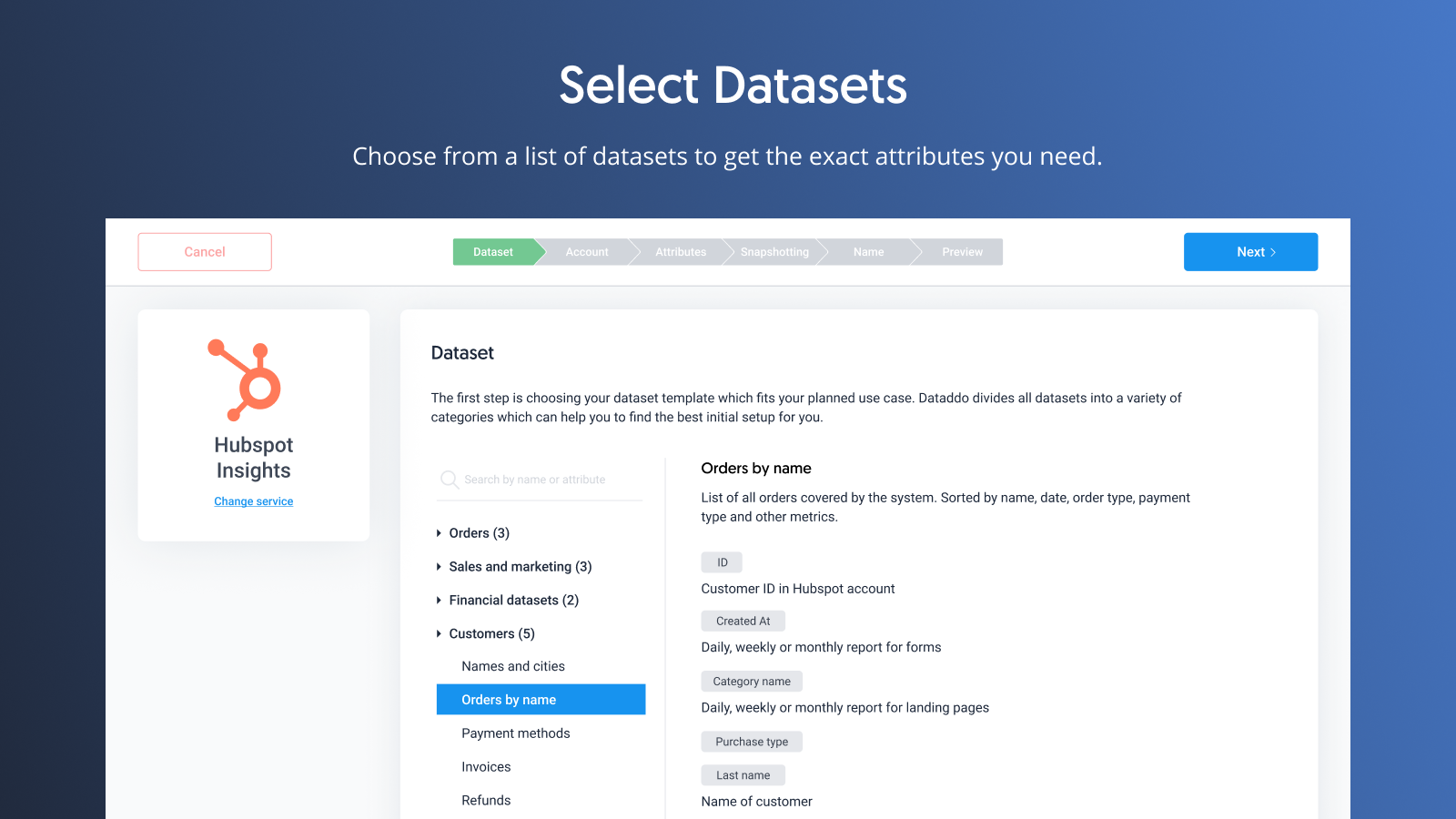 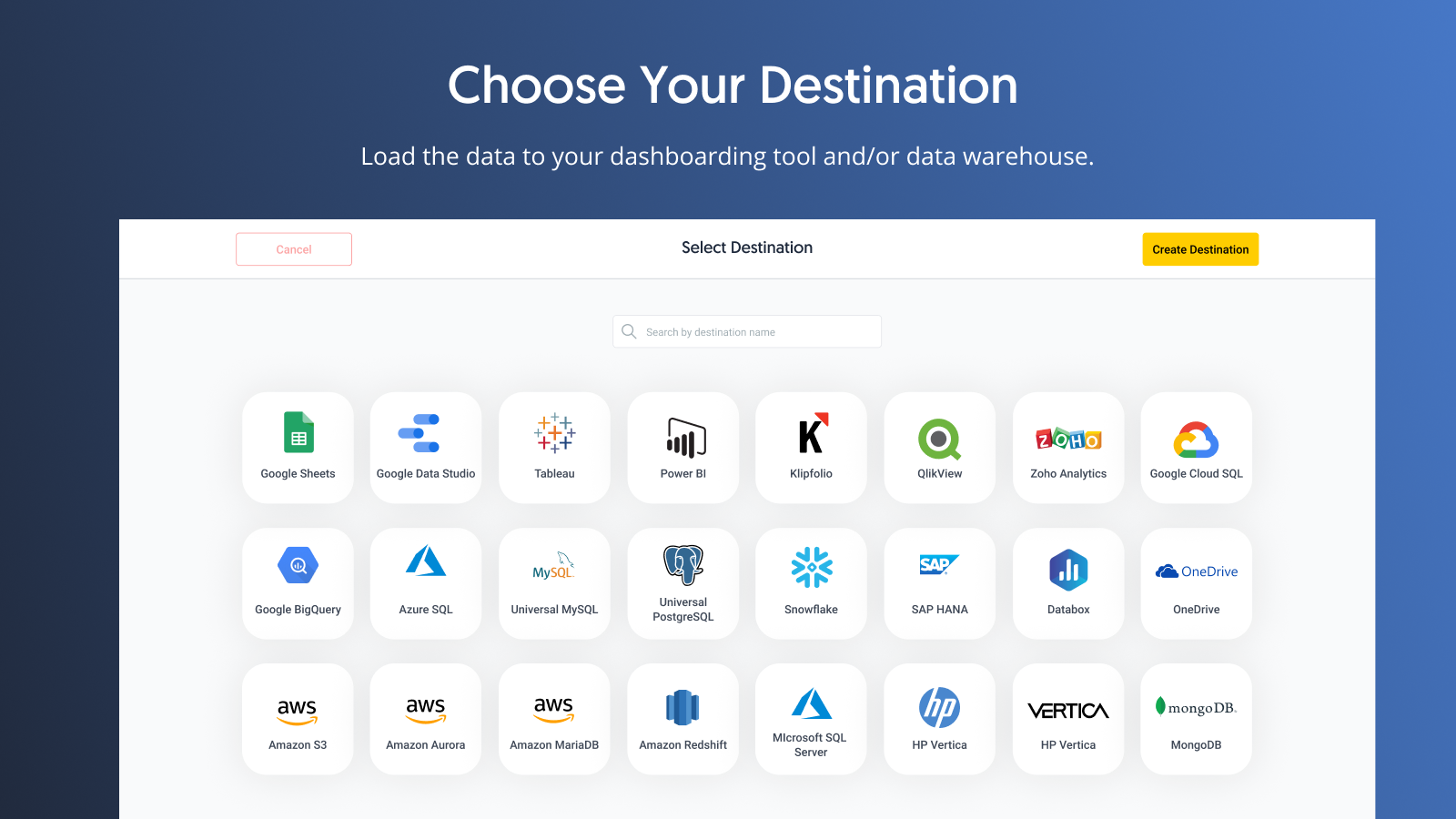 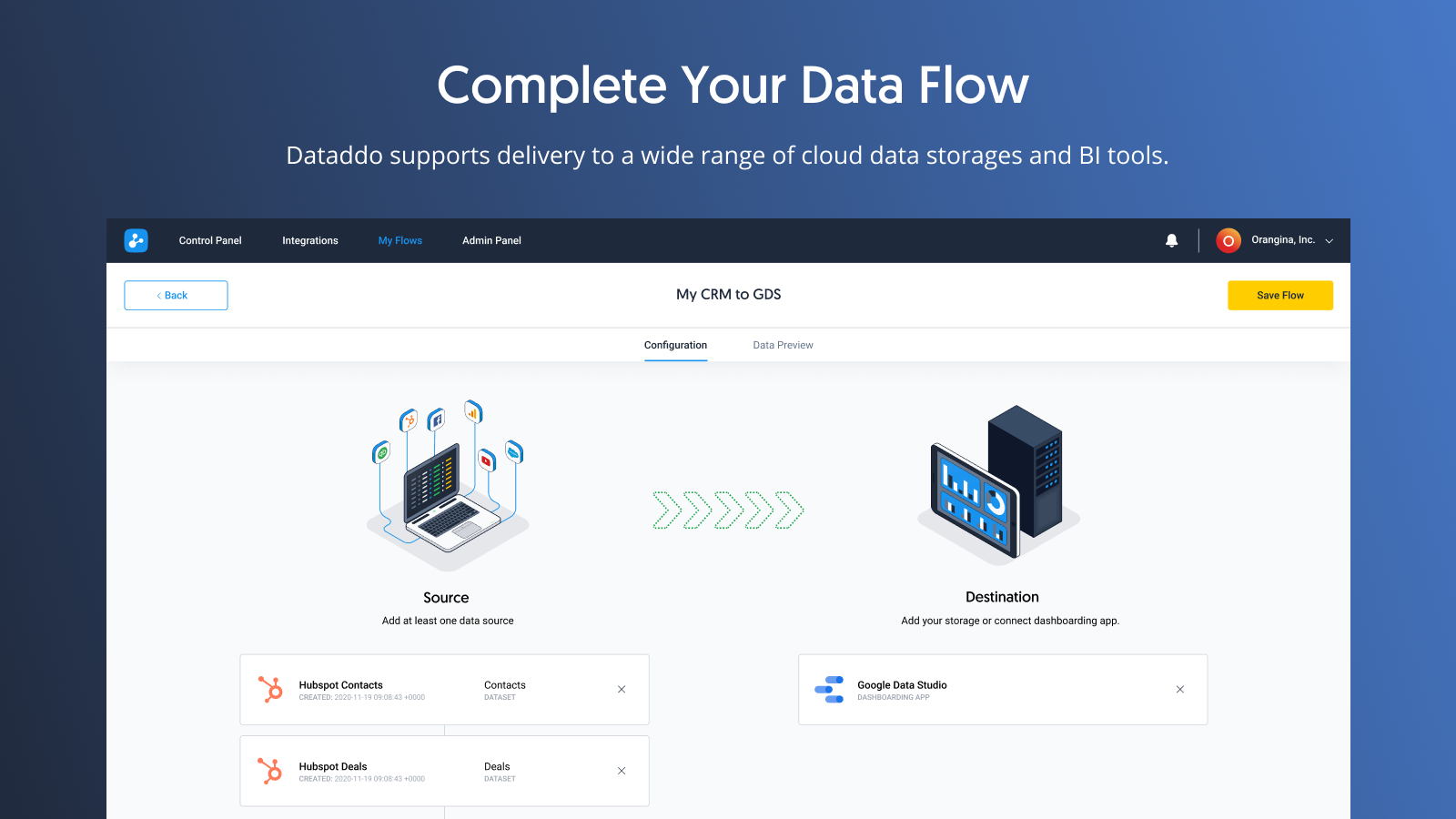 |