
Divi vs. ManageWP
| Product | Rating | Most Used By | Product Summary | Starting Price |
|---|---|---|---|---|
 Divi | Score9.4 out of 10 | N/A | More than just a WordPress theme, Divi is a website building platform that replaces the standard WordPress post editor with a new visual editor. The vendor states it can be enjoyed by design professionals and newcomers alike, and is designed to give users the ability to create spectacular designs with ease and efficiency. | $89 per year |
 ManageWP | Score10 out of 10 | N/A | ManageWP is a WordPress management console that allows users to manage multiple WordPress sites with ease. | N/A |
| Divi | ManageWP | |||||||||||||||
|---|---|---|---|---|---|---|---|---|---|---|---|---|---|---|---|---|
| Editions & Modules |
| No answers on this topic | ||||||||||||||
| Offerings |
| |||||||||||||||
| Entry-level Setup Fee | No setup fee | No setup fee | ||||||||||||||
| Additional Details | Lifetime subscriptions are also available for a one time fee. | Starting is easy and free. Premium upgrades are there for those that need more. If you want to free up your time and let ManageWP do the heavy lifting - we are there for you with a number of automations (safe updates, automated backups, scheduled security and performance checks, etc.), site migration tools, website templates and more. Special bundles were built for agencies and companies creating affordable discounts for customers with large number of websites. | ||||||||||||||
| More Pricing Information | ||||||||||||||||
| Divi | ManageWP | |
|---|---|---|
| Considered Both Products | No answer on this topic | No answer on this topic |
| Key User Insights | ||
| Would buy again | ||
90% Would buy again 9 Answers | 100% Would buy again 5 Answers | |
| Delivers good value for the price | ||
100% Delivers good value for the price 10 Answers | 100% Delivers good value for the price 5 Answers | |
| Happy with the feature set | ||
100% Happy with the feature set 10 Answers | 100% Happy with the feature set 5 Answers | |
| Lived up to sales and marketing promises | ||
90% Lived up to sales and marketing promises 9 Answers | No answers on this topic | |
| Implementation went as expected | ||
89% Implementation went as expected 8 Answers | 100% Implementation went as expected 5 Answers | |
| Divi | ManageWP | ||||||||||||||||||||||||||||
|---|---|---|---|---|---|---|---|---|---|---|---|---|---|---|---|---|---|---|---|---|---|---|---|---|---|---|---|---|---|
| Security |
| ||||||||||||||||||||||||||||
| Platform & Infrastructure |
| ||||||||||||||||||||||||||||
| Web Content Creation |
| ||||||||||||||||||||||||||||
| Web Content Management |
| ||||||||||||||||||||||||||||
| Divi | ManageWP | |
|---|---|---|
| Small Businesses |  Umbraco CMS Score7 out of 10 | Umbraco CMS Score7 out of 10 |
| Medium-sized Companies |  Square Online Score7.7 out of 10 | Square Online Score7.7 out of 10 |
| Enterprises |  RWS Tridion Sites Score9 out of 10 | RWS Tridion Sites Score9 out of 10 |
| All Alternatives | View all alternatives | View all alternatives |
| Divi | ManageWP | |
|---|---|---|
| Likelihood to Recommend | 9.7 | 10.0 |
| Usability | 9.4 | 9.0 |
| Divi | ManageWP | |
|---|---|---|
| Likelihood to Recommend |
|
|
| Pros |
|
|
| Cons |
|
|
| Usability |
|
|
| Alternatives Considered |
|
|
| Return on Investment |
|
|
| ScreenShots | ManageWP Screenshots  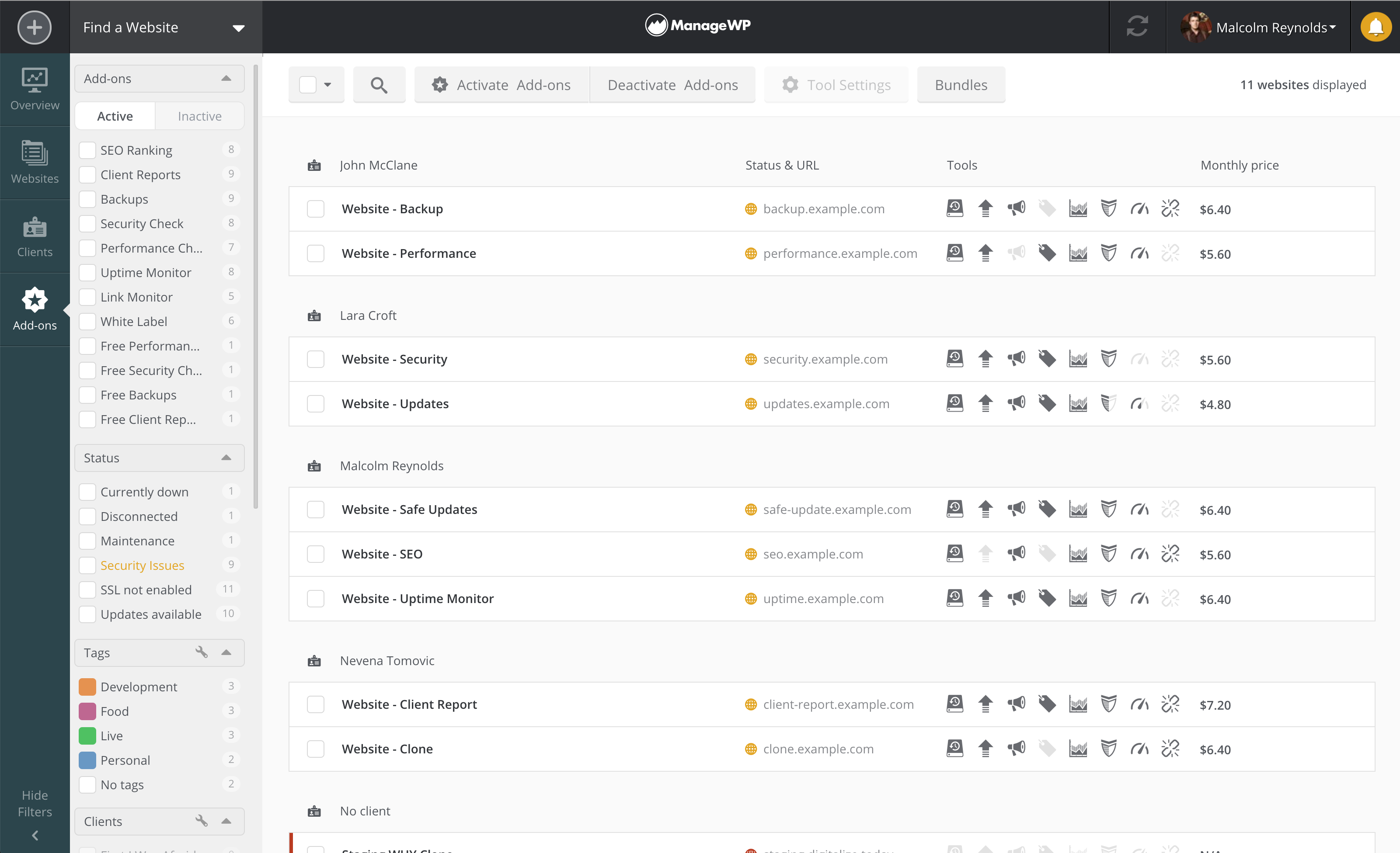 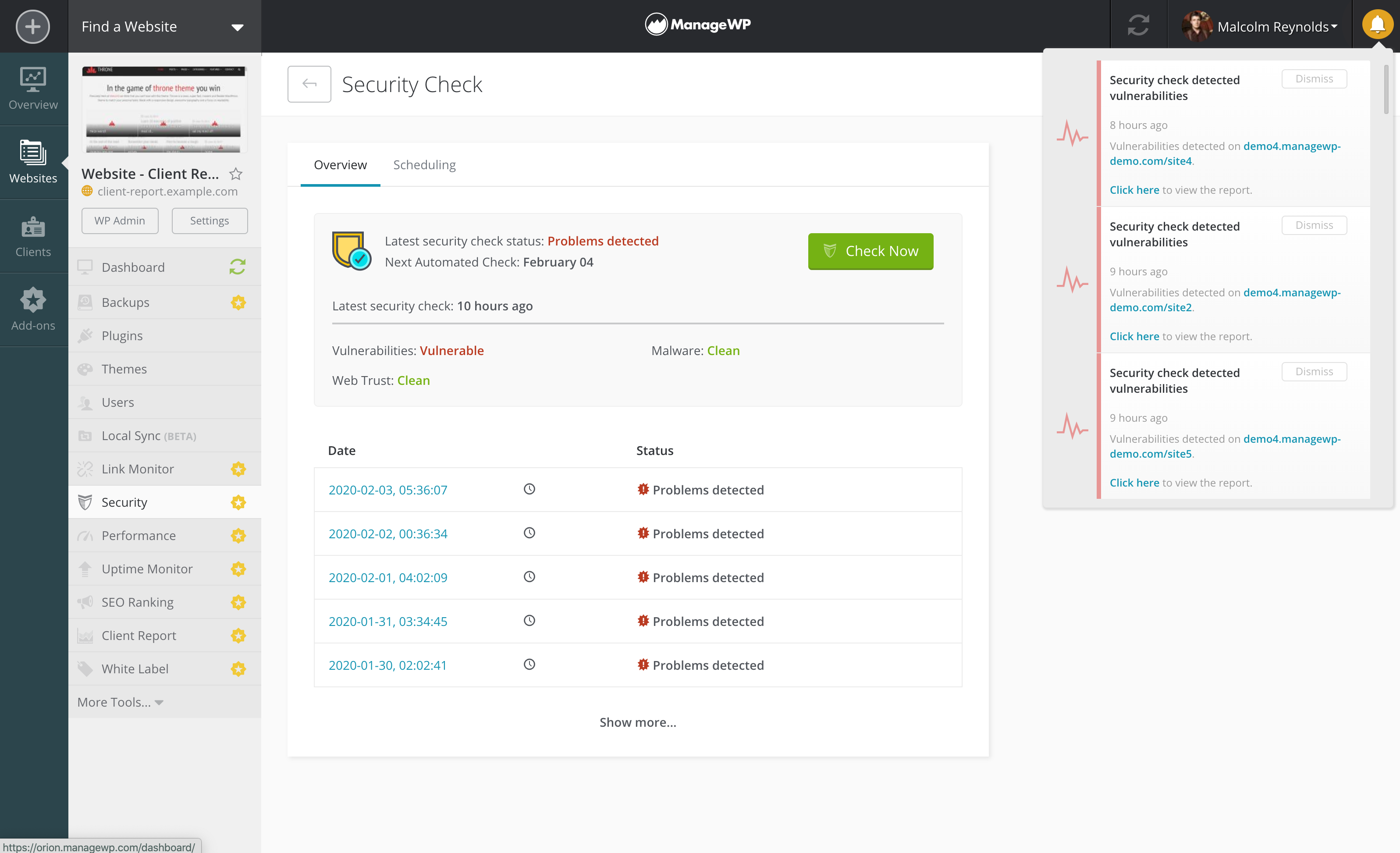 |



