dMACQ Flow+ is a workflow solution used to streamline approvals with a rule-based matrix that automates decision-making based on defined criteria, ensuring compliance and efficiency.
N/A
Zoho Flow
Score 9.8 out of 10
N/A
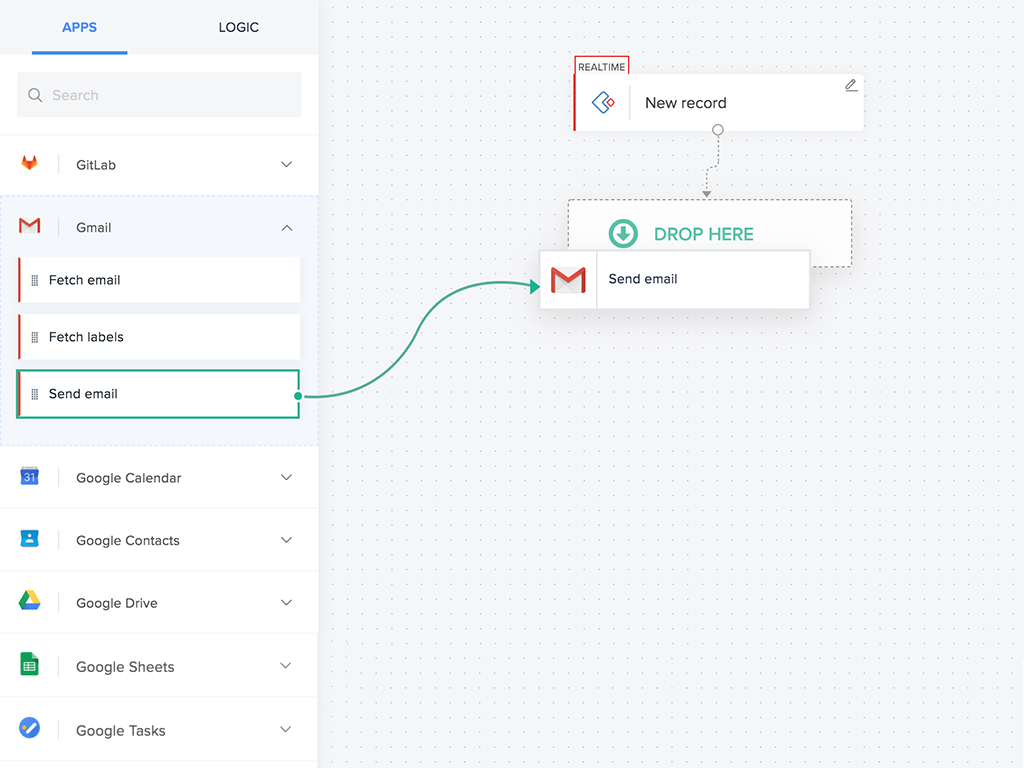
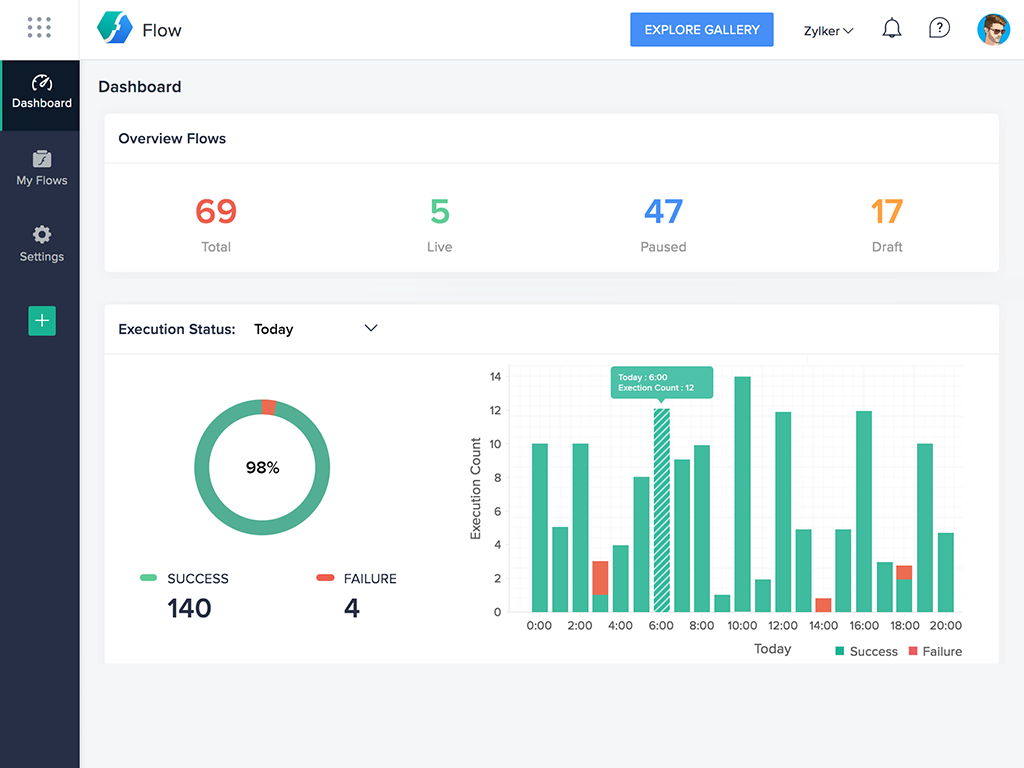
Zoho Flow allows the user to integrate business apps to automate a workflow.
$29
per month starting with 5k tasks per month
Pricing
dMACQ Flow+
Zoho Flow
Editions & Modules
No answers on this topic
Standard
starting at $29
per month starting with 5k tasks per month
Professional
starting at $49
per month starting with 10k tasks per month
Offerings
Pricing Offerings
dMACQ Flow+
Zoho Flow
Free Trial
No
Yes
Free/Freemium Version
No
Yes
Premium Consulting/Integration Services
No
No
Entry-level Setup Fee
No setup fee
Optional
Additional Details
—
Discount available for annual pricing. Higher monthly task volume available.
It's as simple as it gets, but it's more powerful, and you can add custom functions if you need them and are ready. If you're already using Zoho products or Zoho One, then this is a no-brainer for enhancing your existing usability and functionality.
I've used Zapier and both programs are similar. Zapier has deeper integrations or more apps to integrate with but considering Flow's association with other Zoho apps this does it for us!
Zoho Flow helps us greatly in connecting other Zoho apps. We use Flow to connect Zoho Creator with Zoho Books so an invoice is created when a record is entered into Zoho Creator. We use Zoho Flow when certain fields containing data in Zoho CRM to send that data over to the Zoho Creator record. We use it to add a contact from the Zoho Creator record to a list in Zoho Campaigns. Zoho Flow has proved very worthwhile.
Flow can accomplish almost anything you want to do. It's imperfect, but it could be with just a few more features and better error management/visibility. For someone who's not a developer, this is a no-brainer. Having used other products in the past, like Zapier, this is as easy to use, if not even easier.
I've reached out to the support team several times with assistance requests in Zoho Flow. Each time the team has answered my questions promptly and accurately. And because we are mainly integrating other Zoho apps their teams are perfectly positioned to solve our problems.
It's as simple as it gets, but it's more powerful, and you can add custom functions if you need them and are ready. If you're already using Zoho products or Zoho One, then this is a no-brainer for enhancing your existing usability and functionality.