Docebo Learning Platform vs. MapleLMS

Overview
ProductRatingMost Used ByProduct SummaryStarting Price
Docebo Learning Platform
Score 7.2 out of 10
Enterprise companies (1,001+ employees)
Docebo is a SAAS/Cloud platform for e-learning, also known as a learning management system. Docebo is available in 30 languages. While the primary users of Docebo are midsized companies, it is also assessable for large companies and SMEs.N/A
MapleLMS
Score 0.0 out of 10
N/A
MapleLMS is a Learning Management System used to promote continuous learning by leveraging education technology and innovations.N/A
Pricing
Docebo Learning PlatformMapleLMS
Editions & Modules
No answers on this topic
Offerings
Pricing Offerings
Docebo Learning PlatformMapleLMS
Free Trial
NoYes
Free/Freemium Version
NoNo
Premium Consulting/Integration Services
YesYes
Entry-level Setup FeeOptionalRequired
Additional Details
More Pricing Information
Community Pulse
Docebo Learning PlatformMapleLMS
Features
Docebo Learning PlatformMapleLMS
Learning Management
Comparison of Learning Management features of Product A and Product B
Docebo Learning Platform
7.0
12 Ratings
16% below category average
MapleLMS
-
Ratings
Course authoring7.58 Ratings00 Ratings
Course catalog or library5.810 Ratings00 Ratings
Player/Portal7.310 Ratings00 Ratings
Learning content8.78 Ratings00 Ratings
Mobile friendly7.56 Ratings00 Ratings
Progress tracking & certifications8.39 Ratings00 Ratings
Assignments7.78 Ratings00 Ratings
Compliance management7.39 Ratings00 Ratings
Learning administration7.210 Ratings00 Ratings
Learning reporting & analytics6.710 Ratings00 Ratings
Social learning3.711 Ratings00 Ratings
Gamification5.14 Ratings00 Ratings
Single Sign On (SSO) Enabled Learning8.74 Ratings00 Ratings
Best Alternatives
Docebo Learning PlatformMapleLMS
Small Businesses
iSpring LMS
iSpring LMS
Score 9.5 out of 10
iSpring LMS
iSpring LMS
Score 9.5 out of 10
Medium-sized Companies
iSpring LMS
iSpring LMS
Score 9.5 out of 10
iSpring LMS
iSpring LMS
Score 9.5 out of 10
Enterprises
Axonify
Axonify
Score 10.0 out of 10
Axonify
Axonify
Score 10.0 out of 10
All AlternativesView all alternativesView all alternatives
User Ratings
Docebo Learning PlatformMapleLMS
Likelihood to Recommend
6.5
(14 ratings)
-
(0 ratings)
Usability
7.7
(6 ratings)
-
(0 ratings)
Support Rating
1.9
(2 ratings)
-
(0 ratings)
User Testimonials
Docebo Learning PlatformMapleLMS
Likelihood to Recommend
Docebo
Docebo fits both internal and external learning management. It is able to mold itself based on varied use cases. Whether you're HR focused on centralizing all training or marketing focused on reseller/business partner training, the system is able to handle that type of workload. However, as flexible as the system is, there are parts of it that require workarounds (such as its internal reporting system). The data, in itself, is clean, however, the pre-built dashboards are not as good as Power BI or Tableau
Read full review
MapleLMS
No answers on this topic
Pros
Docebo
  • PPT import feature is my favorite. It will let you use your existing materials without a hiccup
  • The UI is clean and intuitive. My audience was able to use most of the features with ease
  • All learning analytics are easy to use and analyze offline easily
  • Using the Linkedin Learning inside the platform gave us some time to come up with our own content, as we weren't sitting duck on an empty LMS
Read full review
MapleLMS
No answers on this topic
Cons
Docebo
  • Issues with latency. Once training is complete, it takes a while for it to show up in personal records. This can lead to frustration sometimes when one training is a prerequisite for another.
  • LMS admin cannot proxy into another user's account.
  • Training videos have a size limit.
Read full review
MapleLMS
No answers on this topic
Usability
Docebo
It was somewhat easy to navigate, I still think that the UX could be better designed. I just thought that it was also hard to find course using the search feature. I still think its one of the better LMS I have seen, but I prefer Litmos over Docebo LMS
Read full review
MapleLMS
No answers on this topic
Support Rating
Docebo
The service is very slow often taking months to resolve issues. The CSM program is poor, with ill knowledgeable people not well trained in customer management with a lack of good follow through. This has been independently observed by several of our Super Admins as well as customers at their annual meeting. They say it has to do with growth, but this has been the case for years.
Read full review
MapleLMS
No answers on this topic
Alternatives Considered
Docebo
We replaced cornerstone with Docebo [Learning Suite] mainly due to the user experience and the navigational friendliness it offered to our employees. We used to struggle to explain to employees how to find their transcript and where assigned learnings were located and now in Docebo, this is a very simple process. If your organization takes advantage of single sign on, you can use an embedded deep link to make it even simpler.
Read full review
MapleLMS
No answers on this topic
Return on Investment
Docebo
  • Our candidates were 30 percent more likely to get hired
  • Our candidates can cover almost 100% percent more content as they can learn on demand. My candidates are switcher rather fresher. Scheduling live learning sessions during office time was inconvenient for them
  • Our clients were angry why were we hiding these new candidates for so long🤣
Read full review
MapleLMS
No answers on this topic
ScreenShots

Docebo Learning Platform Screenshots

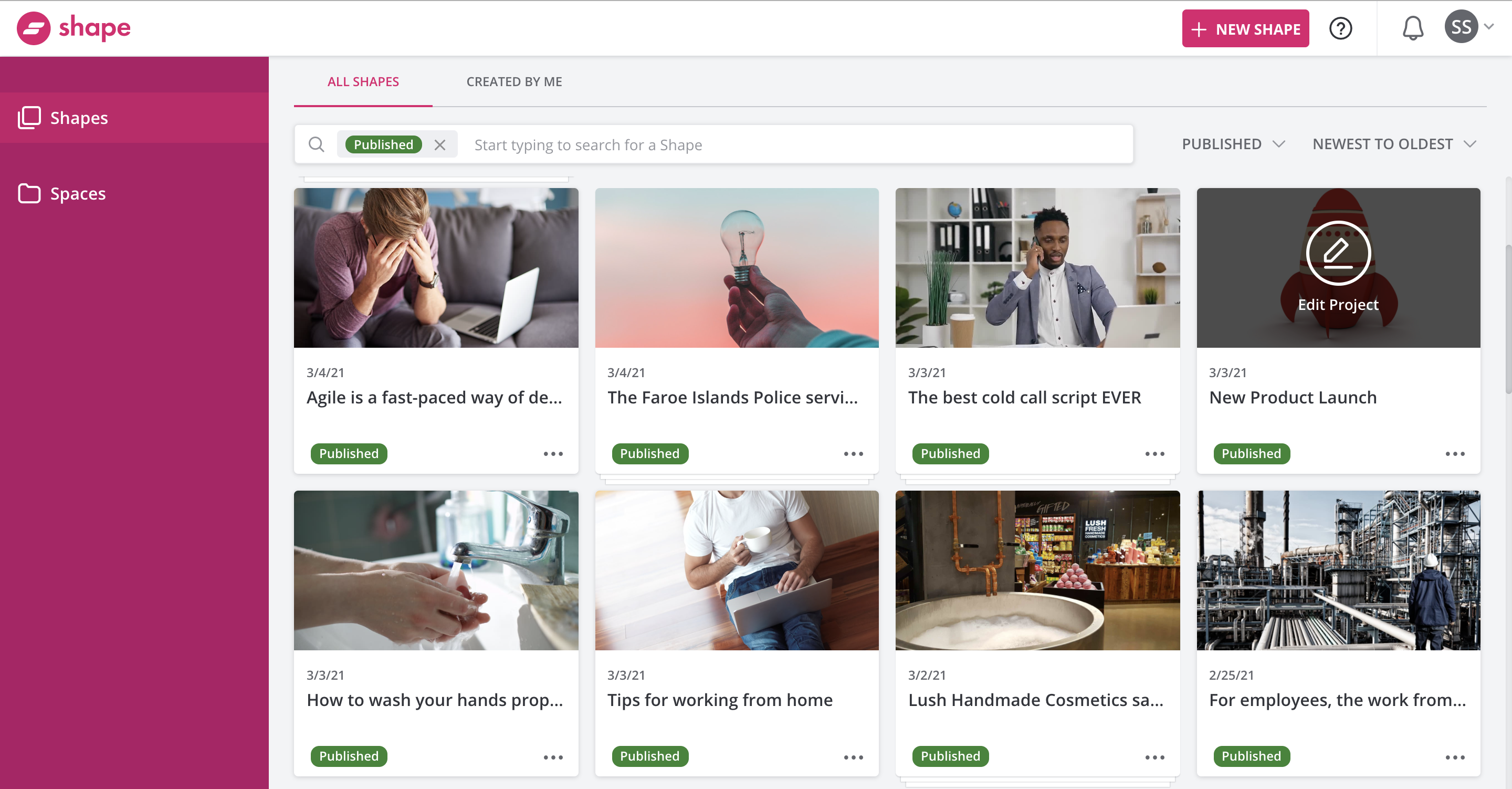
Screenshot of Getting Started with DoceboScreenshot of Docebo ReportingScreenshot of Docebo ShapeScreenshot of Docebo Learning ImpactScreenshot of Docebo Learning Analytics

MapleLMS Screenshots

Screenshot of The “Course” tab on the MapleLMS dashboard shows all the courses accessible to a particular user. The user can view the course category, duration, and credits to be earned before enrolling. Clicking the “Enroll” button allows the user to get enrolled.Screenshot of The MapleLMS “Activities” tab helps learners view their “Course Activities” and select desired tests, surveys, assignments, etc. They can find the reference materials attached with the course under the “Course Attachment” tab for continuing learning.Screenshot of The “Courses” tab under MapleLMS “Dashboard” displays “Course Description”, course name,  course activities, video, and course achievements. There are options to add questions and reply to a question at the bottom of the page.Screenshot of On the “Communities” tab - “Latest Discussions” and “Recent Shared Files” are available along with the person name who has posted them. Users can click the “More” button to expand the list. “Latest Discussions” carry a short description of the topic.Screenshot of The “Exam” tab under any course from the “My Communities” dashboard displays the online exam interface a timer, question and possible answer options,  quiz navigation, buttons to confirm the answer, and a “Finish Exam” button.Screenshot of The MapleLMS “Dashboard” tab shows different levels of a learner’s course progress. Assessment Performance, User Progress, User Progress, and User Survey metrics are displayed with attractive bar charts on the dashboard.