Chose Stack Overflow for Teams
It is more suited for a Q&A format.

| Product | Rating | Most Used By | Product Summary | Starting Price |
|---|---|---|---|---|
 DocsGPT | N/A | DocsGPT is an open-source AI platform by Arc53 that lets organisations build private intelligent agents, enterprise search, and automated workflows from their own data. DocsGPT is built for privacy and can be deployed on an enterprise's own infrastructure (Docker, Kubernetes) or through managed cloud, with full control over data. Users can ask complex questions across PDFs, DOCX, CSV, Excel, HTML, audio, URLs, GitHub, and databases and receive accurate,… | $0 | |
 Stack Overflow for Teams | N/A | Stack Overflow for Teams is a team knowledge management and Q & A platform for development billed per teammate, featuring roles and permissions, and integrations with popularly used collaboration tools. | $7 per month per teammate (up to 250 teammates) |
| DocsGPT | Stack Overflow for Teams | |||||||||||||||
|---|---|---|---|---|---|---|---|---|---|---|---|---|---|---|---|---|
| Editions & Modules |
|
| ||||||||||||||
| Offerings |
| |||||||||||||||
| Entry-level Setup Fee | No setup fee | No setup fee | ||||||||||||||
| Additional Details | — | Discount available for annual pricing. | ||||||||||||||
| More Pricing Information | ||||||||||||||||
| DocsGPT | Stack Overflow for Teams | |
|---|---|---|
| Considered Both Products |  DocsGPT No answer on this topic | Stack Overflow for Teams  Brandon Camerer Senior User Experience Designer Chose Stack Overflow for Teams I like Stack Overflow better because it allows for easier onboarding and communication. Azure DevOps has way too many features and it makes it hard to understand how to upvote. Stack Overflow for Teams is better for collaboration due to its simple UX and readily available …  Alex Richards Chief Information Officer & Co-Founder Chose Stack Overflow for Teams Confluence is another great tool for documentation, but sometimes you don't want to dig through documentation for the answers. This is where Stack Overflow for Teams is great - rather than looking through our policy/procedure documents on Encryption to find out the type, I can …  Tremaine Wall Application Support Engineer Chose Stack Overflow for Teams Code Project is an alternative to stack overflow. However, its primary focus is on Windows programming. Aside from this, there aren't too many others in the field which limits competition in this area. That said, Stack overflow is doing an amazing job with the current state of … |
| DocsGPT | Stack Overflow for Teams | |
|---|---|---|
| Small Businesses |  Front Score 9.2 out of 10 | Front Score 9.2 out of 10 |
| Medium-sized Companies |  RWS Tridion Sites Score 9.0 out of 10 | RWS Tridion Sites Score 9.0 out of 10 |
| Enterprises | RWS Tridion Sites Score 9.0 out of 10 | RWS Tridion Sites Score 9.0 out of 10 |
| All Alternatives | View all alternatives | View all alternatives |
| DocsGPT | Stack Overflow for Teams | |
|---|---|---|
| Likelihood to Recommend | - (0 ratings) | 9.0 (0 ratings) |
| DocsGPT | Stack Overflow for Teams | |
|---|---|---|
| Likelihood to Recommend | No answers on this topic |
|
| Pros | No answers on this topic |
|
| Cons | No answers on this topic |
|
| Alternatives Considered | No answers on this topic |
|
| Return on Investment | No answers on this topic |
Brandon Camerer Senior User Experience Designer |
| ScreenShots | DocsGPT Screenshots  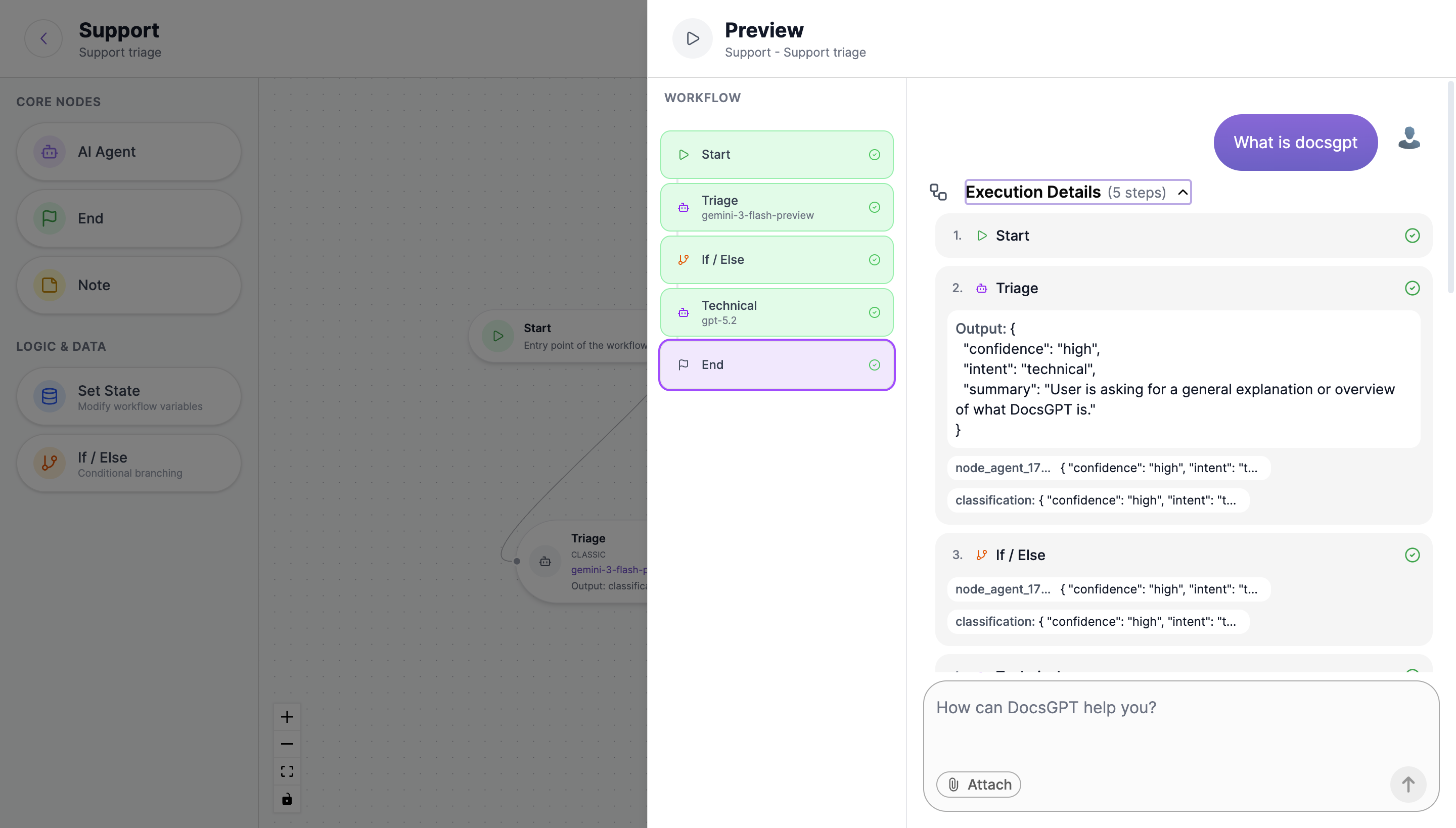 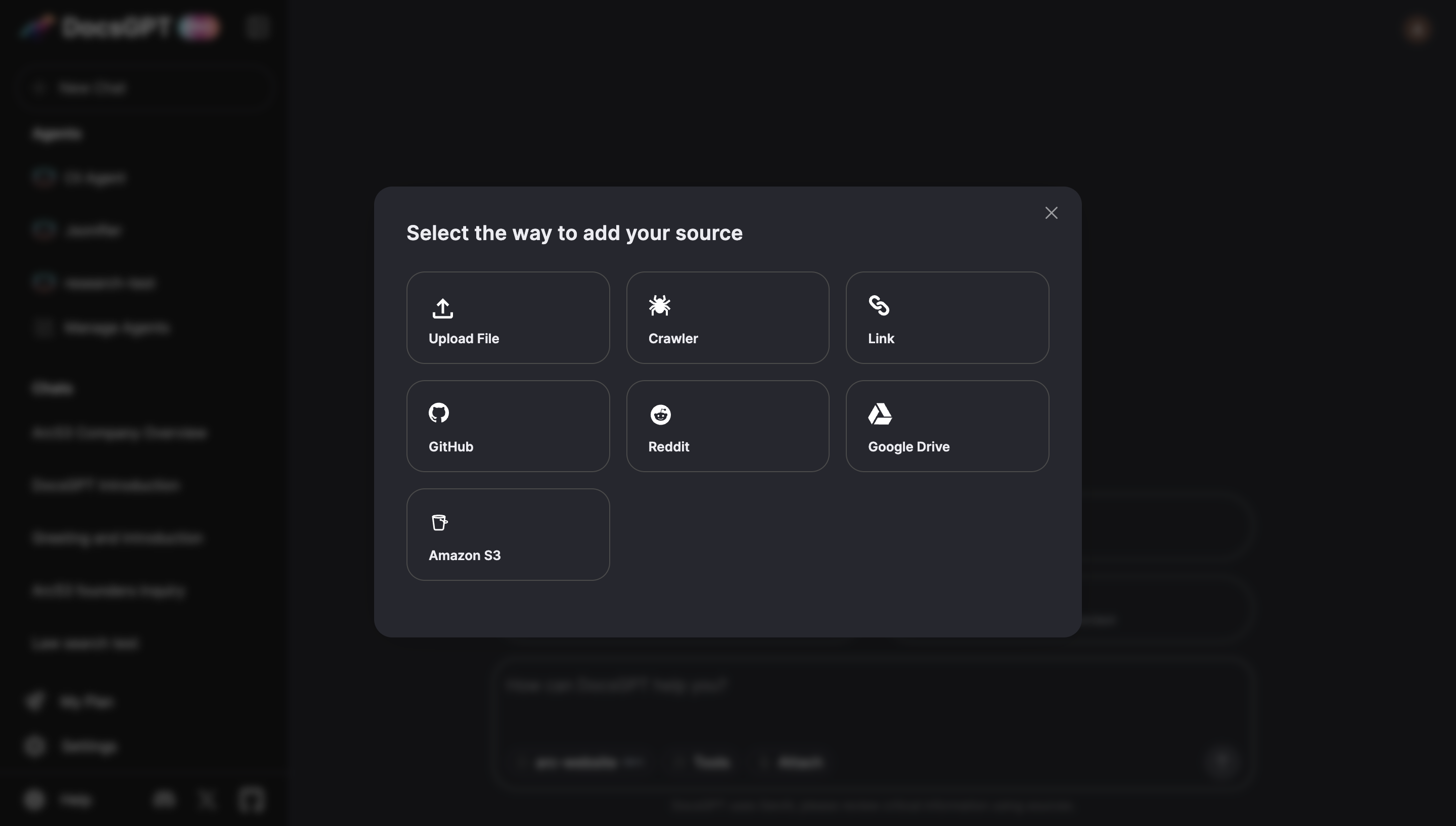 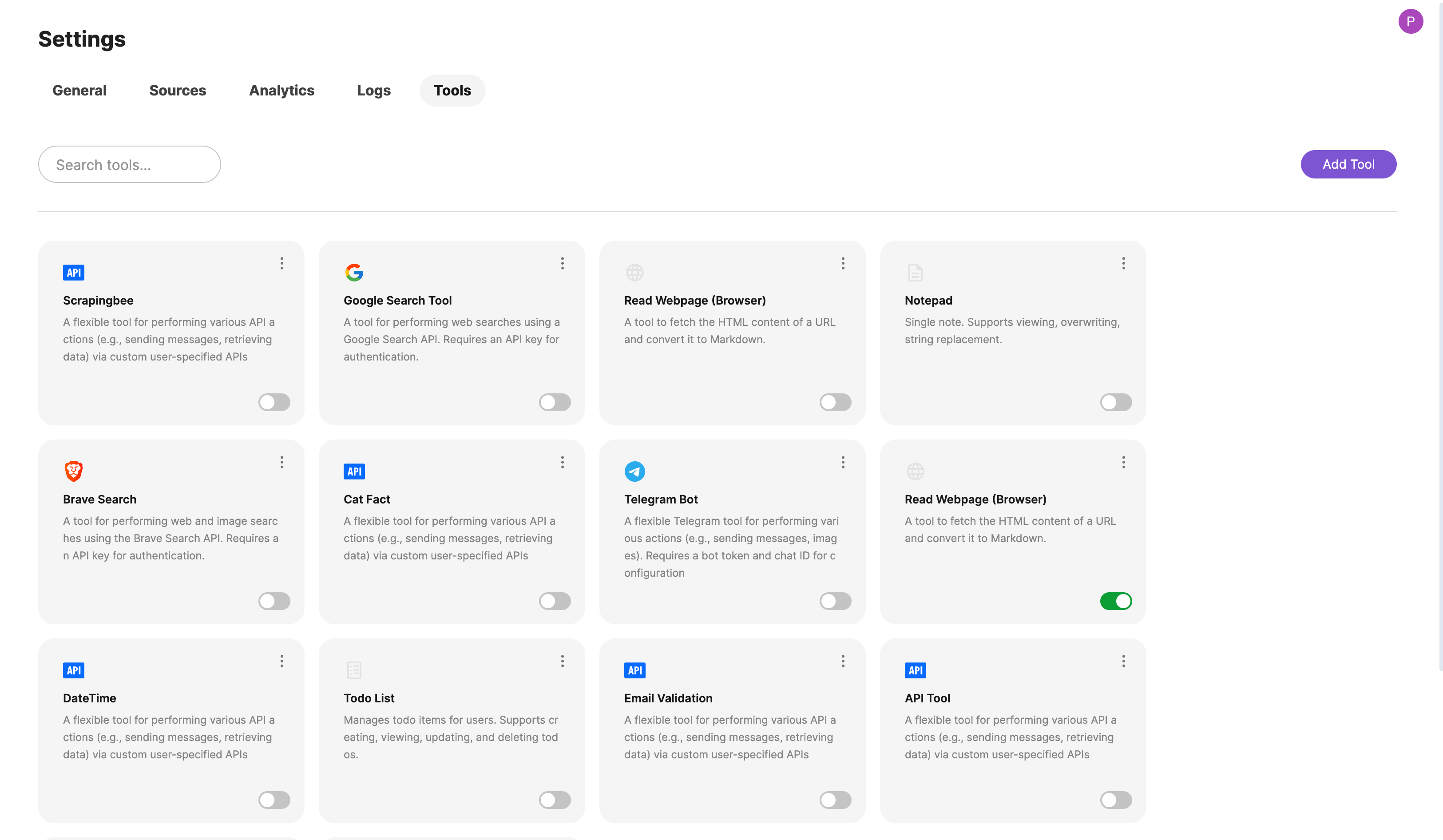 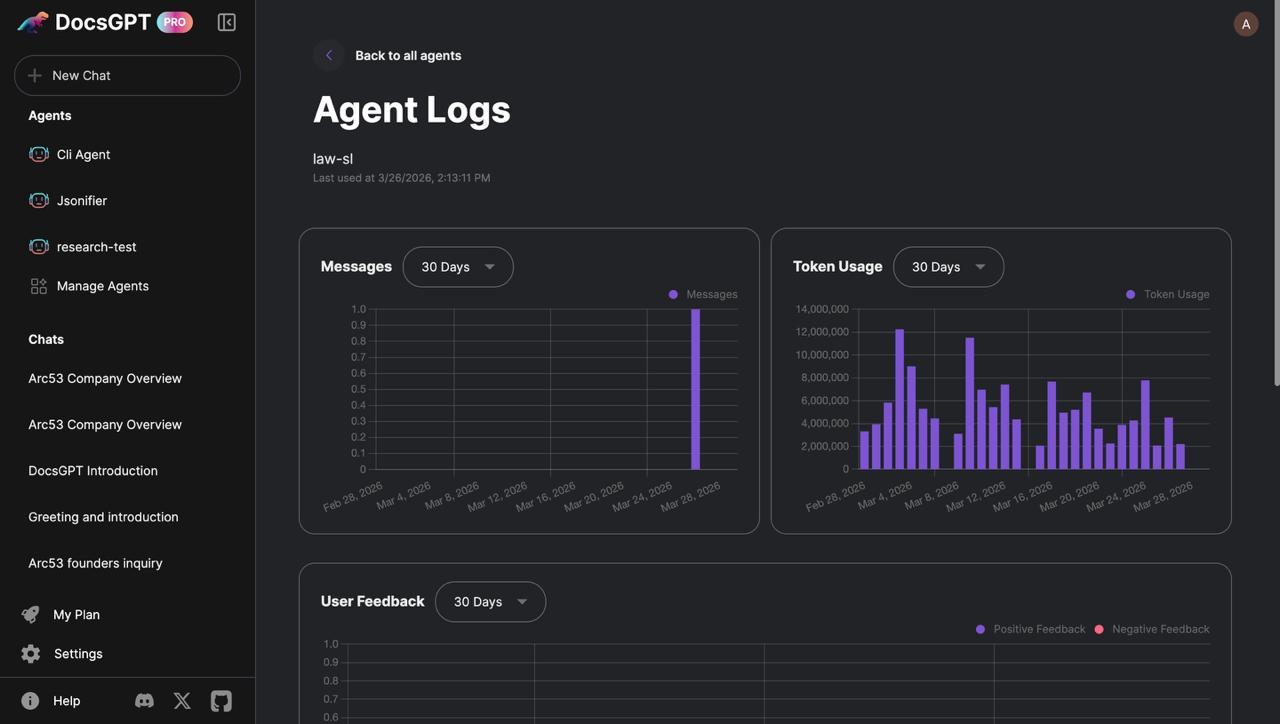 |