
Entuity vs. Pulseway
| Product | Rating | Most Used By | Product Summary | Starting Price |
|---|---|---|---|---|
 Entuity | Score8.9 out of 10 | N/A | The Entuity network monitoring tool from Park Place Technologies (acquired 2019) automates network discovery and uses workflows that enable users to see when something has gone wrong. Responsive dashboards allow users to take a high-level view to gauge network health or drill down to the component level to fix network problems. | N/A |
 Pulseway | Score7 out of 10 | Mid-Size Companies (51-1,000 employees) | Pulseway is an IT monitoring and management solution that enables users to monitor, manage and control all systems and servers from a smartphone, tablet or browser. For system administrators, Pulseway sends a notification, so they can see an issue and sort it in seconds. Pulseway features: Automation: Auto-remediation workflows, so that IT issues are fixed before users even notice them. Mobile Access: Customers can monitor, manage, connect with… | $0.80 per month per installation |
| Entuity | Pulseway | |||||||||||||||
|---|---|---|---|---|---|---|---|---|---|---|---|---|---|---|---|---|
| Editions & Modules | No answers on this topic |
| ||||||||||||||
| Offerings |
| |||||||||||||||
| Entry-level Setup Fee | No setup fee | No setup fee | ||||||||||||||
| Additional Details | — | No hidden fees or contracts. Term-based discounts. | ||||||||||||||
| More Pricing Information | ||||||||||||||||
| Entuity | Pulseway | |
|---|---|---|
| Considered Both Products | No answer on this topic | No answer on this topic |
| Key User Insights | ||
| Would buy again | ||
No answers on this topic | 60% Would buy again 3 Answers | |
| Delivers good value for the price | ||
No answers on this topic | 100% Delivers good value for the price 5 Answers | |
| Happy with the feature set | ||
No answers on this topic | 80% Happy with the feature set 4 Answers | |
| Lived up to sales and marketing promises | ||
No answers on this topic | No answers on this topic | |
| Implementation went as expected | ||
No answers on this topic | 100% Implementation went as expected 5 Answers | |
| Entuity | Pulseway | ||||||||||||||||||||||||||||||||||
|---|---|---|---|---|---|---|---|---|---|---|---|---|---|---|---|---|---|---|---|---|---|---|---|---|---|---|---|---|---|---|---|---|---|---|---|
| Network Performance Monitoring |
| ||||||||||||||||||||||||||||||||||
| Entuity | Pulseway | |
|---|---|---|
| Small Businesses |  Auvik Score8.8 out of 10 |  Panda Systems Management Score7.2 out of 10 |
| Medium-sized Companies |  PingPlotter Score9 out of 10 |  N-able N-sight RMM Score7.4 out of 10 |
| Enterprises |  Nmap Score8.7 out of 10 | No answers on this topic |
| All Alternatives | View all alternatives | View all alternatives |
| Entuity | Pulseway | |
|---|---|---|
| Likelihood to Recommend | 10.0 | 6.4 |
| Usability | - | 7.8 |
| Support Rating | 10.0 | 9.6 |
| Entuity | Pulseway | |
|---|---|---|
| Likelihood to Recommend |
|
|
| Pros |
|
|
| Cons |
|
|
| Usability | No answers on this topic |
|
| Support Rating |
|
|
| Alternatives Considered |
|
|
| Return on Investment |
|
|
| ScreenShots | Pulseway Screenshots  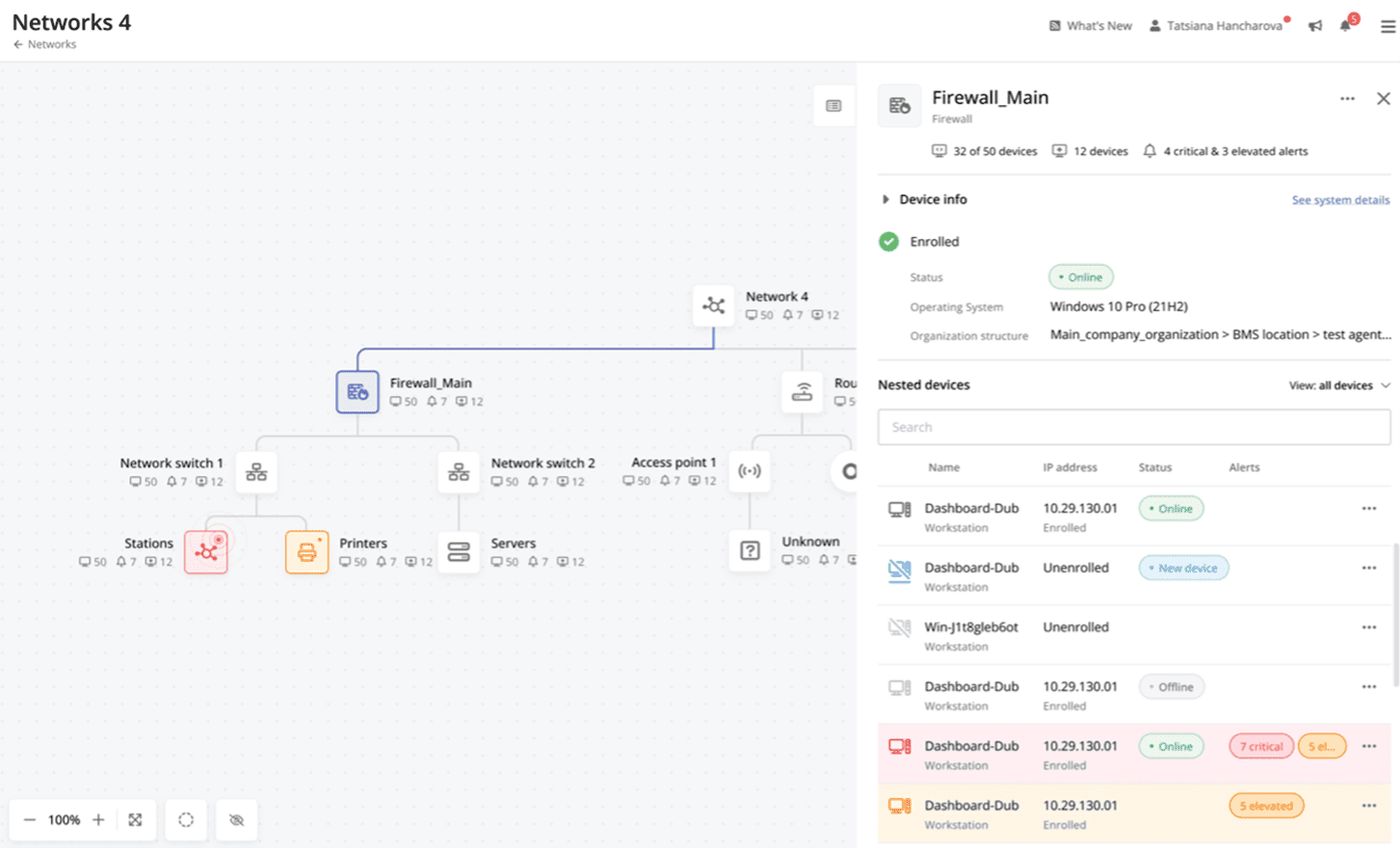 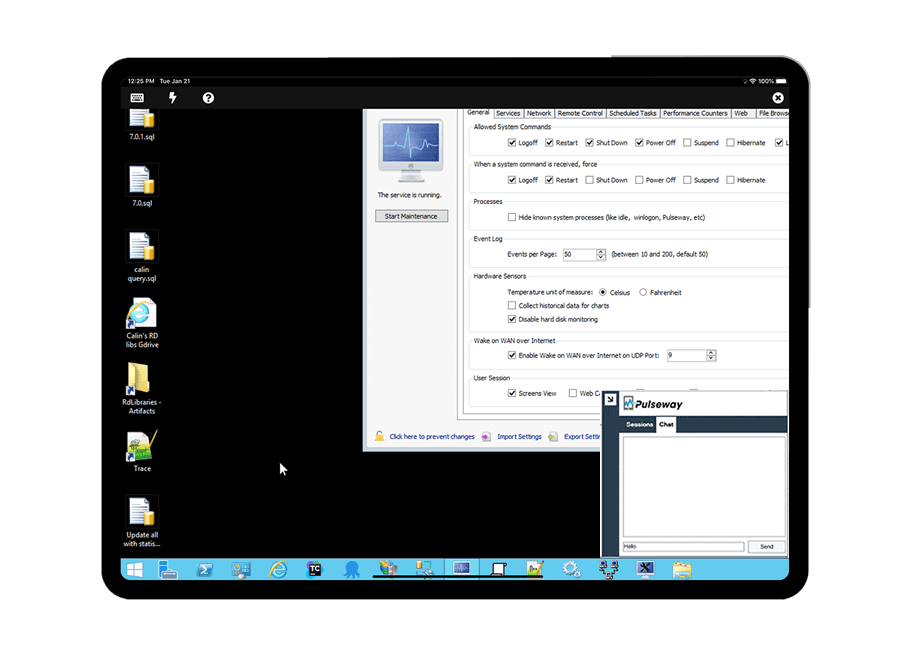   |



