
Fenêtre Capture Tool vs. Markup Hero
Fenêtre Capture Tool vs. Markup Hero
| Product | Rating | Most Used By | Product Summary | Starting Price |
|---|---|---|---|---|
 Fenêtre Capture Tool | N/A | The Fenêtre Capture Tool offers features to use in making professional screenshots and screen recordings. It is presented as ideal for anyone, but especially for people who are looking for an advanced function oriented Capture Tool, and because it can be connected with Microsoft Teams it is also functional in the office as well. Features of the Fenêtre Capture Tool include: Screenshot annotation Precise recording areas by pixels Arrow with text… | $0 | |
 Markup Hero | Small Businesses (1-50 employees) | Screenshot, Annotate & Share Markup Hero is an annotation and screenshot tool designed to allow users to capture ideas, communicate clearly, and save time. Features Include: Screenshots Desktop app for Mac, Windows & Linux Works on any device including mobile Chrome extension Annotate screenshots, PDF's, images and URL's Always editable - annotations do not flatten permanently Arrow, text, rectangle, oval,… | $5 all features, unlimited markups, unlimited storage, unlimited bandwidth |
| Fenêtre Capture Tool | Markup Hero | |||||||||||||||
|---|---|---|---|---|---|---|---|---|---|---|---|---|---|---|---|---|
| Editions & Modules | No answers on this topic |
| ||||||||||||||
| Offerings |
| |||||||||||||||
| Entry-level Setup Fee | No setup fee | No setup fee | ||||||||||||||
| Additional Details | The Capture Tool is free to use software | — | ||||||||||||||
| More Pricing Information | ||||||||||||||||
| Fenêtre Capture Tool | Markup Hero |
|---|
| Fenêtre Capture Tool | Markup Hero | |
|---|---|---|
| Small Businesses |  Sendspark Score 10.0 out of 10 | Sendspark Score 10.0 out of 10 |
| Medium-sized Companies |  Snagit Score 9.6 out of 10 | Snagit Score 9.6 out of 10 |
| Enterprises | Snagit Score 9.6 out of 10 | Snagit Score 9.6 out of 10 |
| All Alternatives | View all alternatives | View all alternatives |
| Fenêtre Capture Tool | Markup Hero | |
|---|---|---|
| Likelihood to Recommend | - (0 ratings) | 9.6 (2 ratings) |
| Fenêtre Capture Tool | Markup Hero | |
|---|---|---|
| Likelihood to Recommend | Fenêtre Online Solutions No answers on this topic | Markup Hero
|
| Pros | Fenêtre Online Solutions No answers on this topic | Markup Hero
|
| Cons | Fenêtre Online Solutions No answers on this topic | Markup Hero
|
| Alternatives Considered | Fenêtre Online Solutions No answers on this topic | Markup Hero
|
| Return on Investment | Fenêtre Online Solutions No answers on this topic | Markup Hero
|
| ScreenShots | Fenêtre Capture Tool Screenshots 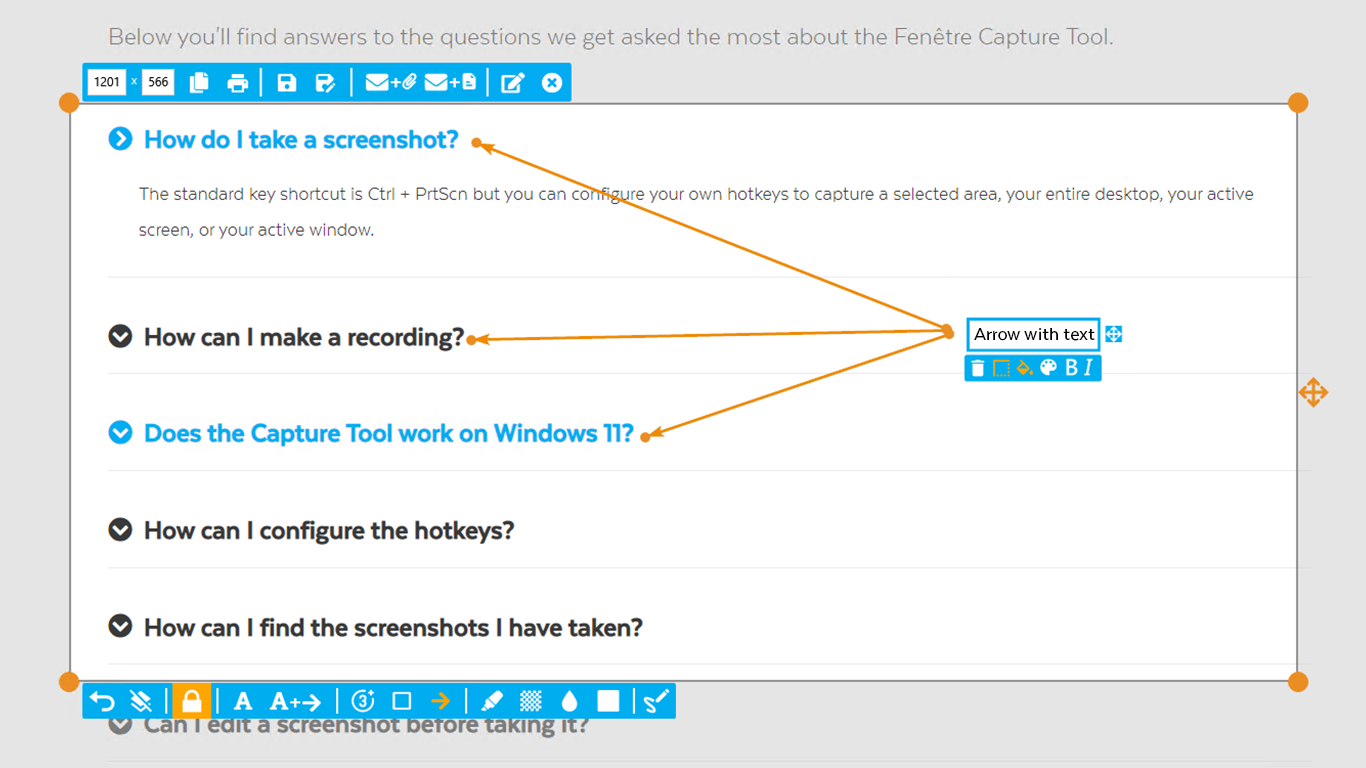 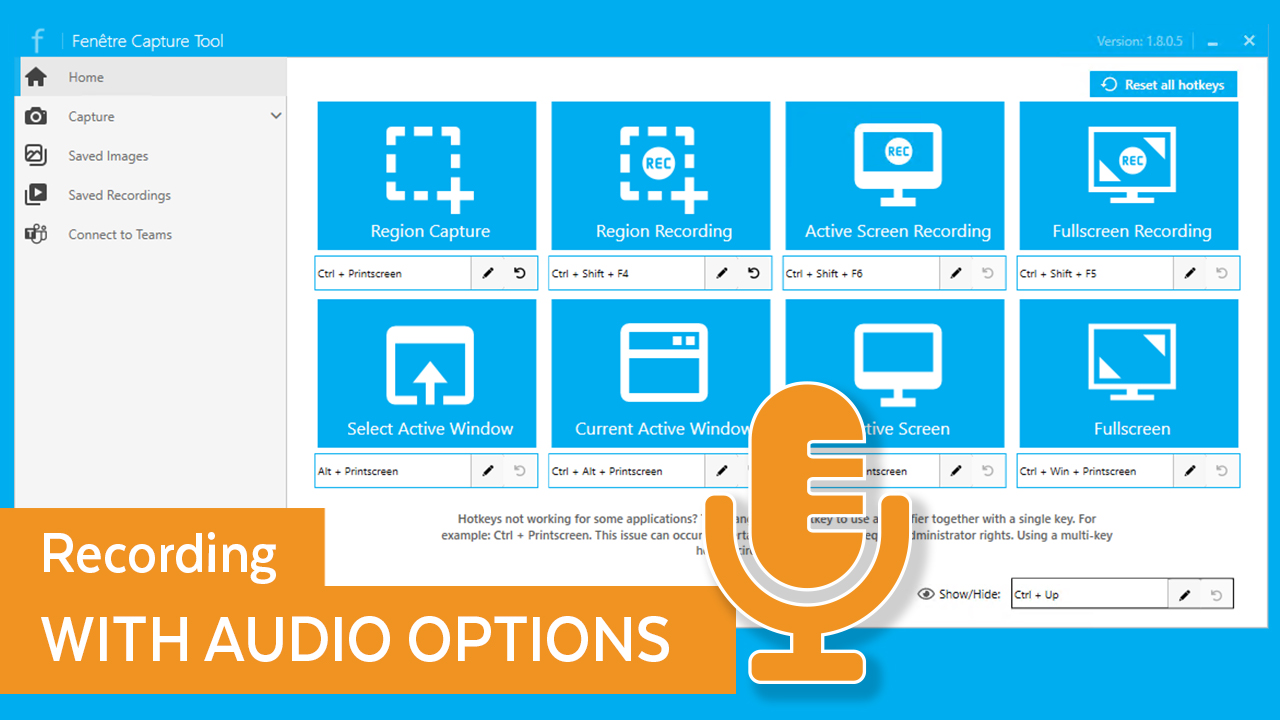 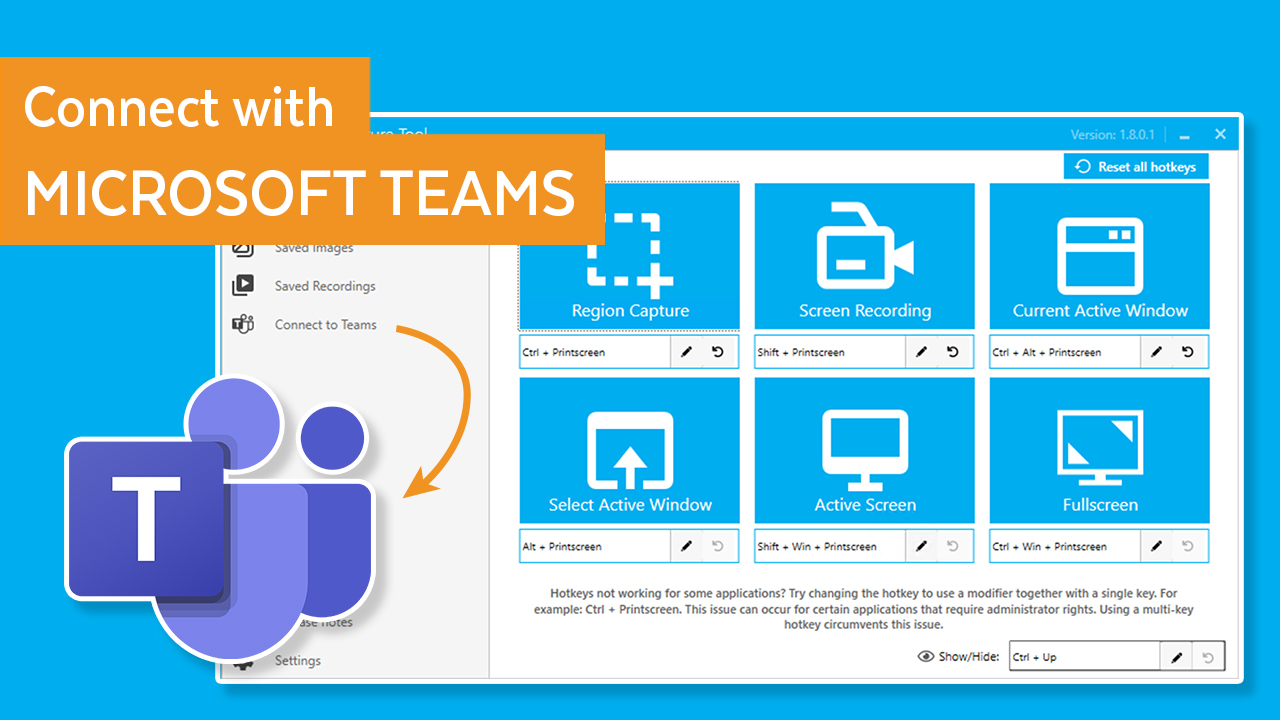  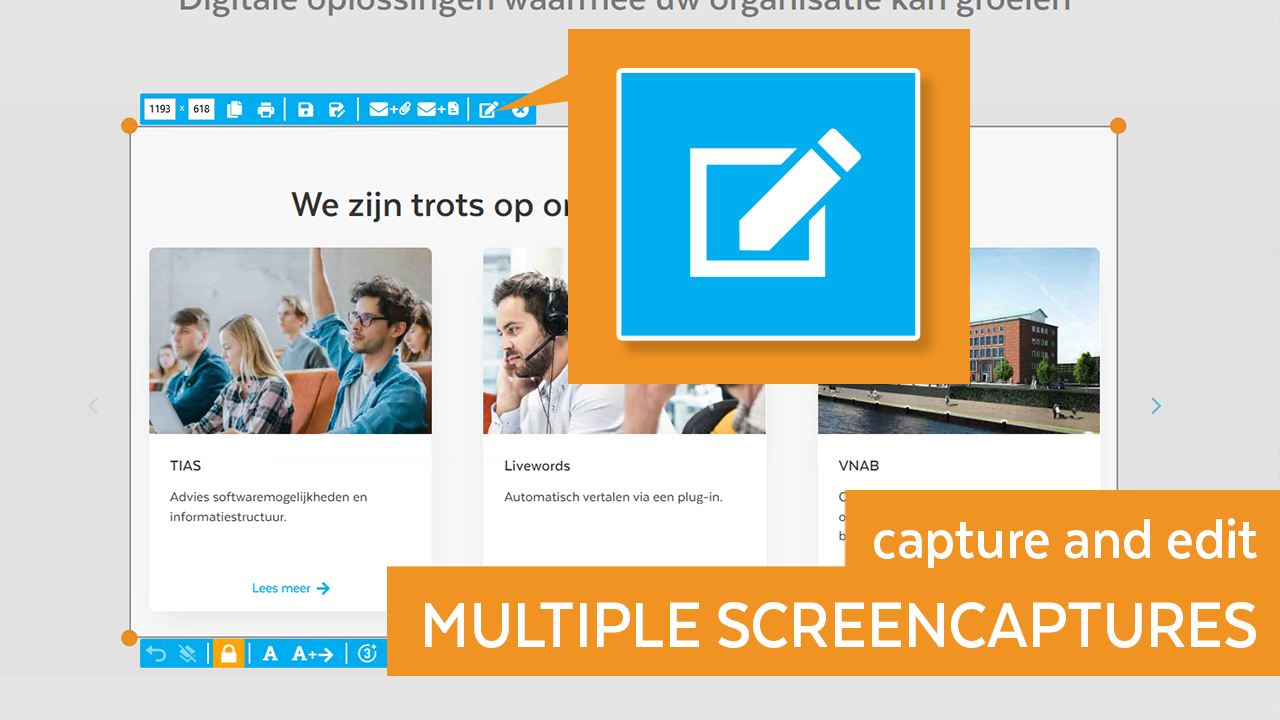 | Markup Hero Screenshots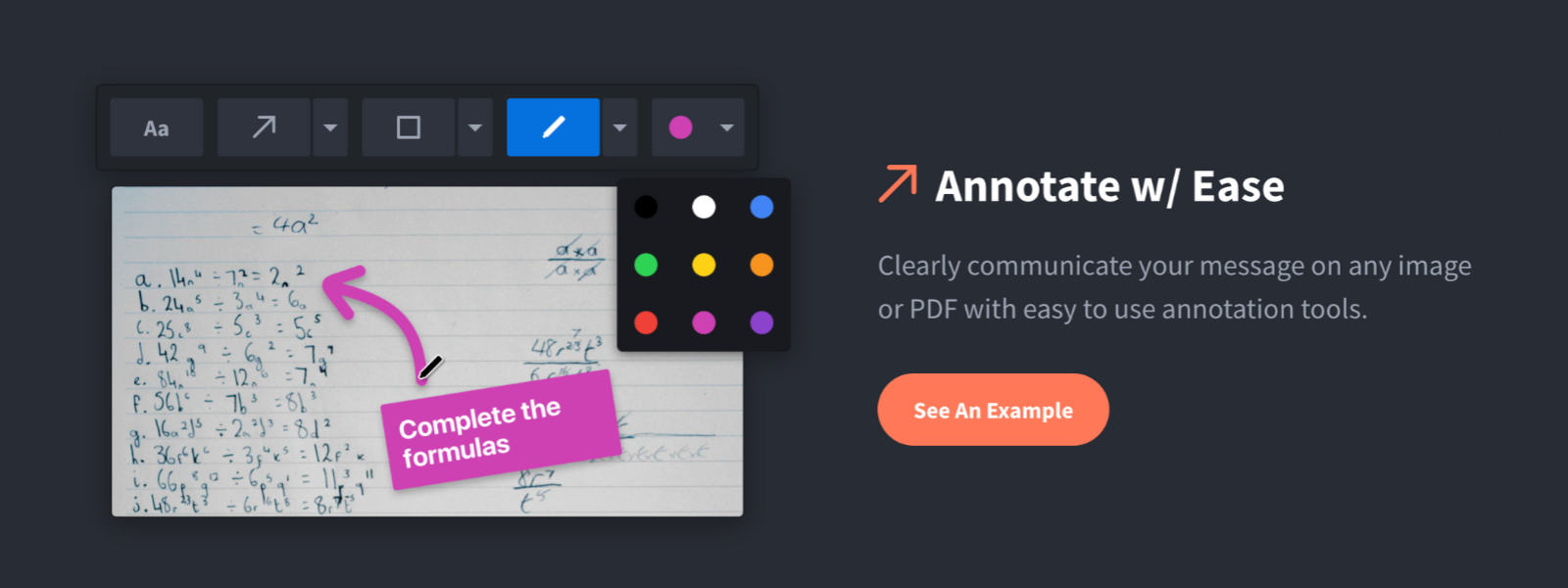 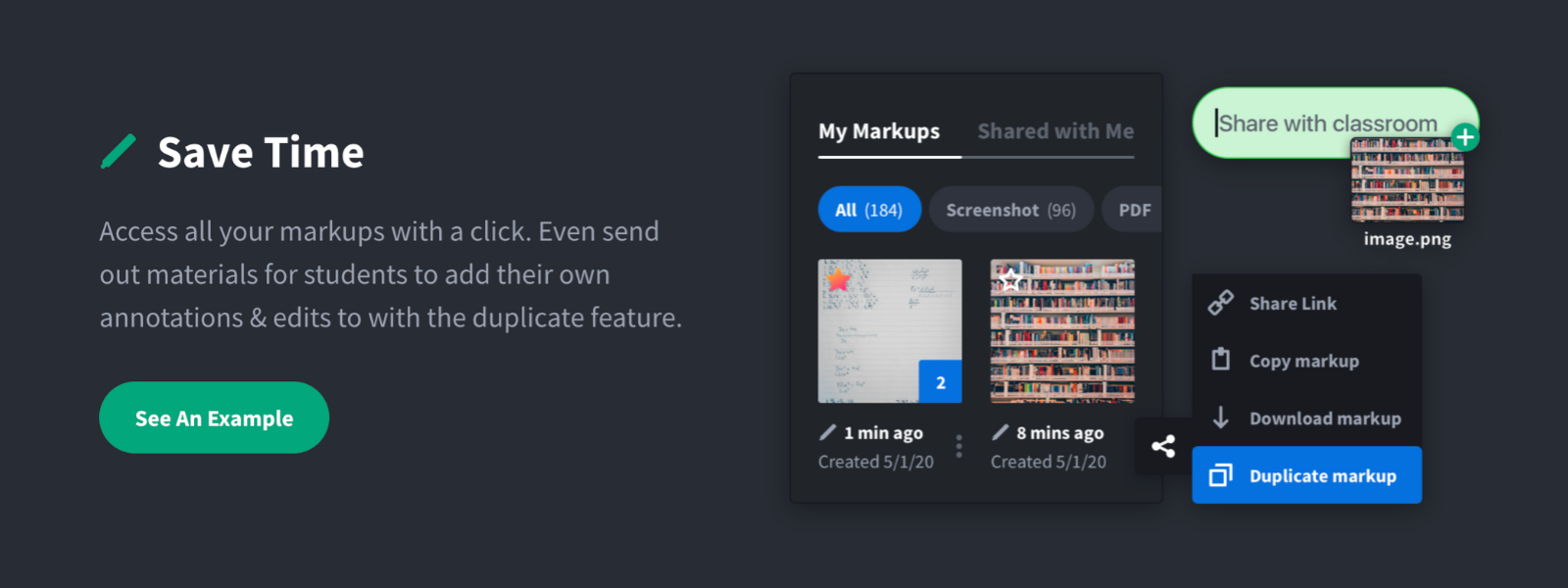     |