Filestage vs. StreamWork

Overview
ProductRatingMost Used ByProduct SummaryStarting Price
Filestage
Score 6.5 out of 10
N/A
Filestage is an online workspace to share, review and approve videos, audios, documents and designs with clients and co-workers, from the company of the same name in Stuttgart. The platform is tailored to the needs of advertising, design, film, sound, media and creative professionals.
$19
per month per seat
StreamWork
Score 8.6 out of 10
N/A
StreamWork is a review and approval platform used by marketing and creative teams to centralize feedback, streamline online proofing, and automate creative approval workflows. By consolidating version control, task management, and stakeholder input, it aims to eliminate bottlenecks and reduces rework. Teams can markup nearly any file type (videos, images, CAD files, documents, slides, etc), route assets through multi-stage approvals with smart deadlines, and share review links without requiring…
$219
per month (15 users included)
Pricing
FilestageStreamWork
Editions & Modules
No answers on this topic
Free
$0
2 users
Starter
$219
per month 15 users
Team
$369
per month 20 users
Enterprise
Custom Pricing
per year 25 users
Offerings
Pricing Offerings
FilestageStreamWork
Free Trial
YesYes
Free/Freemium Version
NoYes
Premium Consulting/Integration Services
NoYes
Entry-level Setup FeeNo setup feeOptional
Additional DetailsStreamWork offers monthly and annual pricing options. Annual plans receive a discount.
More Pricing Information
Community Pulse
FilestageStreamWork
Best Alternatives
FilestageStreamWork
Small Businesses
Frame.io
Frame.io
Score 9.1 out of 10
Frame.io
Frame.io
Score 9.1 out of 10
Medium-sized Companies
Asana
Asana
Score 8.5 out of 10
Asana
Asana
Score 8.5 out of 10
Enterprises
Wrike
Wrike
Score 8.5 out of 10
Wrike
Wrike
Score 8.5 out of 10
All AlternativesView all alternativesView all alternatives
User Ratings
FilestageStreamWork
Likelihood to Recommend
8.5
(4 ratings)
8.6
(7 ratings)
Usability
-
(0 ratings)
8.5
(7 ratings)
User Testimonials
FilestageStreamWork
Likelihood to Recommend
Filestage
Filestage is perfect for staging a review with multiple stakeholders from different organizations. You can control who sees your project and when they can see it. Controlling this aspect of the review process is so important because some stakeholders might not understand a work in process and really only need to see something that's close to finished, while other collaborators might need to get in earlier to make art changes, copy changes, etc.
Read full review
StreamWork
1) I like that "Approvals" are on the main nav as this expedites my workflow as I'm QA for all our projects. I save time by not delving down into each project workspace 2) The Approval widget on the dashboard is also a time saver! 3) The "Review Approvals" section - I like being able to see the status of each user's approval process so I can send reminders 4) The "Skip Decision" feature is helpful as we're entering holiday season with folks being OOO.... we want to avoid gatekeeping/blockers. 5) While I haven't yet used the split review process, I can see how it will be helpful on my large-scale, long-term projects.
Read full review
Pros
Filestage
  • Compares past and present versions.
  • Makes commenting easy.
  • Easy navigation.
Read full review
StreamWork
  • Centralizes feedback so comments and approvals aren’t scattered across emails or docs
  • Integrates with Asana, keeping tasks aligned without extra duplication
  • Simple, intuitive interface that makes setup and adoption quick
Read full review
Cons
Filestage
  • Notifications can be buggy
  • Google Docs implementation - currently if you use a static Google Doc it doesnt allow you to strike or highlight text like it does with PDFs
  • Perhaps not allowing the person who submits a document to also be the reviewer of it
Read full review
StreamWork
  • Allow for more subfolders to better organize large campaigns
  • Create a new layout for the main workspace to allow for better organization for large agencies with many simultaneous projects
  • Allow changes to be made to approval process after initiated, and allow external users (clients) to be added to approval process
Read full review
Usability
Filestage
No answers on this topic
StreamWork
Once set up, StreamWork is very easy to use! Since I started using the platform, the team has pushed several key updates that have further improved user experience and usability.
Read full review
Alternatives Considered
Filestage
Filestage is by far the easiest and most affordable option for our team.
Read full review
StreamWork
StreamWork's Asana integration was the stand-out. I could not find any other platform that integrated so seamlessly into our existing process and automations.
Read full review
Return on Investment
Filestage
  • Saves time when proofing and editing work.
  • Creates a unified place for feedback from team members.
  • Allows all editing and review to happen in one place.
  • Allows for versioning and version comparison.
Read full review
StreamWork
  • StreamWork has made our creative review process far more efficient. It’s reduced turnaround times, minimized miscommunication, and helped us deliver assets to clients faster... all of which translate into better project outcomes and a clear ROI.
Read full review
ScreenShots

Filestage Screenshots

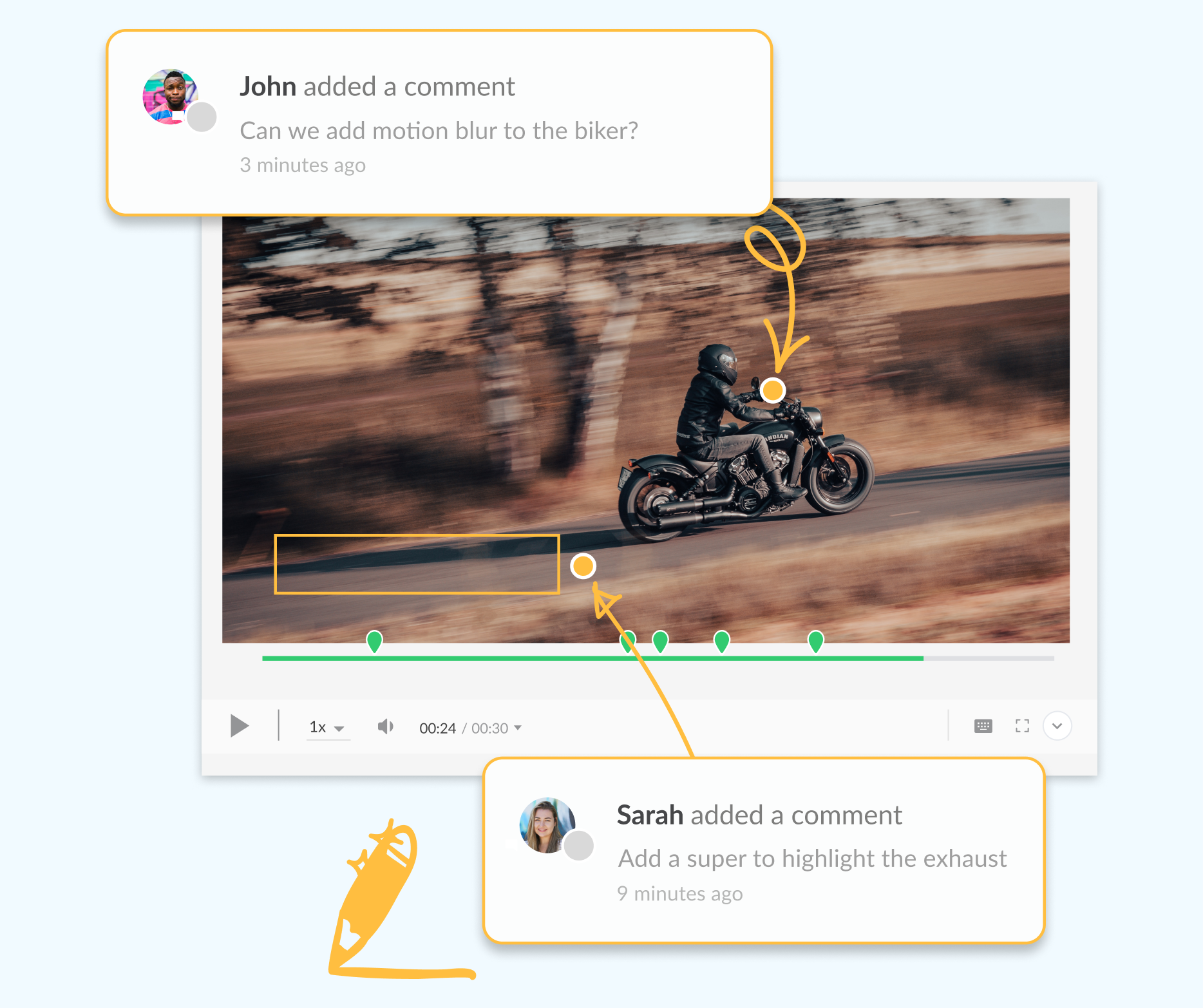
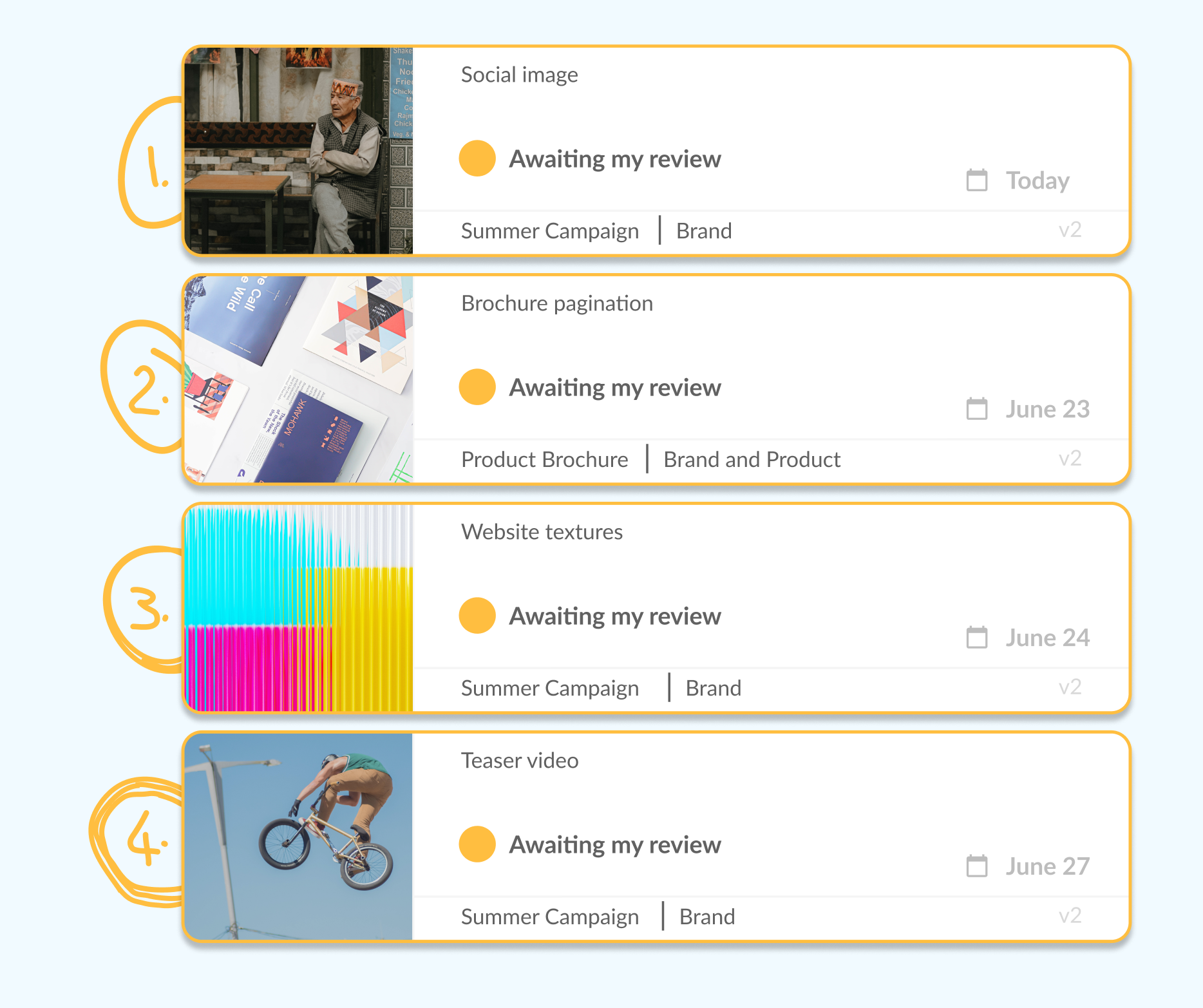
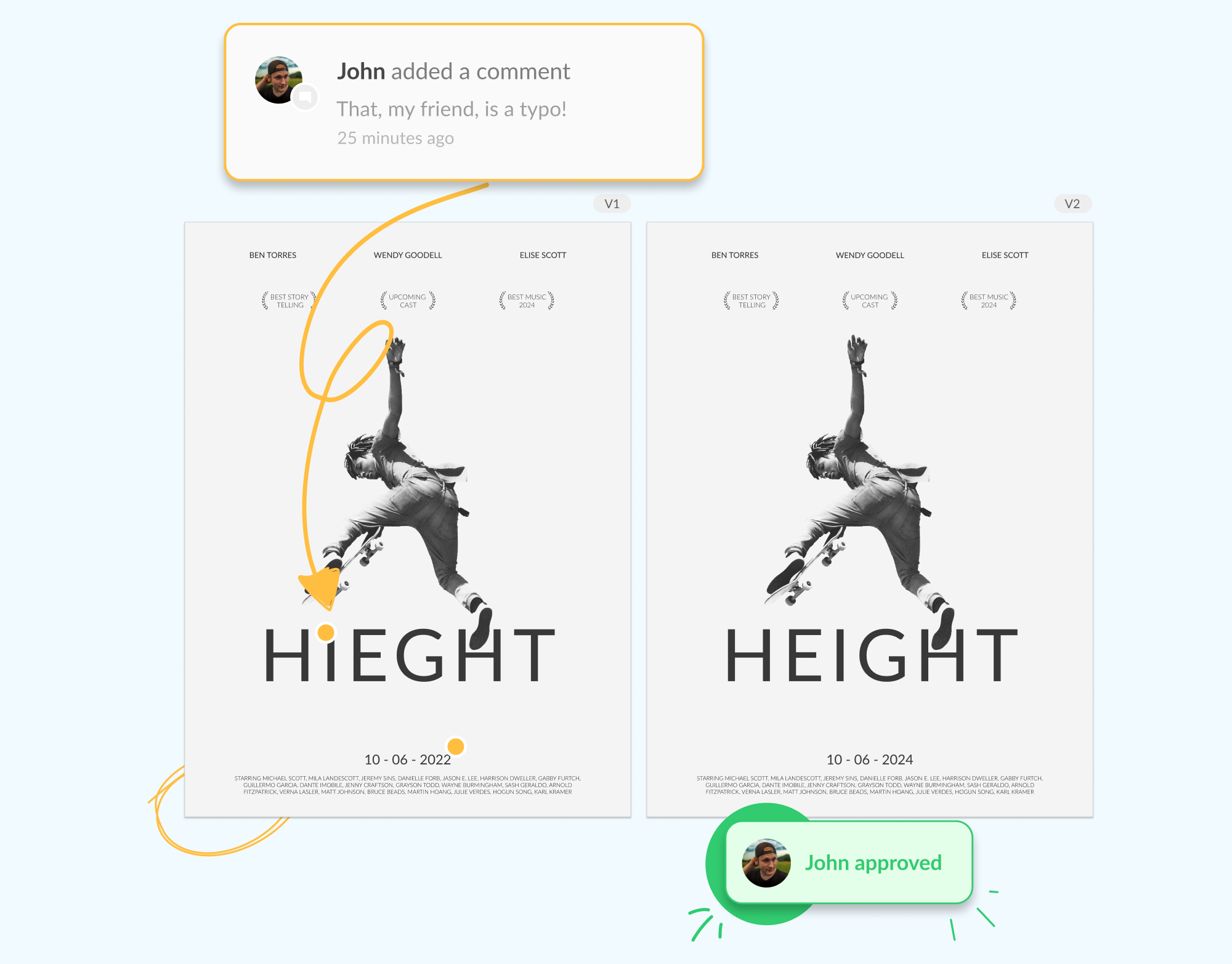
Screenshot of The online proofing software that helps you hit your deadlineScreenshot of See the status of every file from your project dashboardScreenshot of Get crystal clear feedback and discuss comments in contextScreenshot of Make it easy for stakeholders to prioritize reviews, for freeScreenshot of Compare versions to check all the changes have been made

StreamWork Screenshots

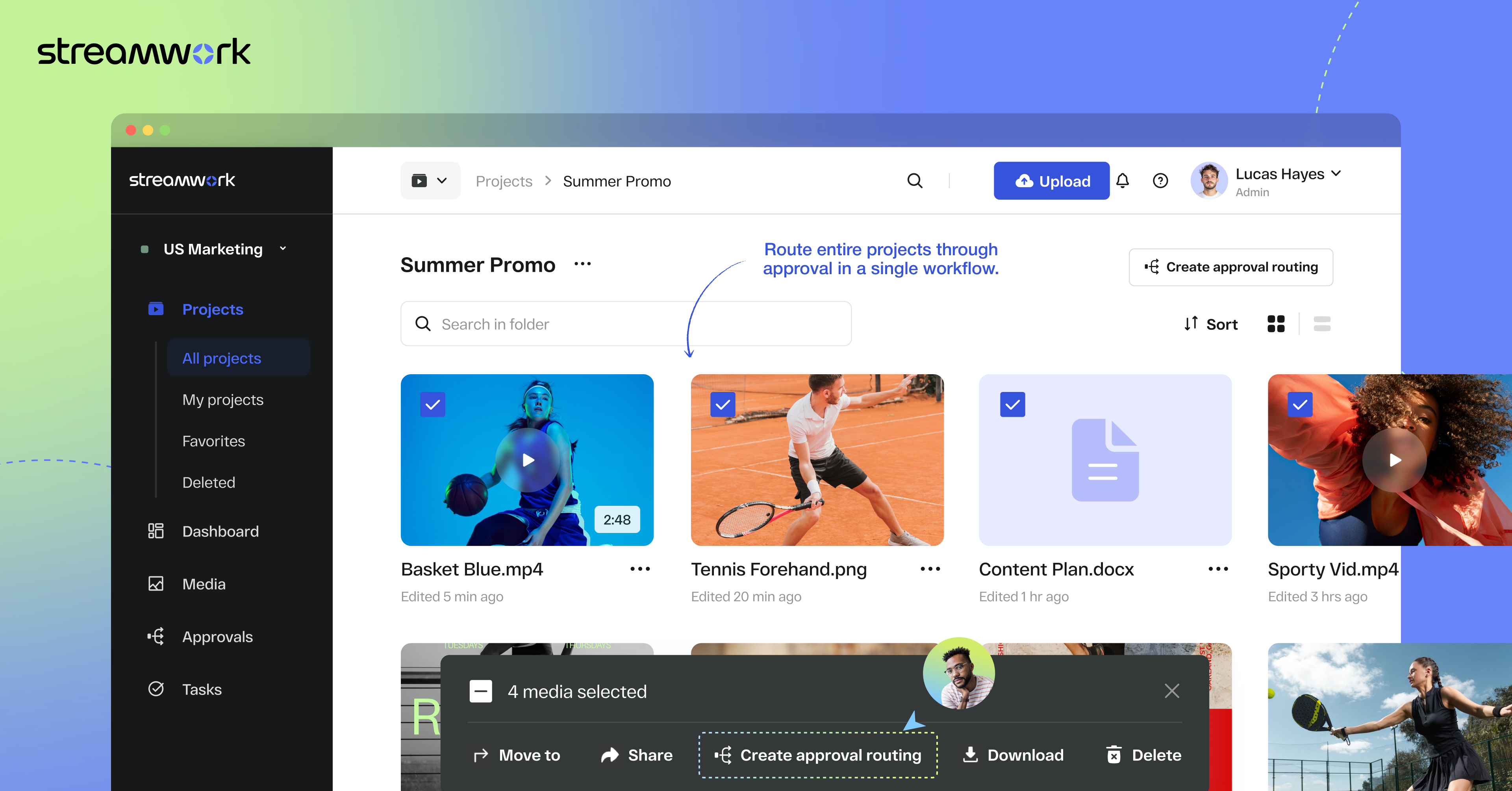
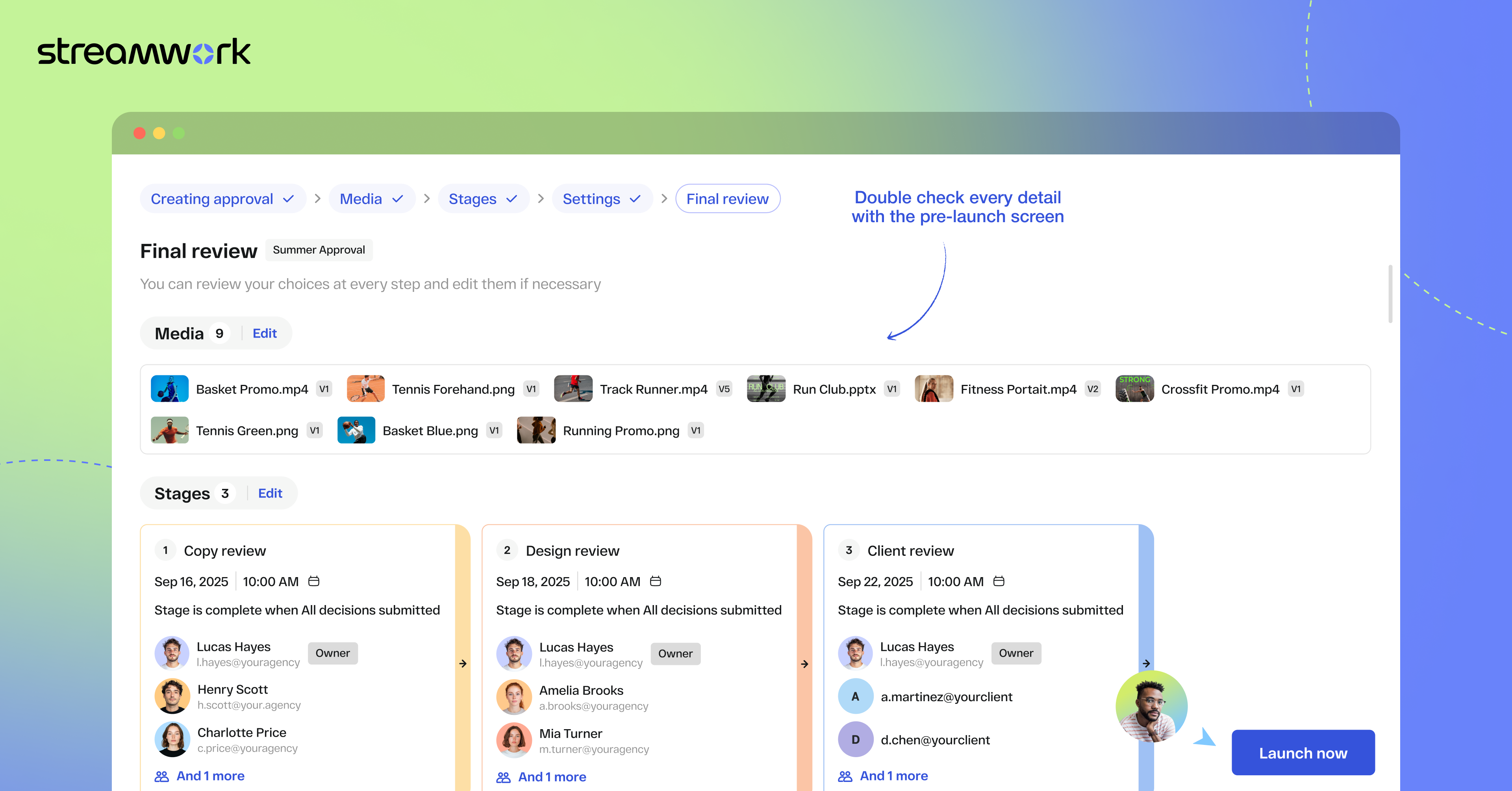
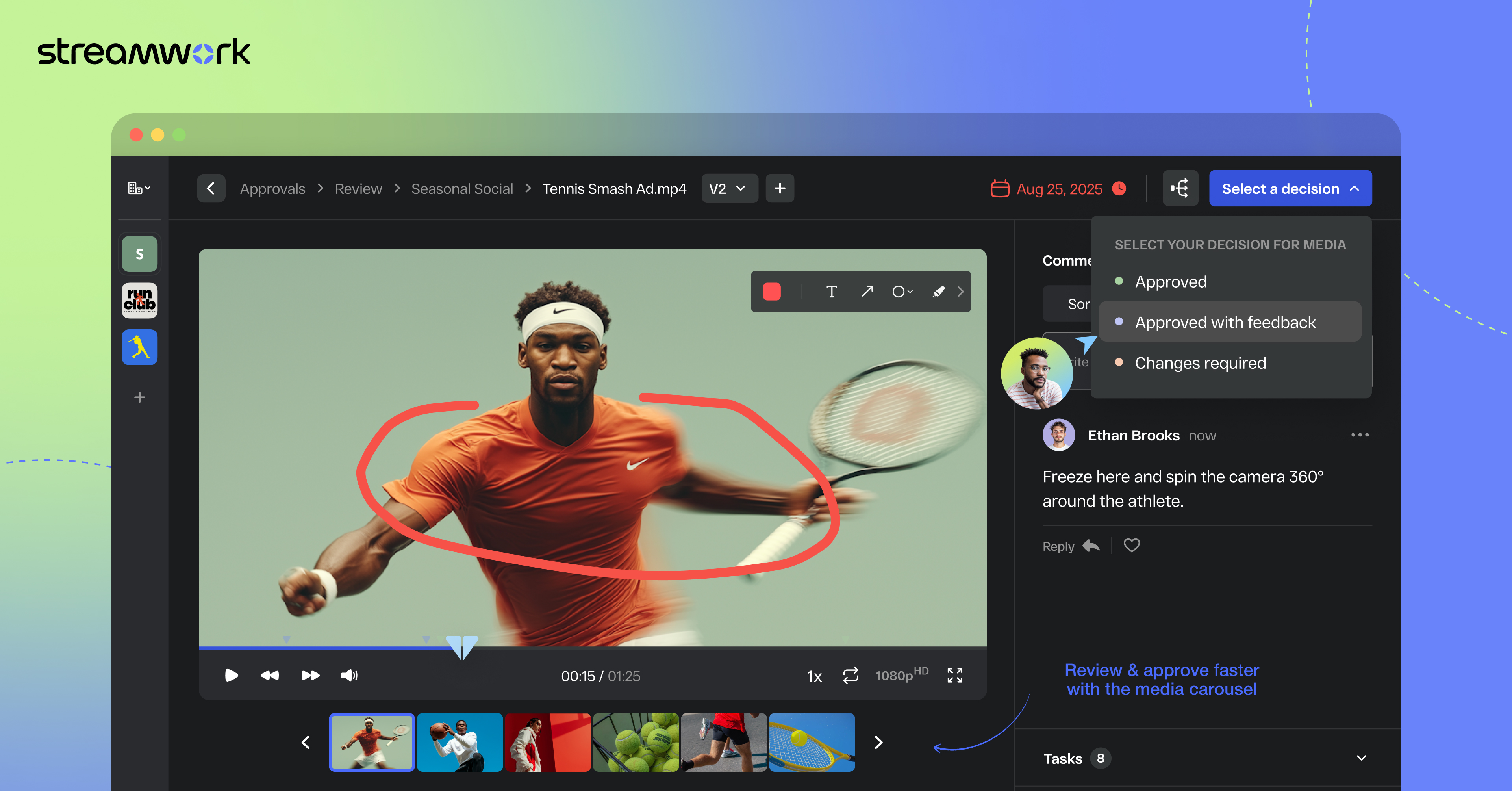
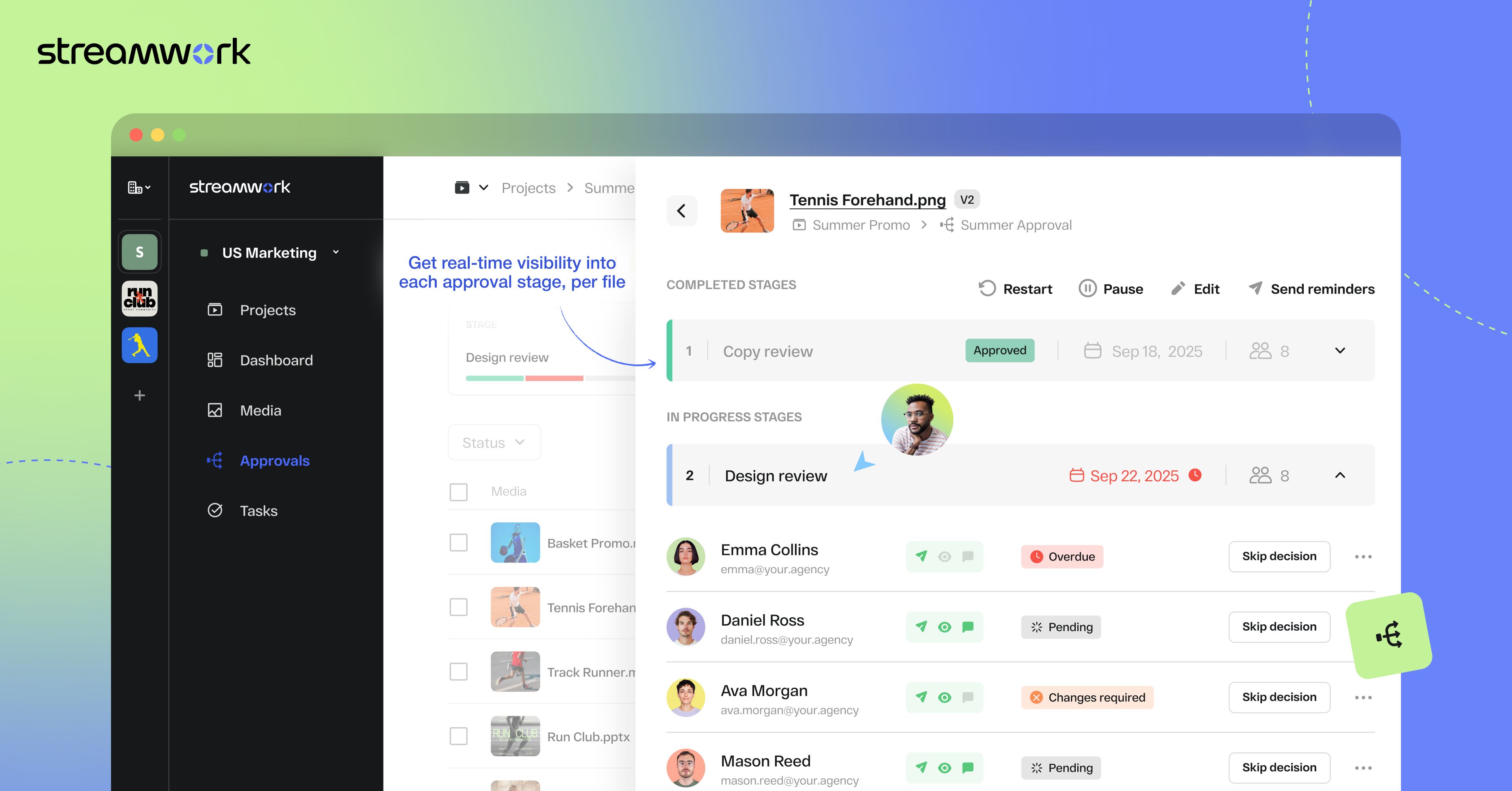
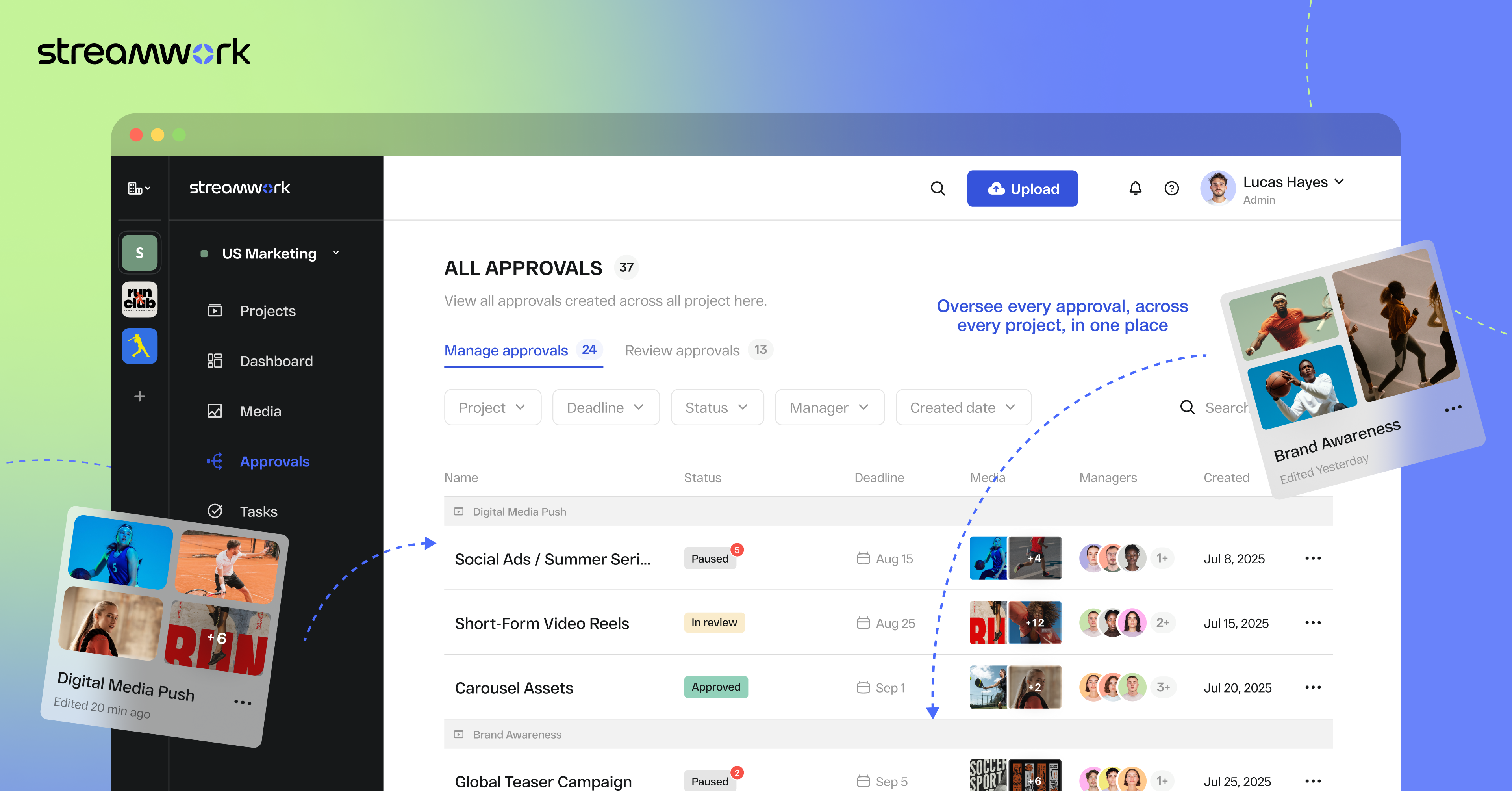
Screenshot of StreamWork Bulk Enterprise Approval. Here, users can route multiple media files—videos, PDFs, images, and decks—through a single approval flow, helping to keep stakeholders aligned, reduce bottlenecks, and upload new versions without disrupting progress.Screenshot of StreamWork Final Approval Review. This automates complex reviews with customizable, multi-stage workflows. Conditional routing, reviewer permissions, and smart deadlines help to ensure projects move forward efficiently without manual follow-ups.Screenshot of StreamWork Online Proofing Software. Here, users can annotate nearly any file type with precision markup and contextual comments, convert feedback into tasks instantly, and @mention teammates to streamline collaboration and keep projects on track.Screenshot of StreamWork Granular Approval Tracking. This creates real-time visibility into all approvals at a glance by enabling users to track deadlines, reviewer progress, and project status from a single dashboard.Screenshot of StreamWork Enterprise Approval Dashboards. These help maintain full compliance and accountability with immutable audit logs. They display time-stamped decisions, monitor reviewer activity, and generate reliable approval histories for enterprise-grade governance.Screenshot of some of StreamWork direct integrations like Asana, Monday.com, Slack, Google Drive, and Dropbox.