Flip PDF for Mac from FlipBuilder is designed to make it fast and easy for Mac users to convert ordinary PDF files into mobile friendly eye-catching brochures or magazines with amazing page-flipping effect. Integrated with hundreds of templates and themes, the Mac program enables you to create an unique and impressive digital magazine, brochure or catalog within minutes.
N/A
Foxit PDF SDK
Score9 out of 10
N/A
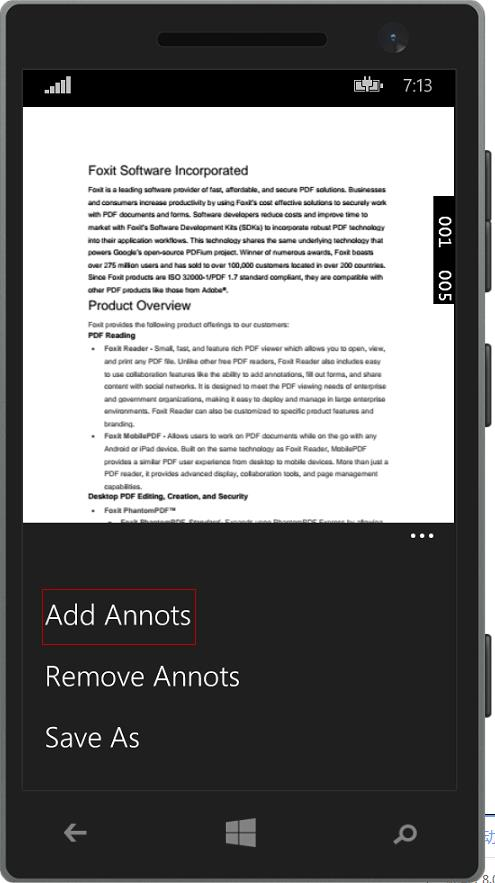
Foxit PDF SDK offers high performance pdf libraries to help developers build pdf technology. According to the vendor, key features include: Render PDFs: High performance PDF libraries to render PDF pages, page objects, annotations, and forms the way they were intended to be viewed: sharp, clear, accurate, and easy to read. Allows applications to view, zoom in, zoom out, and print PDF documents and forms. Reflow: PDF is a fixed-layout flat document format, it cannot…
It's great for presentations. It makes even the most drab presentation more interesting, and gives you the ability to add animated elements to your presentation. Everybody uses Microsoft PowerPoint, but for Mac it's a little slow and unresponsive. Flip PDF Pro for Mac kind of solves that issue – you can build your project in InDesign, export it out, then import it into Flip PDF Pro. It sounds like a bit of a process but it's actually very easy. Any designer can pick it up and run with it.
A de minimis incentive was given to thank the reviewer for their time. The incentive was not used to bias or drive a particular response, nor was the incentive contingent on a positive endorsement. More Info
Where FoxIt suites best is if you need an alternative to the big-name PDF editors. It's pretty easy to use and it's comparable to Adobe or any other document editor. It is best used when mocking up proposals for work, creating employee handbooks, putting together offer letters, and essentially any other important document. This is not suitable for creating brochures or pamphlets.
A de minimis incentive was given to thank the reviewer for their time. The incentive was not used to bias or drive a particular response, nor was the incentive contingent on a positive endorsement. More Info
You can customize or add certain things like your title, logo, toolbar icon appearance, background, fonts, etc. It feels a lot like a design program – which is nice, as a designer.
The program allows you to embed almost any sort of media into your flip book – GIFs are easy to add in and work with, they add a dynamic element to your presentation (which wasn't possible before).
You can create these things called “hot spots” – basically certain trigger areas in your document that can activate something when clicked – like take you to a e-commerce site, for example.
A de minimis incentive was given to thank the reviewer for their time. The incentive was not used to bias or drive a particular response, nor was the incentive contingent on a positive endorsement. More Info
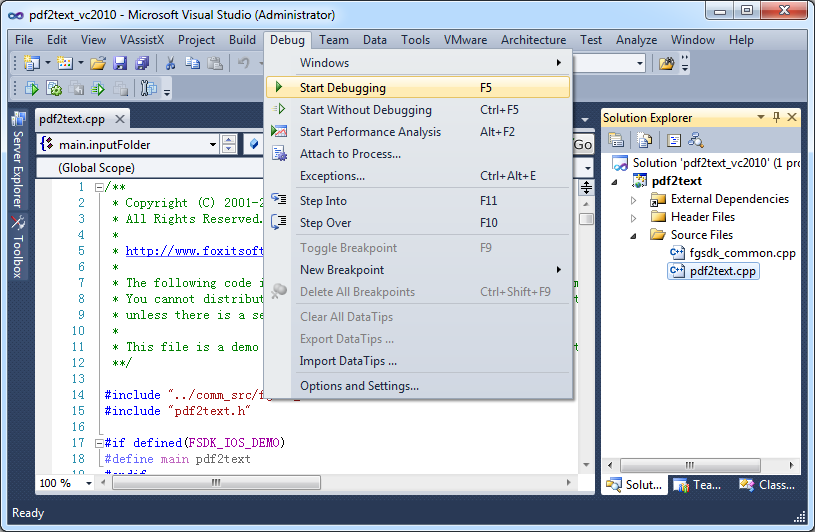
It is a very cool development kit to integration different PDF functions.
It is user-friendly and convenient to work with.
It has great functionality for text. For example: adding quick markup, highlighting the text, underlining, and doing strikethrough, and adding signatures is pretty easy.
It offers to do encryption and add passwords for security.
Great search capability that helps finding the text without hassle.
A de minimis incentive was given to thank the reviewer for their time. The incentive was not used to bias or drive a particular response, nor was the incentive contingent on a positive endorsement. More Info
My documents sometimes had a problem with import and output – sometimes it would take a substansial amount of time to export something.
In their mulit-lingual version, our freelance linguist caught some mistakes, some words were not translated or translated into other languages – which can make us look pretty bad.
There's a limit on audio you can output for each page in your document – it had to be "one audio for two pages".
A de minimis incentive was given to thank the reviewer for their time. The incentive was not used to bias or drive a particular response, nor was the incentive contingent on a positive endorsement. More Info
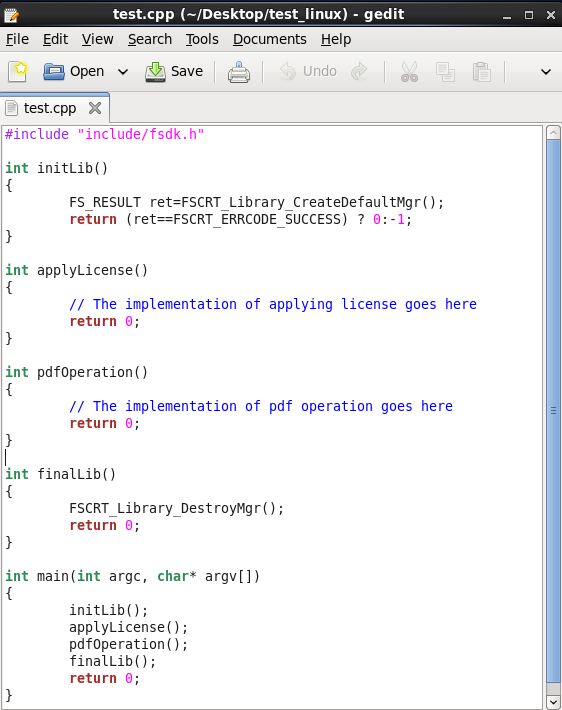
In the C# SDK, which is a wrapper of native C++ code. We need to be extra careful in coding and protecting the calls, because it can be very easy to crash the application in case of errors.
A de minimis incentive was given to thank the reviewer for their time. The incentive was not used to bias or drive a particular response, nor was the incentive contingent on a positive endorsement. More Info
Our whole takeoff department uses the Foxit PDF SDK. To read plan files, produce pdf files, and take notes, we utilize it in conjunction with other tools. We may utilize the Foxit PDF SDK to read, edit, markup, print, and produce PDF files for internal use or to distribute to clients. Some of our users adore the software, but others choose to use alternative programs because they believe Foxit PDF SDK is too restrictive.
A de minimis incentive was given to thank the reviewer for their time. The incentive was not used to bias or drive a particular response, nor was the incentive contingent on a positive endorsement. More Info
I rated this software very high on performance because it is really very quick on my Windows system. It can create any type of PDF files in seconds. It also gives good upload speed when I try to modify my documents for inserting digital signature space. It also gives very good encryption speed to secure my documents.
A de minimis incentive was given to thank the reviewer for their time. The incentive was not used to bias or drive a particular response, nor was the incentive contingent on a positive endorsement. More Info
I would give it this rating because I personally have never had to contact support regarding Foxit PDF SDK or anything I am trying to do within the program. As I mentioned before, it is very user-friendly and easy to navigate. I think the program in itself lends support to the user because it is so user-friendly and has an easy to use interface.
A de minimis incentive was given to thank the reviewer for their time. The incentive was not used to bias or drive a particular response, nor was the incentive contingent on a positive endorsement. More Info
There are several PDF conversion programs out there, but really Flip PDF Pro for Mac is probably the best one that I've encountered. The amount of versatility in the program really sells it to me. It works just like a design program, but as a customizable PDF, and it's easy-to-use interface really helps speed things up with our workflow and process. There's a lot of competitors out there, but none of them really stack up.
A de minimis incentive was given to thank the reviewer for their time. The incentive was not used to bias or drive a particular response, nor was the incentive contingent on a positive endorsement. More Info
Adobe Sign can be really frustrating and difficult to log into, renew subscription, and other background functions. Tech support is between useless and non-existent. On the other hand, there is better control over when recipients have been contacted. Overall, Foxit PDF SDK is a much better product, especially for smaller businesses or ones which don't use it consistently every day, year-round (if that's you, you will get used to Adobe, and it will be less annoying.)
A de minimis incentive was given to thank the reviewer for their time. The incentive was not used to bias or drive a particular response, nor was the incentive contingent on a positive endorsement. More Info
A de minimis incentive was given to thank the reviewer for their time. The incentive was not used to bias or drive a particular response, nor was the incentive contingent on a positive endorsement. More Info
A de minimis incentive was given to thank the reviewer for their time. The incentive was not used to bias or drive a particular response, nor was the incentive contingent on a positive endorsement. More Info