Tactic provides office management software for flexible/remote workplaces.
$249
per month per office
Workmate
Score8 out of 10
Mid-Size Companies (51-1,000 employees)
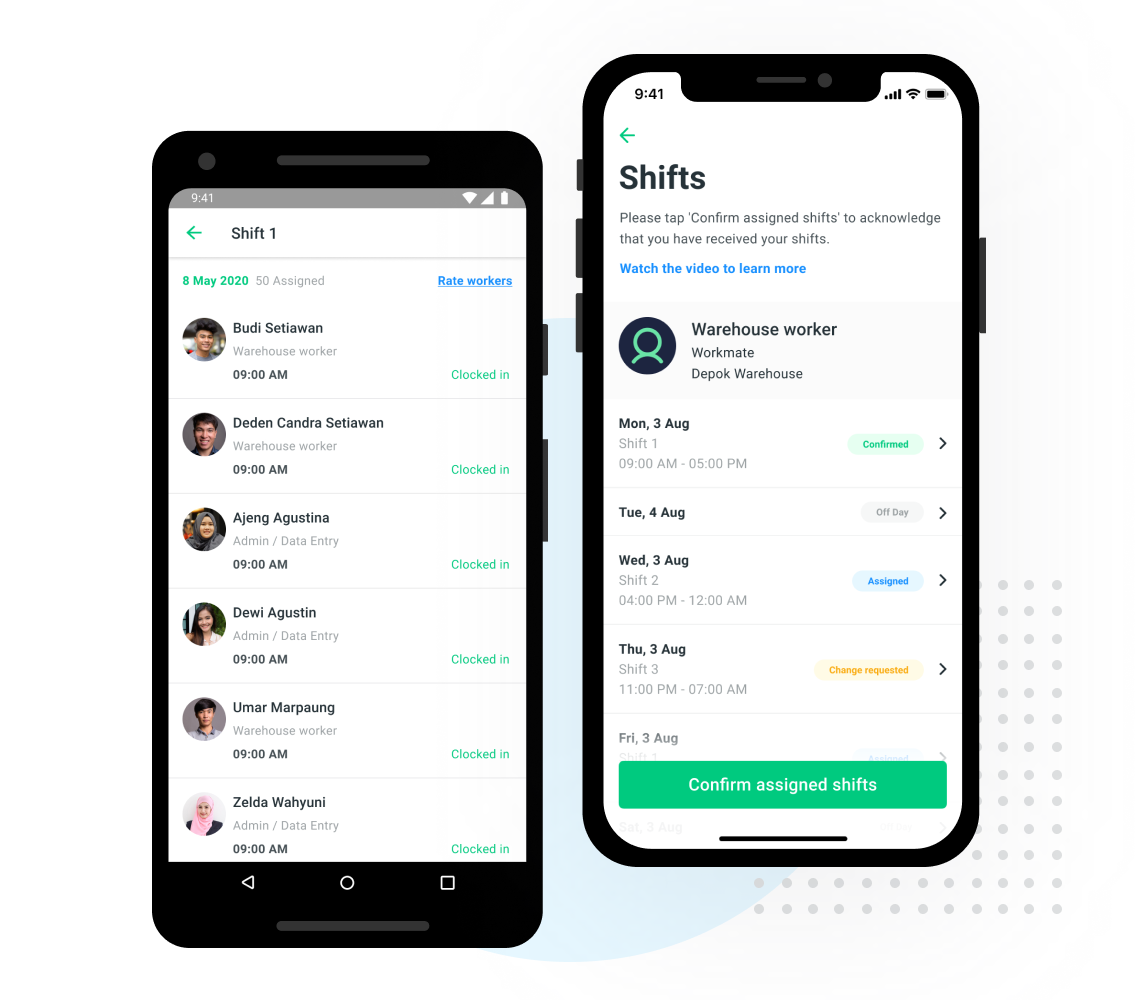
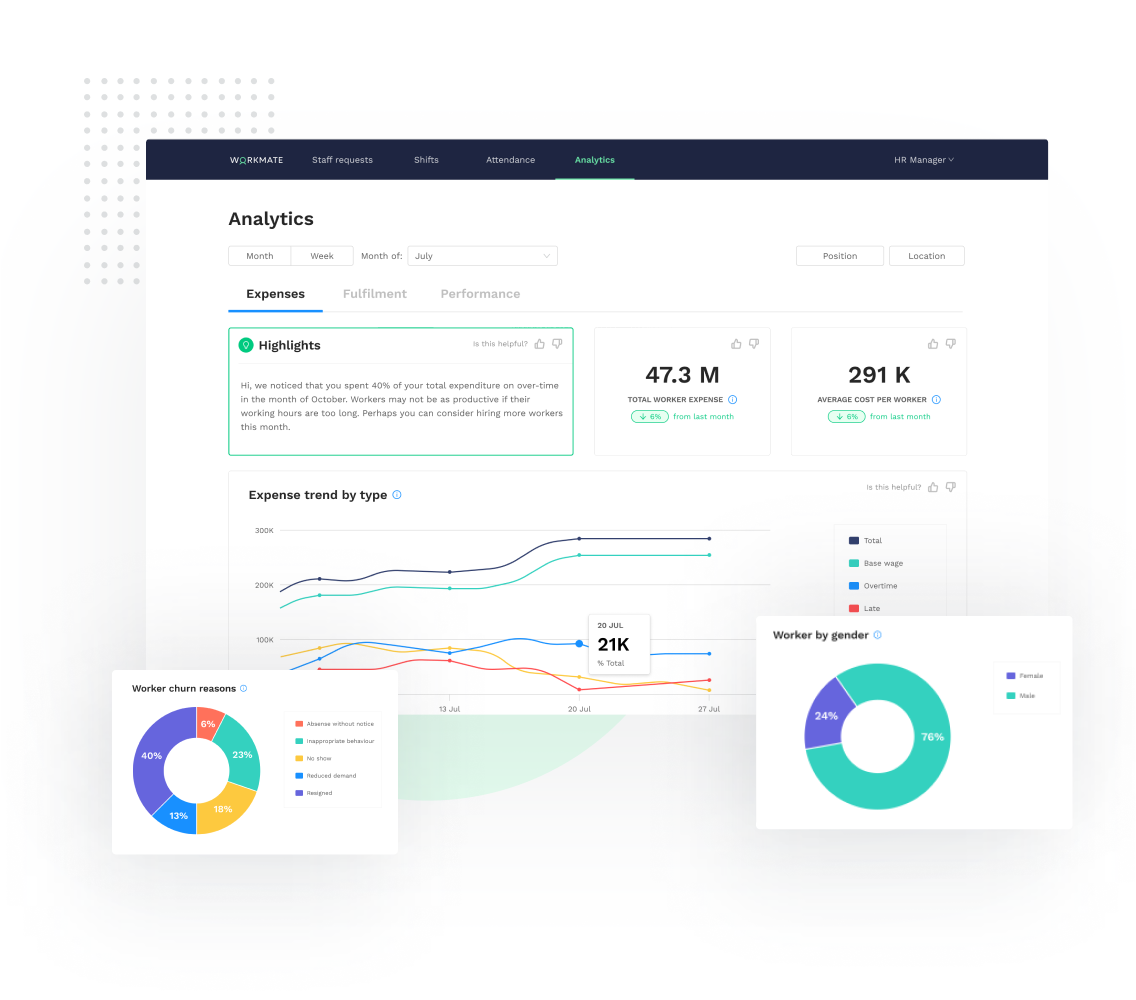
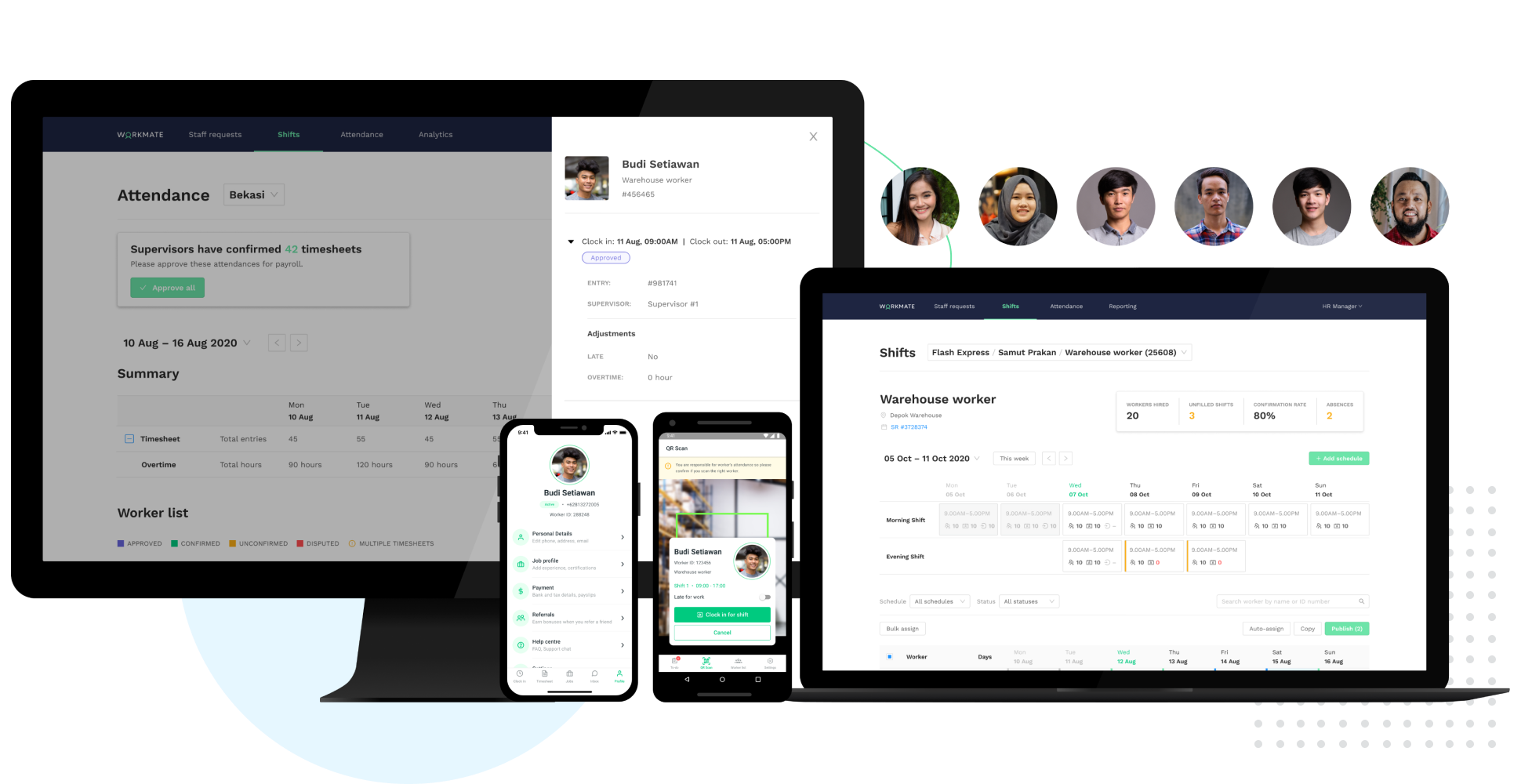
Workmate provides businesses an automated workforce management solution, with an integrated network of blue-collar workers on a data-driven hiring platform. Workmate aims to provide businesses with visibility into their entire workforce through automating hiring, onboarding, scheduling, attendance, and performance reporting processes in one seamless system, while leveraging a qualified network of 50,000+ pre-vetted workers to support recruitment needs. Using real-time performance data, Workmate…
Tactic is beneficial for every company who have just enough workplace stations. Most specially if the shifts of the employees are different. It helps every employee to have a seat plan and find availability for their current shift. The map that is shown in the website is also helpful as it is very user-friendly.
A de minimis incentive was given to thank the reviewer for their time. The incentive was not used to bias or drive a particular response, nor was the incentive contingent on a positive endorsement. More Info
As a supervisor this software is a big help for us to be able to make a proper tracking of our task force, without interfering or being over the shoulder, the variety of options available is great, while I had no full control of the software by company regulations I was able to use it in specific for the managing of the shifts and performance of our teams.
A de minimis incentive was given to thank the reviewer for their time. The incentive was not used to bias or drive a particular response, nor was the incentive contingent on a positive endorsement. More Info
A de minimis incentive was given to thank the reviewer for their time. The incentive was not used to bias or drive a particular response, nor was the incentive contingent on a positive endorsement. More Info
A de minimis incentive was given to thank the reviewer for their time. The incentive was not used to bias or drive a particular response, nor was the incentive contingent on a positive endorsement. More Info
A de minimis incentive was given to thank the reviewer for their time. The incentive was not used to bias or drive a particular response, nor was the incentive contingent on a positive endorsement. More Info
A de minimis incentive was given to thank the reviewer for their time. The incentive was not used to bias or drive a particular response, nor was the incentive contingent on a positive endorsement. More Info
The training came from one of our associates it was not directly from a Workmate employee, however, it was good enough to let us understand it, and the person who gave us the training was open to ask questions even after the training ended, however as it was really easy to use, we only contacted him for small details.
A de minimis incentive was given to thank the reviewer for their time. The incentive was not used to bias or drive a particular response, nor was the incentive contingent on a positive endorsement. More Info
We have only been using Tactic since I was hired here, so I am not able to compare it with other products. It is beneficial as it helps us work more effectively and efficiently. Moreover, it also counts how many users are logged in and the available stations as well.
A de minimis incentive was given to thank the reviewer for their time. The incentive was not used to bias or drive a particular response, nor was the incentive contingent on a positive endorsement. More Info
It was not my decision to use it, it was the software available for that current campaign in the company, being honest while both of them are excellent to work with, the design in OnShift is more user friendly, most of my colleagues were in agreement with that, as for Workmate, it was really helpful but some times we were confused by the user interface, it wasn't very negative but it really gets on your nerves.
A de minimis incentive was given to thank the reviewer for their time. The incentive was not used to bias or drive a particular response, nor was the incentive contingent on a positive endorsement. More Info
A de minimis incentive was given to thank the reviewer for their time. The incentive was not used to bias or drive a particular response, nor was the incentive contingent on a positive endorsement. More Info
A de minimis incentive was given to thank the reviewer for their time. The incentive was not used to bias or drive a particular response, nor was the incentive contingent on a positive endorsement. More Info