TrustRadius: an HG Insights company

Save this comparison

Save this comparison

Add Product

Recommended Comparisons

    Overview
    ProductRatingMost Used ByProduct SummaryStarting Price

    Google Endpoint Management

    Score10 out of 10
    N/AGoogle Endpoint Management is a UEM / MDM solution that controls access to company Google Workspaces, and provides security functionality for Android and iOS mobile devices, as well as Windows and macOS accessing resources or tools remotely. Features include screen or device lock, remote data wipe, limiting access based on device type or user, remote user logout, and centralized management of devices through a Google Workspace admin console. There is no cost for Google Endpoint…

    $6

    per month

    Pulseway

    Score7 out of 10
    Mid-Size Companies (51-1,000 employees)
    Pulseway is an IT monitoring and management solution that enables users to monitor, manage and control all systems and servers from a smartphone, tablet or browser. For system administrators, Pulseway sends a notification, so they can see an issue and sort it in seconds. Pulseway features: Automation: Auto-remediation workflows, so that IT issues are fixed before users even notice them. Mobile Access: Customers can monitor, manage, connect with…

    $0.80

    per month per installation

    Pricing
    Google Endpoint ManagementPulseway
    Editions & Modules
    Google Workspace - Business Starter
    $6
    Per User / Per Month
    Google Workspace - Business Standard
    $12
    Per User / Per Month
    Google Workspace - Business Plus
    $18
    Per User / Per Month
    Enterprise
    $0.80
    per month per installation
    Offerings
    Pricing Offerings
    Google Endpoint ManagementPulseway
    Free Trial
    YesYes
    Free/Freemium Version
    NoYes
    Premium Consulting/Integration Services
    NoYes
    Entry-level Setup FeeNo setup feeNo setup fee
    Additional Details—No hidden fees or contracts. Term-based discounts.
    More Pricing Information
    Community Pulse
    Google Endpoint ManagementPulseway
    Considered Both Products
    Google
    No answer on this topic
    Kaseya
    No answer on this topic
    Key User Insights
    Would buy again
    No answers on this topic
    60%
    Would buy again
    3 Answers
    Delivers good value for the price
    No answers on this topic
    100%
    Delivers good value for the price
    5 Answers
    Happy with the feature set
    No answers on this topic
    80%
    Happy with the feature set
    4 Answers
    Lived up to sales and marketing promises
    No answers on this topic
    No answers on this topic
    Implementation went as expected
    No answers on this topic
    100%
    Implementation went as expected
    5 Answers
    Best Alternatives
    Google Endpoint ManagementPulseway
    Small Businesses
    Avast CloudCare
    Score10 out of 10
    Panda Systems Management
    Score7.2 out of 10
    Medium-sized Companies
    Action1
    Score9.4 out of 10
    N-able N-sight RMM
    Score7.4 out of 10
    Enterprises
    ManageEngine Endpoint Central
    Score9 out of 10
    No answers on this topic
    All AlternativesView all alternativesView all alternatives
    User Ratings
    Google Endpoint ManagementPulseway
    Likelihood to Recommend
    10.0
    (1 ratings)
    6.4
    (13 ratings)
    Usability
    -
    (0 ratings)
    7.8
    (4 ratings)
    Support Rating
    -
    (0 ratings)
    9.6
    (2 ratings)
    User Testimonials
    Google Endpoint ManagementPulseway
    Likelihood to Recommend
    Google
    Google Endpoint securely manages data, more so the sensitive one, by developing passwords that are strong and complex. Further, Google Endpoint remotely updates or installs software and other details. For purposes of synchronization, Google Endpoint is adequately available and helpful. Lastly, has a utility management scope, and the deployment process is simplistic.
    Incentivized
    Read full review
    Kaseya
    If you have to manage a large number of computers, especially spread over multiple clients or a large physical area. This is one of the main products that allows us to act as a Managed Service Provider (MSP) and actually manage our clients devices and not just react to issues as clients call them in. Clients really love the proactive approach it allows us to take. Sadly as we became more familiar with options out there we found this area lacking and what was actually holding us back.
    Incentivized
    Read full review
    Pros
    Google
    • Google Endpoint has a network support system that is wireless.
    • Further, there is remote installation or update from Google Endpoint.
    • Lastly, Google Endpoint manages data without compromise or setbacks.
    Incentivized
    Read full review
    Kaseya
    • It monitors computers and notifies us of any issues with any computer.
    • It allows remote control of computers, such as requesting a computer to reboot itself.
    • It is very highly configurable to monitor exactly what we need to monitor. For example, on server, we can have it notify us any time the server is shutdown or rebooted. On the other hand, for a desktop computer, we don't have to be bothered with notifications when a user decides to reboot his computer.
    Incentivized
    Read full review
    Cons
    Google
    • Google Endpoint lacks proper online templates, for training.
    • Google Endpoint is not a flexible or configurable application unless the developer does.
    • Google Endpoint consumes some system space, making the device load much.
    Incentivized
    Read full review
    Kaseya
    • It would be nice if they increased their scope of supported third-party apps.
    • It would be great if they would create an ios app for their ticket system.
    • If they could possibly build in a location service for tracking devices, that would be helpful.
    • If they had two-factor authentication, it would be nice.
    Incentivized
    Read full review
    Usability
    Google
    No answers on this topic
    Kaseya
    The tool is easy to use however it is can be daunting with the amount of features available in it. Last I checked, their knowledge base was not very expansive and they relied a lot on the changelog for how to do some stuff. This can make it hard to learn how to do some more advanced things like the automation.
    Incentivized
    Read full review
    Support Rating
    Google
    No answers on this topic
    Kaseya
    I have never had to use the support for Pulseway. However, when initially starting out, we would receive emails every so often asking how we are doing and if there is any support that they can provide. I would imagine that any request would be supplied with the same great support!
    Incentivized
    Read full review
    Alternatives Considered
    Google
    Google Endpoint has a remote control, which simplifies tasks, and it's not a must for a person to install the software on the required device. Also, Google Endpoint has a free version, and the monthly subscription amount is small. The training and installation process are all fair, effective, and effortless
    Incentivized
    Read full review
    Kaseya
    Pulseway has the most features, the best looking app with the best design and better usability than any others we evaluated. We liked the uniformity of the app design across all platforms (Windows, Android, Apple) and the notifications displayed on each platform. The price was a major contributor to our selection of Pulseway compared to the competition.
    Incentivized
    Read full review
    Return on Investment
    Google
    • Data safety is one of the perfect returns from Google Endpoint.
    • Inventory management ensures proper use of the company's resources.
    • Automatic installations and updates saves on time and expenses.
    Incentivized
    Read full review
    Kaseya
    • Problems can be dealt with more rapidly because I have access to systems from anywhere. I don't have to carry a computer with me nor do I have to find a location with potentially non-secure wifi to gain access to my systems.
    • I can handle 99% of my system admin tasks using Pulseway and never have to touch a system or connect to the console.
    • Pulseway gives so much control over a system that I don't need to spend extra money on other software to perform management tasks.
    Incentivized
    Read full review
    ScreenShots

    Pulseway Screenshots

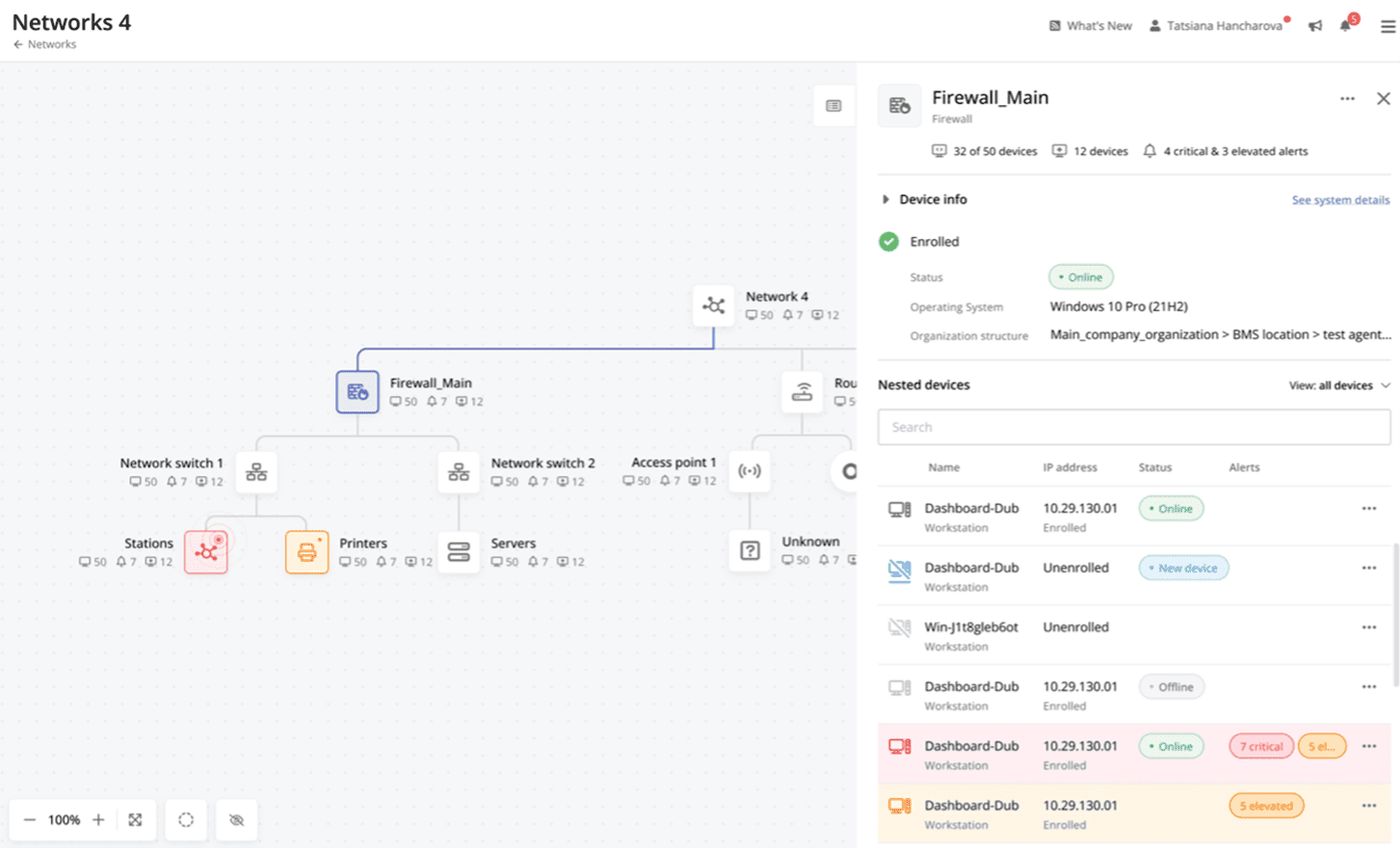
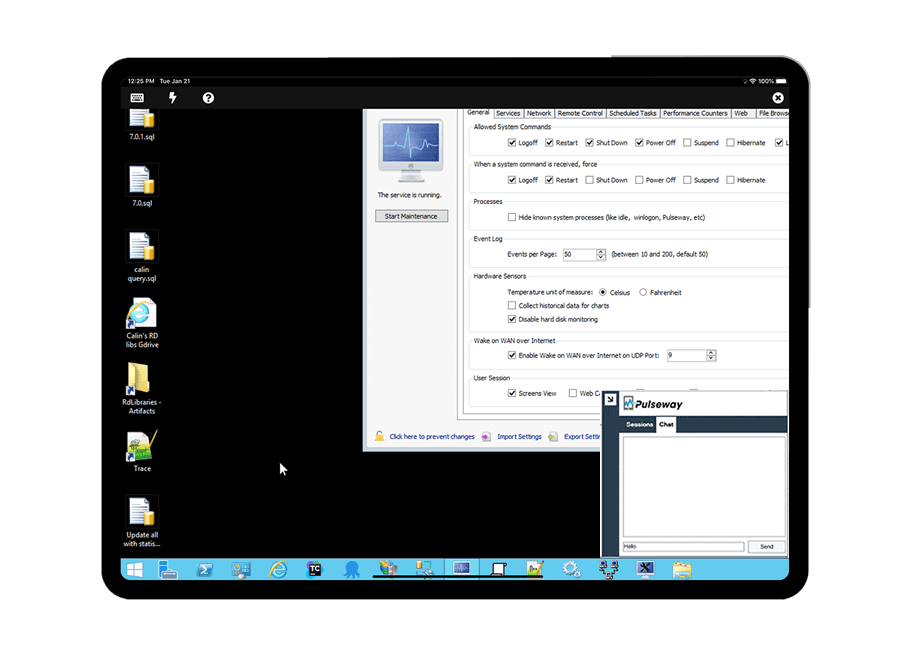
    Screenshot of Cross-device functionalityScreenshot of Auto-Remediate IT IssuesScreenshot of Visibility Across the Entire NetworkScreenshot of Remote Control to Any SystemScreenshot of Systems and Application patchingScreenshot of Detailed Custom Report