Flutter is an open-source mobile application development framework created by Google. It is used to develop applications for Android and iOS, as well as being the primary method of creating applications for Google Fuchsia.
$0
InVision
Score7.9 out of 10
N/A
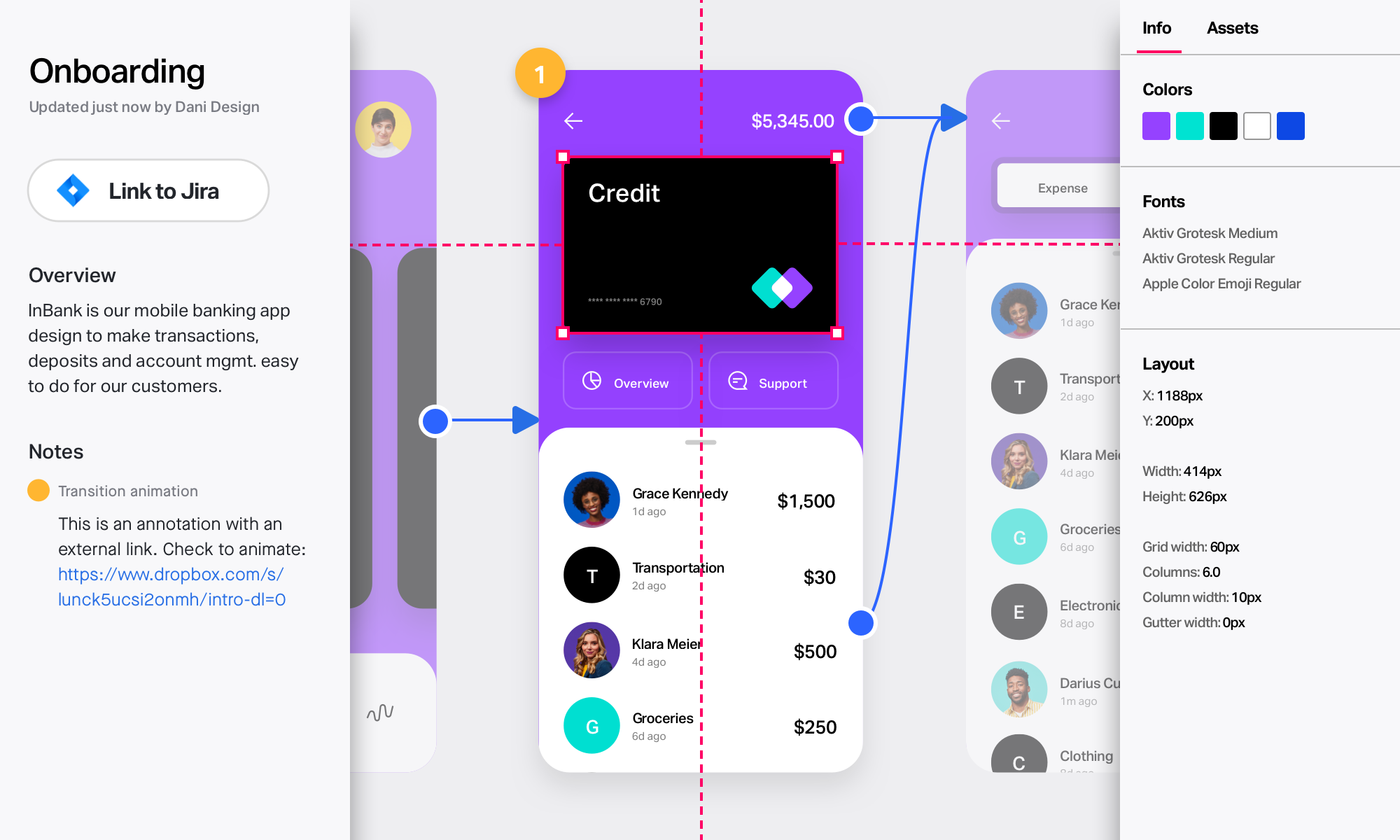
InVision is a collaborative design and prototyping platform with features such as freehand drafting mode and interactive mockups, collaboration, idea management, user testing, and integration with Slack and other collaboration tools. According to the vendor, 1 million designers are using the free version.
Flutter by Google is well suited where you have to make an app across multiple platforms like iOS, Android, Web, Desktop and you don't have the bandwidth to create multiple teams for the Native app. This makes sure you have a faster development and you don't have to worry about how your product will look across different platforms. It is also very smooth/fast in response, making it close to feel like a Native app, this makes it an easy pick for a Fintech product where speed matters. Flutter by Google also has a huge library of Components, which are well tested and developed by Google's Flutter by Google team itself, making the development even more fast since the majority of required components are already available.
A de minimis incentive was given to thank the reviewer for their time. The incentive was not used to bias or drive a particular response, nor was the incentive contingent on a positive endorsement. More Info
InVision is well suited for design reviews and immersing yourself in the experience of an app-to-be. As a Product Manager, it's difficult to take abstract concepts, user pain points, and business needs, and produce a vision for an app without a visual aid to communicate a vision. InVIsion offers PMs, designers, and developers the opportunity to sketch a vision, communicate about it with inline commenting, and shareable with other stakeholders.
A de minimis incentive was given to thank the reviewer for their time. The incentive was not used to bias or drive a particular response, nor was the incentive contingent on a positive endorsement. More Info
A de minimis incentive was given to thank the reviewer for their time. The incentive was not used to bias or drive a particular response, nor was the incentive contingent on a positive endorsement. More Info
A de minimis incentive was given to thank the reviewer for their time. The incentive was not used to bias or drive a particular response, nor was the incentive contingent on a positive endorsement. More Info
Occasionally updates to the Flutter SDK result in wide-sweeping changes that seem to not be thoroughly tested and considered. Flutter sometimes evolves too fast for its own good.
While the 3rd-party Flutter package ecosystem is vast and rich, 1st-party support for basic things (audio/video playback, battery information, Bluetooth services, etc.) are lacking. You are occasionally forced to rely on an open-source package for use-cases that other platforms have native support for.
Documentation, particularly around testing, is lacking. While there are some great docs, like the Dart Style Guide, many Flutter-focused support documents are lacking in quality and real-world usability.
Flutter allows you to architect an app however you want. While this is a great feature, it also adds complexity and leads to the current state of Flutter's state management, where there are 50+ options on how to organize your app, with very little official guidance or recommendations from the Flutter team. For a beginner, this can create decision paralysis.
A de minimis incentive was given to thank the reviewer for their time. The incentive was not used to bias or drive a particular response, nor was the incentive contingent on a positive endorsement. More Info
A de minimis incentive was given to thank the reviewer for their time. The incentive was not used to bias or drive a particular response, nor was the incentive contingent on a positive endorsement. TR verified that a representative sample of customers was invited. More Info
A de minimis incentive was given to thank the reviewer for their time. The incentive was not used to bias or drive a particular response, nor was the incentive contingent on a positive endorsement. More Info
Flutter by Google is very easy to start with. The initial setup they provide is very helpful and easy to understand. The default project setup is also good and can be deployed to production without changing much. Flutter by Google provides a huge library of components, which are created and tested by their own team, making the development of application much faster and robust. Flutter by Google also has a huge community support where we can find components built by the community and we can contribute our own components as well, which helps in faster dev time. Applications developed using Flutter by Google are very smooth, almost feels like native, which helps in creating good impression on customers/clients.
A de minimis incentive was given to thank the reviewer for their time. The incentive was not used to bias or drive a particular response, nor was the incentive contingent on a positive endorsement. More Info
Easy for prototyping, sharing for comments and review changes with version. lags a bit when the design is heavy and large design models learning curve is shorter so saves time with new stakeholders responsiveness could be better and auto modeling can be introduced Not much advance features that can be used
A de minimis incentive was given to thank the reviewer for their time. The incentive was not used to bias or drive a particular response, nor was the incentive contingent on a positive endorsement. More Info
I didn't need to contact InVision support, as I've never needed it. They have an intuitive UI, and most of the questions are answered in their help portal or in tutorials online. Since many people use it, there a great resources available on for example YouTube. No problems so far with InVision.
A de minimis incentive was given to thank the reviewer for their time. The incentive was not used to bias or drive a particular response, nor was the incentive contingent on a positive endorsement. More Info
I have experience with react and React Native. I would say that the idea behind all those frameworks are quite similar. However, I found the javascript-based frameworks a bit more accessible as you could utilise your javascript knowledge. Here, Flutter works with its own language. This has advantages and disadvantages sometimes. I found the community around javascript frameworks bigger and therefore sometimes more helpful. However, Flutter does a good job here as well. I think the main argument for Flutter is its usability for less experienced developers. If you do not have knowledge in javascript or other programming languages then I think it is much easier to start with Flutter than with another framework like react. I think the package that you get form scratch is better than in the other frameworks were you have to set up and learn a lot more before you can start.
A de minimis incentive was given to thank the reviewer for their time. The incentive was not used to bias or drive a particular response, nor was the incentive contingent on a positive endorsement. More Info
We only tested out using Adobe XD for similar uses and found it to be more challenging to fit within our processes. It didn't have as robust a set of capabilities as InVision and wasn't as easy to use enterprise wide. I recall also having issues with working with Sketch.
A de minimis incentive was given to thank the reviewer for their time. The incentive was not used to bias or drive a particular response, nor was the incentive contingent on a positive endorsement. More Info
The rapid development capabilities of Flutter allow us to build apps we could not have previously considered commercially viable, opening new revenue streams.
Free and open licensing made adoption very easy (ie. free/low cost!).
In comparison to Qt, our time spent arguing with build tools and perfecting development environments has decreased substantially.
A de minimis incentive was given to thank the reviewer for their time. The incentive was not used to bias or drive a particular response, nor was the incentive contingent on a positive endorsement. More Info
InVision helps our team better and more professionally portray the value and the work we do as designers, leading to more company buy-in in supporting and funding our work. In the past, we would create PowerPoints with screenshots to portray a user workflow that we would share out to stakeholders. Once we began to use this app, where stakeholders could click through and comment as though they were “real” users, stakeholders began to better understand our work, designs, and workflows. This has led to more productive conversations that, in turn, lead to more effective end products that have more consistently served our business goals in tangible ways.
InVision helps us save production time, effort, and cost, as we are able to solve design issues early in the process by having clickable prototypes to show to internal stakeholders and external users. It’s, understandably, difficult for people to provide effective feedback on screenshots. Using the clickable prototypes we created in InVision, we are able to get more effective feedback to solve user workflow issues before we spend time and money developing problematic designs (and later having to redesign them).
It’s easier to market designs to potential buyers with clickable prototypes than with screenshots. With these prototypes, we’ve been able to sell more digital products before product release dates, which has helped to secure many contracts and new business relationships that continue to this day.
A de minimis incentive was given to thank the reviewer for their time. The incentive was not used to bias or drive a particular response, nor was the incentive contingent on a positive endorsement. More Info