GradPoint is a K-12 learning management system (LMS) from Pearson, supporting student engagement and communication, student encouragement and self-assessment, and other tools to support student learning and progress.
N/A
iSpring LMS
Score9.6 out of 10
N/A
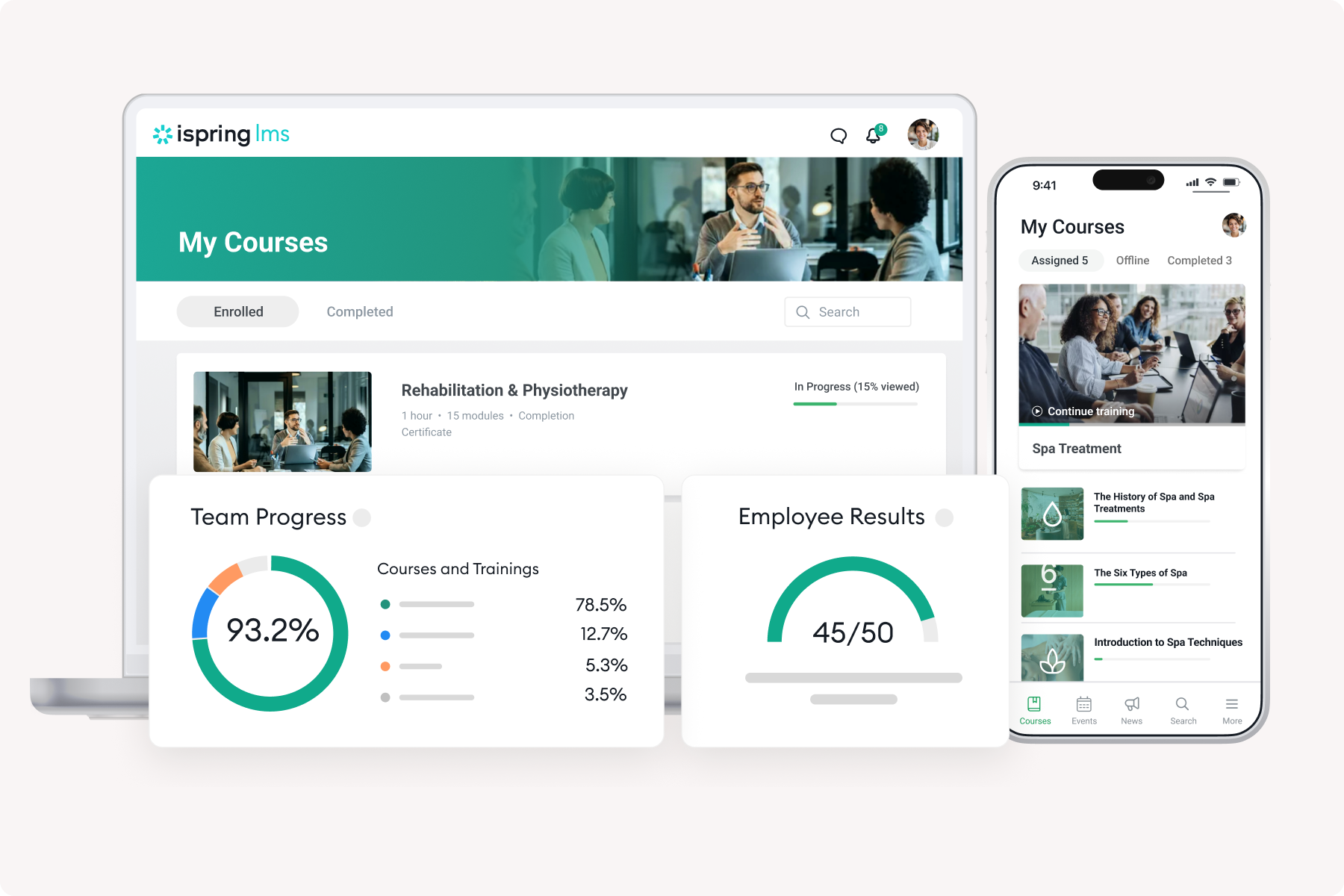
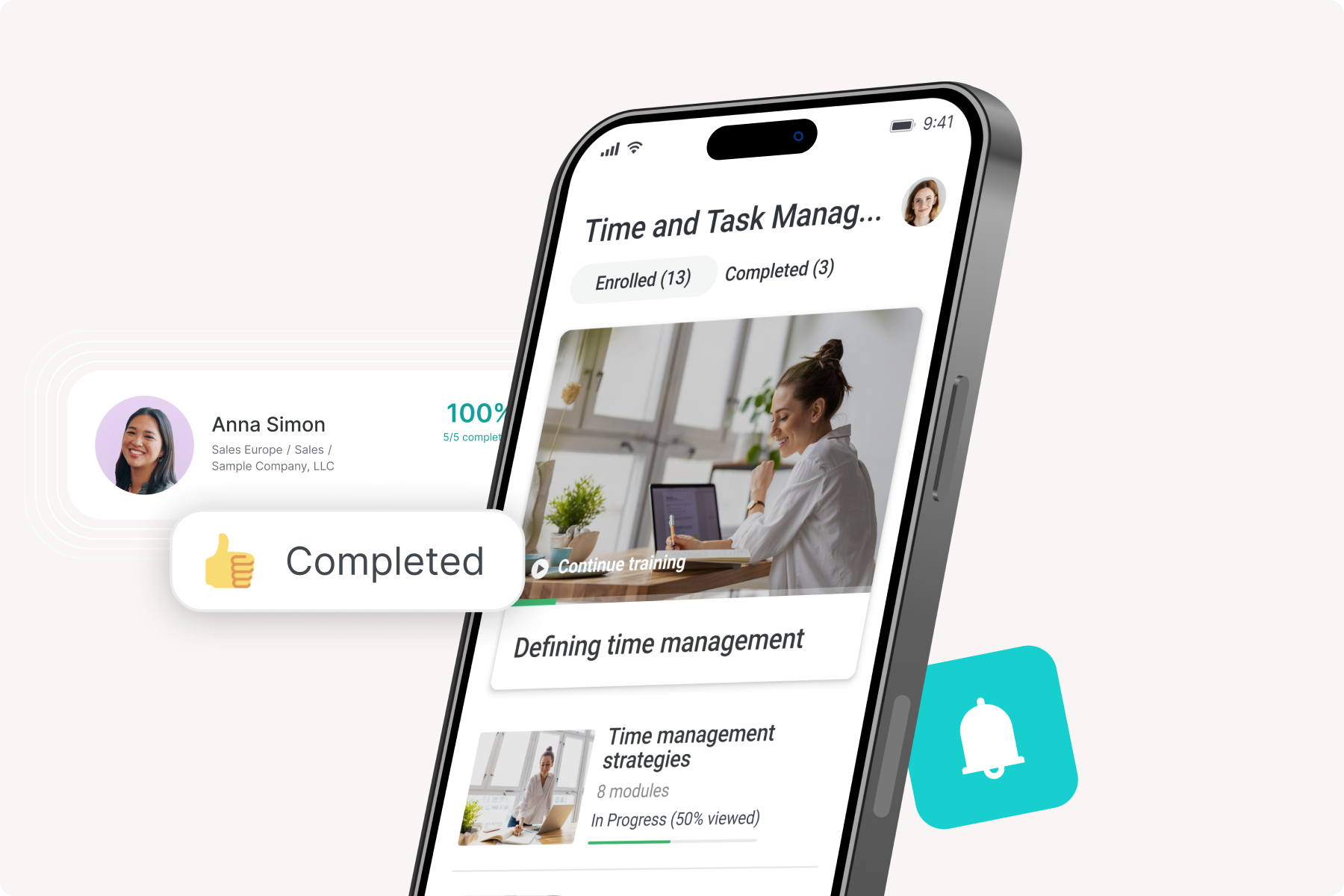
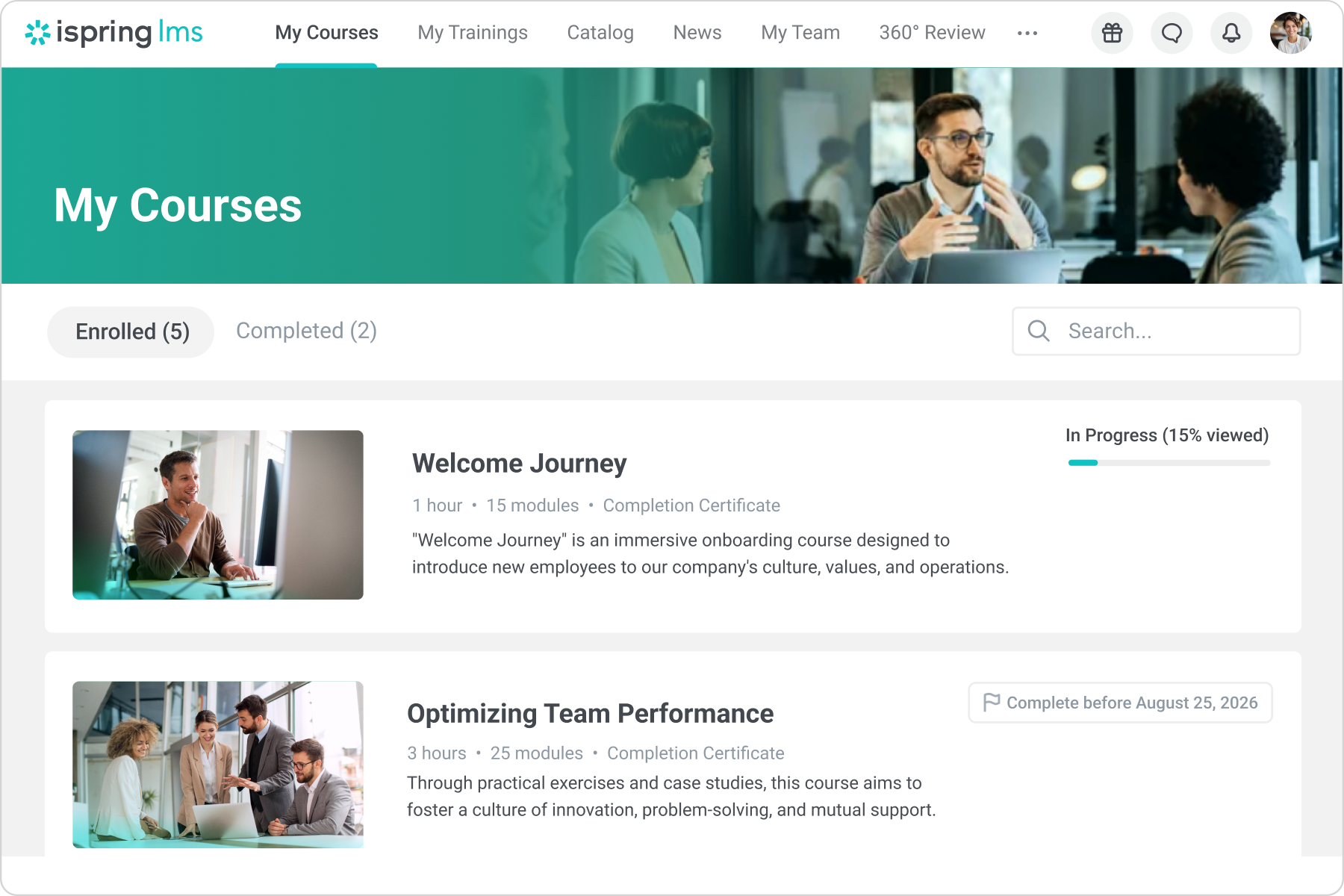
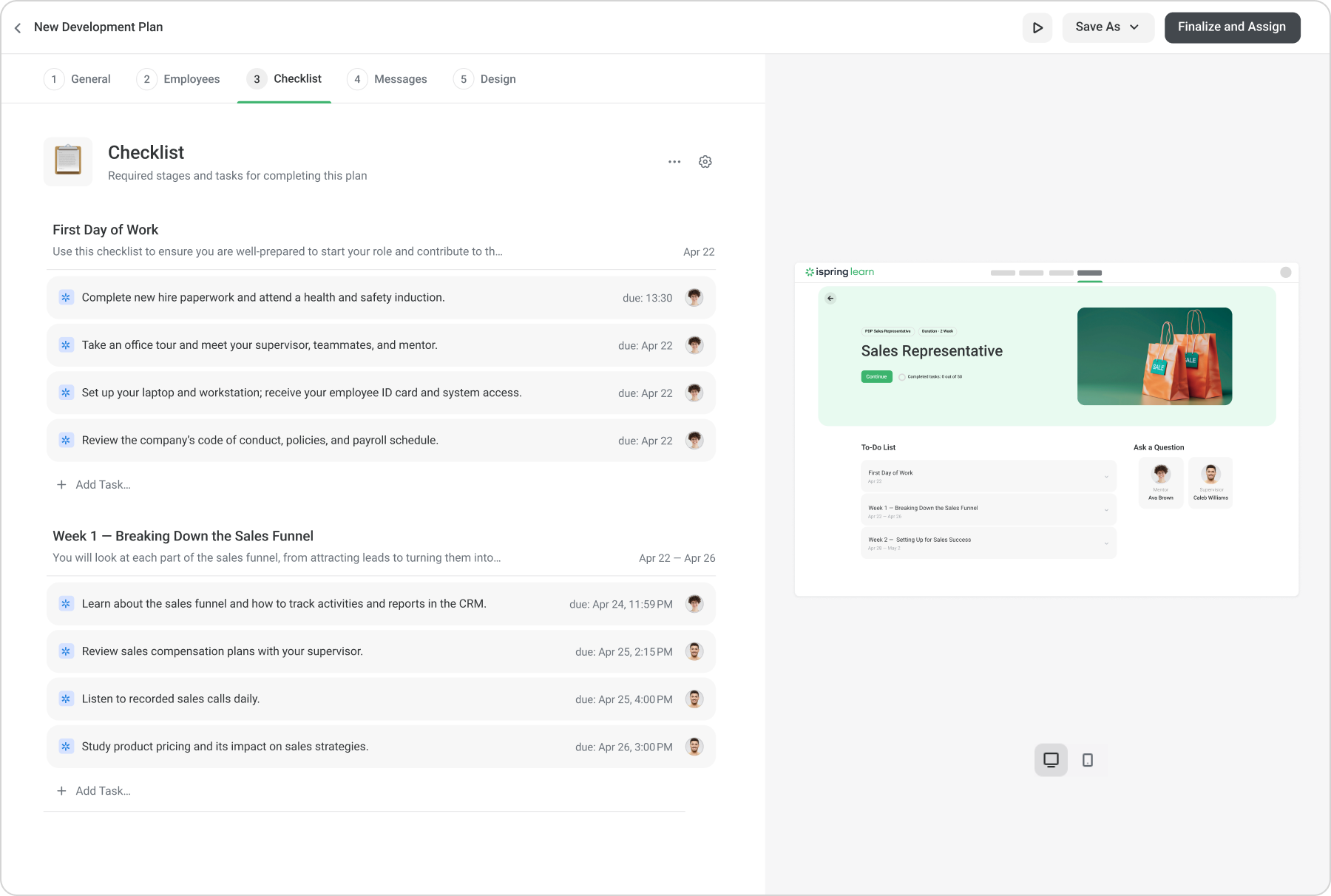
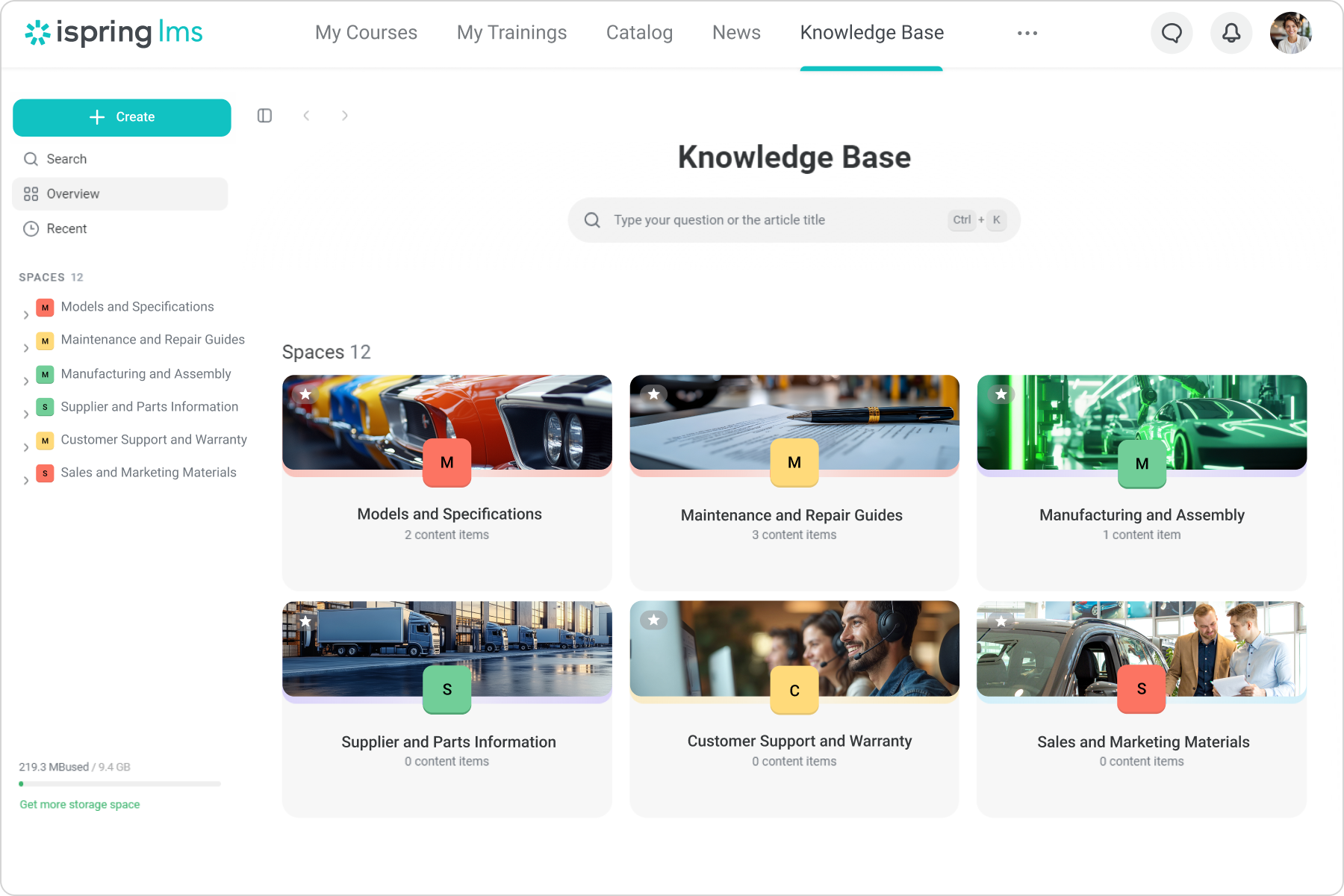
iSpring LMS is an LMS developed by iSpring Solutions. iSpring LMS automates corporate training and helps to improve employee retention through quality onboarding, on-the-job training, gamification and engagement mechanics. With iSpring LMS, training and development professionals can launch eLearning fast, without any technical skills. Also, account owners can customize or white-label the learner portal to reflect their corporate branding. iSpring LMS's features…
Great for independent learning, whether in large/small group setting, or individually. Harder for us to have students work on their own though, since it requires constant passwords to move on from one section to another for quizzes and tests. Is going to be especially hard for our students to work independently over the holidays (to stay on pace) when they can only go so far before having to stop for a password before they can go further.
A de minimis incentive was given to thank the reviewer for their time. The incentive was not used to bias or drive a particular response, nor was the incentive contingent on a positive endorsement. More Info
My specific scenario is, that I need to deliver courses in two languages to multiple departments, so iSpring helps me with that from beginning and creating courses, to translating, and then enrolling people. What could be better is how reports works. Right now you can check report either by course or by department/person, but I would need to see everything on one page, like every single enrolment.
A de minimis incentive was given to thank the reviewer for their time. The incentive was not used to bias or drive a particular response, nor was the incentive contingent on a positive endorsement. More Info
It is very user-friendly right from the get-go. I am able to navigate throughout the system, and between areas easily, going from one class to another, from one student to another, or pulling in whole classes or groups of students, depending on my needs.
GradPoint is a very useful tool for everyone - our students, paraprofessionals, teachers, directors, and administration. So across the board, it helps us all access the information we need to on a daily basis, whether in the classroom or at home.
As a special education teacher, it allows me to work with my particular students one-on-one and individualize their learning according to their IEP and learning styles. I like the ease of use and versatility, and ability to use it in the classroom and then at home, go over information needed to prepare for the next day.
A de minimis incentive was given to thank the reviewer for their time. The incentive was not used to bias or drive a particular response, nor was the incentive contingent on a positive endorsement. More Info
Automatically re-enrolling employees when a certificate expires. Set it and forget it!
If set up properly from the beginning, you don't have to do much, with the roles and groups settings, you can automate a large portion of the course management.
I can provide visibility to anyone about any employee necessary, allowing me to put more responsibility on my managers, instead of doing it all myself.
A de minimis incentive was given to thank the reviewer for their time. The incentive was not used to bias or drive a particular response, nor was the incentive contingent on a positive endorsement. TR verified that a representative sample of customers was invited. More Info
I have seen multiple mistakes in the questions/answers that need to be corrected/updated. I think these are kinks that need to be worked out and once resolved, will be fine.
When I filter for one student's name and then go to one of their courses, there is no easy way to go back and see all the courses for that one student - it always takes me back to the COURSE which lists all the students, not the one student I was just working with. Would save some steps if there was an easier way to navigate back to the one student and all their courses.
Wish there was a way I could (as a teacher/administrator) copy when reviewing the quiz/test questions with a student, so I could paste it into Google or other search so that we can research the question together. You can't copy/paste anything from inside the quiz/test review section, I am assuming for security reasons, but still, as a special education teacher, makes it a bit harder for me to go back over missed questions and review information.
A de minimis incentive was given to thank the reviewer for their time. The incentive was not used to bias or drive a particular response, nor was the incentive contingent on a positive endorsement. More Info
Some limitations where you can't create exactly what you want either in the design of interactions or lack of varied interactions
Images cannot be moved to where you want them on the interaction slides
Layout of interactions can't be adjusted and overides your powerpoint background
If you have to edit a course and delete it off iSpring Learn then the records of all the people associated to that course are swiped and there's not a way of retrieving the information.
A de minimis incentive was given to thank the reviewer for their time. The incentive was not used to bias or drive a particular response, nor was the incentive contingent on a positive endorsement. More Info
In the past I could not encourage my students to take online training. The results and the questions were hard to be given. When I used the iSpring Suite along with iSpring Learn, my dreams came through and most of the time my students are online and take good training with my programme.
A de minimis incentive was given to thank the reviewer for their time. The incentive was not used to bias or drive a particular response, nor was the incentive contingent on a positive endorsement. More Info
Sometimes, things just aren't intuitive enough. For example, burying the catalog in the settings area makes no sense at all. The same goes for permissions and year reviews. It was a massive oversight that really caused a lot of confusion for all of our managers. It caused distrust in the LMS simply because someone who designed and developed it did not think that an employee review should be private to them, their direct supervisor, or the supervisor above. Instead, ANY manager could read ANY employee review. I have mentioned this several times throughout these questionnaires, and as you can see, I still find it incomprehensible that a company that wants to promote its software as a multifaceted solution could be so blind to something so critical, especially in terms of privacy.
A de minimis incentive was given to thank the reviewer for their time. The incentive was not used to bias or drive a particular response, nor was the incentive contingent on a positive endorsement. More Info
A de minimis incentive was given to thank the reviewer for their time. The incentive was not used to bias or drive a particular response, nor was the incentive contingent on a positive endorsement. More Info
A de minimis incentive was given to thank the reviewer for their time. The incentive was not used to bias or drive a particular response, nor was the incentive contingent on a positive endorsement. More Info
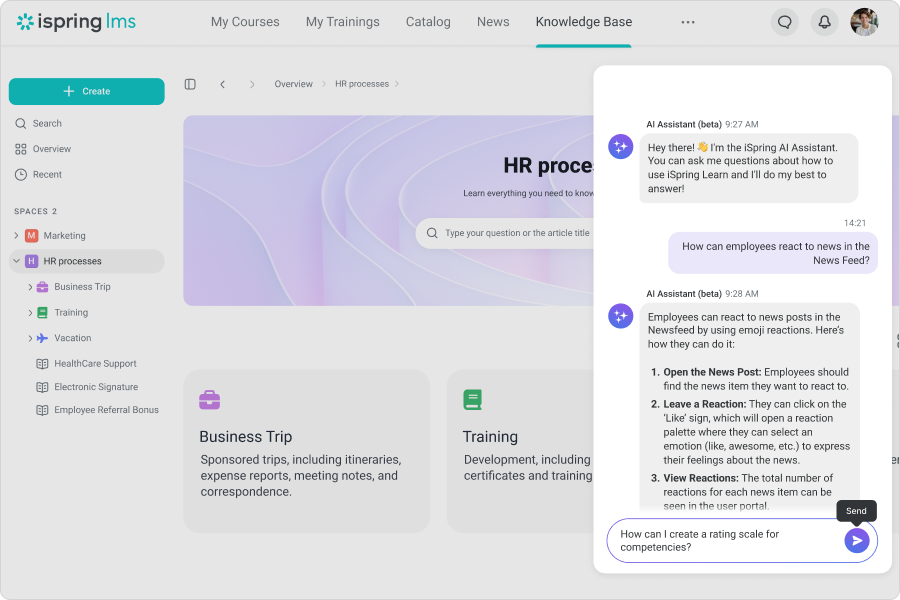
iSpring Learn’s customer support receives high praise for responsiveness. Live chat and tutorials are noted as highly effective in promptly resolving technical issues. iSpring Learn is a strong LMS for organizations focused on efficiency, engagement, and ease of use, with excellent support to ensure adoption success. iSpring Learn is a strong LMS for organizations focused on efficiency, engagement, and ease of use, with excellent support to ensure adoption success.
A de minimis incentive was given to thank the reviewer for their time. The incentive was not used to bias or drive a particular response, nor was the incentive contingent on a positive endorsement. More Info
We can say that most of my students attend my classes twice a week and that's not enough for someone to learn. I put some training for them to do at home and they really enjoy doing them. The kind of progress they make is really satisfying for them and they are always learning.
A de minimis incentive was given to thank the reviewer for their time. The incentive was not used to bias or drive a particular response, nor was the incentive contingent on a positive endorsement. More Info
As a teacher, I used to spend a lot of time correcting my students' papers. Now with iSpring Learn, my time has been saved and everything is done automatically. All the time I can check my students' progress and I know which exams they have taken or they should take. On the whole, online training has really helped a lot of teachers
A de minimis incentive was given to thank the reviewer for their time. The incentive was not used to bias or drive a particular response, nor was the incentive contingent on a positive endorsement. More Info
When I talked to my colleagues or informed them to search for a programme before iSpring Learn, they were not successful in designing and implementing a programme like this. I am sure they have done a lot to implement it in the best and educational way. That was not that easy as we thought.
A de minimis incentive was given to thank the reviewer for their time. The incentive was not used to bias or drive a particular response, nor was the incentive contingent on a positive endorsement. More Info
While your search bar was only able to find one (that I don't really think applies), the state of Georgia has two programs that are very similar: Georgia Connections Academy and K12. I have been a homeschool teacher for years, and am familiar with both of these programs. I feel that GradPoint stacks up very well to these other online learning platforms, and probably better, especially for administrators. My company selected GradPoint, not me, but I do believe they made a great decision, having used Edgenuity before and having many problems...hence their switch to GradPoint.
A de minimis incentive was given to thank the reviewer for their time. The incentive was not used to bias or drive a particular response, nor was the incentive contingent on a positive endorsement. More Info
iSpring is a more entry level LMS. It does not have the same level of features and benefits. For example, it does not have the same level of communication capability. It does not have the same level of reporting functionality. It does not have the same ability to build reporting. It also does not have the same level of communication capabilities
A de minimis incentive was given to thank the reviewer for their time. The incentive was not used to bias or drive a particular response, nor was the incentive contingent on a positive endorsement. More Info
A de minimis incentive was given to thank the reviewer for their time. The incentive was not used to bias or drive a particular response, nor was the incentive contingent on a positive endorsement. More Info
Positive Impact: Works well with our independent sites all over the state, yet allows us to still be all connected.
Positive Impact: Works especially well with me and my special education students. Can go back over each and every missed question, review, clarify, discuss, and achieve mastery. For a special education teacher, this is just lovely!
Negative Impact: I really love GradPoint, but the only negative is since GradPoint is so technology driven, if you have a particularly tech savvy student, we have seen they can 'work around' some of GradPoint's features and 'get ahead'. I am not so tech savvy myself, but this is what my site director has told me, and I would think that is not good and should be looked at/further review/investigation.
A de minimis incentive was given to thank the reviewer for their time. The incentive was not used to bias or drive a particular response, nor was the incentive contingent on a positive endorsement. More Info
iSpring has enabled me to deliver professional education to very high-level learners.
Due to the reviews of my users, many more learners have purchased my courses.
Several professional colleagues have inquired about my experience setting up online courses on iSpring Learn. I told them it was easy, logical, and no hassle; they will love the level of support.