gSignature vs. Letsignit

Overview
ProductRatingMost Used ByProduct SummaryStarting Price
gSignature
Score 0.0 out of 10
Mid-Size Companies (51-1,000 employees)
gSignature helps businesses create professional email signatures for employees. It integrates with Google Workspace to automatically populate user information like names, titles, and contact details. Email signatures can be designed with logos, banners, disclaimers, and social media links. gSignature also offers features for managing large teams, including user acceptance of pre-installed signatures, CSV import/export for employee data, and scheduled signature updates for employees. This…
$1
per month per user
Letsignit
Score 9.8 out of 10
N/A
Letsignit is an email signature management tool, from the company of the same name in Marseille. The vendor states users save marketing and sales teams time by creating, assigning and managing all email signatures from a central platform. It is available via a Starter edition, and a Business edition upgrade featuring additional marketing capabilities.
$12
per month
Pricing
gSignatureLetsignit
Editions & Modules
Premium Plan
$1
per month per user
CAMPAIGNS
starting at $1,5
per month
BRANDING
starting at $1,2
per month
Offerings
Pricing Offerings
gSignatureLetsignit
Free Trial
YesYes
Free/Freemium Version
NoNo
Premium Consulting/Integration Services
NoNo
Entry-level Setup FeeNo setup feeNo setup fee
Additional DetailsPremium package - Aligns employee data with the company's signature template. Supported by the automatic assignment of signatures for new hires in the company. Theconsole for central management of signatures is pay per use.Minimum subscription of $60/month for annual commitment
More Pricing Information
Community Pulse
gSignatureLetsignit
Considered Both Products
gSignature

No answer on this topic

Letsignit
Chose Letsignit
Opensense offered better customer service and more options for design, although I'm not sure about the responsiveness. However, initially, we choose to go with Letsignit due to cost, although we later came to regret this.
Best Alternatives
gSignatureLetsignit
Small Businesses
Terminus ABM Platform
Score 8.0 out of 10
Terminus ABM Platform
Score 8.0 out of 10
Medium-sized Companies
Terminus ABM Platform
Score 8.0 out of 10
Terminus ABM Platform
Score 8.0 out of 10
Enterprises

No answers on this topic

No answers on this topic

All AlternativesView all alternativesView all alternatives
User Ratings
gSignatureLetsignit
Likelihood to Recommend
-
(0 ratings)
6.2
(0 ratings)
User Testimonials
gSignatureLetsignit
Likelihood to Recommend
No answers on this topic
This is a great solution for teams that use Microsoft and want an integrated signatures solution. I think small to medium-sized businesses are likely going to see the most value. It is likely not appropriate for startups or solopreneurs as the big benefit comes from being able to update all signatures simultaneously.
Read full review
Pros
No answers on this topic
  • Streamlines Team Members Signatures
  • Nice format and layout
  • Easy to make edits to all signatures at once.
Read full review
Cons
No answers on this topic
  • Limited to signature builder
  • Responsiveness issues
  • Lack of good customer support
Read full review
Alternatives Considered
No answers on this topic
Opensense offered better customer service and more options for design, although I'm not sure about the responsiveness. However, initially, we choose to go with Letsignit due to cost, although we later came to regret this.
Read full review
Return on Investment
No answers on this topic
  • Increased clicks on links in signatures
  • Easy to introduce feature to clients
  • Responsiveness issues makes our company logo look bad
Read full review
ScreenShots

gSignature Screenshots

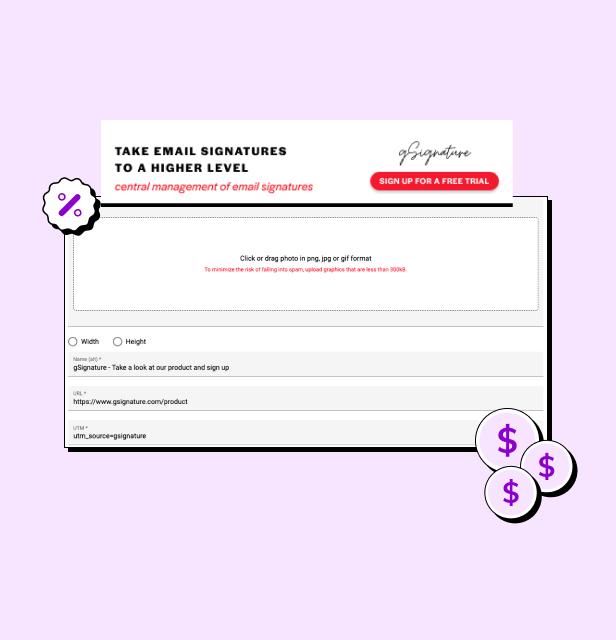
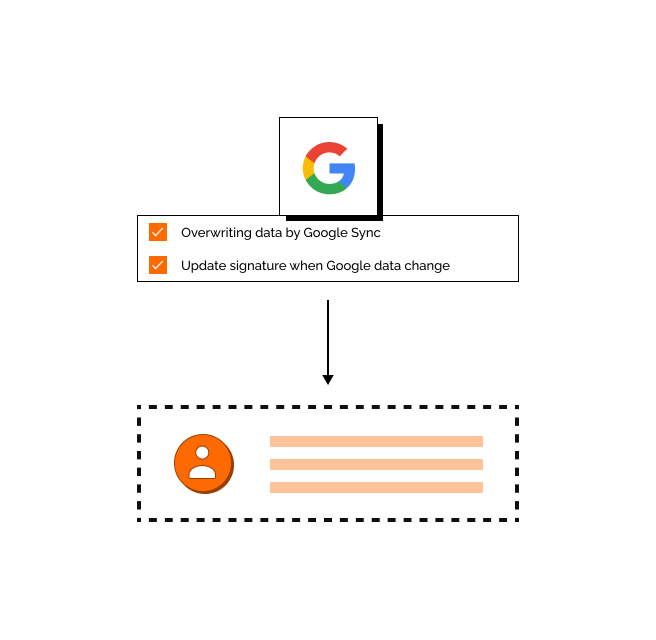
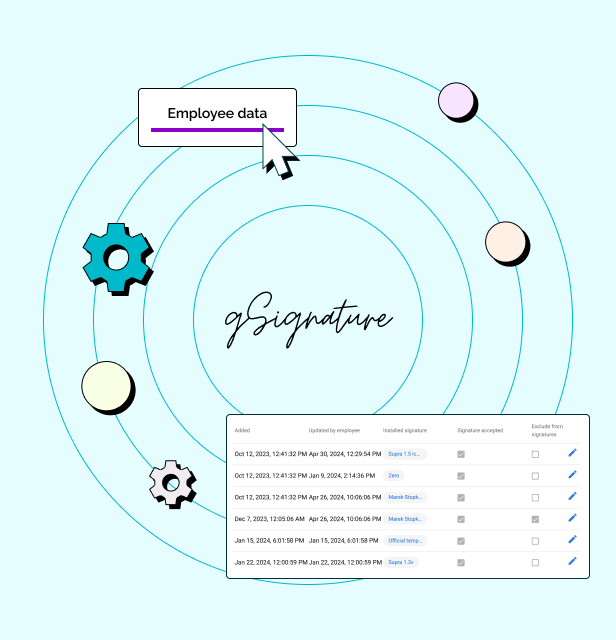
Screenshot of an example email signatureScreenshot of the company footer, which can be used as a tool to support marketing goals.Screenshot of how changes made in the Google Workspace admin console are immediately visible in employee signatures. Each new position added to Google Workspace and its email address, will receive the default signature set by the administrator.Screenshot of how in the system, each employee receives a file with information that can be presented in the footer. If there is no complete data in Google Workspace then no problem - it can be imported in bulk from a CSV file. The IT administrator or authorized persons from other departments can manage employee data, as well as data representing the company's image.