
IDM365 vs. Keeper
IDM365 vs. Keeper
| Product | Rating | Most Used By | Product Summary | Starting Price |
|---|---|---|---|---|
 IDM365 | Enterprise companies (1,001+ employees) | IDM365 is a hybrid between RBAC and ABAC and is a unique identity and access management solution that is designed to make managing systems and governing users simple and cost-effective. To do this, automated tools are used to clean up and organize existing users and roles before taking over the tasks needed for provisioning. According to the vendor, this approach greatly speeds up the implementation process. IDM365’s user-friendly interface then allows… | $10 pr. user pr year (below 1000 users) | |
 Keeper | N/A | Keeper's password security and management platform boasts millions of people and thousands of businesses as users, who manage, secure and enforce strong passwords across all employee logins, applications and sites. Employees can access Keeper natively on all mobile operating systems, desktops and browsers. Keeper enables businesses to auto-generate high-strength passwords, protect sensitive files in an encrypted digital vault, securely share records with teams and integrate with SSO, LDAP and… | $2 per month per user |
| IDM365 | Keeper | |||||||||||||||
|---|---|---|---|---|---|---|---|---|---|---|---|---|---|---|---|---|
| Editions & Modules |
|
| ||||||||||||||
| Offerings |
| |||||||||||||||
| Entry-level Setup Fee | Optional | No setup fee | ||||||||||||||
| Additional Details | The price will reflect the customers needs. Amount of systems connected, amount of users or amount of functionality needed (IDM365 Modules) When buing IDM365 Suite API/Web services development is incl. in license price. | — | ||||||||||||||
| More Pricing Information | ||||||||||||||||
| IDM365 | Keeper |
|---|
| IDM365 | Keeper | |
|---|---|---|
| Small Businesses |  Dashlane Password Manager Score 9.1 out of 10 |  Bitwarden Score 9.3 out of 10 |
| Medium-sized Companies |  RSA Access Manager (Discontinued) Score 10.0 out of 10 | Bitwarden Score 9.3 out of 10 |
| Enterprises | RSA Access Manager (Discontinued) Score 10.0 out of 10 |  Delinea Secret Server Score 7.3 out of 10 |
| All Alternatives | View all alternatives | View all alternatives |
| IDM365 | Keeper | |
|---|---|---|
| Likelihood to Recommend | - (0 ratings) | 10.0 (22 ratings) |
| Usability | - (0 ratings) | 9.0 (2 ratings) |
| Support Rating | - (0 ratings) | 10.0 (2 ratings) |
| IDM365 | Keeper | |
|---|---|---|
| Likelihood to Recommend | ITMC Soft Ltd No answers on this topic | Keeper Security
|
| Pros | ITMC Soft Ltd No answers on this topic | Keeper Security
|
| Cons | ITMC Soft Ltd No answers on this topic | Keeper Security
 Jenny Knafo Product Marketing Specialist |
| Usability | ITMC Soft Ltd No answers on this topic | Keeper Security
|
| Support Rating | ITMC Soft Ltd No answers on this topic | Keeper Security
 Neil Scott Specialist VR360 Photography Company |
| Alternatives Considered | ITMC Soft Ltd No answers on this topic | Keeper Security
 Karambir Singh Khalsa Chief Executive Officer |
| Return on Investment | ITMC Soft Ltd No answers on this topic | Keeper Security
 Terry Farrell Senior Schedule Maintenance Coordinator |
| ScreenShots | IDM365 Screenshots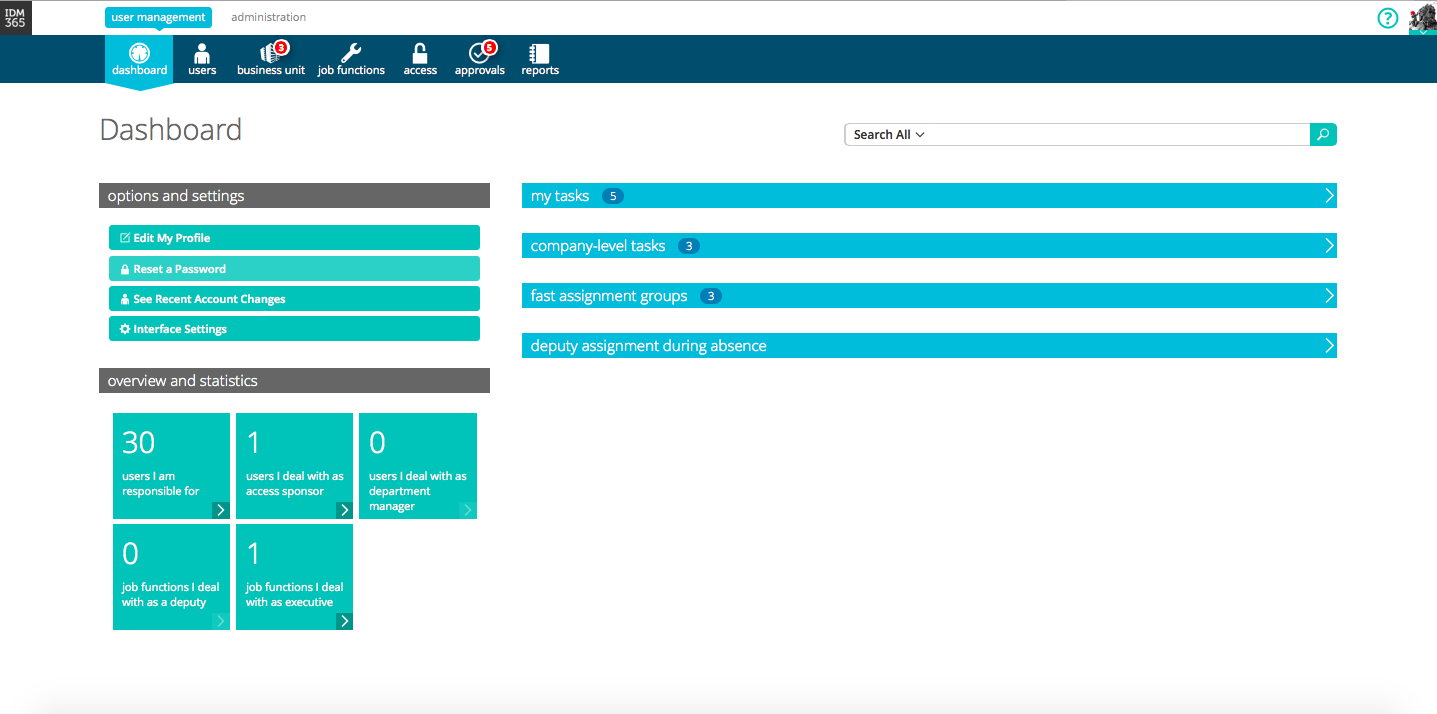 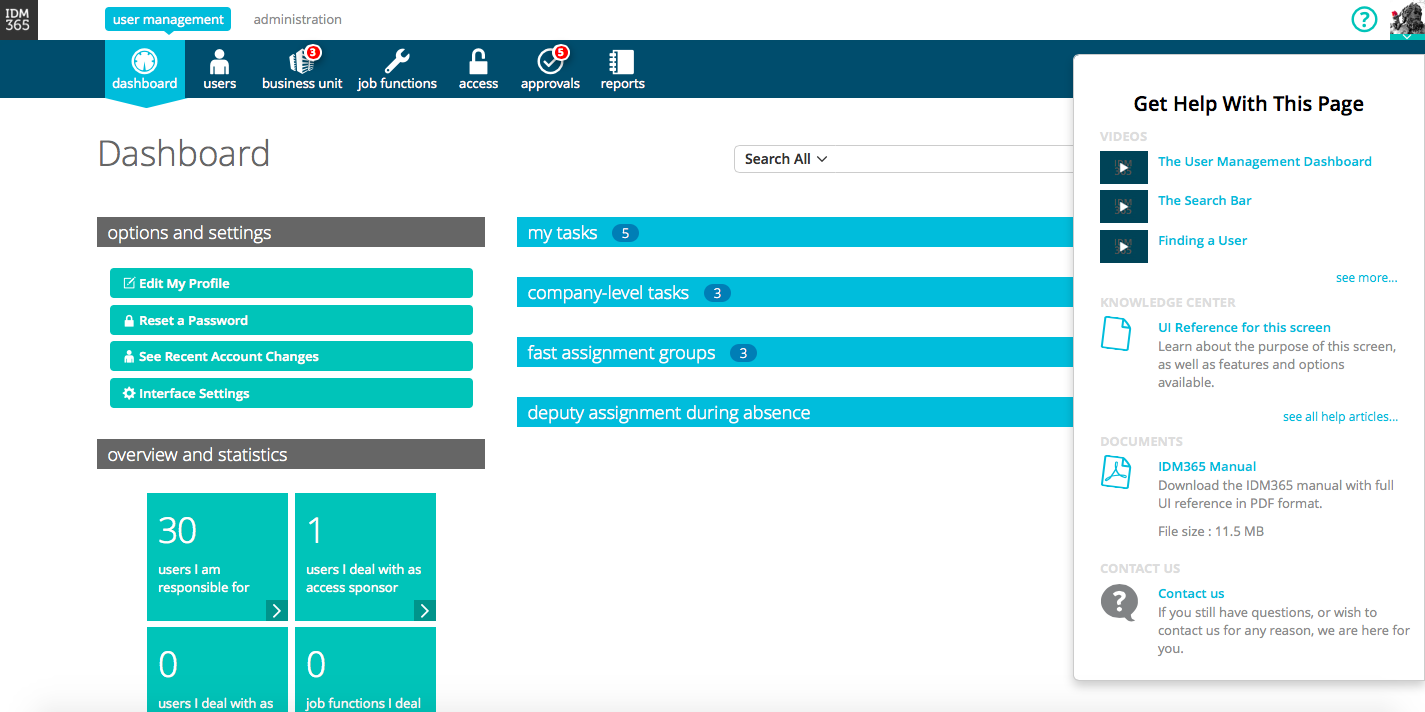 | Keeper Screenshots      |