
Informatica Data Archive (legacy) vs. MacroView Mail
Informatica Data Archive (legacy) vs. MacroView Mail
| Product | Rating | Most Used By | Product Summary | Starting Price |
|---|---|---|---|---|
 Informatica Data Archive (legacy) | N/A | Informatica Data Archive is used to control data growth in production databases and retire legacy applications. It is a legacy product and will not receive further updates. | N/A | |
 MacroView Mail | Mid-Size Companies (51-1,000 employees) | MacroView Mail is a Microsoft Outlook add-in that simplifies the way organisations manage email as business records. It enables users to save emails and attachments directly to SharePoint Online, Microsoft Teams, and OneDrive from within Outlook, ensuring important communication is consistently captured in the right location. Its structured filing experience promotes accurate metadata entry, supports compliance, and reduces the risk of information being lost in personal… | $4.05 per month per user |
| Informatica Data Archive (legacy) | MacroView Mail | |||||||||||||||
|---|---|---|---|---|---|---|---|---|---|---|---|---|---|---|---|---|
| Editions & Modules | No answers on this topic | No answers on this topic | ||||||||||||||
| Offerings |
| |||||||||||||||
| Entry-level Setup Fee | No setup fee | No setup fee | ||||||||||||||
| Additional Details | — | — | ||||||||||||||
| More Pricing Information | ||||||||||||||||
| Informatica Data Archive (legacy) | MacroView Mail |
|---|
| Informatica Data Archive (legacy) | MacroView Mail | |
|---|---|---|
| Small Businesses |  Amazon S3 Glacier Score 9.0 out of 10 |  Front Score 9.2 out of 10 |
| Medium-sized Companies |  Google Vault Score 9.5 out of 10 | Front Score 9.2 out of 10 |
| Enterprises |  Microsoft Exchange Score 8.6 out of 10 | Front Score 9.2 out of 10 |
| All Alternatives | View all alternatives | View all alternatives |
| Informatica Data Archive (legacy) | MacroView Mail | |
|---|---|---|
| Likelihood to Recommend | 9.9 (4 ratings) | - (0 ratings) |
| Informatica Data Archive (legacy) | MacroView Mail | |
|---|---|---|
| Likelihood to Recommend | Discontinued Products
 Iam Gael Garcia Search Engine Marketing Manager | MacroView Business Technology Pty Ltd No answers on this topic |
| Pros | Discontinued Products
| MacroView Business Technology Pty Ltd No answers on this topic |
| Cons | Discontinued Products
| MacroView Business Technology Pty Ltd No answers on this topic |
| Alternatives Considered | Discontinued Products
 Surbhi Singhal Senior Software Engineer | MacroView Business Technology Pty Ltd No answers on this topic |
| Return on Investment | Discontinued Products
Iam Gael Garcia Search Engine Marketing Manager | MacroView Business Technology Pty Ltd No answers on this topic |
| ScreenShots | MacroView Mail Screenshots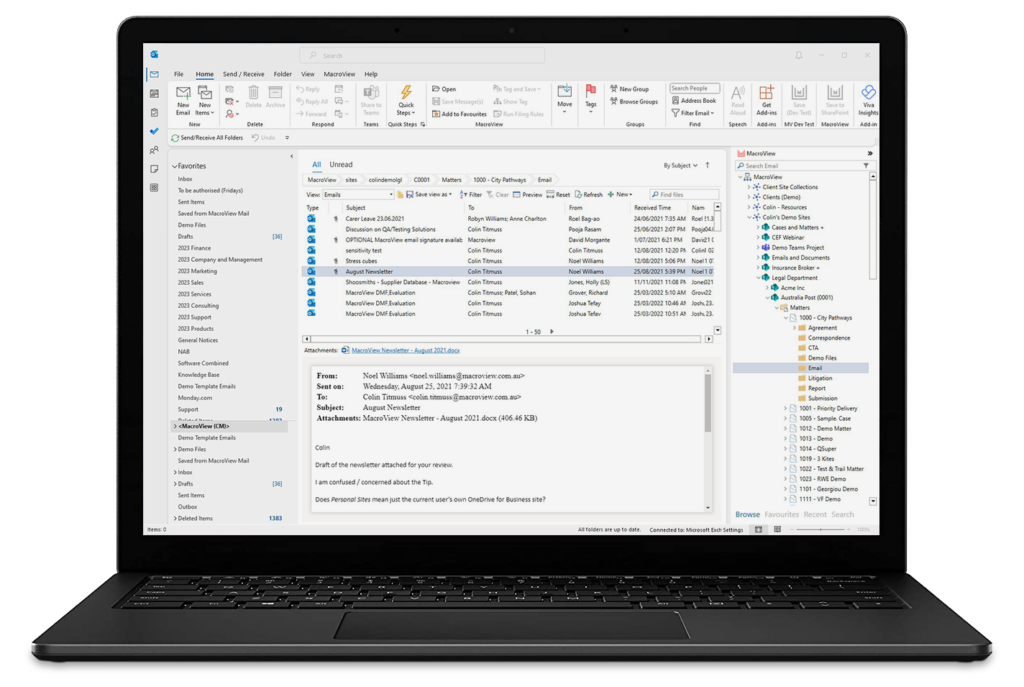 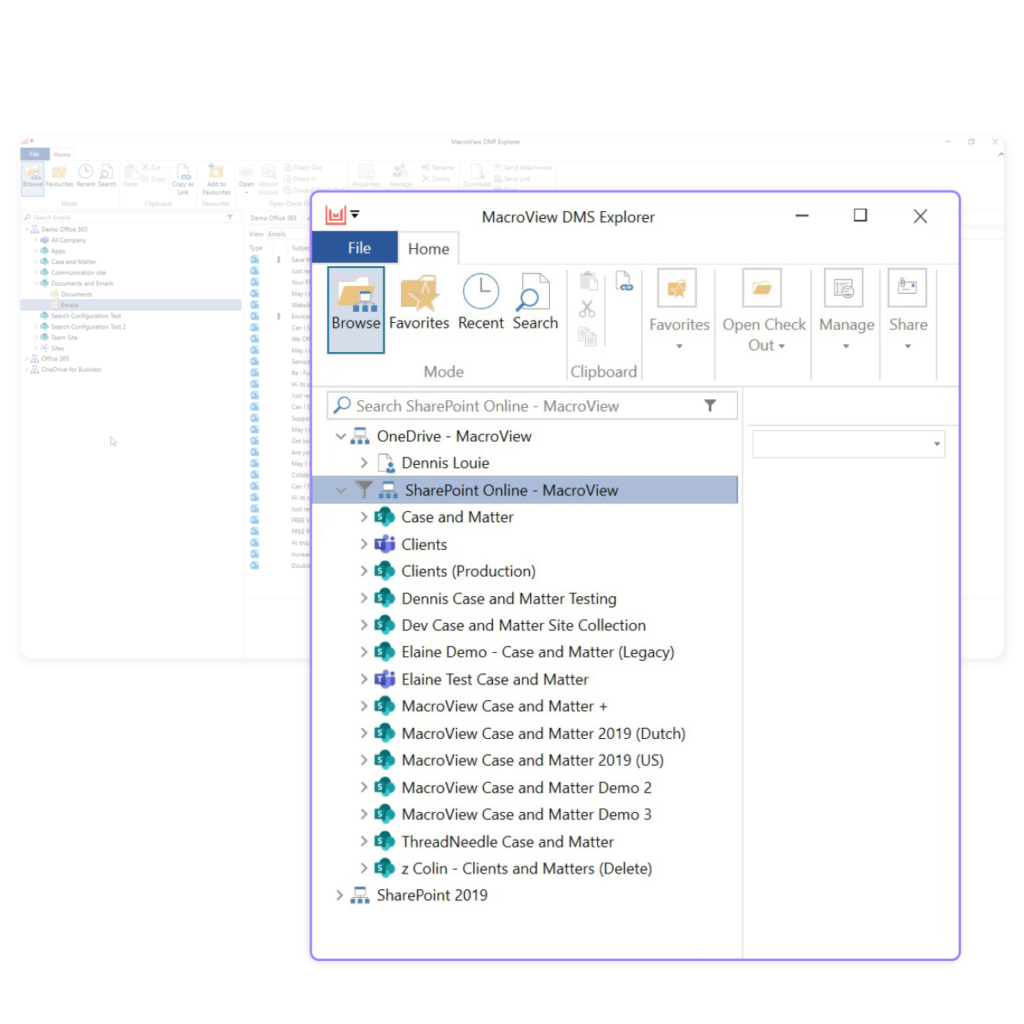 |