Intervals vs. Zoho Invoice

Overview
ProductRatingMost Used ByProduct SummaryStarting Price
Intervals
Score 9.0 out of 10
N/A
Intervals is a project management solution built around three primary features: predictive analytics, time and expense tracking, and data-driven analytics.
$29
per month
Zoho Invoice
Score 9.2 out of 10
N/A
Zoho Invoice is a cloud-based invoicing solution designed to help small businesses with invoicing, tracking expenses, and accepting online payments. Key features include project billing, time tracking, reporting, customizable templates, and a client portaI. Teams using Zoho Invoice can track estimates, convert them to invoices, and send reminders to clients to complete their outstanding payments. Additionally, users can create tasks, collect advance payments for projects, and keep…
$0
Per Organisation, Per Month
Pricing
IntervalsZoho Invoice
Editions & Modules
Lite
$29
per month
Basic
$49
per month
Not So Basic
$69
per month
Professional
$99
per month
Premium
$159
per month
Top Shelf
$219
per month
Unlimited
$299
per month
Free
$0
Per Organisation, Per Month
Offerings
Pricing Offerings
IntervalsZoho Invoice
Free Trial
YesNo
Free/Freemium Version
NoYes
Premium Consulting/Integration Services
NoNo
Entry-level Setup FeeNo setup feeRequired
Additional DetailsAll of our plans include unlimited users except for the Lite plan. We have usage based pricing based on the amount of active projects needed and document storage needs. You do not pay per person with a login.Zoho Invoice is a completely free product. It has no contracts, no ads, and no hidden fees
More Pricing Information
Community Pulse
IntervalsZoho Invoice
Features
IntervalsZoho Invoice
Project Management
Comparison of Project Management features of Product A and Product B
Intervals
3.5
1 Ratings
76% below category average
Zoho Invoice
-
Ratings
Task Management7.01 Ratings00 Ratings
Resource Management5.01 Ratings00 Ratings
Gantt Charts3.01 Ratings00 Ratings
Scheduling2.01 Ratings00 Ratings
Workflow Automation3.01 Ratings00 Ratings
Team Collaboration3.01 Ratings00 Ratings
Document Management3.01 Ratings00 Ratings
Timesheet Tracking3.01 Ratings00 Ratings
Change request and Case Management3.01 Ratings00 Ratings
Budget and Expense Management3.01 Ratings00 Ratings
Professional Services Automation
Comparison of Professional Services Automation features of Product A and Product B
Intervals
1.5
1 Ratings
135% below category average
Zoho Invoice
-
Ratings
Quotes/estimates1.01 Ratings00 Ratings
Invoicing1.01 Ratings00 Ratings
Project & financial reporting3.01 Ratings00 Ratings
Integration with accounting software1.01 Ratings00 Ratings
Best Alternatives
IntervalsZoho Invoice
Small Businesses
Stackby
Stackby
Score 8.9 out of 10
vcita
vcita
Score 9.0 out of 10
Medium-sized Companies
InEight
InEight
Score 8.4 out of 10
TimeCamp
TimeCamp
Score 7.0 out of 10
Enterprises
InEight
InEight
Score 8.4 out of 10
TimeCamp
TimeCamp
Score 7.0 out of 10
All AlternativesView all alternativesView all alternatives
User Ratings
IntervalsZoho Invoice
Likelihood to Recommend
5.0
(1 ratings)
9.5
(13 ratings)
Usability
-
(0 ratings)
9.8
(3 ratings)
User Testimonials
IntervalsZoho Invoice
Likelihood to Recommend
Pelago
Intervals tracks time against project budgets.
Read full review
Zoho
Zoho Invoice streamlines invoicing, payments, and customer interactions, improving financial health and saving time, money, and energy. It ensures billing accuracy, reduces errors, and streamlines client billing by tracking goals and streamlining invoice generation. Zoho Invoice focuses on automation and invocation management to efficiently complete multiple tasks. Zoho Invoice has all the features needed for an invoicing system, but it could be better at integrating with other CRM platforms and simplifying taxation.
Read full review
Pros
Pelago
  • Timesheet approvals
  • Project budget comparisons
  • Employee time management
Read full review
Zoho
  • Multiple payment platforms integrated for ease of client payment.
  • You can create different hourly rates for various tasks or individuals within an organization.
  • You can attach files to your invoices.
  • Clients get their very own log-in.
  • Ability to create credit notes.
Read full review
Cons
Pelago
  • Its interface is clunky - it is old school
  • At times, setting up a project can be too complex
Read full review
Zoho
  • Time tracking, though easy enough, could be simplified. Having the ability to change default settings when entering time could save a few keystrokes.
  • The ability to automatically take unbilled hours and pull into a new invoice seems to be there, but it is a bit cumbersome. It also defaults to too much detail. Having the ability to customize would be great.
  • The ability to auto-BCC yourself on all invoices sent out would be a nice feature.
Read full review
Usability
Pelago
No answers on this topic
Zoho
Zoho invoice has changed my expectations of what services like this can be. Providing something as simple as invoicing for small businesses who are struggling to find places to cut costs at such a reasonable rate is life-changing for some businesses. I know it was for mine. We saved so much that we did not have to cut in other areas. That has helped to keep us in business and grow it as well.
Read full review
Alternatives Considered
Pelago
Cheaper, and faster
Read full review
Zoho
Google Drive stored my invoices in one accessible location but required more time and maintenance. I didn't want to invest the time into building out sheet functions to carry over figures across sheets, so I researched invoicing options. I am already a fan of Zoho services, so it was an easy decision to try out their Invoicing site. Same login, the same level of support, free trial. No risk! I was pleased to find the solution on my first try.
Read full review
Return on Investment
Pelago
  • Intervals has provided a positive impact on project time management
Read full review
Zoho
  • Zoho Invoice has created a positive impact by allowing us to successfully organize and track online payments and invoices.
  • Zoho Invoice has saved us both time and money by making our invoicing business processes automatic and effortless.
  • Zoho Invoice has created a positive return on our investment many times over. It's increased business functions to help generate more profits in shorter periods of time.
Read full review
ScreenShots

Intervals Screenshots

Screenshot of Productivity calendar that shows tasks, notes, and milestonesScreenshot of Weekly TimesheetScreenshot of Project DashboardScreenshot of ClientsScreenshot of Reporting

Zoho Invoice Screenshots

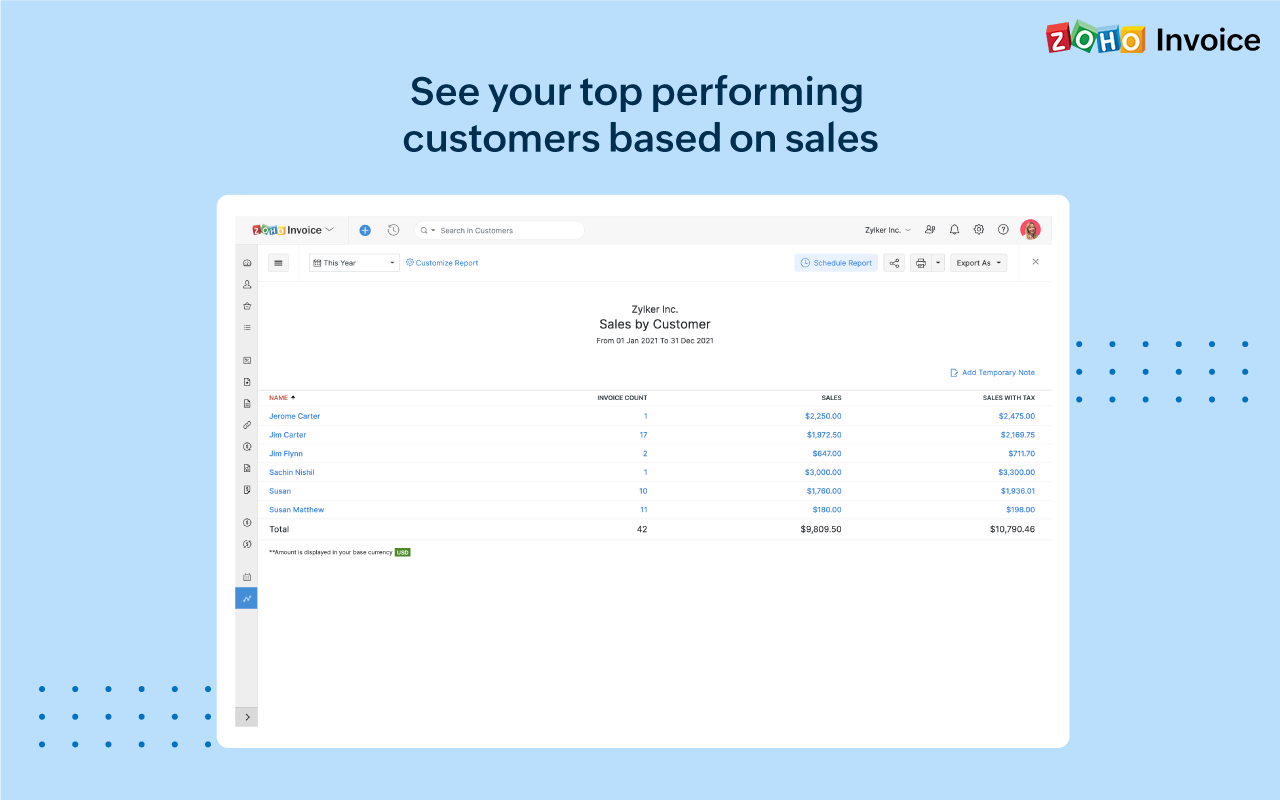
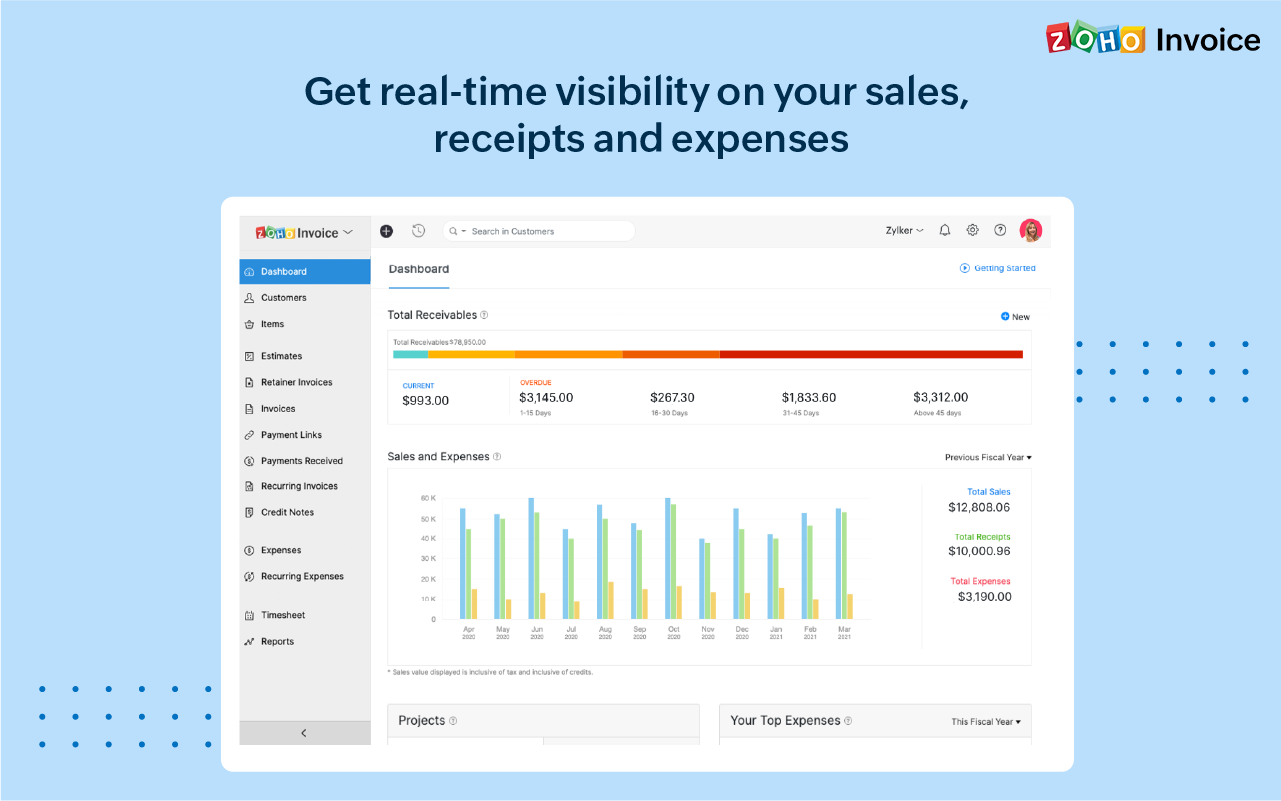
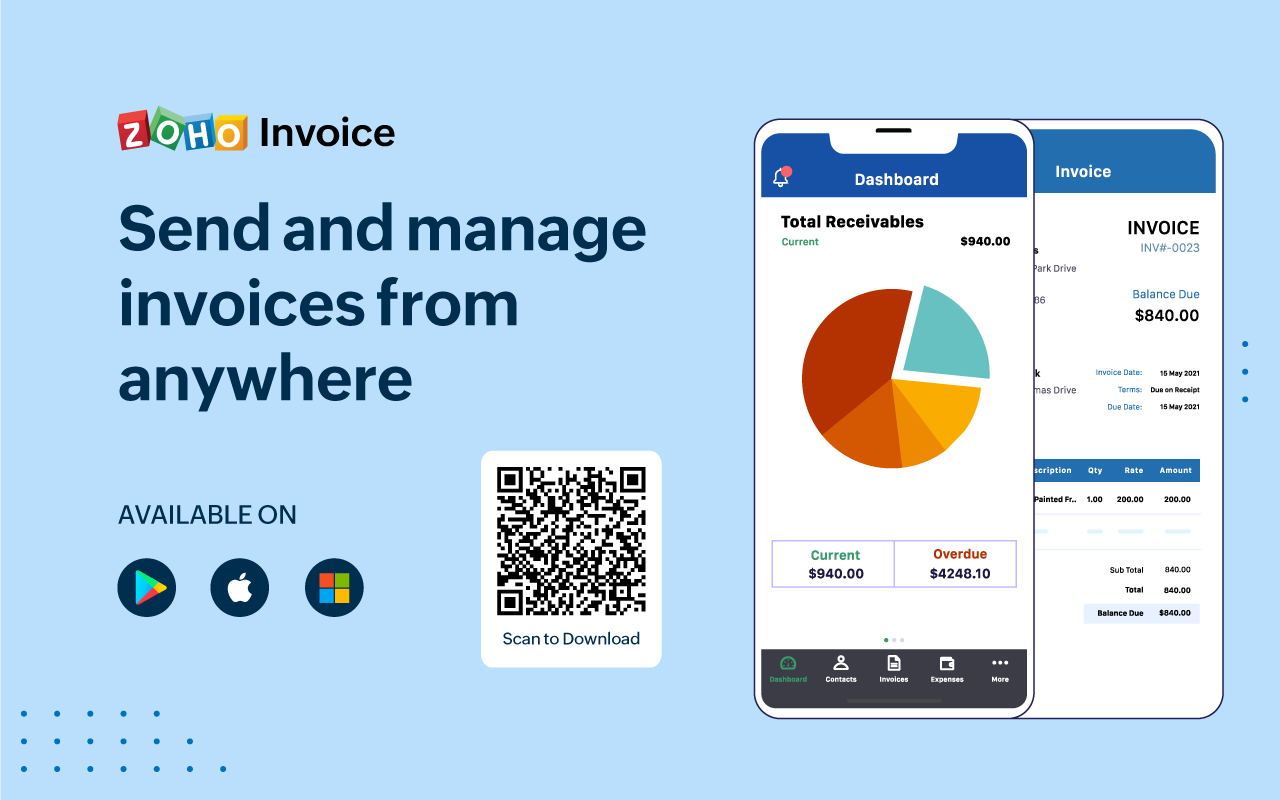
Screenshot of 100% free invoicing software designed for small business owners & freelancers.Screenshot of Customize the look and feel of your invoices to provide a consistent and professional outlook.Screenshot of Add tasks, invite users, track the time worked for each project, and bill your clients just the way you want.Screenshot of Get real-time insights into sales, receivables, expenses, and projects with a host of built-in reports.Screenshot of Get a quick snapshot of your business health and know your monthly sales, current and overdue invoices, payments collected, your top expenses, and more.Screenshot of Create and share invoices, record payments, look up customers' details or past invoice history even if you're away from your desk.