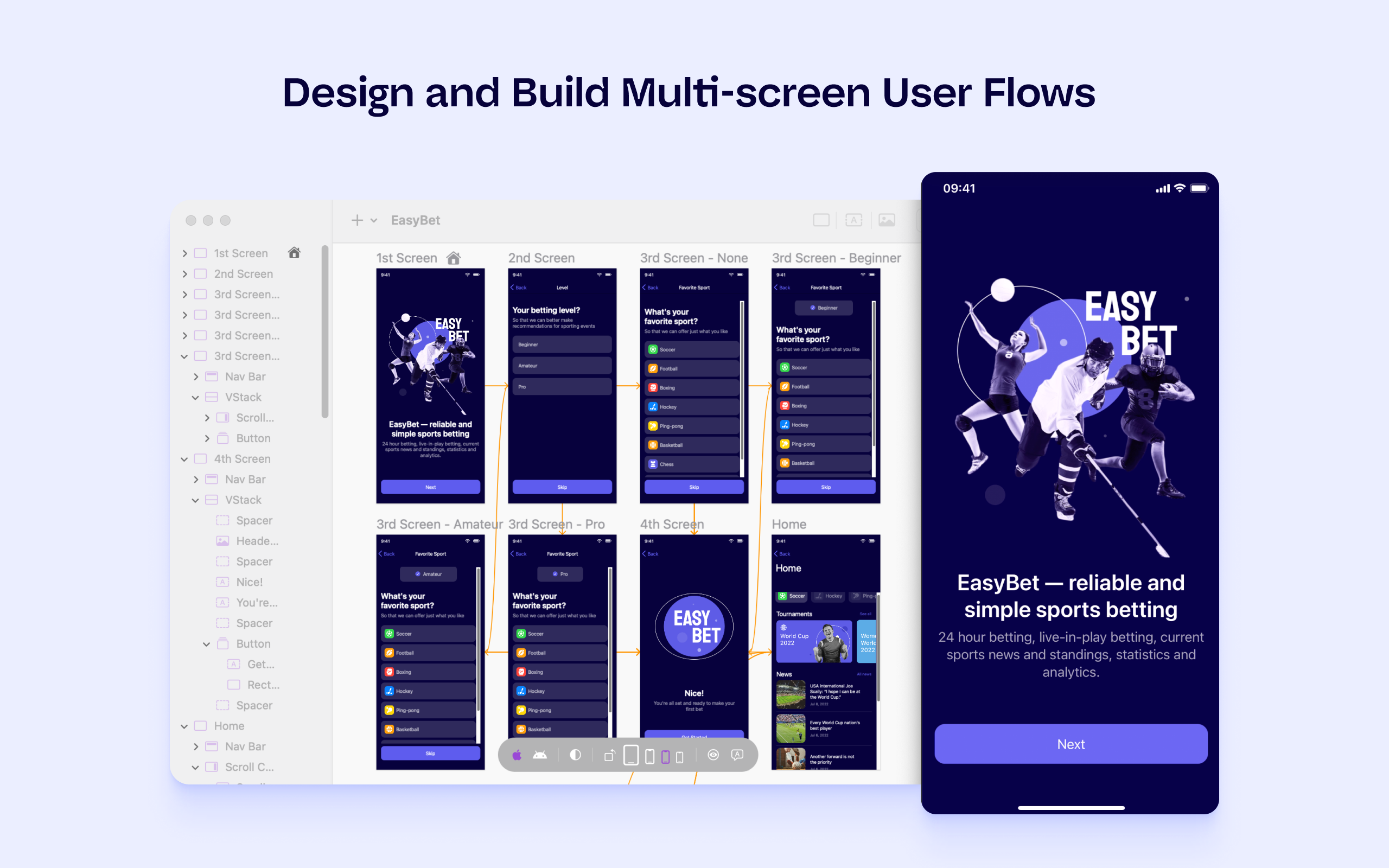
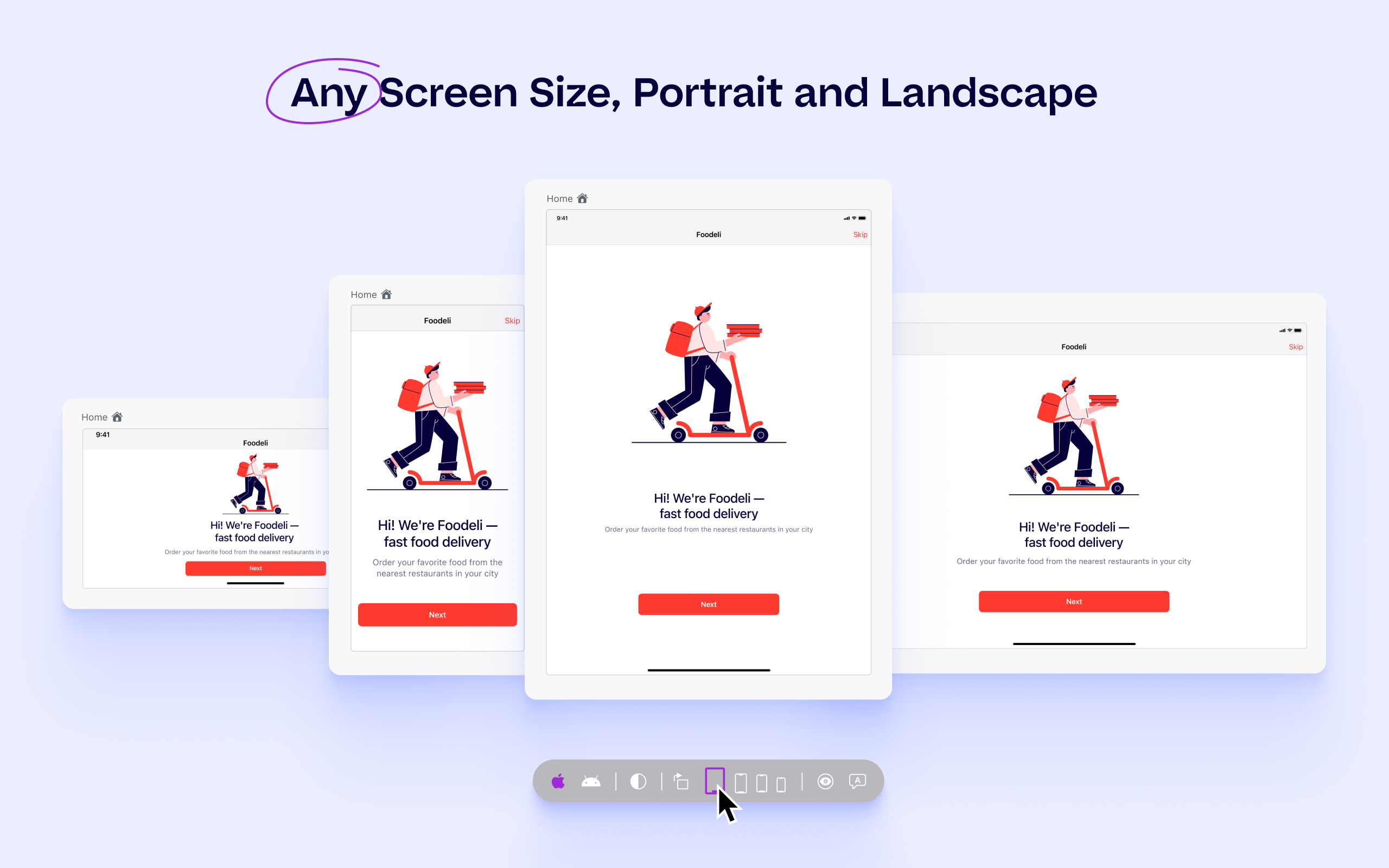
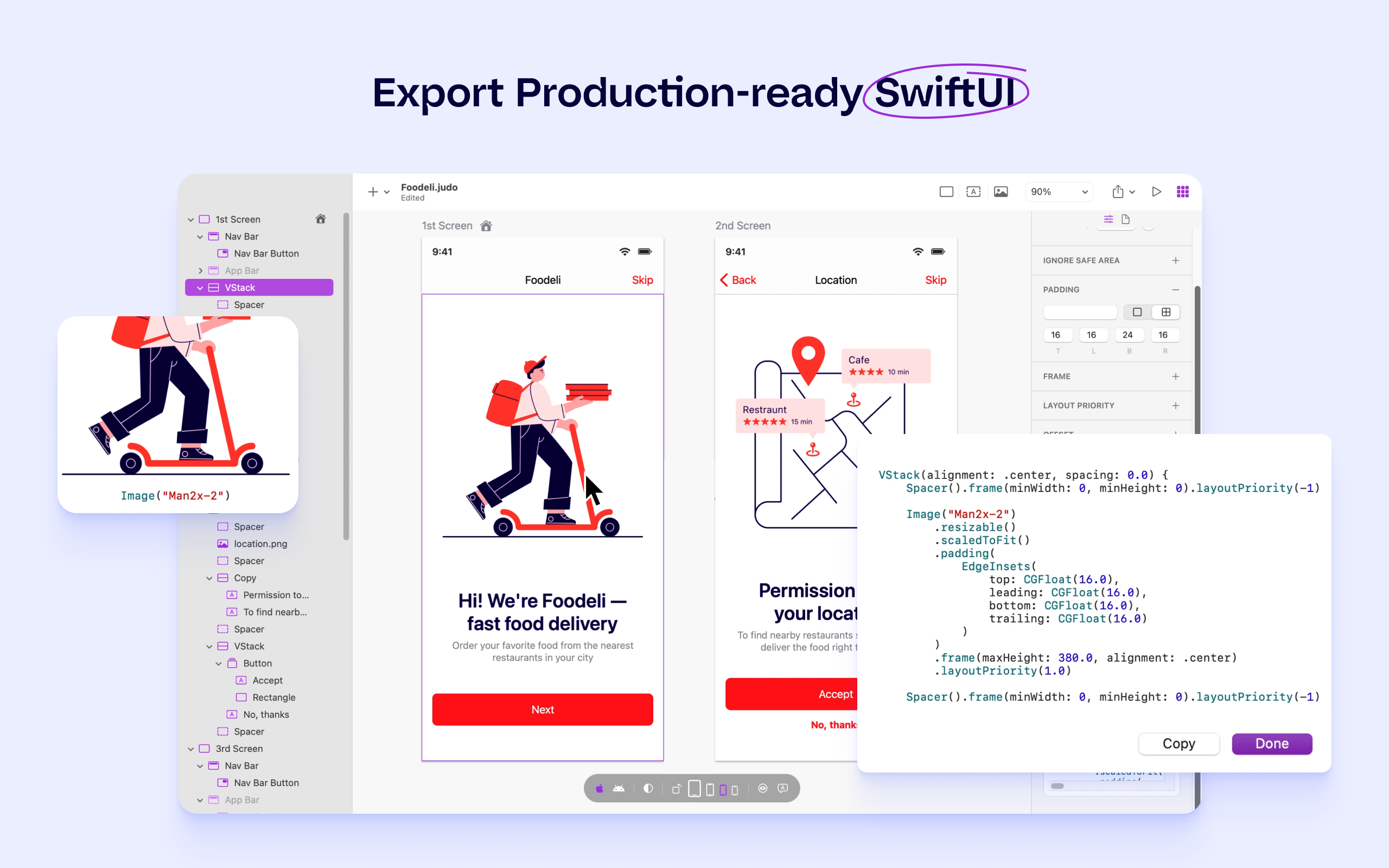
Judo is a design and build tool for SwiftUI apps that helps product teams ship faster and more efficiently. Users can build interfaces while designing in Judo's infinite canvas, avoiding unnecessary back-and-forth between design and development. Judo helps to enhance the user's workflow, reduce friction in design handoff and test fully-functioning prototypes and UI quickly, as well as make data-driven product decisions in real time and publish them instantly.
If you are required to develop applications that are cross-platformed, Xamarin is a great tool to use. It will help save time and effort from your development team to be able to build applications seamlessly for android, IOS, Windows, and web on a single platform instead of requiring multiple tools to get the job done.
A de minimis incentive was given to thank the reviewer for their time. The incentive was not used to bias or drive a particular response, nor was the incentive contingent on a positive endorsement. More Info
Xamarin allows you to write cross platform code. This allows companies to build apps more quickly by writing less code. Having code abstracted and reused across multiple platforms allows for more testing and less issues overall.
The ability to use Visual Studio is a huge plus. Visual Studio is one of the best IDE's available and being able to write cross platforms apps while in a great IDE makes everything less painful.
Xamarin is now free with a large company backing. This means that bugs on the platform get fixed more quickly and there is a large community of developers.
A de minimis incentive was given to thank the reviewer for their time. The incentive was not used to bias or drive a particular response, nor was the incentive contingent on a positive endorsement. More Info
A de minimis incentive was given to thank the reviewer for their time. The incentive was not used to bias or drive a particular response, nor was the incentive contingent on a positive endorsement. More Info
Xamarin has been great for developing different projects efficiently and effectively. It's nice to reuse the core business logic across different platforms so that there are less to maintain and little replications are needed. The biggest benefit is that C# programmers do not have to learn a different language to do mobile development.
A de minimis incentive was given to thank the reviewer for their time. The incentive was not used to bias or drive a particular response, nor was the incentive contingent on a positive endorsement. More Info
If you are required to develop applications that are cross-platformed, Xamarin is a great tool to use. It will help save time and efforts from your development team to be able to build applications seamlessly for android, IOS, windows, and web on a single platform instead of requiring multiple tools to get the job done
A de minimis incentive was given to thank the reviewer for their time. The incentive was not used to bias or drive a particular response, nor was the incentive contingent on a positive endorsement. More Info
I never had to contact support for any help. Most of the problems we ran into, we were able to identify and use peer support through blogs and other internet sources to resolve the problems. There are plenty of sources online which provide tutorials, discuss problems, etc. Example: StackOverflow
A de minimis incentive was given to thank the reviewer for their time. The incentive was not used to bias or drive a particular response, nor was the incentive contingent on a positive endorsement. More Info
Just with any programming tasks, have a plan first. Design out the system, spend time to build it correctly the first time and have plenty of testing and user acceptance opportunities. Xamarin was easy to implement for a C# programmer. However, you need to do tutorials to realize the platform's capabilities.
A de minimis incentive was given to thank the reviewer for their time. The incentive was not used to bias or drive a particular response, nor was the incentive contingent on a positive endorsement. More Info
Xamarin runs natively on MacOS, and the debugger and other integration and auto-complete tools are far better than Eclipse for C# .NET. It also carries much of the plugin/add-on capabilities that are so desirable on Atom. Eclipse is a better for generalized software development, provided a developer is comfortable switching between the IDE the command line for certain parts of their workflow, like building, package management, or debugging. But for C# .NET development on MacOS specifically, Xamarin is the best product I've used for the job.
A de minimis incentive was given to thank the reviewer for their time. The incentive was not used to bias or drive a particular response, nor was the incentive contingent on a positive endorsement. More Info
A de minimis incentive was given to thank the reviewer for their time. The incentive was not used to bias or drive a particular response, nor was the incentive contingent on a positive endorsement. More Info