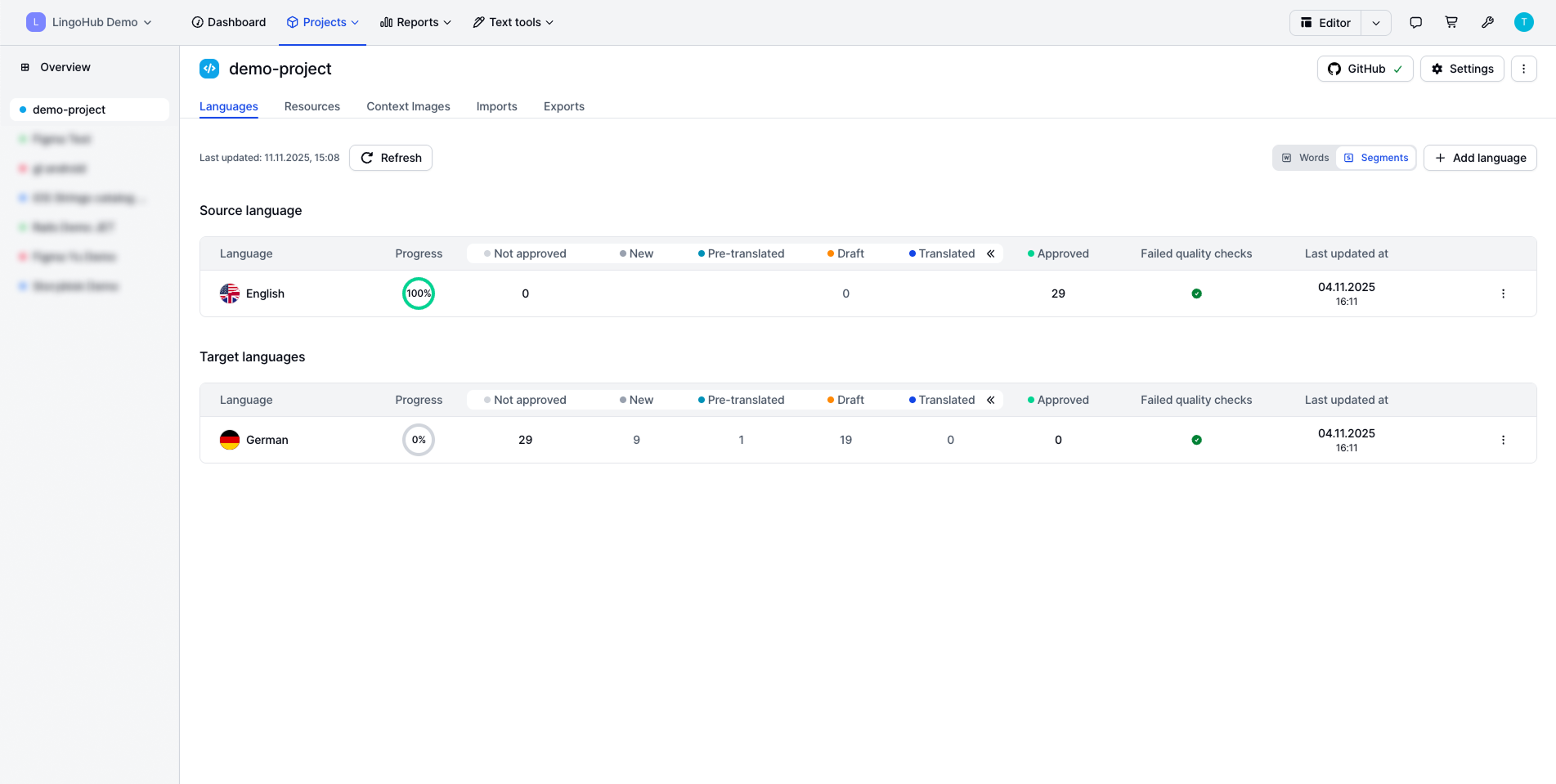
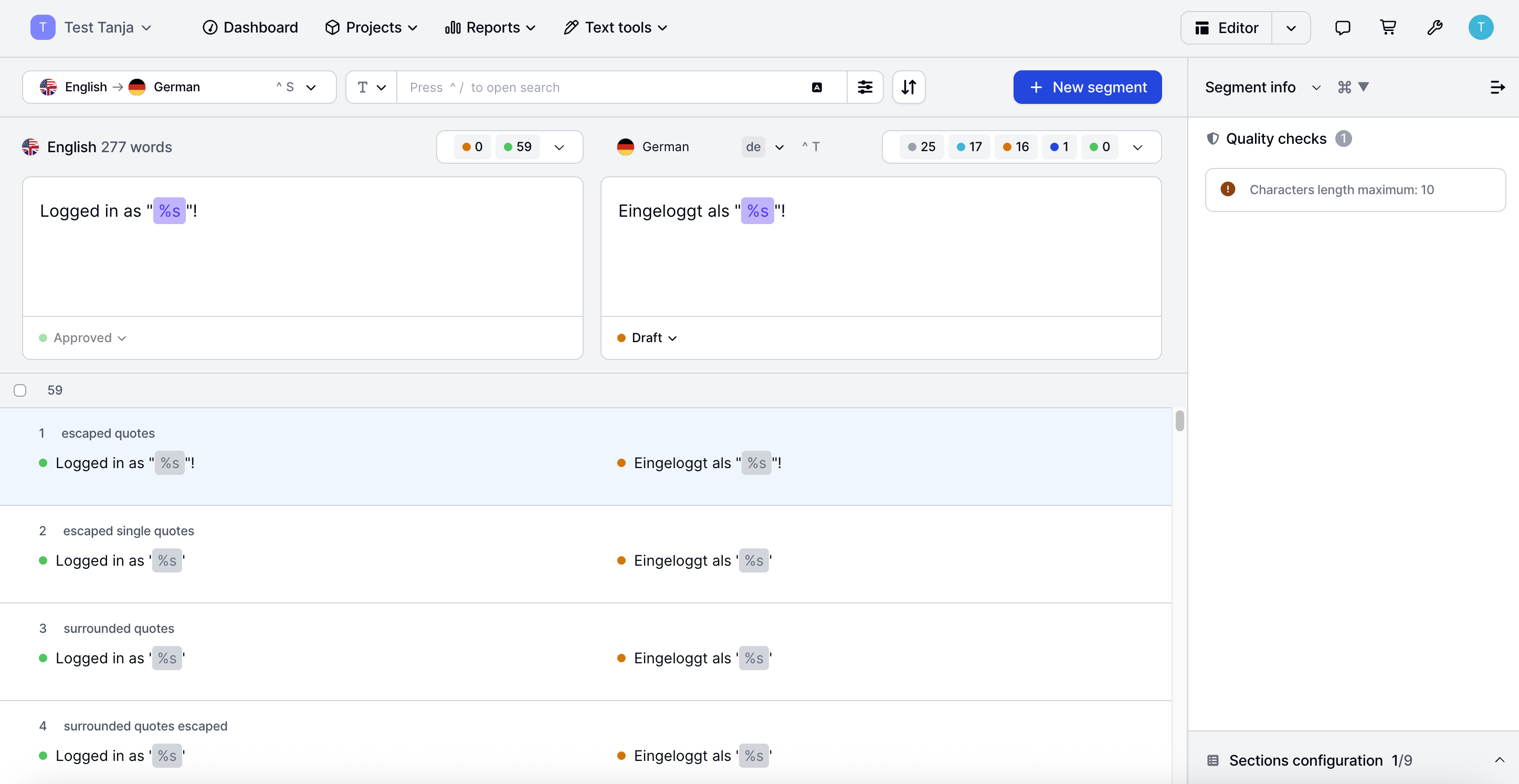
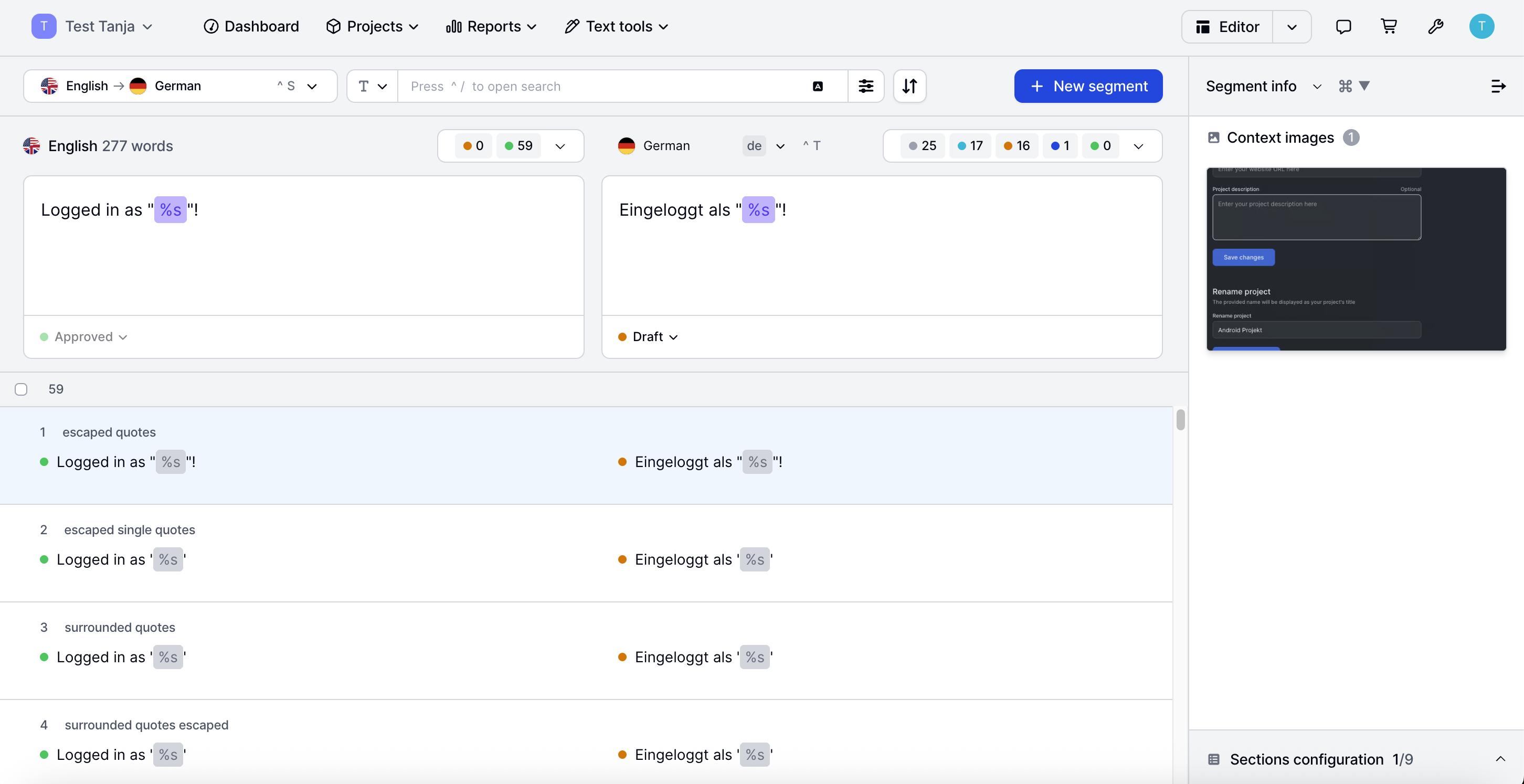
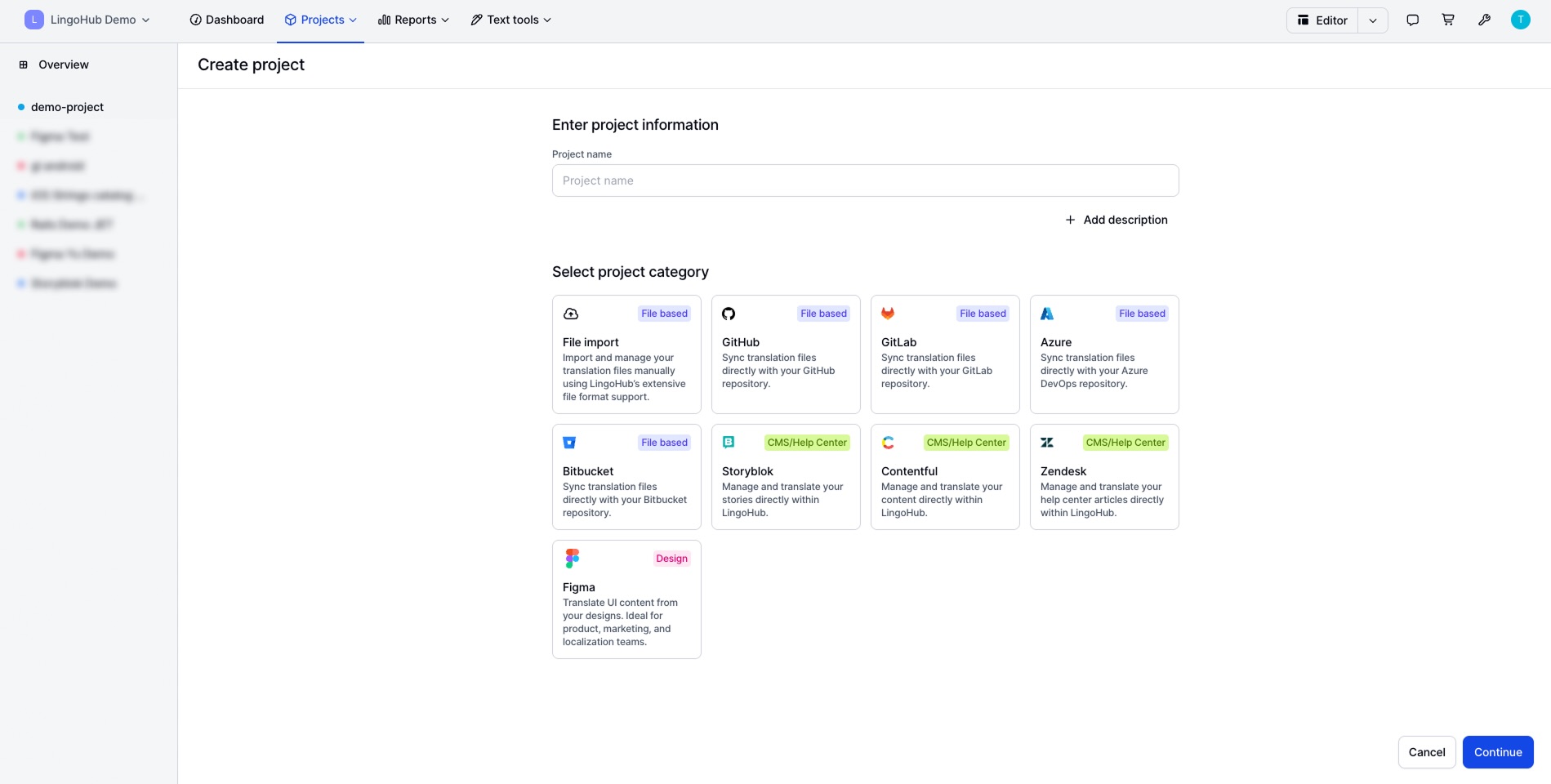
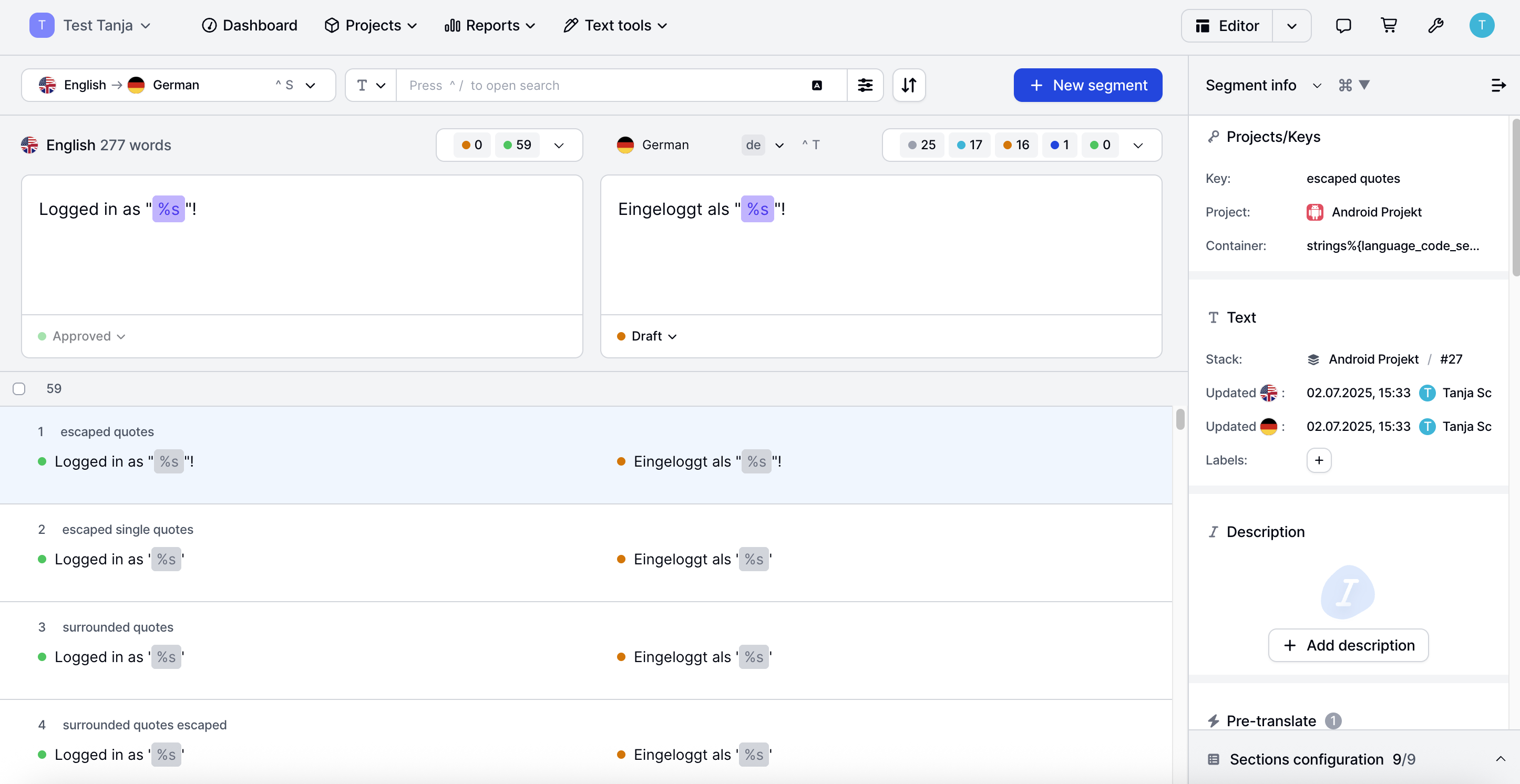
The LingoHub platform enables project managers, marketers, developers, and translators to work together, coordinating localization. Integrations with CMS, development, design, and support tools keep teams aligned, while CAT features, AI-driven workflows, and automated quality checks ensure reliable multilingual content.
$0
per month
memoQ
Score6.1 out of 10
N/A
memoQ is a translation technology from the company of the same name headquartered in Budapest, boasting an emphasis on quality, innovation and customer satisfaction.
A multinational company is managing a large-scale localization project with translators, reviewers, and project managers spread across different countries. They need a platform that allows seamless collaboration, ensures translation consistency, and maintains version control without delays caused by time zone differences or manual file exchanges.
A de minimis incentive was given to thank the reviewer for their time. The incentive was not used to bias or drive a particular response, nor was the incentive contingent on a positive endorsement. More Info
I believe memoQ is the best CAT tool of all the ones I have tested. As a PM, it has a lot of file filters that are highly customizable. You can even use cascading filters to add extra filter settings to the default file filter. Also, the use of REGEX is almost available everywhere in memoQ. You can use regex for filenames, regex for tagging items in files, regex when importing items, regex when exporting translations, regex for QA checking, regex for filtering, etc. They also added a regex library so you can save your favorite regex and easily reuse them. From a translator's point of view, the LiveDocs functionality is something that no other CAT tool has (to my knowledge). With LiveDocs you can just add any type of document, and if it has selectable text, memoQ will search this text as if it were a TM while translating. Even for non-bilingual documents, this is really helpful as you can sometimes need to reference other materials while translating.
A de minimis incentive was given to thank the reviewer for their time. The incentive was not used to bias or drive a particular response, nor was the incentive contingent on a positive endorsement. More Info
A de minimis incentive was given to thank the reviewer for their time. The incentive was not used to bias or drive a particular response, nor was the incentive contingent on a positive endorsement. More Info
A de minimis incentive was given to thank the reviewer for their time. The incentive was not used to bias or drive a particular response, nor was the incentive contingent on a positive endorsement. More Info
We are using memoQ for only certain projects and it’s not our main tool. It’s relatively slow and sometimes it can get too complicated. It does the job in the end but we prefer Memsource because of its easy-to-use interface as time is very important for us as project managers.
A de minimis incentive was given to thank the reviewer for their time. The incentive was not used to bias or drive a particular response, nor was the incentive contingent on a positive endorsement. More Info
A de minimis incentive was given to thank the reviewer for their time. The incentive was not used to bias or drive a particular response, nor was the incentive contingent on a positive endorsement. More Info