Lookback vs. Trymata

Overview
ProductRatingMost Used ByProduct SummaryStarting Price
Lookback
Score 7.8 out of 10
N/A
Lookback is a UX research platform for mobile & desktop moderated and unmoderated research, from the company of the same name in Palo Alto.N/A
Trymata
Score 3.4 out of 10
N/A
Trymata (formerly TryMyUI) is a remote usability testing platform that offers cross-platform services for testing and improving the user experience. The product allows the user to watch videos of real people using a website or app to see where (and why) users get frustrated, lost, or confused.
$299
10 test credits/2 seats
Pricing
LookbackTrymata
Editions & Modules
No answers on this topic
Team Plan
$299.00
10 test credits/2 seats
Enterprise Plan
$1,200.00+
30 credits/5 seats
Offerings
Pricing Offerings
LookbackTrymata
Free Trial
NoYes
Free/Freemium Version
NoNo
Premium Consulting/Integration Services
NoNo
Entry-level Setup FeeNo setup feeNo setup fee
Additional Details
More Pricing Information
Best Alternatives
LookbackTrymata
Small Businesses
Smartlook
Smartlook
Score 8.5 out of 10
Smartlook
Smartlook
Score 8.5 out of 10
Medium-sized Companies
Optimal
Optimal
Score 9.1 out of 10
Optimal
Optimal
Score 9.1 out of 10
Enterprises
Optimal
Optimal
Score 9.1 out of 10
Optimal
Optimal
Score 9.1 out of 10
All AlternativesView all alternativesView all alternatives
User Ratings
LookbackTrymata
Likelihood to Recommend
8.9
(2 ratings)
-
(0 ratings)
Usability
8.0
(1 ratings)
-
(0 ratings)
User Testimonials
LookbackTrymata
Likelihood to Recommend
Lookback
Best suited to conduct remote interviews that are moderated and facilitated by the interviewer/researcher.
Not the best if you want to do it unmoderated, there are much more sophisticated tools out there. Unfortunately, for a design research team that does both these kids of research, it can be hard to get budgets to get two softwares and hence the Unmoderated Feature can seem super undercooked and doesn’t really do the job.
Otherwise it’s a great tool
Read full review
Trymata (TryMyUI)
No answers on this topic
Pros
Lookback
  • Organization of user interviews
  • Sharing of interviews across the team
  • Creating highlights of insights
Read full review
Trymata (TryMyUI)
No answers on this topic
Cons
Lookback
  • Unmoderated interviews is still under cooked as a feature
  • The process of how participants have to download an app to start an interview is a large friction point for us
Read full review
Trymata (TryMyUI)
No answers on this topic
Usability
Lookback
Once you understand how the interface works, it works great, but there is a learning curve
Read full review
Trymata (TryMyUI)
No answers on this topic
Alternatives Considered
Lookback
Zoom was way more expensive and it o is designed to other things apart from just running qualitative interviews. It also requires a different kind of approval and different approval processes to go through when trying to get it simply for qualitative research purposes.
Lookback records, scribes, helps observe and provides a sentiment check as well in the price that it does
Read full review
Trymata (TryMyUI)
No answers on this topic
Return on Investment
Lookback
  • It allows us to understand our customers’ problems in a very team compatible way.
Read full review
Trymata (TryMyUI)
No answers on this topic
ScreenShots

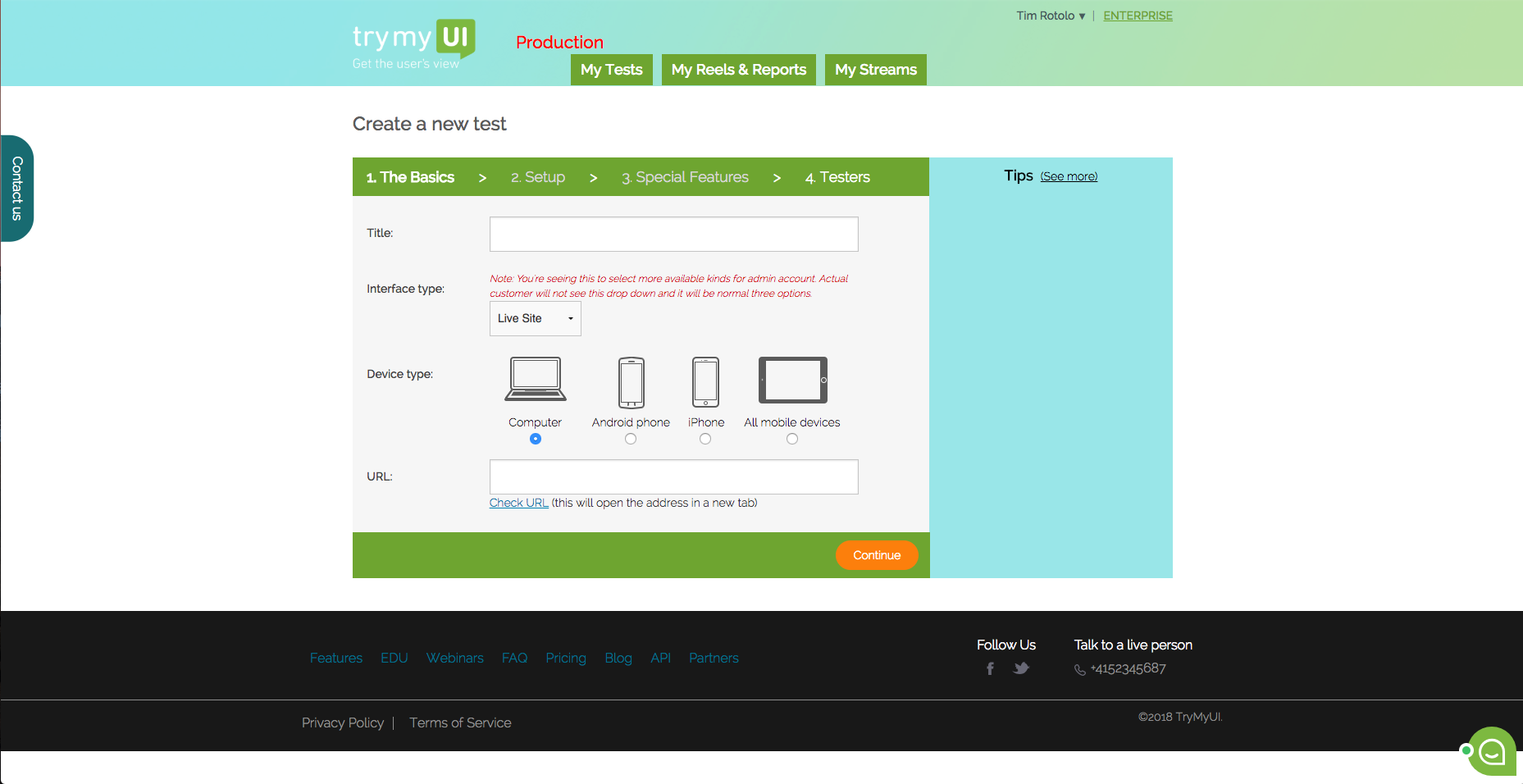
Trymata Screenshots

Screenshot of This is the dashboard where you can see your current and past test. You can also create a new test from here.Screenshot of TryMyUI’s quantitative UX Diagnostics measures your product’s overall usability with psychometrics, and map usability fluctuations along the user’s journey with task usability scores, task completion rates, and task duration data.Screenshot of The UXCrowd is a crowdsourced solution that helps you plan and prioritize your usability fixes with scaled-up insights from large tester pools. Using a weighted voting system, testers indicate their opinions on the best and worst parts of the product, creating a sorted diagnosis list that clarifies at a glance what your next steps should be.Screenshot of This is the first step in creating your test. You can test live websites, prototypes/wireframes, mobile apps on both Andriod and iOS.