
Microsoft Defender External Attack Surface Management vs. Pulseway
| Product | Rating | Most Used By | Product Summary | Starting Price |
|---|---|---|---|---|
 Microsoft Defender External Attack Surface Management | Score9.7 out of 10 | N/A | Microsoft Defender External Attack Surface Management is a service available on Microsoft's Azure, that provides insights into vulnerabilities, risks, and exposures for web-based resources. It defines an organization’s unique internet-exposed attack surface and discovers unknown resources to help users proactively manage security posture. | $0.01 per day per asset |
 Pulseway | Score7 out of 10 | Mid-Size Companies (51-1,000 employees) | Pulseway is an IT monitoring and management solution that enables users to monitor, manage and control all systems and servers from a smartphone, tablet or browser. For system administrators, Pulseway sends a notification, so they can see an issue and sort it in seconds. Pulseway features: Automation: Auto-remediation workflows, so that IT issues are fixed before users even notice them. Mobile Access: Customers can monitor, manage, connect with… | $0.80 per month per installation |
| Microsoft Defender External Attack Surface Management | Pulseway | |||||||||||||||
|---|---|---|---|---|---|---|---|---|---|---|---|---|---|---|---|---|
| Editions & Modules | No answers on this topic |
| ||||||||||||||
| Offerings |
| |||||||||||||||
| Entry-level Setup Fee | No setup fee | No setup fee | ||||||||||||||
| Additional Details | — | No hidden fees or contracts. Term-based discounts. | ||||||||||||||
| More Pricing Information | ||||||||||||||||
| Microsoft Defender External Attack Surface Management | Pulseway | |
|---|---|---|
| Considered Both Products | No answer on this topic | No answer on this topic |
| Key User Insights | ||
| Would buy again | ||
No answers on this topic | 60% Would buy again 3 Answers | |
| Delivers good value for the price | ||
No answers on this topic | 100% Delivers good value for the price 5 Answers | |
| Happy with the feature set | ||
No answers on this topic | 80% Happy with the feature set 4 Answers | |
| Lived up to sales and marketing promises | ||
No answers on this topic | No answers on this topic | |
| Implementation went as expected | ||
No answers on this topic | 100% Implementation went as expected 5 Answers | |
| Microsoft Defender External Attack Surface Management | Pulseway | |||||||||||||||||||||||||
|---|---|---|---|---|---|---|---|---|---|---|---|---|---|---|---|---|---|---|---|---|---|---|---|---|---|---|
| Threat Intelligence |
| |||||||||||||||||||||||||
| Vulnerability Management Tools |
| |||||||||||||||||||||||||
| Microsoft Defender External Attack Surface Management | Pulseway | |
|---|---|---|
| Small Businesses | No answers on this topic |  Panda Systems Management Score7.2 out of 10 |
| Medium-sized Companies |  Tenable Nessus Score8.8 out of 10 |  N-able N-sight RMM Score7.4 out of 10 |
| Enterprises | Tenable Vulnerability Management Score8.9 out of 10 | No answers on this topic |
| All Alternatives | View all alternatives | View all alternatives |
| Microsoft Defender External Attack Surface Management | Pulseway | |
|---|---|---|
| Likelihood to Recommend | 10.0 | 6.4 |
| Usability | 10.0 | 7.8 |
| Support Rating | - | 9.6 |
| Microsoft Defender External Attack Surface Management | Pulseway | |
|---|---|---|
| Likelihood to Recommend |
|
|
| Pros |
|
|
| Cons |
|
|
| Usability |
|
|
| Support Rating | No answers on this topic |
|
| Alternatives Considered |
|
|
| Return on Investment |
|
|
| ScreenShots | Pulseway Screenshots  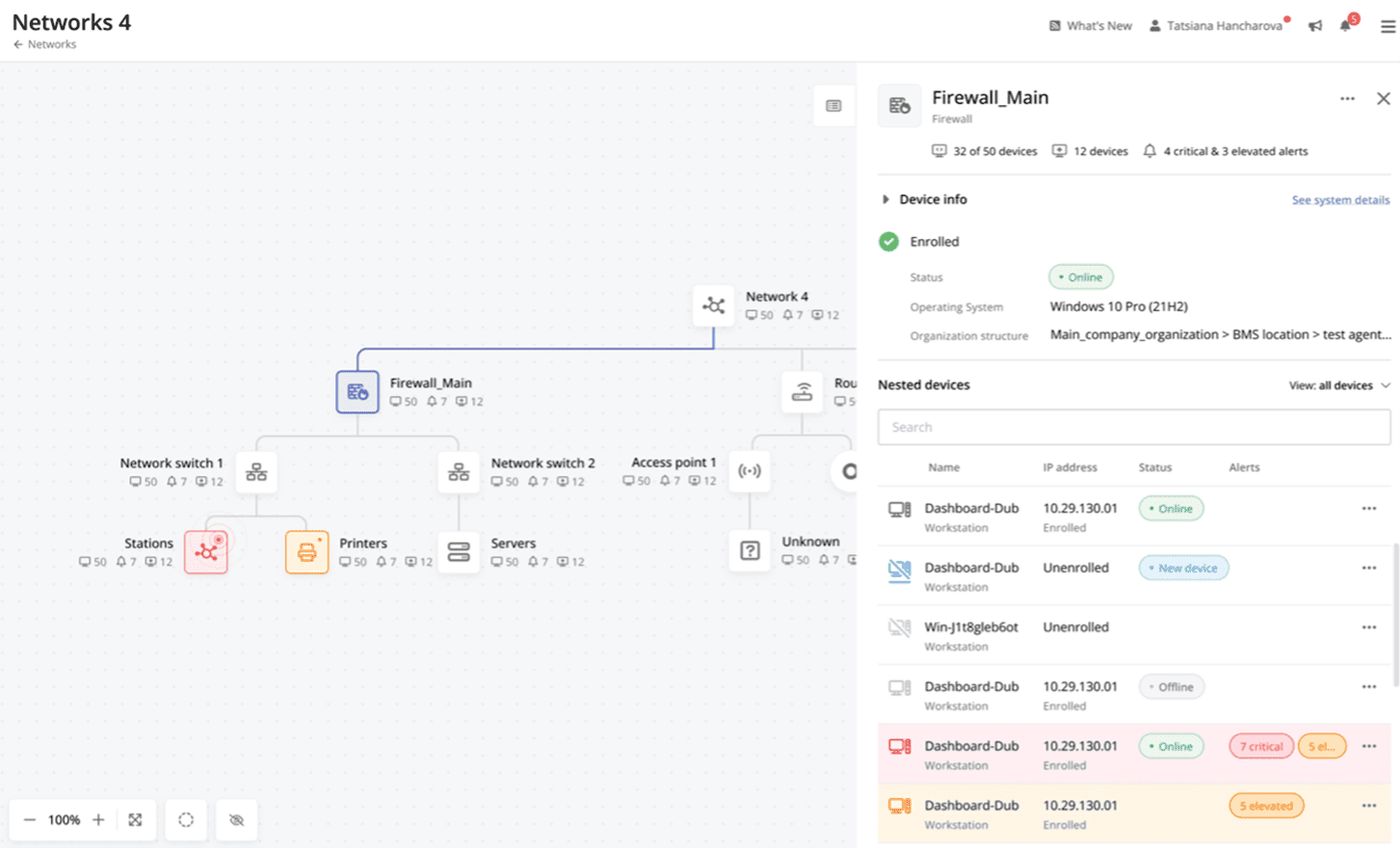 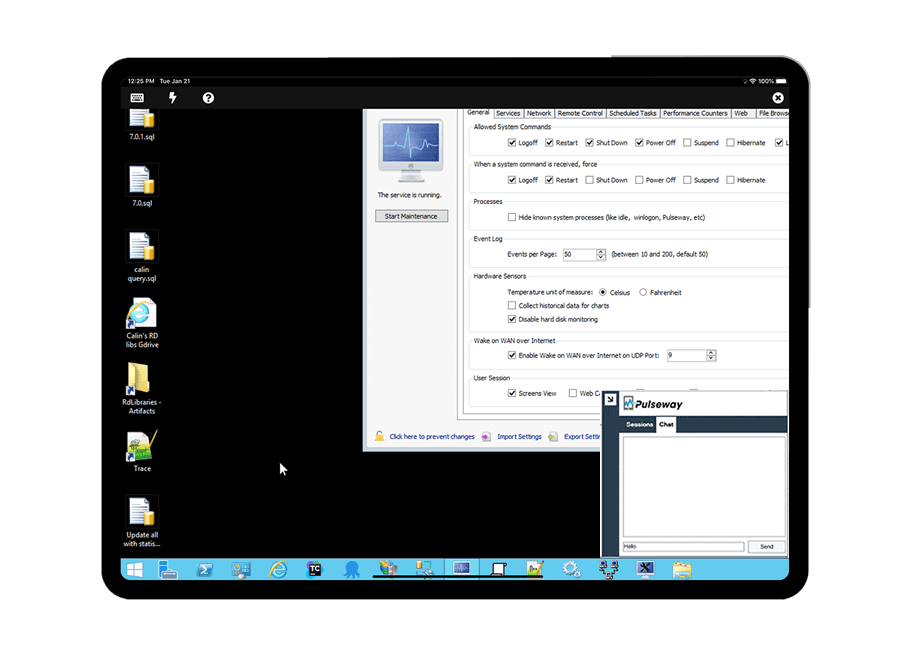   |



