Microsoft Entra External ID vs. Univention Corporate Server (UCS)

Overview
ProductRatingMost Used ByProduct SummaryStarting Price
Microsoft Entra External ID
Score 9.2 out of 10
N/A
Microsoft Entra External ID (formerly Azure Active Directory B2C, or alternately, Azure Active Directory External Identities) provides business-to-customer identity as a service. Customers can use their preferred social, enterprise, or local account identities to get single sign-on access to applications and APIs.
$0
per month per active users
Univention Corporate Server (UCS)
Score 8.2 out of 10
N/A
Univention Corporate Server (UCS) is an open integration platform which, with Nubus, offers centralized Identity and Access Management with a web portal for easy access to applications and enables the management of heterogeneous IT domains through comprehensive Active Directory functions. - Portal with Single Sign- On - Integrated Identity and Access Management - Packaged integrations - App Center with enterprise applications - Active Directory…
$0
per installation
Pricing
Microsoft Entra External IDUnivention Corporate Server (UCS)
Editions & Modules
Premium P1 (for More than 50,000 MAU)
$0.00325
per month per active users
Premium P2 (for More than 50,000 MAU)
$0.01625
per month per active users
UCS Core Edition
$0.00
per installation
UCS Core Edition
$0.00
per installation
UCS Base Subscription
$382.00
per installation
UCS Base Subscription
$382.00
per installation
UCS Standard Subscription
$1295.00
per installation
UCS Standard Subscription
$1295.00
per installation
UCS Premium Subscription
$2250.00
per installation
UCS Premium Subscription
$2250.00
per installation
Offerings
Pricing Offerings
Microsoft Entra External IDUnivention Corporate Server (UCS)
Free Trial
YesNo
Free/Freemium Version
YesYes
Premium Consulting/Integration Services
NoYes
Entry-level Setup FeeNo setup feeOptional
Additional DetailsA flat fee of $0.03 is billed for each SMS/Phone-based multi-factor authentication attempt.The core edition of UCS is free, but does not offer a great deal of support. There are three different subscription options (for either On-Premise- or SAAS deplyoment) which include the installation of UCS and apps, support and maintainance via phone, security updates and hotfixes, domain services and much more.
More Pricing Information
Community Pulse
Microsoft Entra External IDUnivention Corporate Server (UCS)
Features
Microsoft Entra External IDUnivention Corporate Server (UCS)
Identity Management
Comparison of Identity Management features of Product A and Product B
Microsoft Entra External ID
9.3
1 Ratings
13% above category average
Univention Corporate Server (UCS)
8.2
1 Ratings
1% above category average
ID-Management Access Control10.01 Ratings8.21 Ratings
ID Management Single-Sign On (SSO)9.01 Ratings8.21 Ratings
Multi-Factor Authentication10.01 Ratings8.21 Ratings
Password Management10.01 Ratings00 Ratings
Account Provisioning and De-provisioning10.01 Ratings8.21 Ratings
ID Management Workflow Automation7.01 Ratings00 Ratings
ID Risk Management9.01 Ratings00 Ratings
Best Alternatives
Microsoft Entra External IDUnivention Corporate Server (UCS)
Small Businesses
Dashlane Password Manager
Score 9.0 out of 10
Dashlane Password Manager
Score 9.0 out of 10
Medium-sized Companies
OneLogin by One Identity
Score 9.6 out of 10
OneLogin by One Identity
Score 9.6 out of 10
Enterprises
OneLogin by One Identity
Score 9.6 out of 10
OneLogin by One Identity
Score 9.6 out of 10
All AlternativesView all alternativesView all alternatives
User Ratings
Microsoft Entra External IDUnivention Corporate Server (UCS)
Likelihood to Recommend
9.9
(7 ratings)
8.2
(1 ratings)
Usability
10.0
(1 ratings)
-
(0 ratings)
User Testimonials
Microsoft Entra External IDUnivention Corporate Server (UCS)
Likelihood to Recommend
Microsoft
It is not easy to calculate the actual ROI due to the difficult quantification of all factors, but it certainly contributed a lot in protecting, monitoring and controlling access to our system. It also made it much easier to detect vulnerable external users with simple and "easy to hack" passwords they use on multiple apps.
Read full review
Univention
Univention Corporate Server is well suited:
  1. If an Organization would like to use it as a complete Active Directory Server.
  2. If an Organization wants to deploy other applications which are important like SSO, Mail Server, 2FA etc., as with one click all these Apps will be integrated magically thus reducing the Admin job considerably.
  3. Web based management which will be quite useful for the Admins who are from Windows background only.
  4. Univention as a company which has close to 2 decades of experience.
Read full review
Pros
Microsoft
  • One of the things that Microsoft Entra External ID does really well is creating user logins, accounts and profile. It is very easy to create them, manage them and delete them. It is fast and reliant.
  • Limit access or authorization feature. We can allow different levels of authorization and access. So that not all the employees would have access to all the data. Only some relaible employees would have access and power to change anything.
  • Mutli factor authentication feature is also a really good feature to secure data. Even overseas vendors need MFS to login which gives double protection to our data.
Read full review
Univention
  • Complete replacement for MS Active Directory Server.
  • Univention App Center - awesome concept with which Apps can be installed for the Domain.
  • App Center can be compared to Google Play Store or Apple Play Store - Organizations can gain tremendous advantages.
  • Plethora of Apps which are both free and paid and excellent apps for the Organizations.
Read full review
Cons
Microsoft
  • Troubleshooting diagnostic logs effectively requires VS Code
  • Group and role management requires additional effort
  • The programming model (XML) could use some developer experience love
Read full review
Univention
  • As Univention is from Germany, lot of informative articles are in German but English articles are also good but less in number.
Read full review
Usability
Microsoft
I find it easy to use. The usability is great. Every department uses it for different purposes. Everyone access information relevant to them. Since we've started to use this we have seen less security incidents.
Read full review
Univention
No answers on this topic
Alternatives Considered
Microsoft
I really enjoy how simple it is to connect this Active Directory with other Microsoft Products to collaborate with colleagues and clients.
Read full review
Univention
We have evaluated Zentyal and ClearOS but we found out that UCS is more suited to every Organization.
Read full review
Return on Investment
Microsoft
  • Having monthly active users billing was cost-effective.
  • Helped with the IT support that was already managing the Azure platform of the company; this helped to manage the costs better and optimize them.
Read full review
Univention
  • As a partner, we have gained lot of respect from our customers as UCS is rock solid.
  • UCS is truly Open Source.
  • UCS has surpassed our expectations.
Read full review
ScreenShots

Univention Corporate Server (UCS) Screenshots
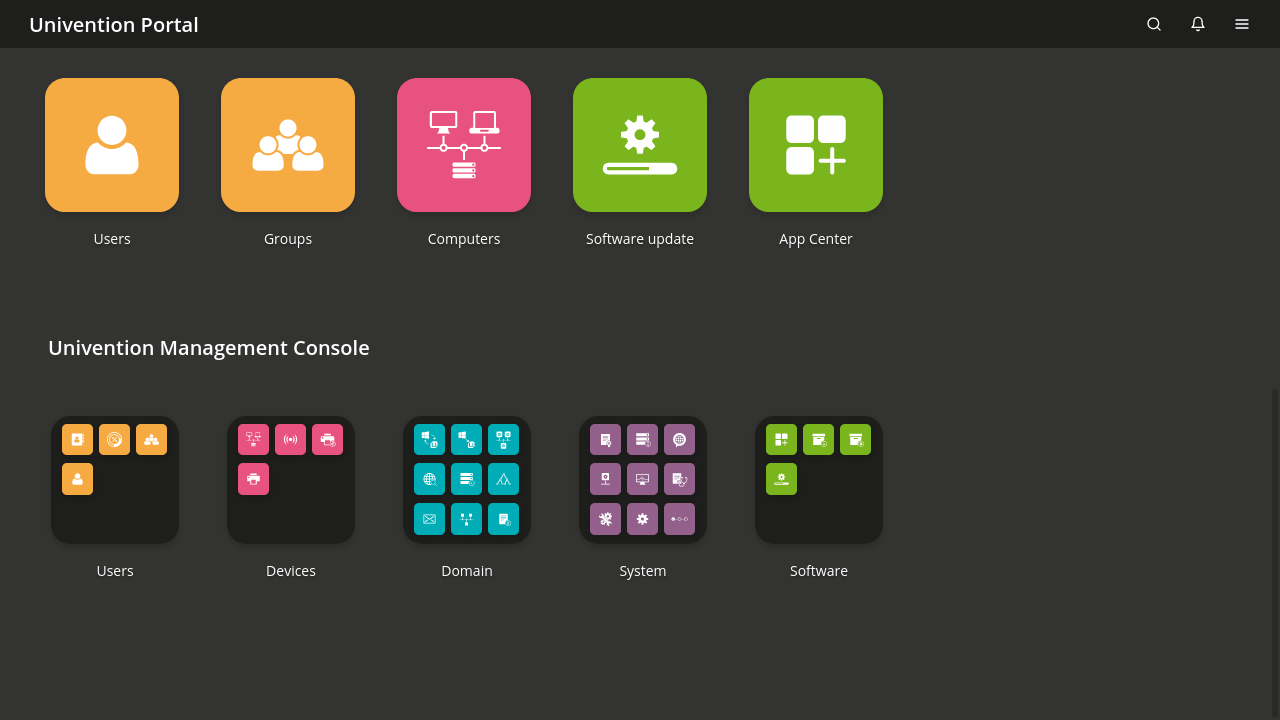
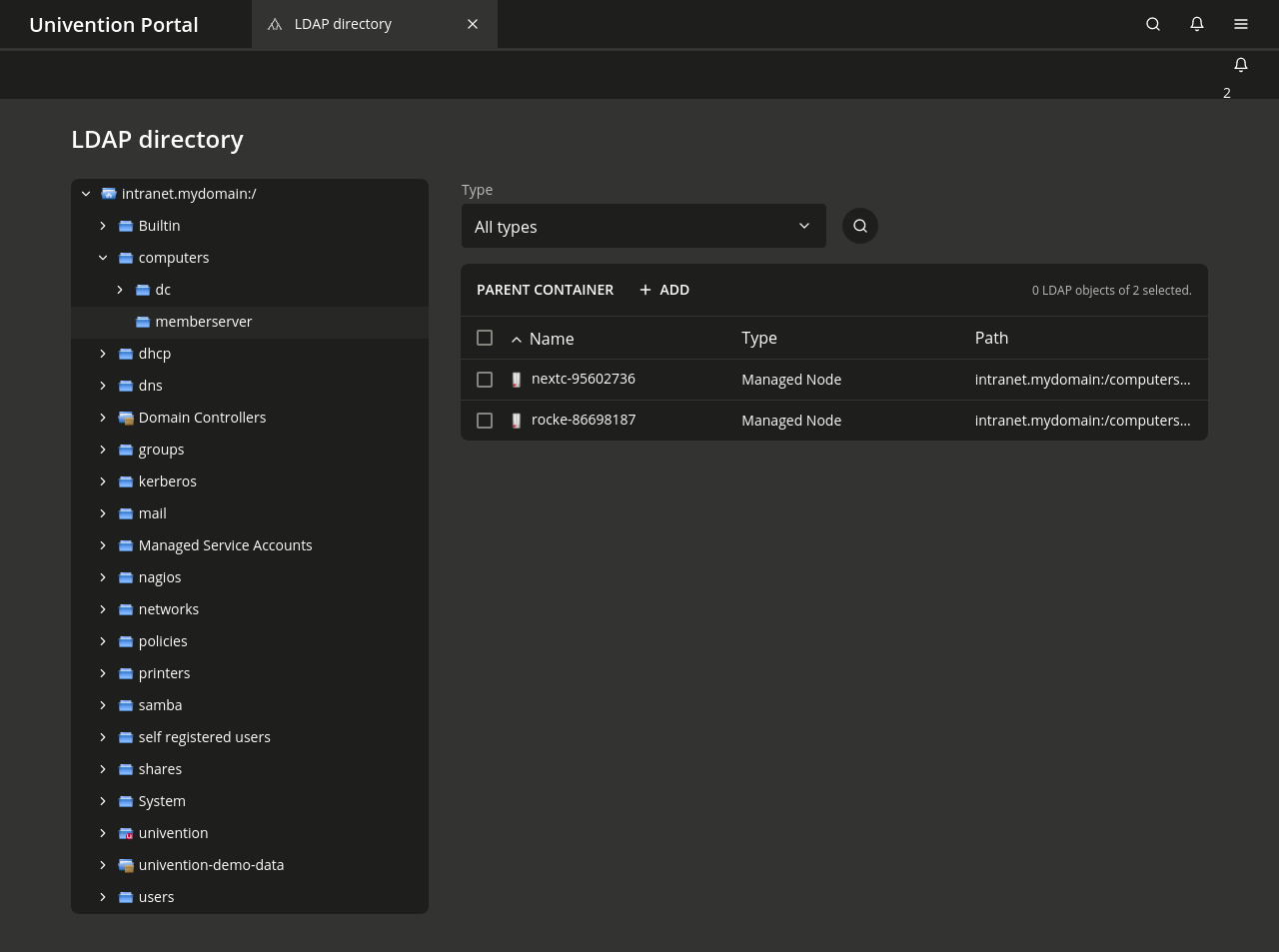
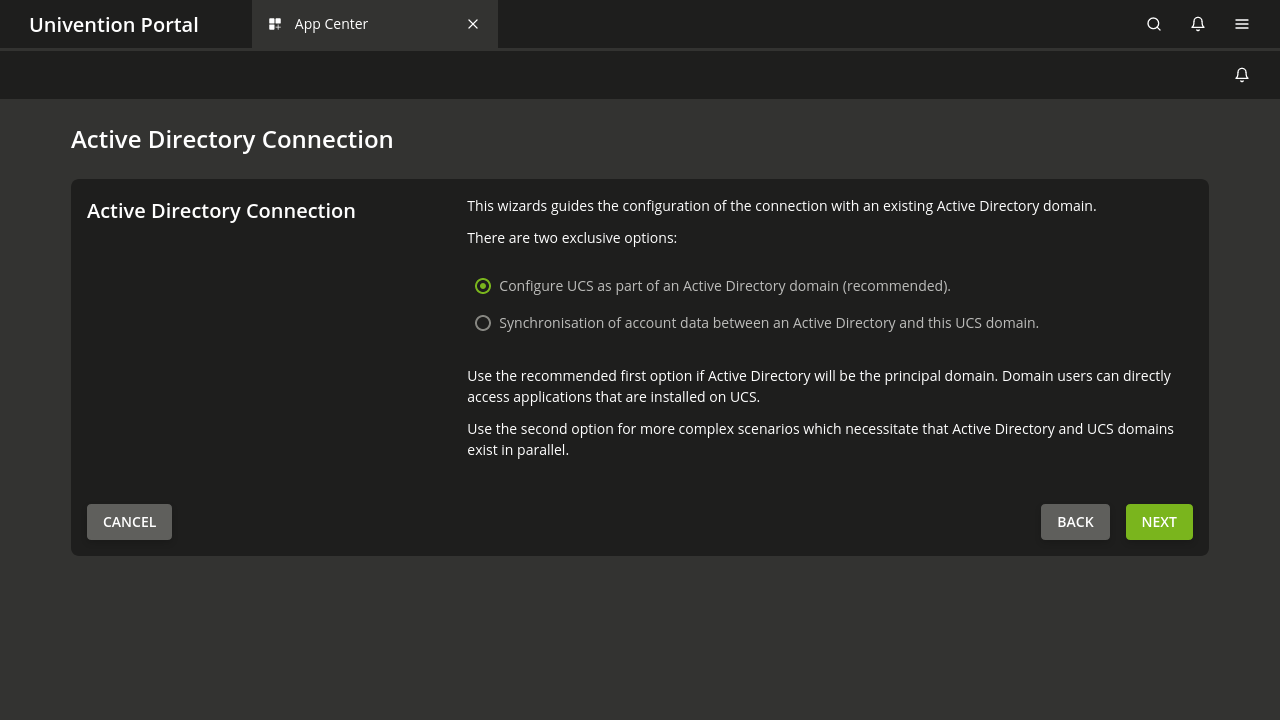
Screenshot of an overview of the UCS Management ConsoleScreenshot of the UCS App Center displaying a few of the available appsScreenshot of user administration in UCSScreenshot of a view of the OpenLDAP directory in UCSScreenshot of the establishment of an Active Directory connection with UCS