MyHours is a time tracking tool used to coordinate projects and tasks, track work hours and create reports for clients, available with a free plan. Users can create projects, assign tasks and write-down or attach details, and track project profitability with hourly rates. MyHours can also be used to set up budgets and get reminded when project costs are close to it.
$7
per month
TimeCamp
Score7.3 out of 10
Small Businesses (1-50 employees)
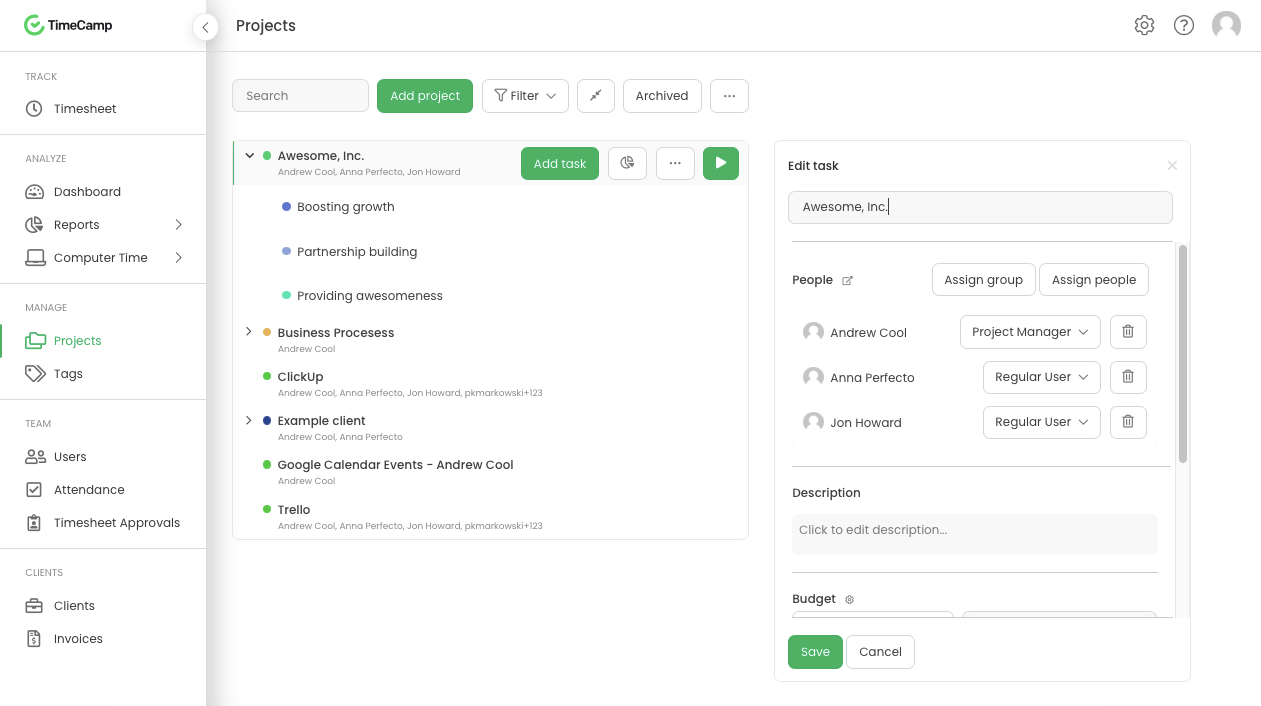
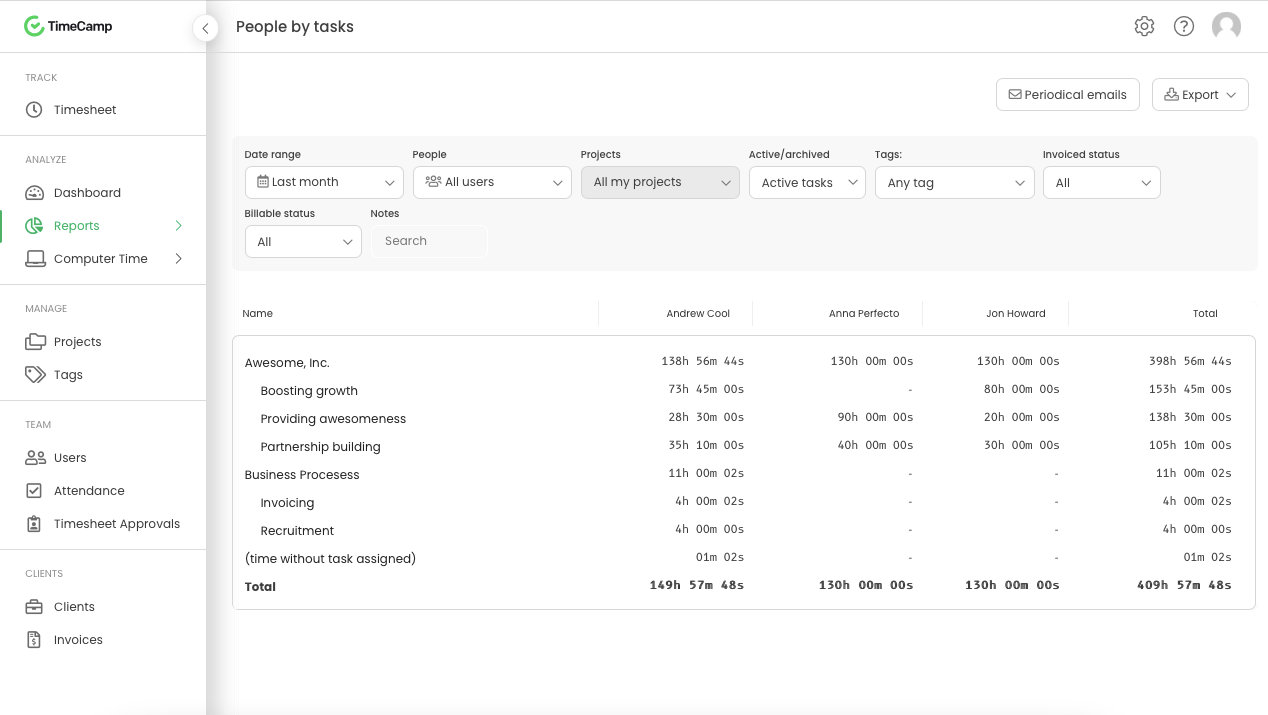
TimeCamp is cloud based, multi-platform (Windows, Mac, Linux, iOS, Android) time tracking and invoicing software.
$5.49
per month per user
Pricing
MyHours
TimeCamp
Editions & Modules
No answers on this topic
Free
$0
free with limited features.
Starter
$5.49
per month per user
Premium
$9.99
per month per user
Ultimate
$13.99
per month per user
Enterprise
Custom
Offerings
Pricing Offerings
MyHours
TimeCamp
Free Trial
No
Yes
Free/Freemium Version
Yes
Yes
Premium Consulting/Integration Services
No
Yes
Entry-level Setup Fee
No setup fee
No setup fee
Additional Details
—
Discount available for annual billing. The free plan encompass all basic time tracking features for unlimited users.
This is a great platform for small business owners who are looking for an affordable way to let employees track their time. The user-interface is easy to navigate, reports are set up logically, and you can customize as much as you need. I'd recommend this to any business owner struggling to find an easy way to track time...without having to spend a lot of time to do it accurately
A de minimis incentive was given to thank the reviewer for their time. The incentive was not used to bias or drive a particular response, nor was the incentive contingent on a positive endorsement. More Info
It is well suited for a company like ours, where we have different clients and can track hours per client/project. We charge hourly as well, so this is very important I wouldn't recommend it if you don't need to really track time of each task and that you are allowed to take your time with your daily tasks.
A de minimis incentive was given to thank the reviewer for their time. The incentive was not used to bias or drive a particular response, nor was the incentive contingent on a positive endorsement. More Info
A de minimis incentive was given to thank the reviewer for their time. The incentive was not used to bias or drive a particular response, nor was the incentive contingent on a positive endorsement. More Info
A de minimis incentive was given to thank the reviewer for their time. The incentive was not used to bias or drive a particular response, nor was the incentive contingent on a positive endorsement. More Info
A de minimis incentive was given to thank the reviewer for their time. The incentive was not used to bias or drive a particular response, nor was the incentive contingent on a positive endorsement. More Info
The interface is pretty good, but it could be better with some slight restructuring.
One thing that can be a bit annoying is the "Task" bar that displays on the screen showing the task and time. It is there to help you to remember to stop time when you end a task. It is needed but it would be nice if there were some design aspects to it so it could be made smaller.
A de minimis incentive was given to thank the reviewer for their time. The incentive was not used to bias or drive a particular response, nor was the incentive contingent on a positive endorsement. More Info
No real complaints on this one except maybe with how clunky the export excel docs are. But that's more a function of Microsoft than it is MyHours as excel drops in a pie chart at the top (not needed, actually) that then scrunches the rows and columns of the data you're actually looking to review.
A de minimis incentive was given to thank the reviewer for their time. The incentive was not used to bias or drive a particular response, nor was the incentive contingent on a positive endorsement. More Info
Generally pretty easy to use and doesnt take too much training to get people started. Most of the main features are quite straightforward although some of the reporting and set up options can take a bit of time to figure out properly. The interface is a little cluttered in the browser but overall I think it is a pretty great tool
A de minimis incentive was given to thank the reviewer for their time. The incentive was not used to bias or drive a particular response, nor was the incentive contingent on a positive endorsement. More Info
I am giving support a rating of 8 but that is quite arbitrary. Honestly, we have never had the need to contact support for any reason. There has not been a situation where we became stuck and could not figure out how to work through it. Sign up was easy and billing is like clockwork so there has been no need to contact billing support. I think this is a testament to the ease of use of TimeCamp.
A de minimis incentive was given to thank the reviewer for their time. The incentive was not used to bias or drive a particular response, nor was the incentive contingent on a positive endorsement. More Info
A de minimis incentive was given to thank the reviewer for their time. The incentive was not used to bias or drive a particular response, nor was the incentive contingent on a positive endorsement. More Info
Ultimately I selected Clockify instead of TimeCamp. As previously mentioned, I believe that TimeCamp wasn't that intuitive, and too many things were behind pay walls. Clockify offered the same features mostly for free. Although TimeCamps UX was sleeker than Clockify's I found that Clockify was a better fit for me.
A de minimis incentive was given to thank the reviewer for their time. The incentive was not used to bias or drive a particular response, nor was the incentive contingent on a positive endorsement. More Info
A de minimis incentive was given to thank the reviewer for their time. The incentive was not used to bias or drive a particular response, nor was the incentive contingent on a positive endorsement. More Info
A de minimis incentive was given to thank the reviewer for their time. The incentive was not used to bias or drive a particular response, nor was the incentive contingent on a positive endorsement. More Info