MySQL Workbench vs. Redgate Flyway

Overview
ProductRatingMost Used ByProduct SummaryStarting Price
MySQL Workbench
Score 6.9 out of 10
N/A
MySQL Workbench is a unified visual tool for database architects, developers, and DBAs. MySQL Workbench provides data modeling, SQL development, and comprehensive administration tools for server configuration, user administration, and backup. MySQL Workbench is available on Windows, Linux and Mac OS X. It is available free through its Community edition, and an Enterprise edition is available for a commercial license as well, supported by Oracle.
$0
Redgate Flyway
Score 7.4 out of 10
N/A
Redgate Flyway extends DevOps practices to databases to speed up software delivery while keeping business-critical data safe. From version control to continuous delivery, Redgate Flyway helps enterprises build on application delivery processes to automate database development and deployments.
$0
Pricing
MySQL WorkbenchRedgate Flyway
Editions & Modules
Community Edition
$0
Enterprise Edition
licensed through Oracle
Community
Free
Enterprise
Contact Sales
Offerings
Pricing Offerings
MySQL WorkbenchRedgate Flyway
Free Trial
YesYes
Free/Freemium Version
YesYes
Premium Consulting/Integration Services
NoYes
Entry-level Setup FeeNo setup feeOptional
Additional Details
More Pricing Information
Community Pulse
MySQL WorkbenchRedgate Flyway
Features
MySQL WorkbenchRedgate Flyway
Database Development
Comparison of Database Development features of Product A and Product B
MySQL Workbench
9.3
2 Ratings
9% above category average
Redgate Flyway
-
Ratings
Schema maintenance8.52 Ratings00 Ratings
Database change management10.01 Ratings00 Ratings
Database Administration
Comparison of Database Administration features of Product A and Product B
MySQL Workbench
8.3
2 Ratings
3% above category average
Redgate Flyway
-
Ratings
User management9.02 Ratings00 Ratings
Database security8.52 Ratings00 Ratings
Database status reporting7.52 Ratings00 Ratings
Change management8.01 Ratings00 Ratings
Best Alternatives
MySQL WorkbenchRedgate Flyway
Small Businesses
DBeaver
DBeaver
Score 8.5 out of 10
DBeaver
DBeaver
Score 8.5 out of 10
Medium-sized Companies
DBeaver
DBeaver
Score 8.5 out of 10
DBeaver
DBeaver
Score 8.5 out of 10
Enterprises
DBeaver
DBeaver
Score 8.5 out of 10
DBeaver
DBeaver
Score 8.5 out of 10
All AlternativesView all alternativesView all alternatives
User Ratings
MySQL WorkbenchRedgate Flyway
Likelihood to Recommend
7.4
(3 ratings)
8.0
(4 ratings)
Usability
8.0
(3 ratings)
-
(0 ratings)
User Testimonials
MySQL WorkbenchRedgate Flyway
Likelihood to Recommend
Oracle
It is good software when we have to connect the database of the remote server but it is not as good as phpMyAdmin. When local server is concerned, phpMyAdmin is way better because it has more cleaner UI than Workbench. Workbench is preferred only because phpMyAdmin does not support the connection of remote servers.
Read full review
Redgate
Database Migrations on Java-based solutions. It has one of the best integrations with it as a database migration tool, you can do it with the community edition (no pricing involved) and it works flawlessly with Maven and Gradle. It's not an expensive tool in order to use the next level of features and is worth the money. I would recommend reaching that edition level as the object mapping feature gets really handy. I would not recommend it for any Microsoft-based solution (.Net) as is not compatible at all based on my experience, this is a tool only worth it with Java applications.
Read full review
Pros
Oracle
  • Readily available too for quick and easy SQL queries
  • Maintains upgrades
  • Works across multiple OS platforms
Read full review
Redgate
  • Supports many databases
  • Community version uses Apache license
  • Widely used, good community support
Read full review
Cons
Oracle
  • There are a lot of menus, some of them aren't needed or users who only need to send queries. I had to watch a videos on youtube to learn how to use workbench. It would be great to have some videos inside software (or links to videos on youtube)
Read full review
Redgate
  • GUI could be more user friendly
  • Applying patch scripts on a blank DB differs from on a DB with data, so the migration could still fail when all tests passed
  • Configurations options could be more flexible / powerful
Read full review
Usability
Oracle
MySQL Workbench is useful for specifically remote databases. Remote databases generally does not have any UI and we have to connect the server via SSH and on CLI, we write the queries and it shows the data, which is quite tiering and more prone to make mistakes whereas MySQL Workbench provides cleaner way to connect and provides lot of tools, so that we do not have to write queries all the time.
Read full review
Redgate
No answers on this topic
Alternatives Considered
Oracle
It's like comparing a VW to an performance car like a Ferrari. If you need the performance, bells and whistles you'll want PhpStorm. If you just need to get from one place to another, MySQL Workbench will do just fine.
Read full review
Redgate
The problem with a cloud-based tool for migration services is the cloud dependency. You are restricted to use the tool along the Cloud provider. Flyway gives you the freedom to use it in any scenario as long as you are working with a compatible database engine. Even if you are working on-premise and you don't have plans to move to a cloud architecture. Or even for sandbox development scenarios where you are a developer playing around with some project ideas. And you don't have to pay anything as long as you need advanced features, and not less importantly, you are using an open-source tool.
Read full review
Return on Investment
Oracle
  • It provides good features and saves the time.
  • When we use remote server, we can connect without using ssh etc. so saves the time and easy to understand.
  • Do not have to write the queries to check the schema, so saves the time.
Read full review
Redgate
  • Reduced our effort for release processes.
  • Easy to setup - less than 5 minutes.
  • Improve reliability of our databases.
  • Easy backup and version control.
Read full review
ScreenShots

Redgate Flyway Screenshots

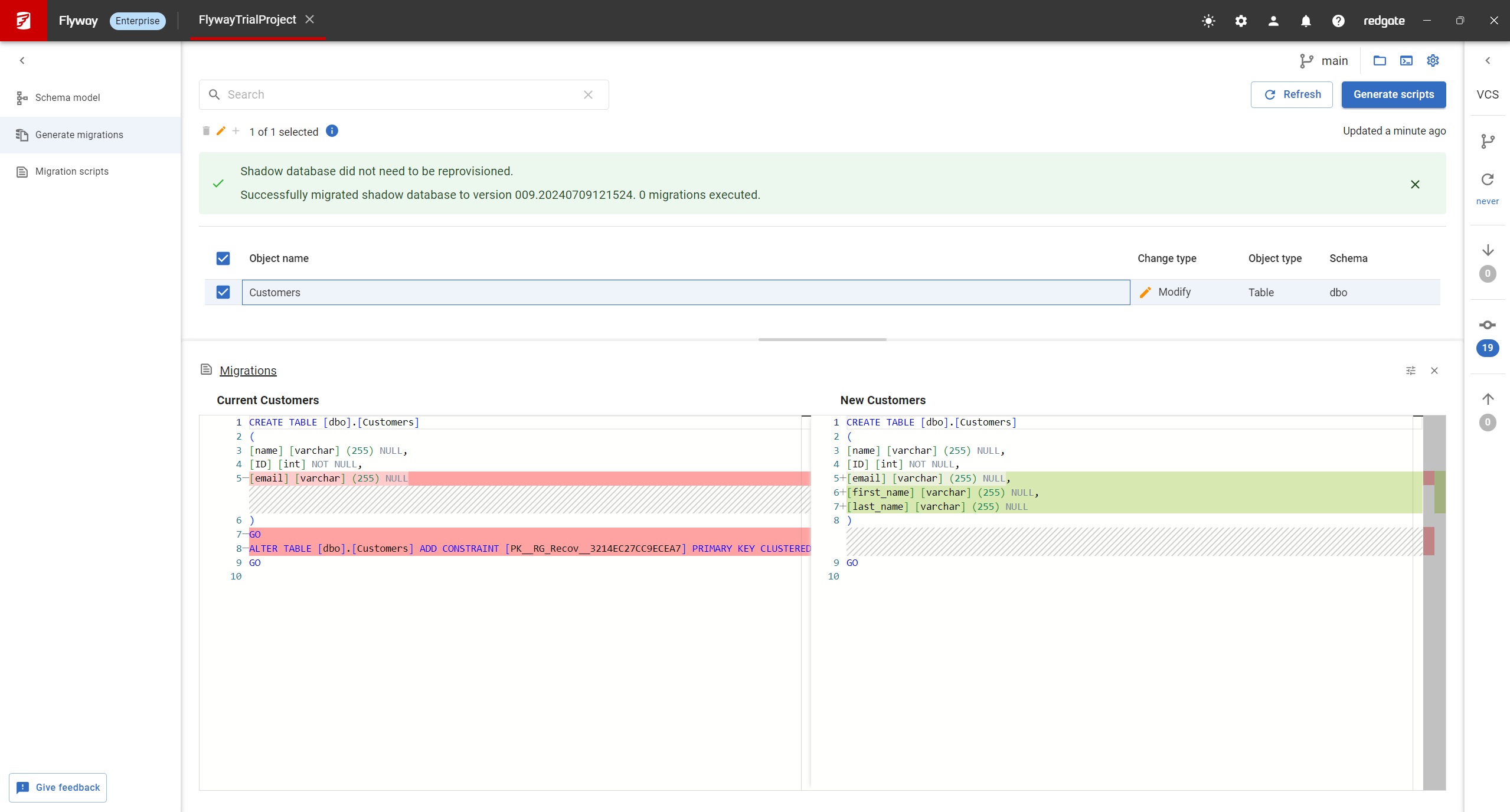
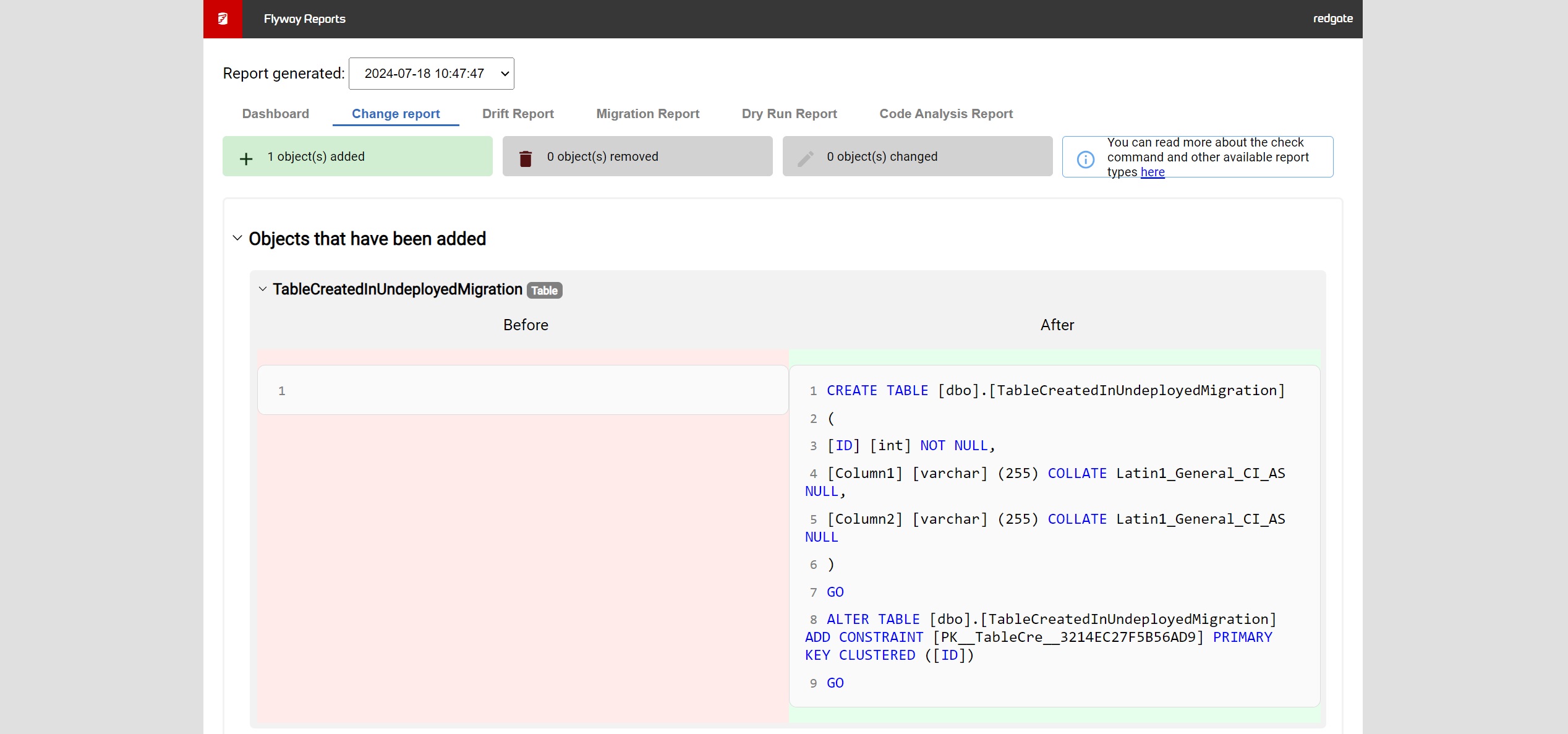
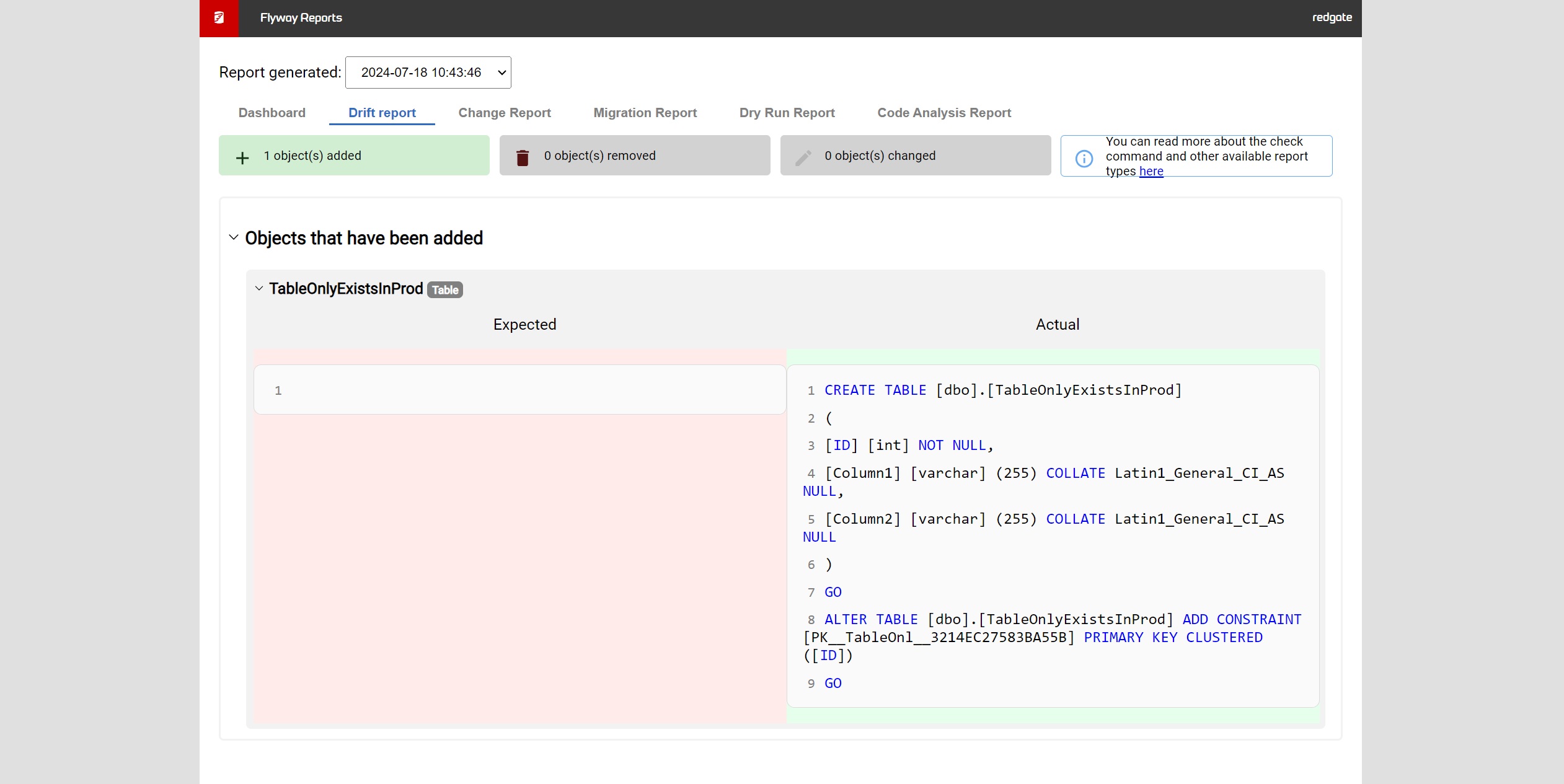
Screenshot of Flyway Enterprise – auto-generation of migration scriptsScreenshot of Flyway Enterprise - reportingScreenshot of Flyway Enterprise - drift detection