
Cursor vs. Nimbalyst
| Product | Rating | Most Used By | Product Summary | Starting Price |
|---|---|---|---|---|
 Cursor | Score9.5 out of 10 | N/A | Cursor is an IDE and code editor built for programming with AI. Cursor includes an autocomplete that predicts the next edit. Once enabled, it is always on and will suggest edits to code across multiple lines. | $20 per month |
 Nimbalyst | N/A | Small Businesses (1-50 employees) | Nimbalyst is a local, visual workspace for building with Claude Code and Codex. Nimbalyst provides a session and task manager and visual editors for markdown, mockups, diagrams, drawings, csv, mcp, data-models, code, sessions, and tasks. Nimbalyst enables builders (developers, product managers, designers, and others) working with agents to achieve: Higher bandwidth: a visual workspace to collaborate with agents on sessions, files, and… | $0 per user |
| Cursor | Nimbalyst | |||||||||||||||
|---|---|---|---|---|---|---|---|---|---|---|---|---|---|---|---|---|
| Editions & Modules |
|
| ||||||||||||||
| Offerings |
| |||||||||||||||
| Entry-level Setup Fee | No setup fee | No setup fee | ||||||||||||||
| Additional Details | Every plan includes a set amount of model usage. Additional usage is based on the models and features used. The Bugbot add-on is available at $40 per month, per user, or with Custom pricing for Enterprise customers. A discount is available for annual billing. | — | ||||||||||||||
| More Pricing Information | ||||||||||||||||
| Cursor | Nimbalyst | |
|---|---|---|
| Considered Both Products | No answer on this topic | No answer on this topic |
| Key User Insights | ||
| Would buy again | ||
100% Would buy again 10 Answers | No answers on this topic | |
| Delivers good value for the price | ||
100% Delivers good value for the price 10 Answers | No answers on this topic | |
| Happy with the feature set | ||
100% Happy with the feature set 10 Answers | No answers on this topic | |
| Lived up to sales and marketing promises | ||
100% Lived up to sales and marketing promises 10 Answers | No answers on this topic | |
| Implementation went as expected | ||
100% Implementation went as expected 10 Answers | No answers on this topic | |
| Cursor | Nimbalyst | |
|---|---|---|
| Likelihood to Recommend | 9.5 | - |
| Likelihood to Renew | 10.0 | - |
| Usability | 9.3 | - |
| Cursor | Nimbalyst | |
|---|---|---|
| Likelihood to Recommend |
| No answers on this topic |
| Pros |
| No answers on this topic |
| Cons |
| No answers on this topic |
| Likelihood to Renew |
| No answers on this topic |
| Usability |
| No answers on this topic |
| Alternatives Considered |
| No answers on this topic |
| Return on Investment |
| No answers on this topic |
| ScreenShots | Nimbalyst Screenshots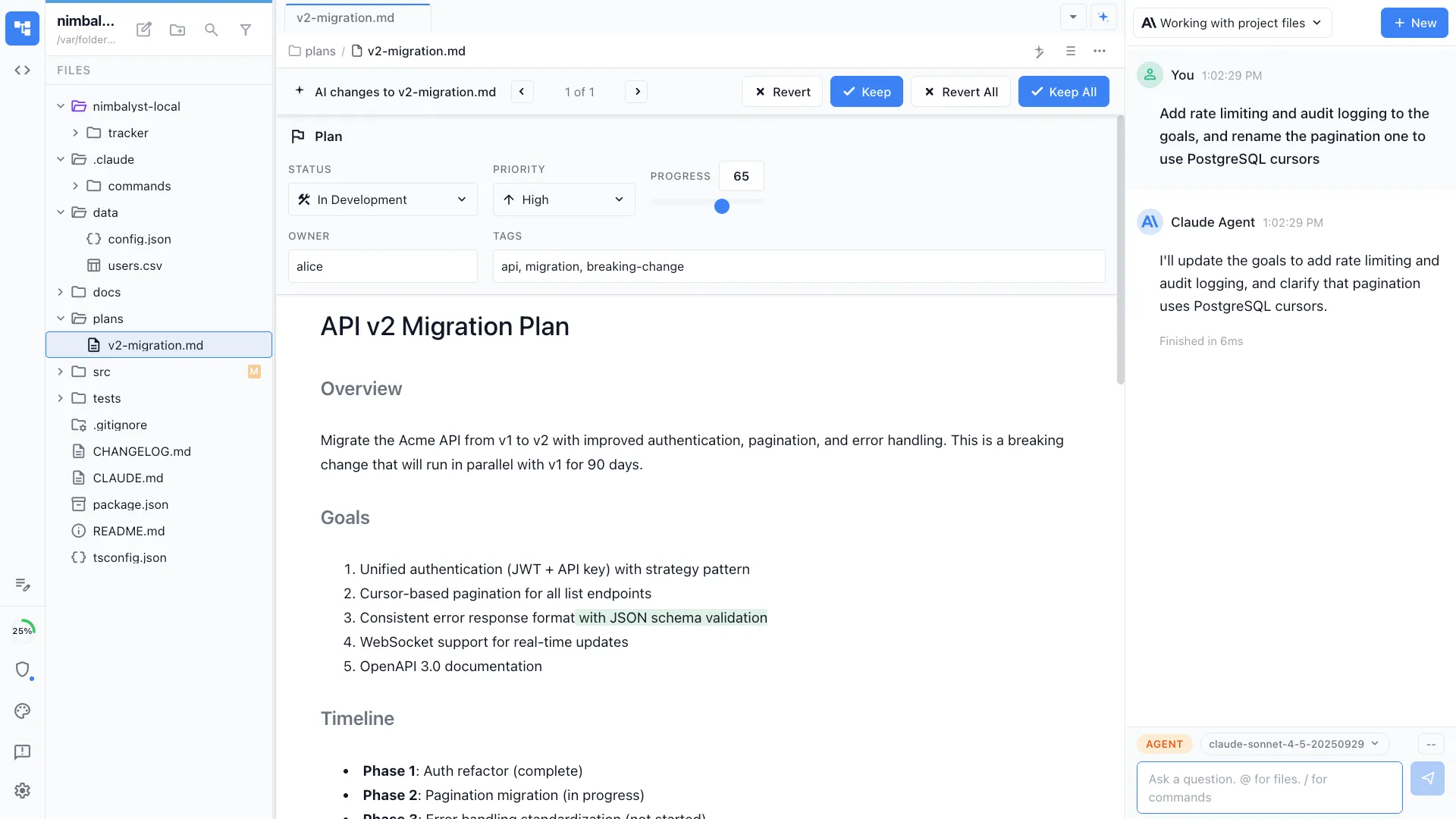 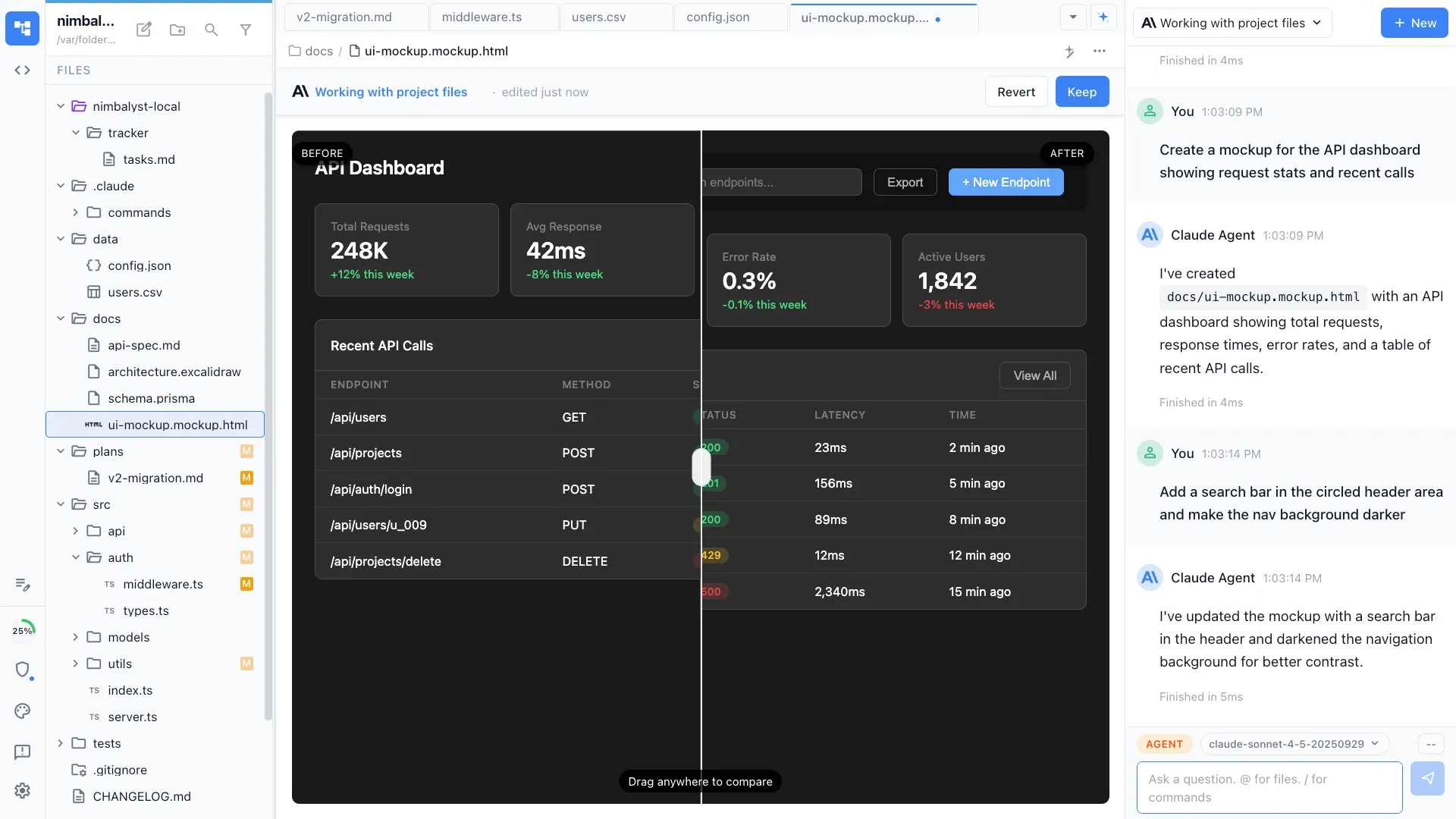 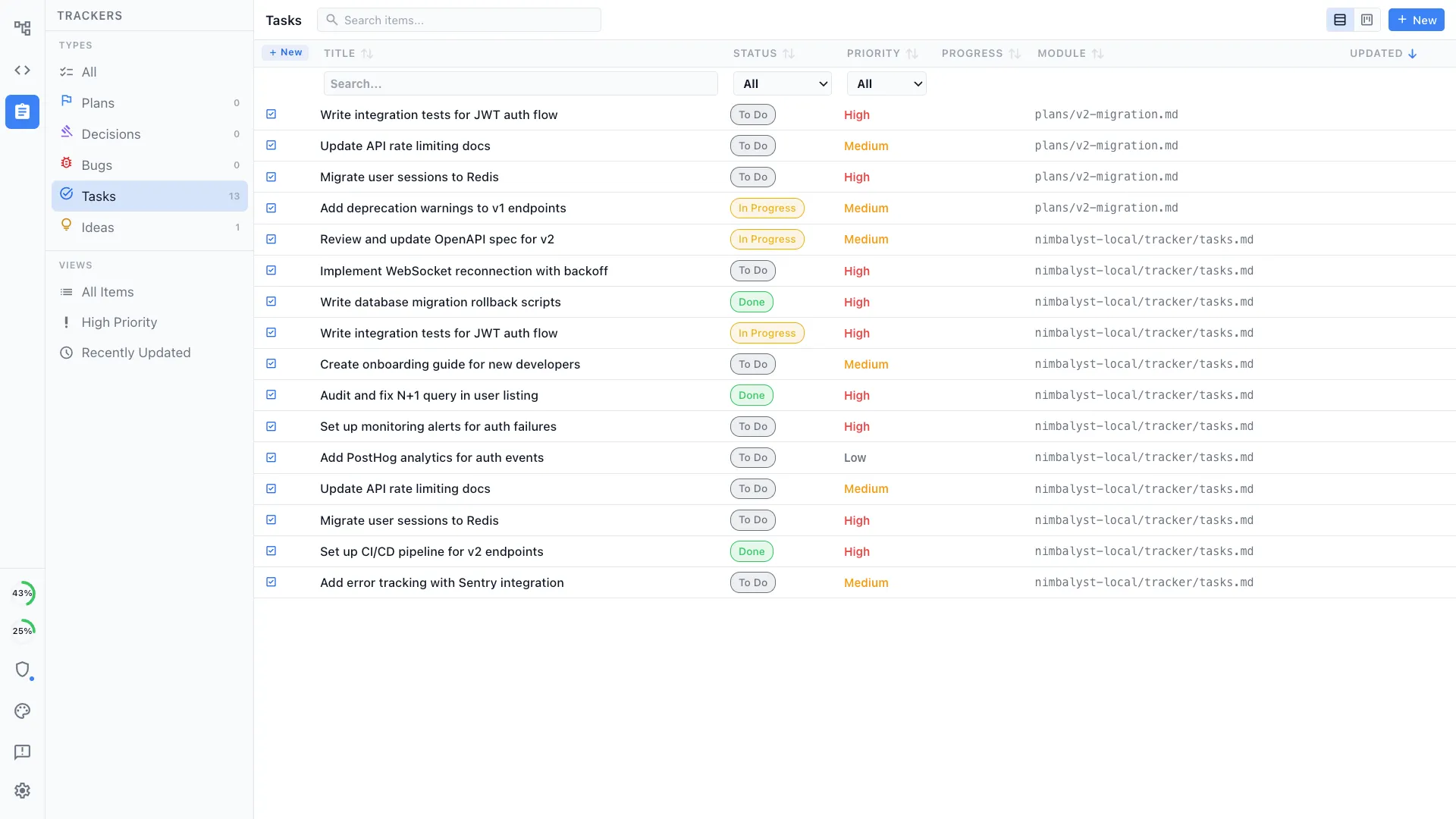 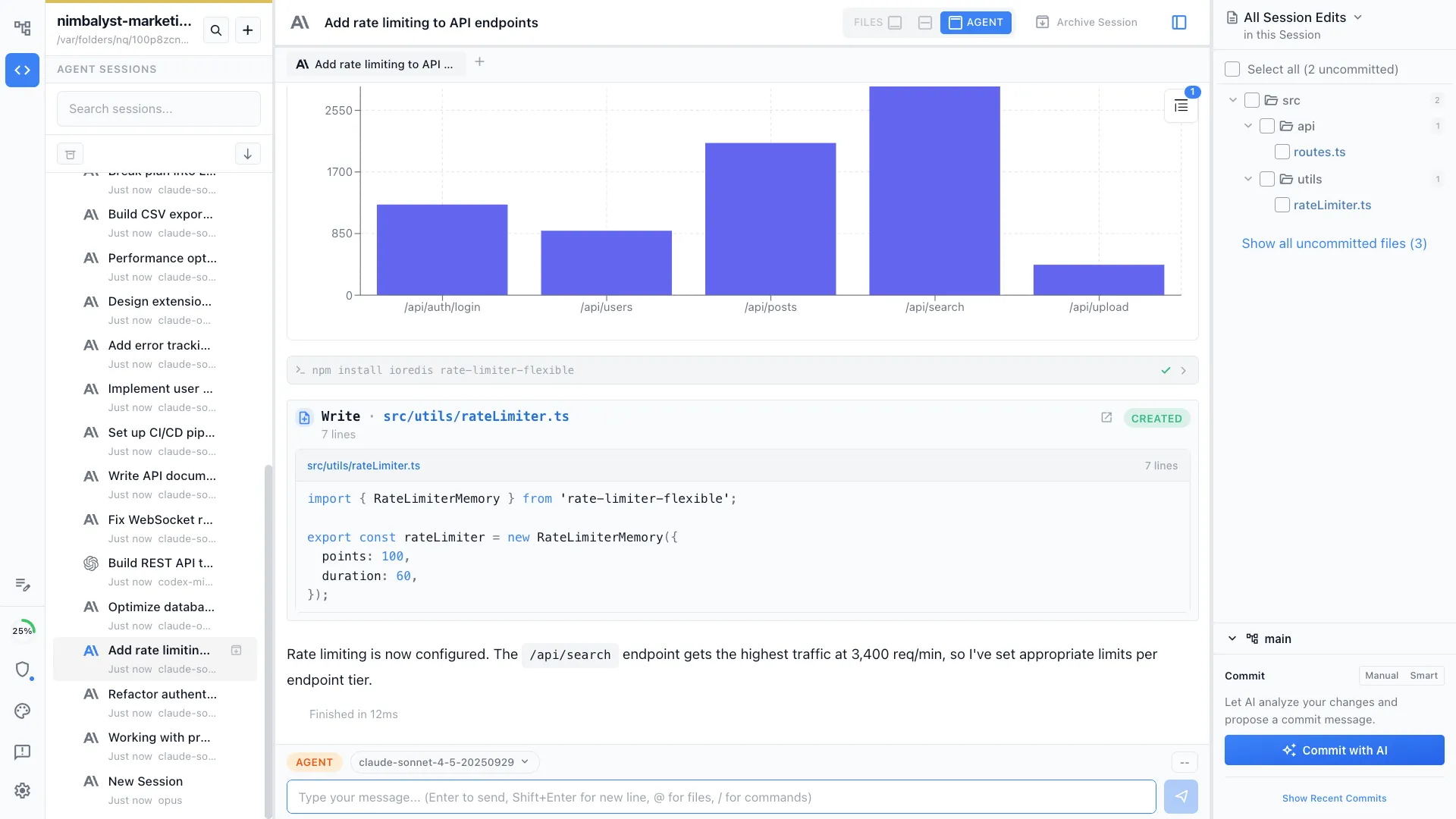  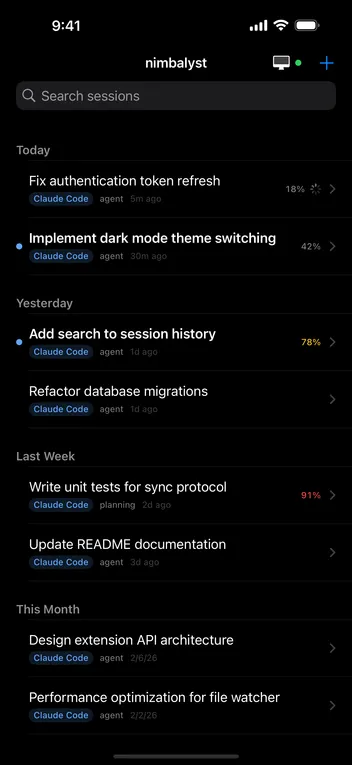 |

